Register your application
All the Zoho CRM APIs are authenticated with OAuth2 standards, so it is mandatory to register and authenticate your client app with Zoho.
To register:
- Go to the site https://api-console.zoho.com/
- Click Add Client.
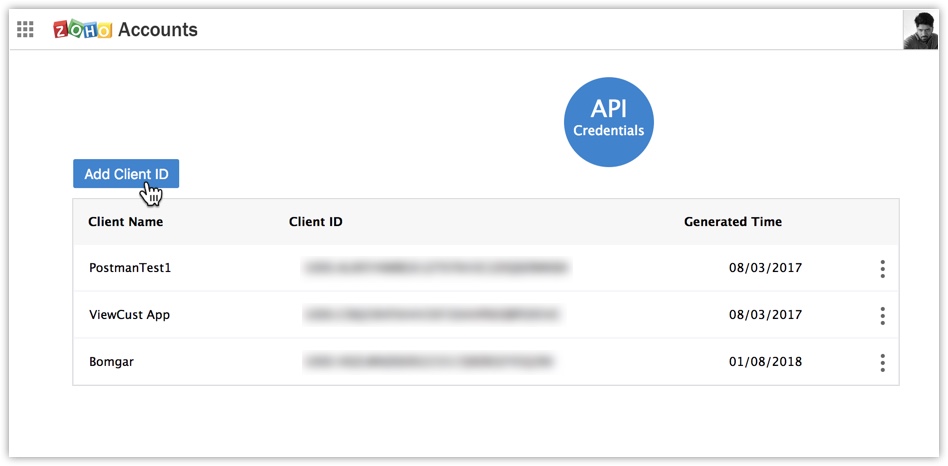
- Select the Client Type.
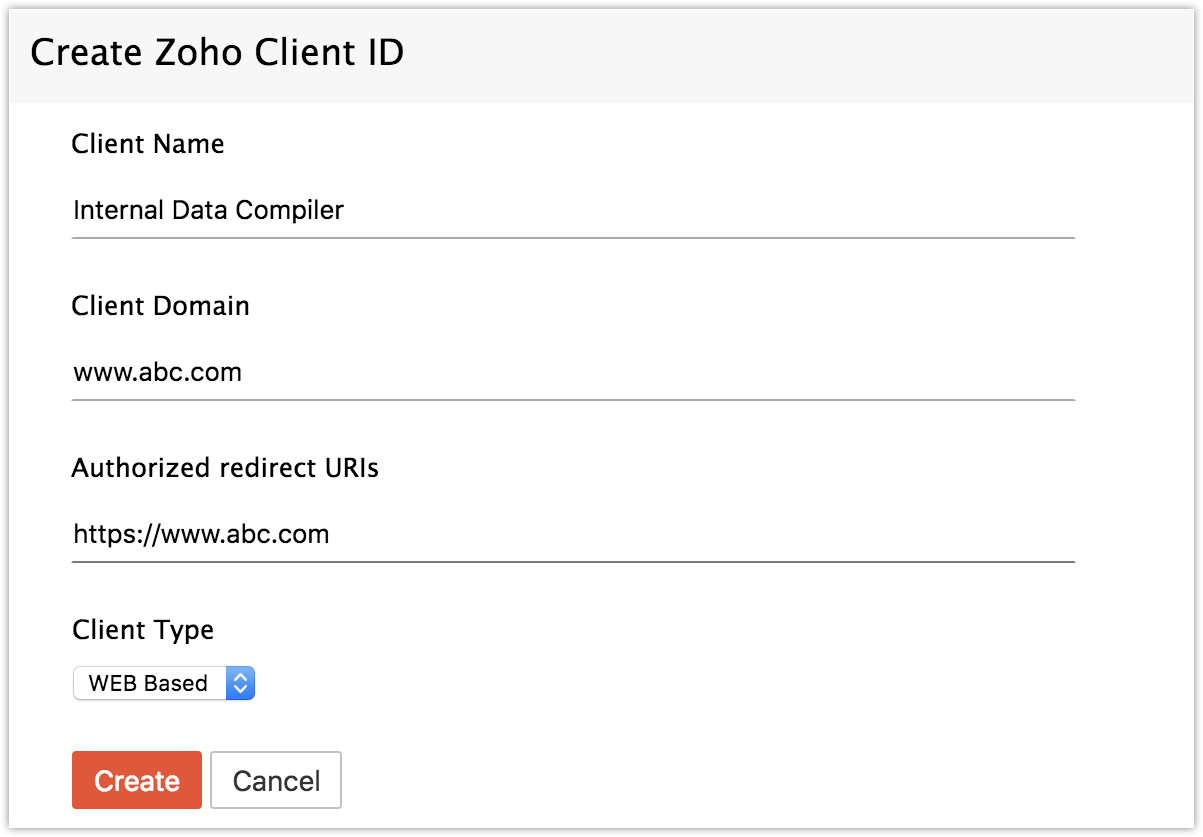
- Enter the Client Name, Client Domain and Authorized Redirect URL.
- Click Create.
- Your Client app would have been created and displayed by now.
Registered applications will receive the following credentials:
Client id – The consumer key generated from the connected app.
Client Secret – The consumer secret generated from the connected app.
Redirect URI – The Callback URL that you registered during the app registration.