Register your Application
Before you get started with authorization and make any calls using the Zoho CRM APIs, you need to register your application with Zoho CRM.
To register,
Go to Zoho Developer Console.
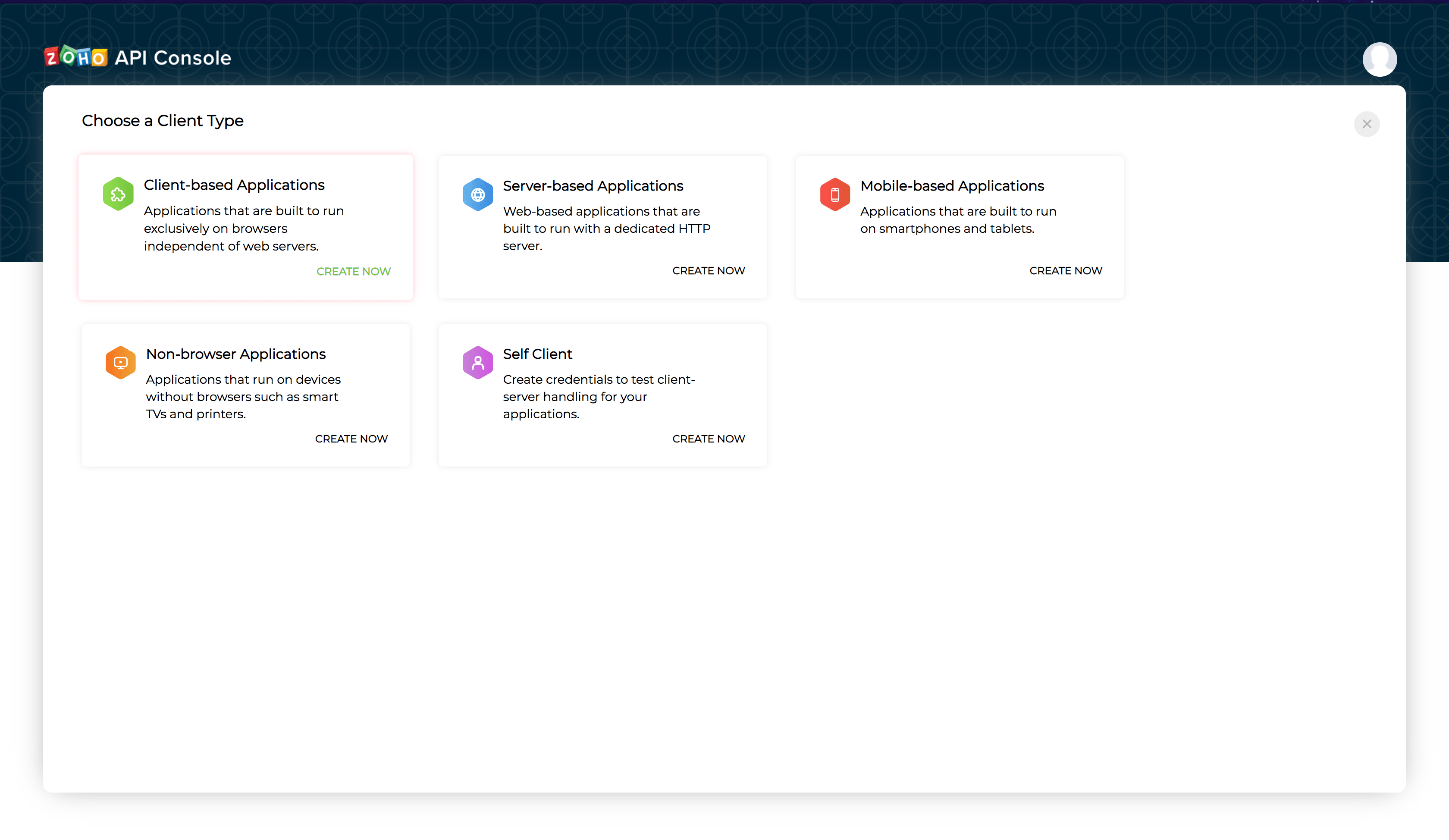
Choose a client type:
Client-based: Applications that are built to run exclusively on browsers independent of web servers.
Server-based: Web-based applications that are built to run with a dedicated HTTP server.
Mobile: Applications that are installed on smart phones and tablets.
Non-browser Mobile Applications: Applications for devices without browser provisioning such as smart TVs and printers.
Self Client: Stand-alone applications that perform only back-end jobs (without any manual intervention) like data sync.
For more details, refer to OAuth Overview.
Enter the following details:
Client Name: The name of your application you want to register with Zoho.
Homepage URL: The URL of your web page.
Authorized Redirect URIs: A valid URL of your application to which Zoho Accounts redirects you with a grant token(code) after successful authentication.
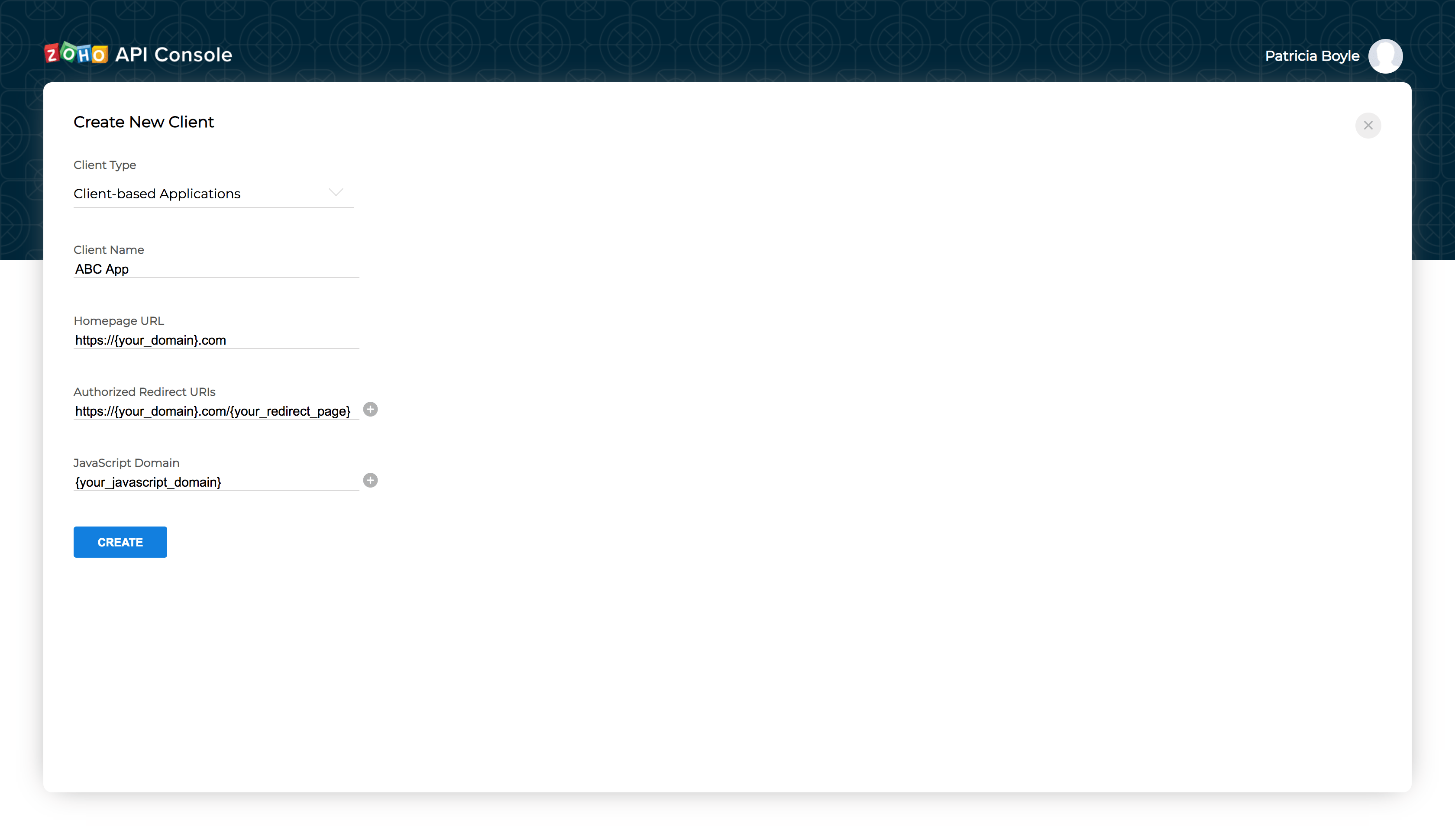
Click CREATE.
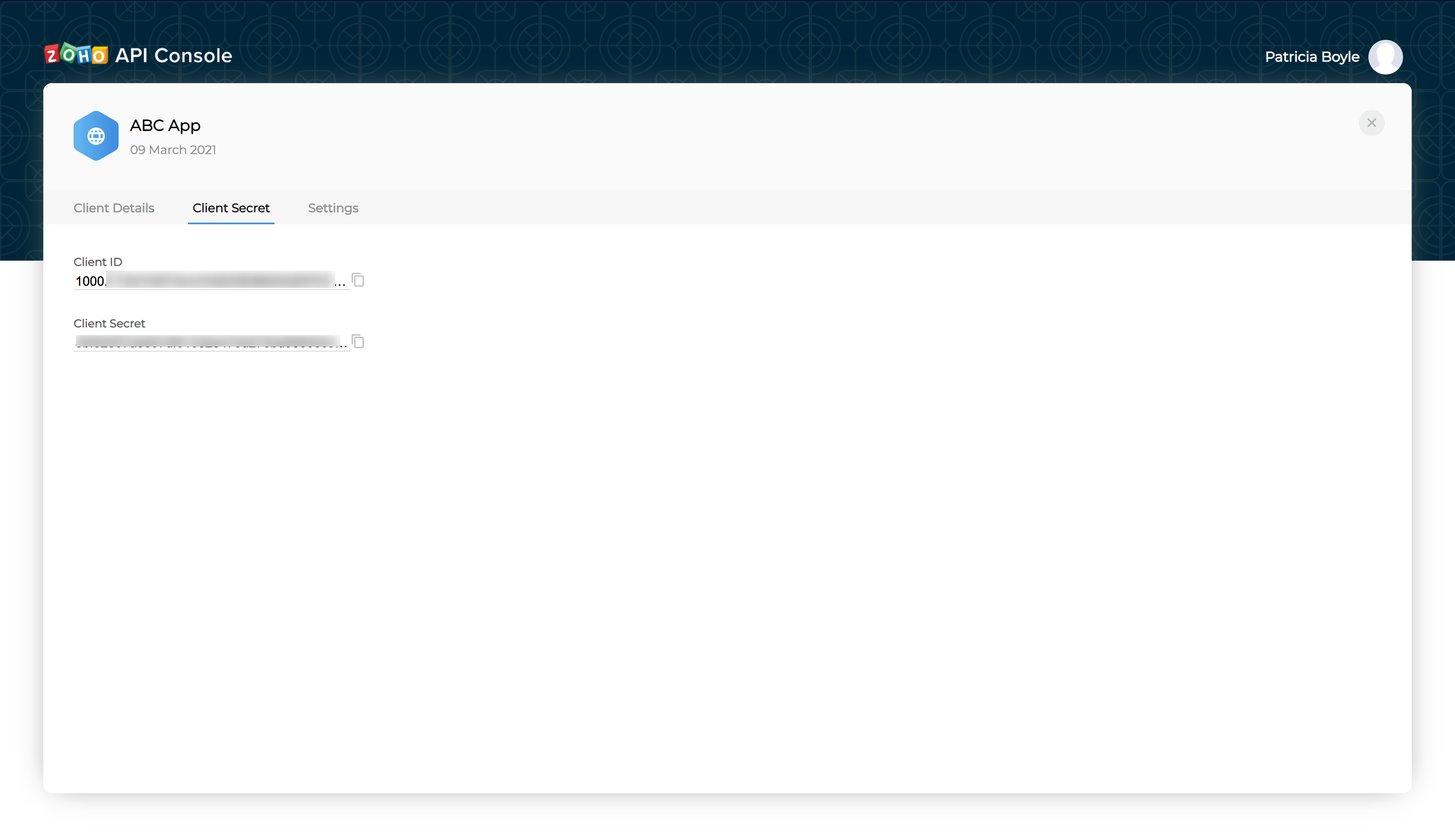
You will receive the following credentials:
Client ID: The consumer key generated from the connected app.
Client Secret: The consumer secret generated from the connected app.
If you don't have a domain name and a redirect URL, you can use dummy values in their place and register your client.