This help page is for users in Creator 5. If you are in the newer version (Creator 6), click here. Know your Creator version.
Add a keyword extraction field to a form
- Refer to this page to learn about the Keyword Extraction field
- Prerequisite: a single line or multi line field in your form
- Edit your app.
- Open the builder of the required form.
- Add the Keyword Extraction field to the form. Refer to this page to learn how to add a field to a form.
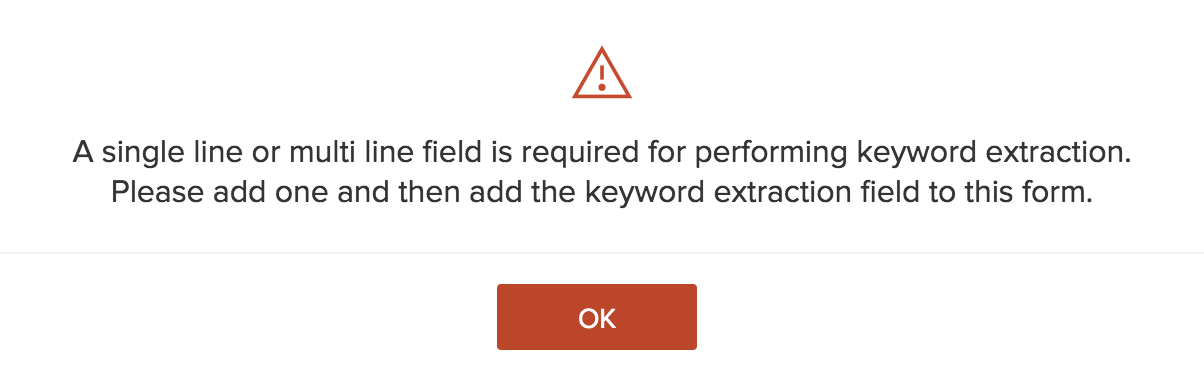
If your form doesn't contain a single line or multi line field, you'll be prompted:
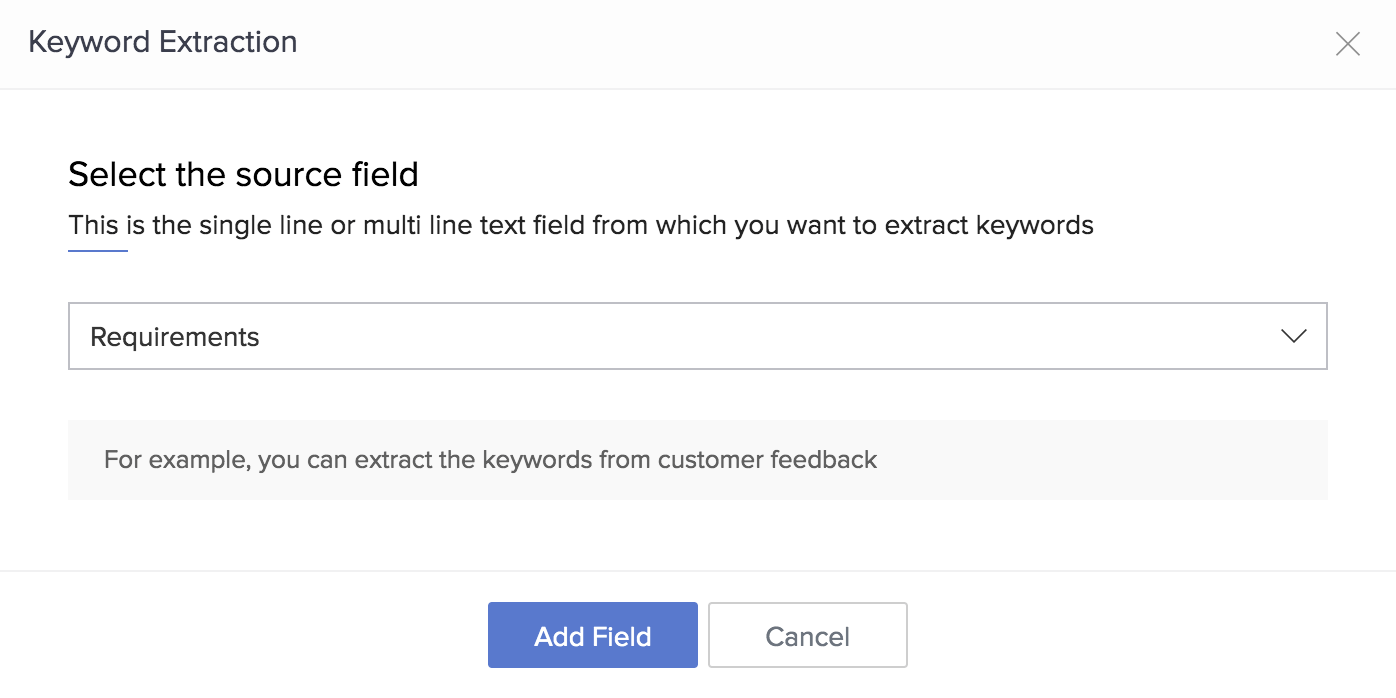
- When at least a field of these types is present in your form, the Keyword Extraction pop-up will appear
- Select the required source field—the single line or multi line field that contains the text from which you want to extract keywords.
Click Add Field: