Inventory management made easy for your online store

Stay on top of your orders and inventory management with the powerful integration of Zoho Commerce and Zoho Inventory. Get real-time automatic updates that keep your order statuses and stock levels updated at all times.

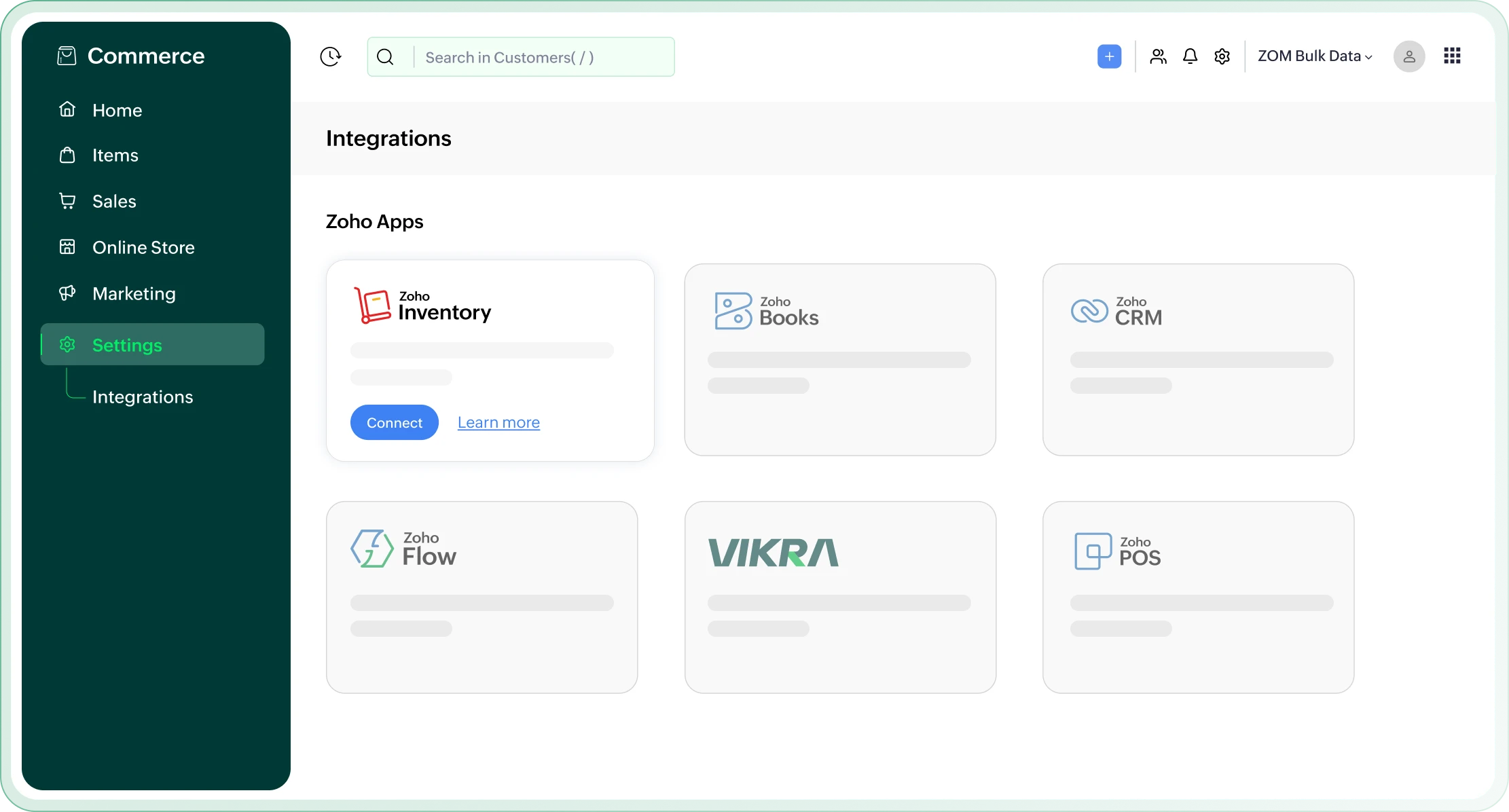
Zoho Commerce and Zoho Inventory integration dashboard

Why integrate
Zoho Commerce and Zoho Inventory?

Effortless product grouping and variant syncing

Challenge

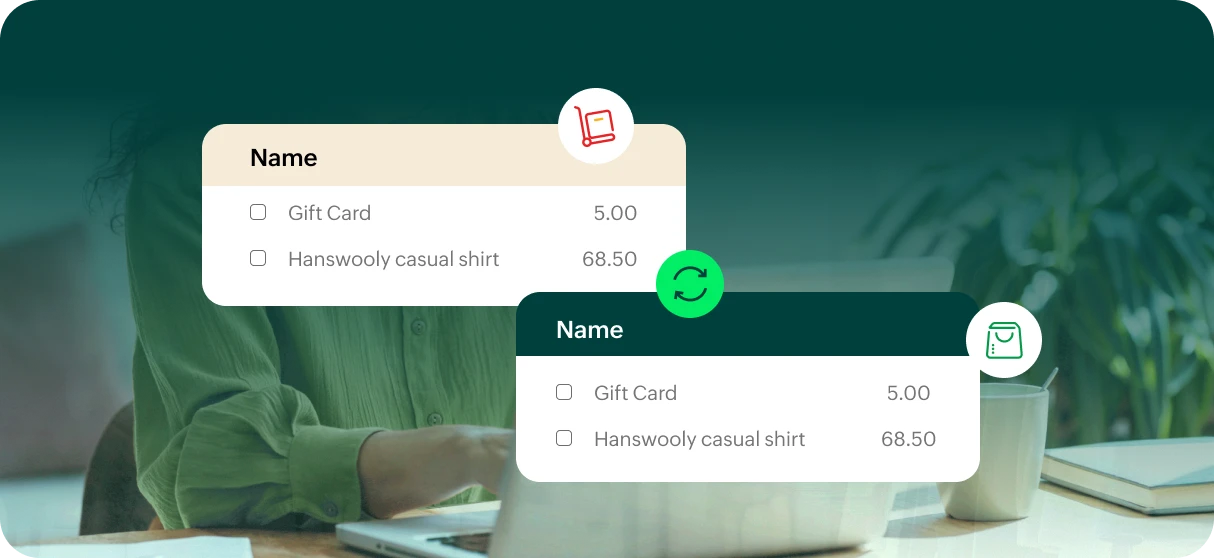
Integrating Zoho Inventory with Zoho Commerce automatically imports your items and item groups as products in Zoho Commerce. Eliminating the need for manual creation of separate variants—everything is grouped and synced seamlessly.

Solution

This integration helps set up a series of automated abandoned cart reminder emails based on specific conditions, effectively re-engaging customers and converting lost sales.
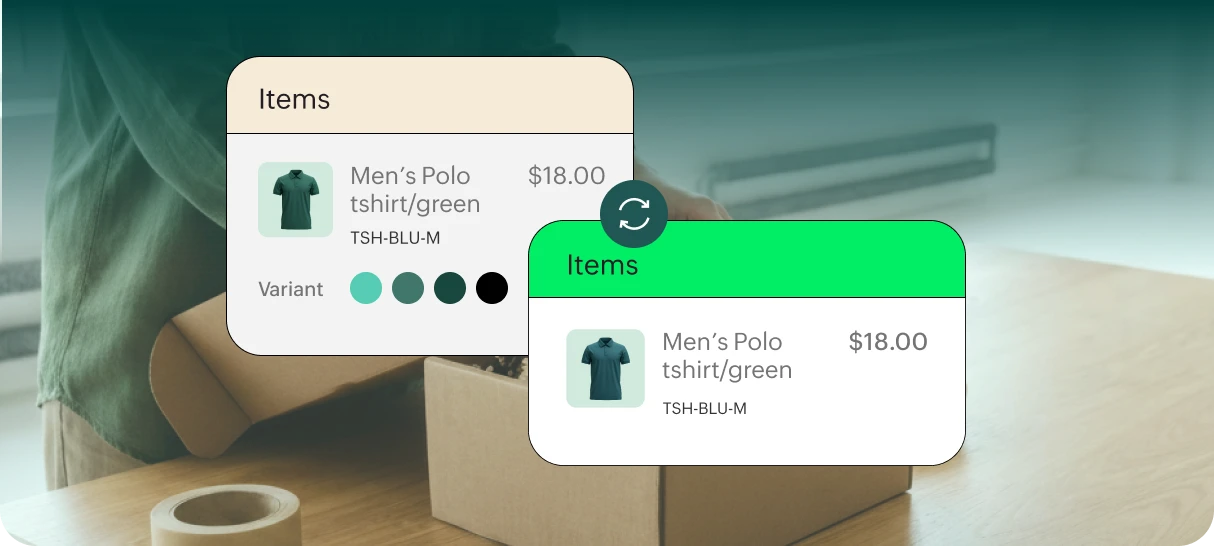
Product grouping and variant syncing between Zoho Inventory and Zoho Commerce

Real-time syncing of orders & reports

Challenge

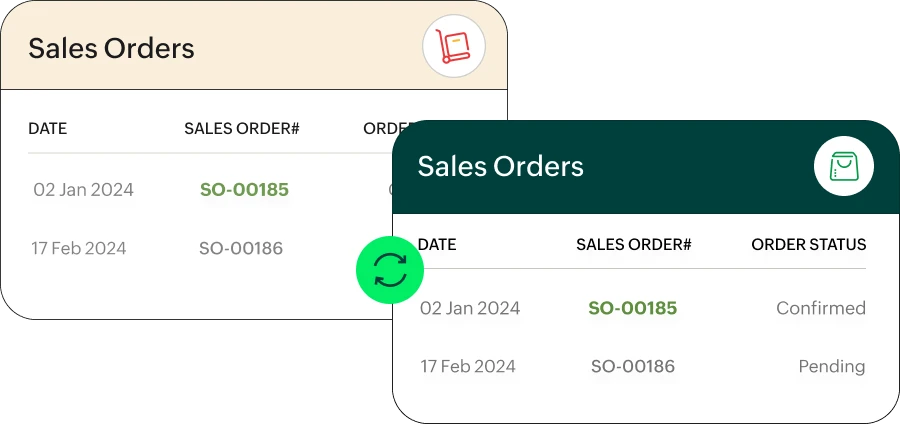
Sales orders and reports from Zoho Inventory are automatically synced with the Orders and Reports sections in Zoho Commerce, ensuring your inventory and eCommerce platform stay aligned with accurate, real-time information.

Solution

With this integration, configure automated purchase follow-up emails that can showcase related products, nurture relationships, and drive future sales.

Real-time syncing of orders and reports across Zoho Inventory and Zoho Commerce

Payments that sync automatically

Challenge

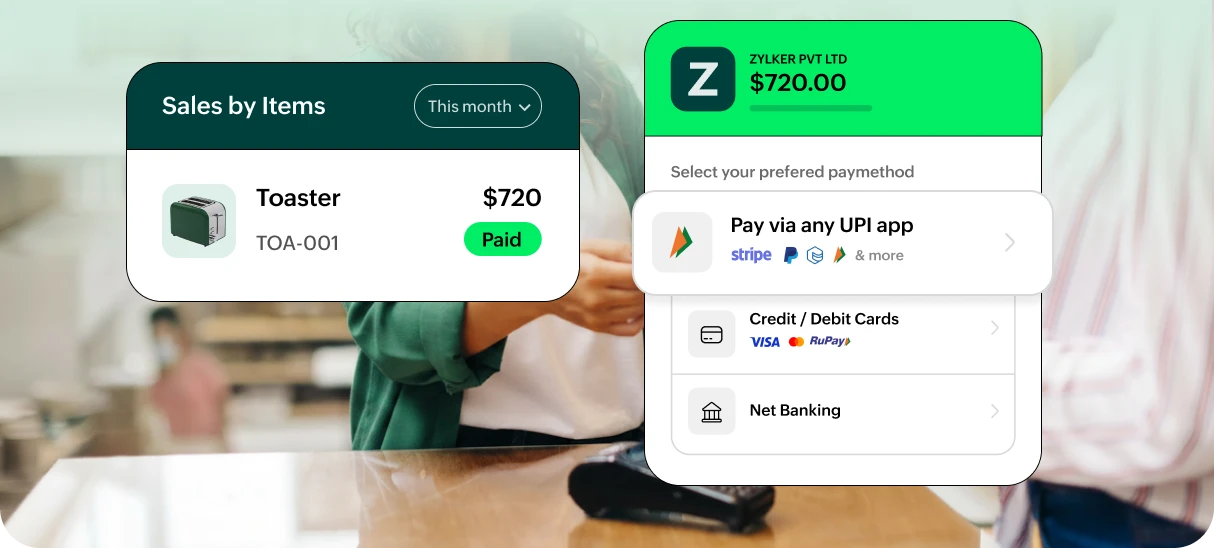
The payment methods integrated into Zoho Inventory are automatically synced with Zoho Commerce. This ensures that payment options remain consistent and up-to-date across both platforms.

Solution

With this integration, segment customers using detailed information like items purchased, total spending, number of orders, and recent activity. This allows for the delivery of highly personalized and effective marketing that resonates with each customer.

Automatic payment method syncing between Zoho Inventory and Zoho Commerce

Instant stock updates

Challenge

This integration ensures real-time stock updates across both the platforms, allowing for accurate inventory management in Zoho Commerce. It also helps prevent overselling, eliminates stock outs, and guarantees timely order fulfillment, improving your overall operational efficiency.

Solution

This integration helps automate customer re-engagement, which ensures continuous, timely interactions at every crucial step of the sales funnel.

Instant stock updates across Zoho Inventory and Zoho Commerce

Turn guest orders into registered customers

Challenge

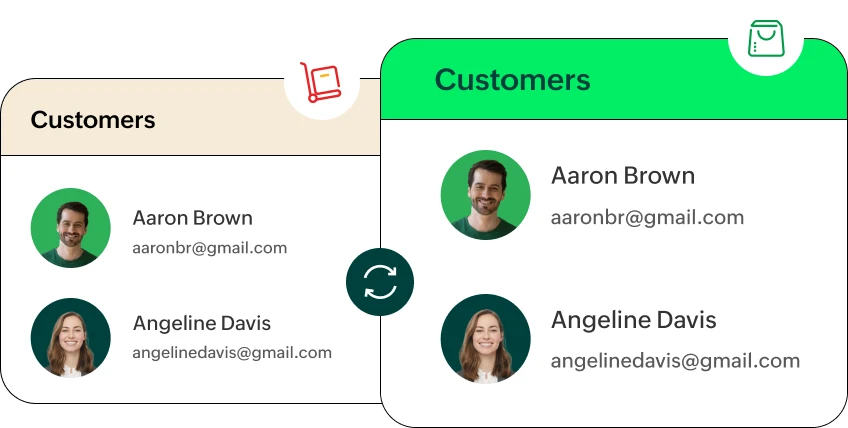
Customers who place orders through your Zoho Commerce store are automatically recorded as customers in Zoho Inventory. This helps maintain a comprehensive customer database for easier management and future marketing efforts.

Solution

This integration helps automate customer re-engagement, which ensures continuous, timely interactions at every crucial step of the sales funnel.

Guest orders converted into registered customers in Zoho Inventory

Frequently asked questions

  • Log in to your Zoho Commerce account and go to Settings > Integrations > Zoho Inventory > Click Access Now > Finally, choose the Zoho Inventory organization you want to connect with Zoho Commerce, and it will redirect you to the Zoho Inventory application.
  • When Zoho Inventory and Zoho Commerce are integrated, product listings and stock levels are automatically updated. When a product is sold offline or through Zoho Commerce, Zoho Inventory adjusts the stock level to stay in sync.
  • Yes, you can create bundles in Zoho Inventory and sync them with Zoho Commerce. When customers purchase a bundle from your online store, the individual products in the bundle will be deducted from your inventory accordingly.
  • Not at all, setting up the integration is designed to be easy and user-friendly. Zoho provides step-by-step instructions and support to help you integrate the two platforms. However, if you need assistance, Zoho's support team is available to guide you.
  • Any changes made to a product in Zoho Inventory, such as pricing or stock level adjustments, will automatically sync with Zoho Commerce, ensuring your online store reflects the latest product details.
  • Yes, Zoho provides comprehensive customer support via email, phone, and live chat for troubleshooting integration issues with Zoho Inventory and Zoho Commerce.