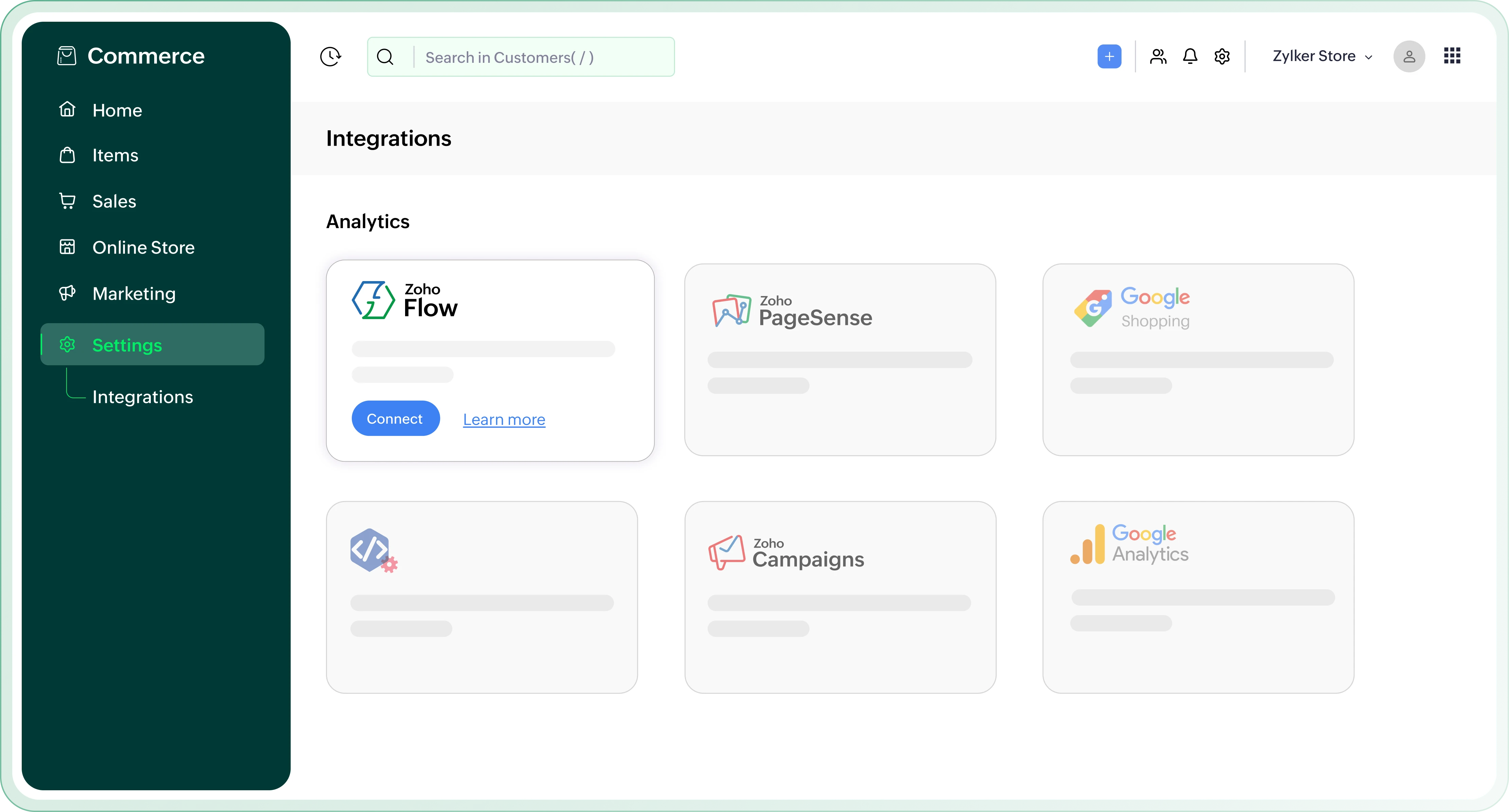
Automate your store workflows with Zoho Flow

Connect Zoho Commerce with Zoho Flow to automate everyday ecommerce tasks across 1000+ apps. Build workflows for orders, products, customers, invoices, deliveries, and more without writing code.

Zoho Commerce and Zoho Flow – Workflow automation dashboard

Why integrate
Zoho Commerce and Zoho Flow?

Automate order-based workflows

Challenge

Every new, confirmed, shipped, delivered, cancelled, or returned order can require a different follow-up action, from notifying customers to updating delivery tools or creating internal tasks.

Solution

Create workflows that start automatically when order events happen in Zoho Commerce. Zoho Flow supports triggers for new orders, confirmed orders, shipped orders, delivered orders, cancelled orders, and returned orders.
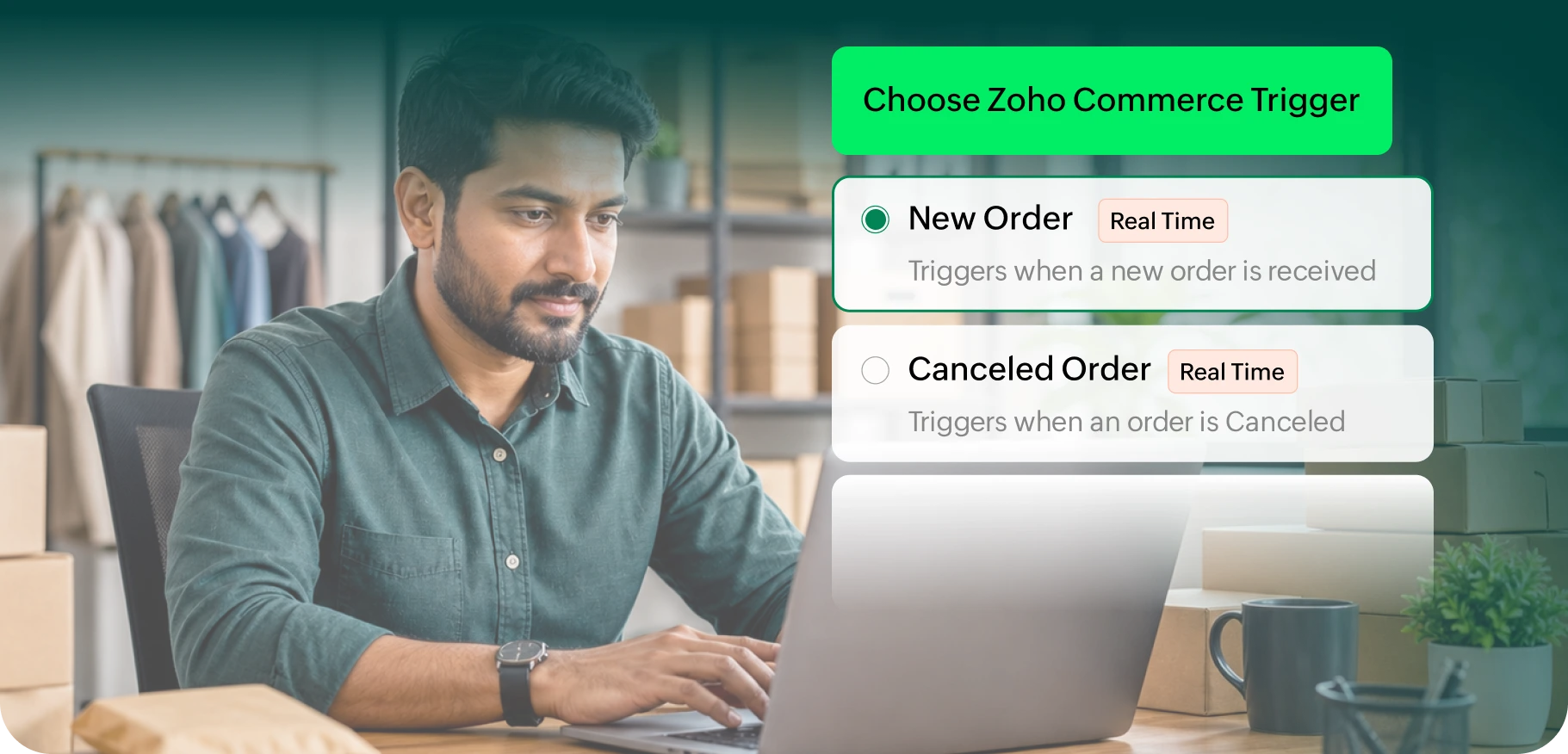
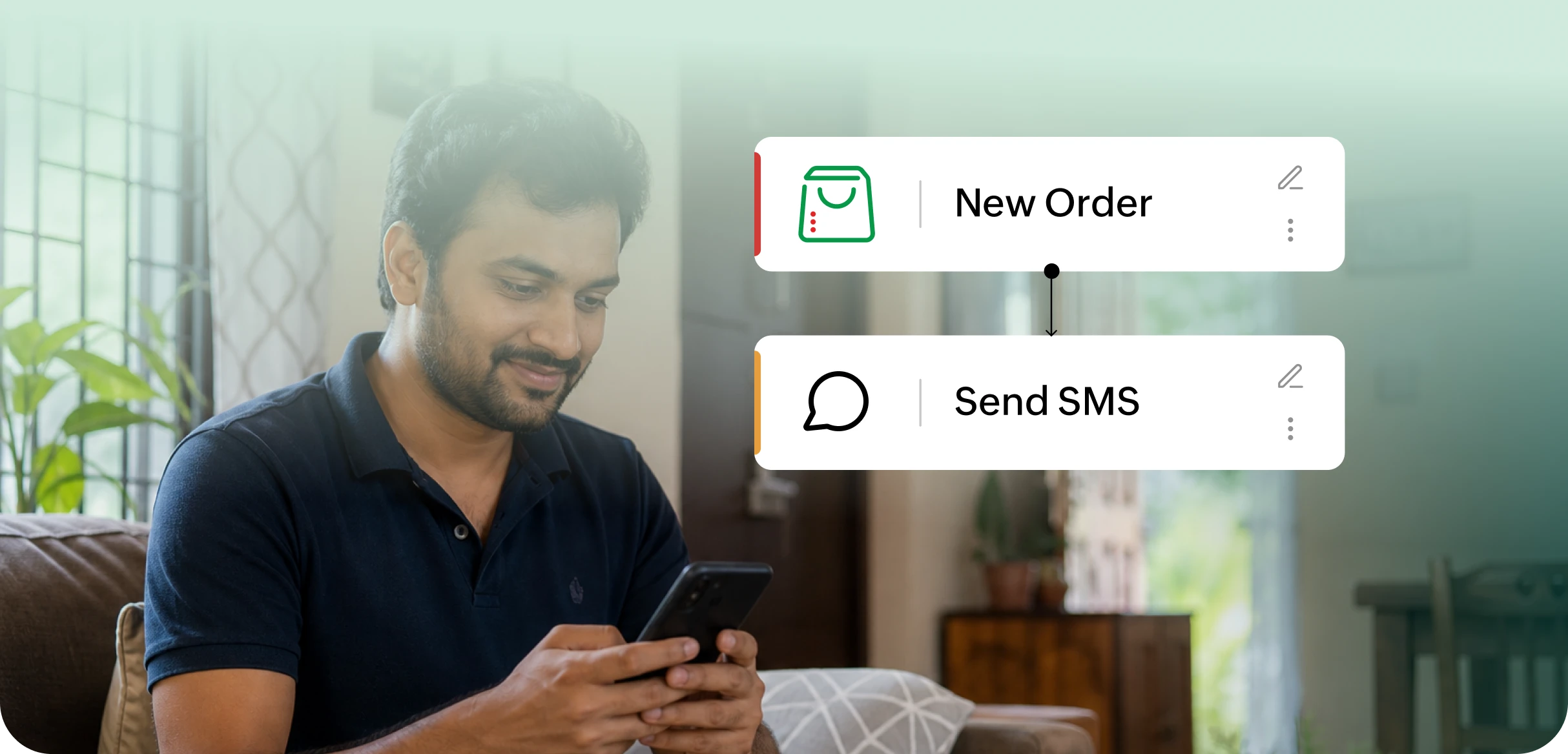
Zoho Flow order-based workflow automation for Zoho Commerce

Keep customers informed after purchase

Challenge

Customers expect quick updates after placing an order, but sending confirmations and status messages manually can become repetitive as order volume grows.

Solution

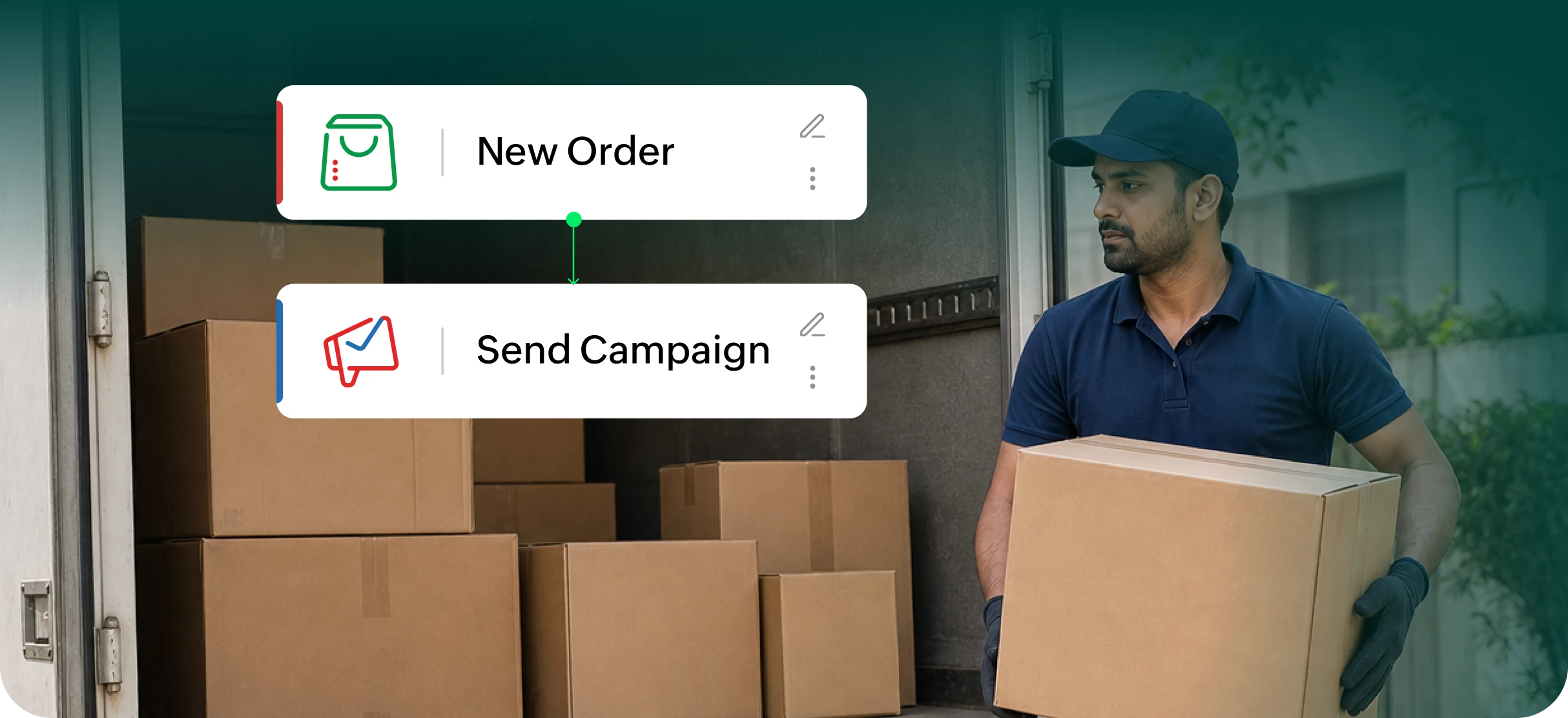
Use Zoho Flow to send automated order confirmation messages through SMS, WhatsApp, or other communication apps whenever a new order is received or confirmed in Zoho Commerce.

Zoho Flow automated customer order updates for Zoho Commerce

Streamline delivery management

Challenge

Once an order is shipped, your team may need to create delivery tasks in a separate logistics or delivery management tool. Doing this manually can delay fulfillment.

Solution

Build workflows that create delivery tasks automatically when orders are shipped in Zoho Commerce. For example, Zoho Flow lists a workflow that adds a delivery task in Tookan when a Zoho Commerce order is shipped.

Zoho Flow delivery management workflows for Zoho Commerce

Improve sales follow-ups

Challenge

New ecommerce orders can contain valuable customer and sales information, but sales teams may miss follow-up opportunities if order details are not passed to their CRM or pipeline tool.

Solution

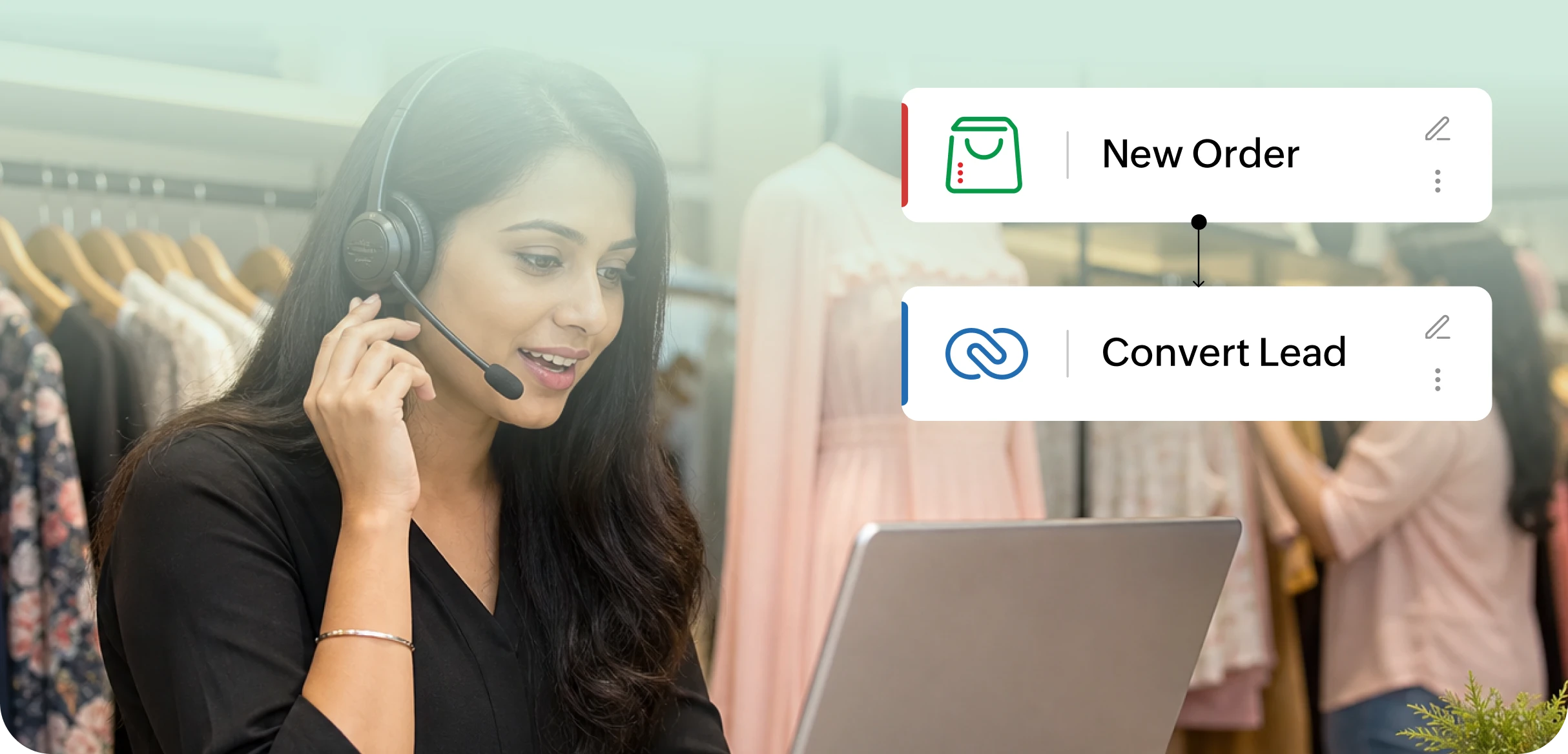
Automatically create deals or records in your sales apps when new orders are received in Zoho Commerce. Zoho Flow lists workflows that create deals in tools like EngageBay, Freshsales, Pipedrive, Salesmate, Teamleader, Teamwork CRM, and more for new Zoho Commerce orders.

Zoho Flow sales follow-up workflows for Zoho Commerce

Build advanced workflows with logic

Challenge

Basic one-step automation may not be enough when your workflows need conditions, delays, data formatting, or API calls.

Solution

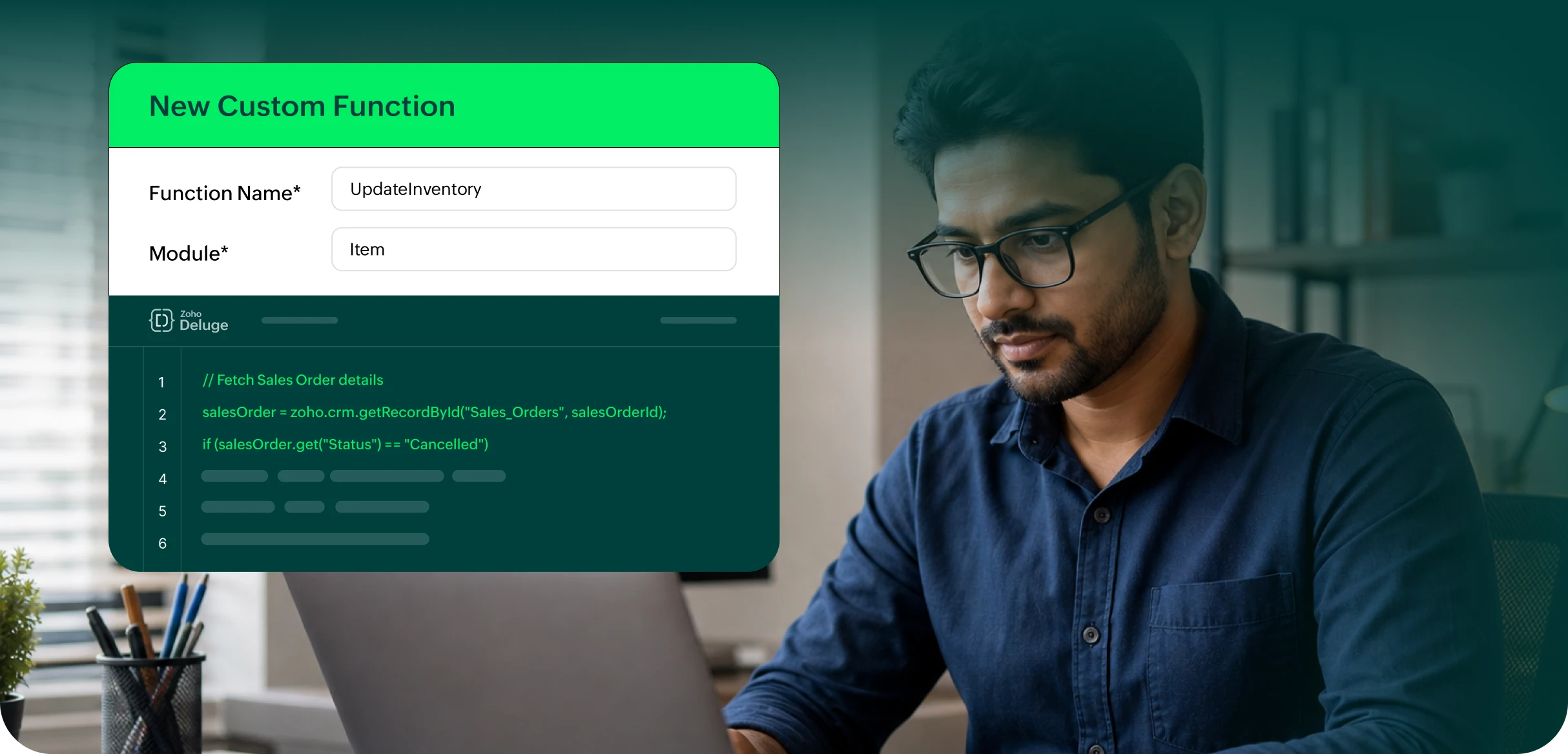
Use Zoho Flow’s advanced workflow tools, including webhook triggers, logic with if-then branches and time delays, and custom functions for formatting data, calling web APIs, sending emails, and more.

Zoho Flow advanced workflow builder for Zoho Commerce

Frequently asked questions

  • You can automate order notifications, delivery task creation, product syncing, invoice creation, folder creation, CRM deal creation, customer updates, and other workflows between Zoho Commerce and third-party apps.
  • Supported triggers include new order, confirmed order, shipped order, delivered order, canceled order, declined order, product created, product updated, and sales order payment received.
  • No. Zoho Flow lets you create Zoho Commerce workflows using a no-code drag-and-drop builder. For more advanced needs, you can also use workflow elements like logic, webhook triggers, and custom functions.
  • Zoho protects your privacy and security with IP restrictions, two-factor authentication, SSL, and more. Your data can only be accessed by users that you authorize. Learn more about Zoho's privacy and security policy.
  • You can write to us at support@zohocommerce.com and we'll get back to you right away to answer any questions you have regarding the integration.