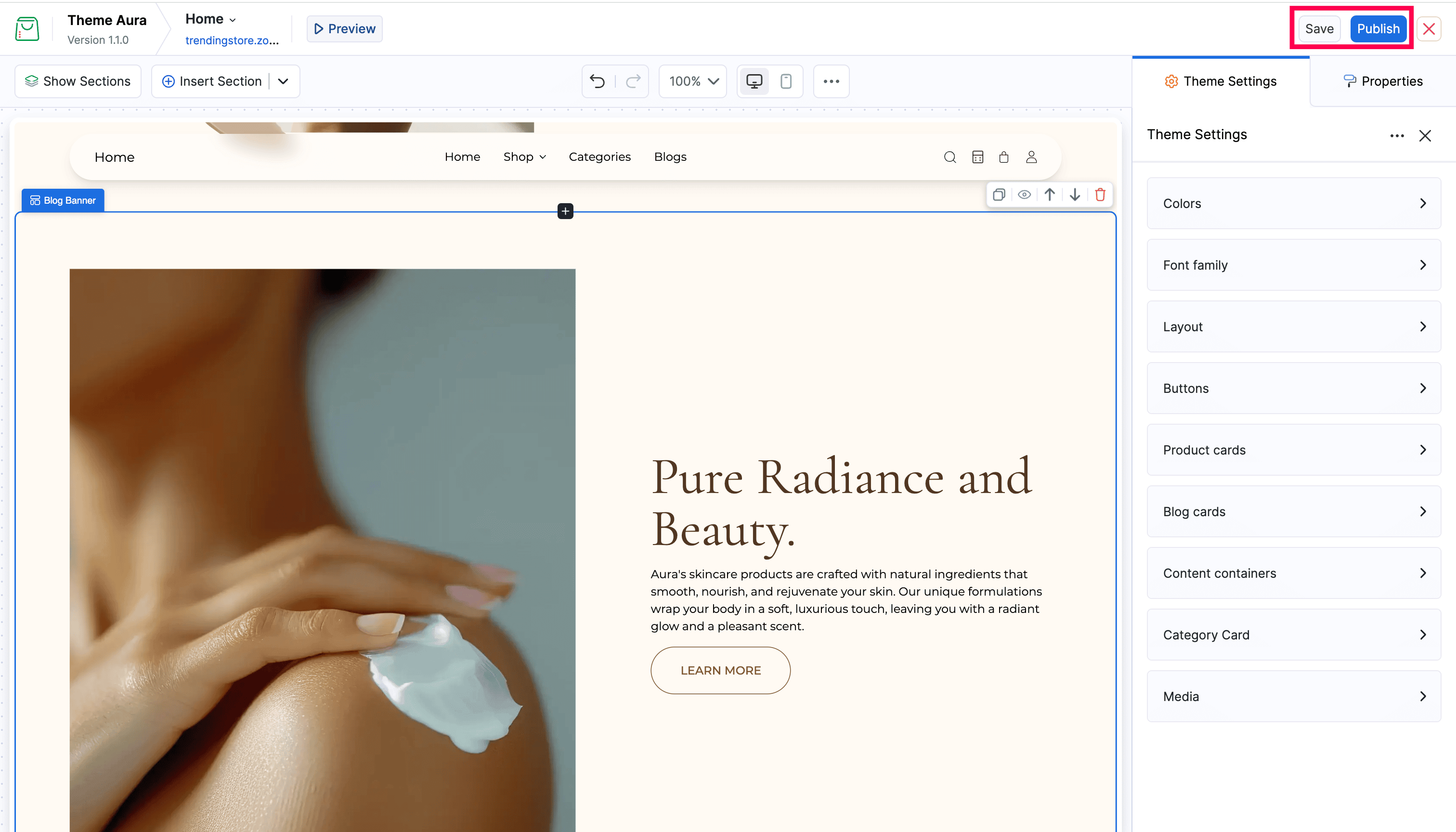
Theme Settings

Theme Settings contains global style options, such as colors, fonts, layout, and button styles that apply across your entire online store at once. Changing a value here updates every section that uses it, rather than editing each section individually.
Opening Theme Settings
Click Theme Settings in the toolbar. The Theme Settings panel opens on the right.
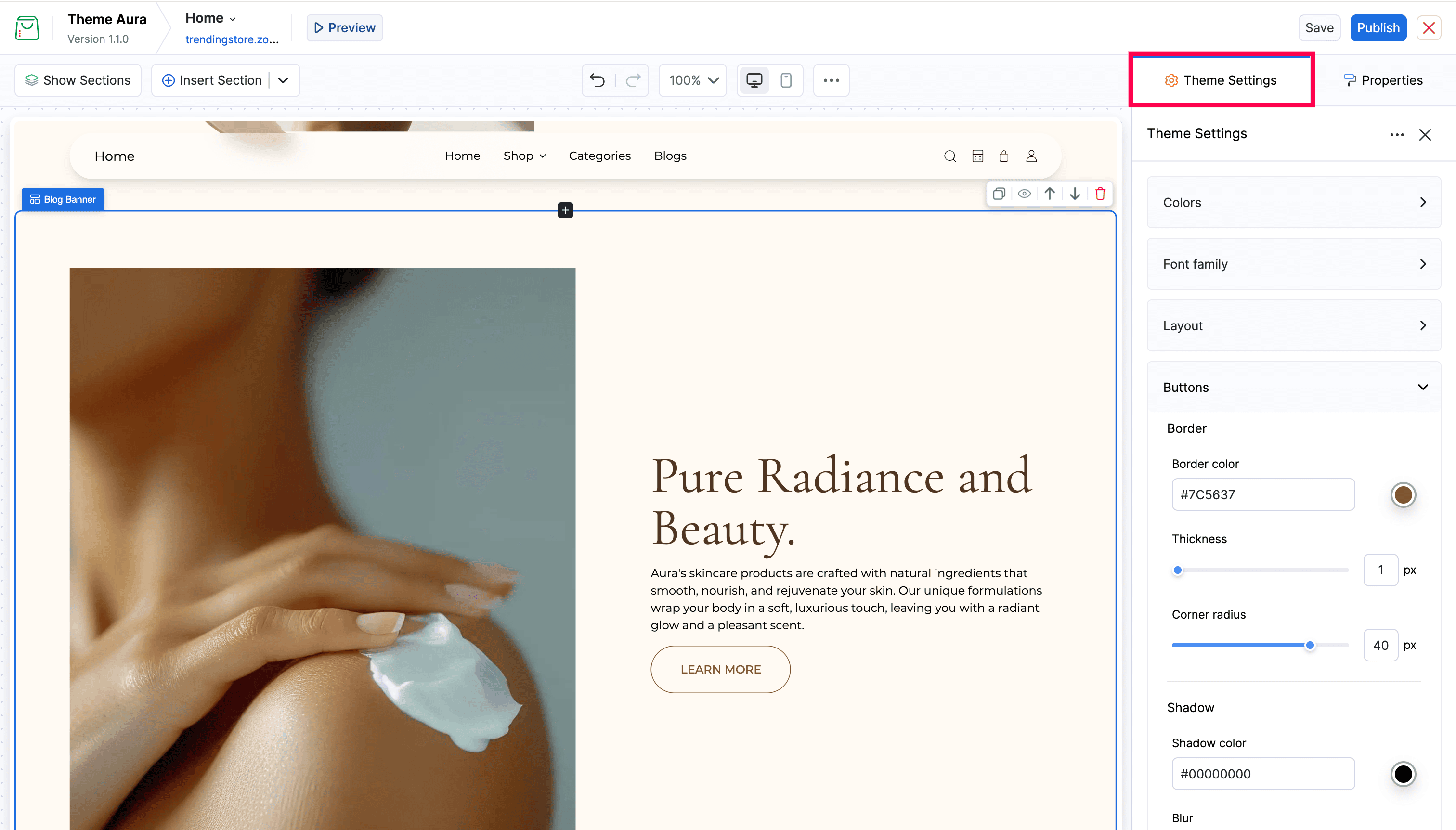
Settings Groups
Settings are organized into expandable groups. Click any group header to expand it and see its options.
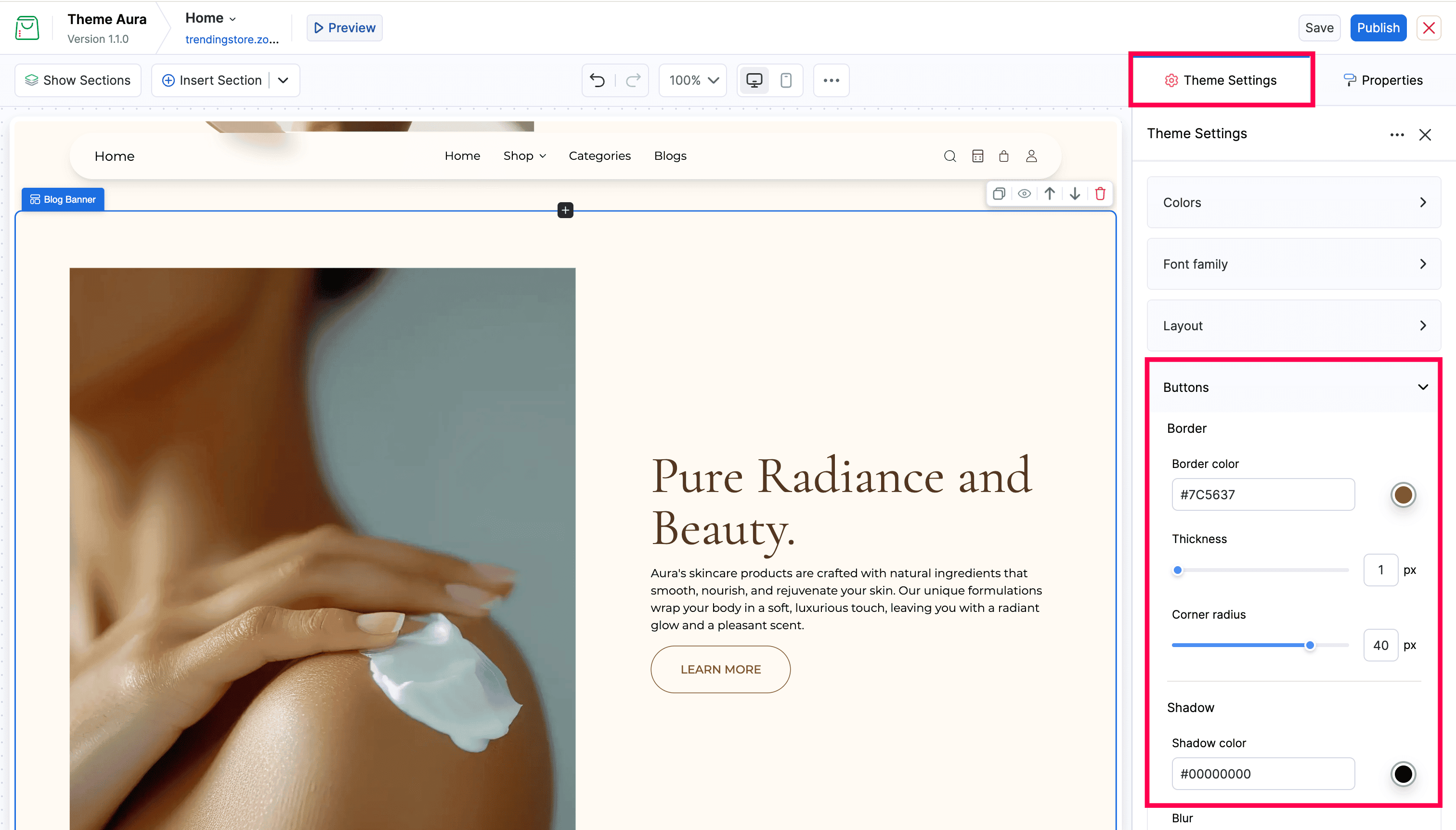
Some of the most common groups include:
| Group | What it controls |
|---|---|
| Colors | Primary color, background color, text color, and more |
| Font family | Heading and body font choices |
| Layout | Section spacing and page width |
| Buttons | Button border, size, and color |
| Message bar | Announcement bar styling |
| Product cards | Card background, border, and display options |
The groups and settings vary based on the theme you are using. Some themes have additional groups, such as Category, Media, and Blog.
Editing Settings
Click on any setting to change it:
- Color fields - Click the color swatch to open the color picker, or type a hex value directly
- Font dropdowns - Choose from the available font options
- Sliders - Drag to adjust numeric values
- Text inputs - Type a value directly
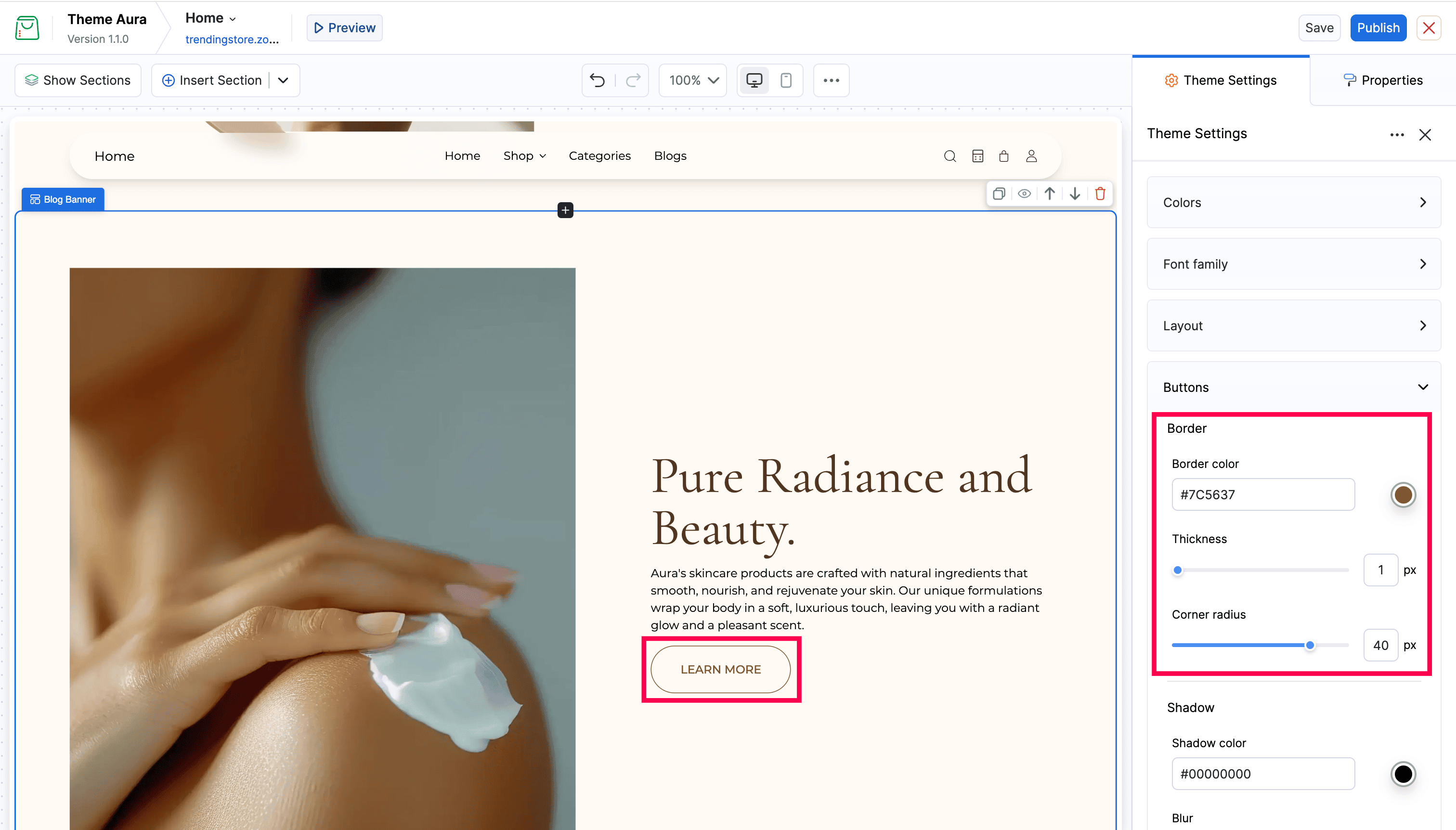
Every change updates the canvas preview immediately.
Saving
Theme settings changes are saved when you click Save or Publish in the top bar.