Meetings
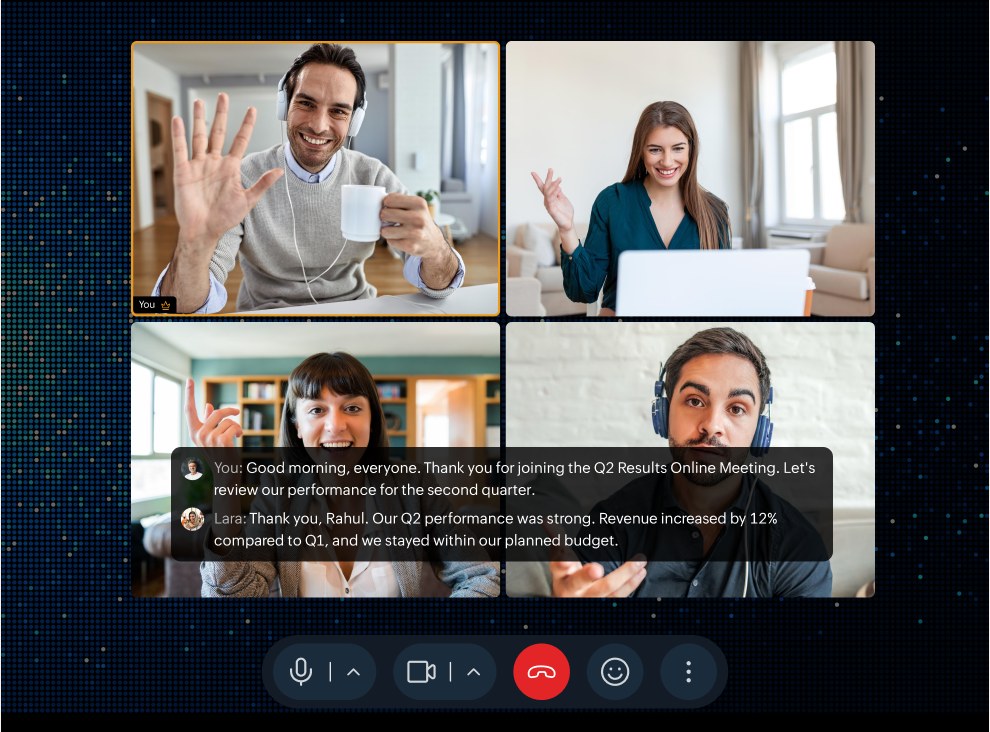
Better meetings with live captions, Sign Language Mode, and user and slot availability

Work without interruption. Cliq 7.0 keeps everything you need in one place. Search instantly, join meetings, automate repetitive work, and access information without leaving the window you’re already working in.


This release spans enterprise administration, smart collaboration, AI intelligence, developer extensibility, and accessibility to deliver the most comprehensive upgrade in Cliq’s history.
Better meetings with live captions, Sign Language Mode, and user and slot availability
Cliq Mini, screen-share annotations, OOO alerts for channel mentions, and collaborative sheets
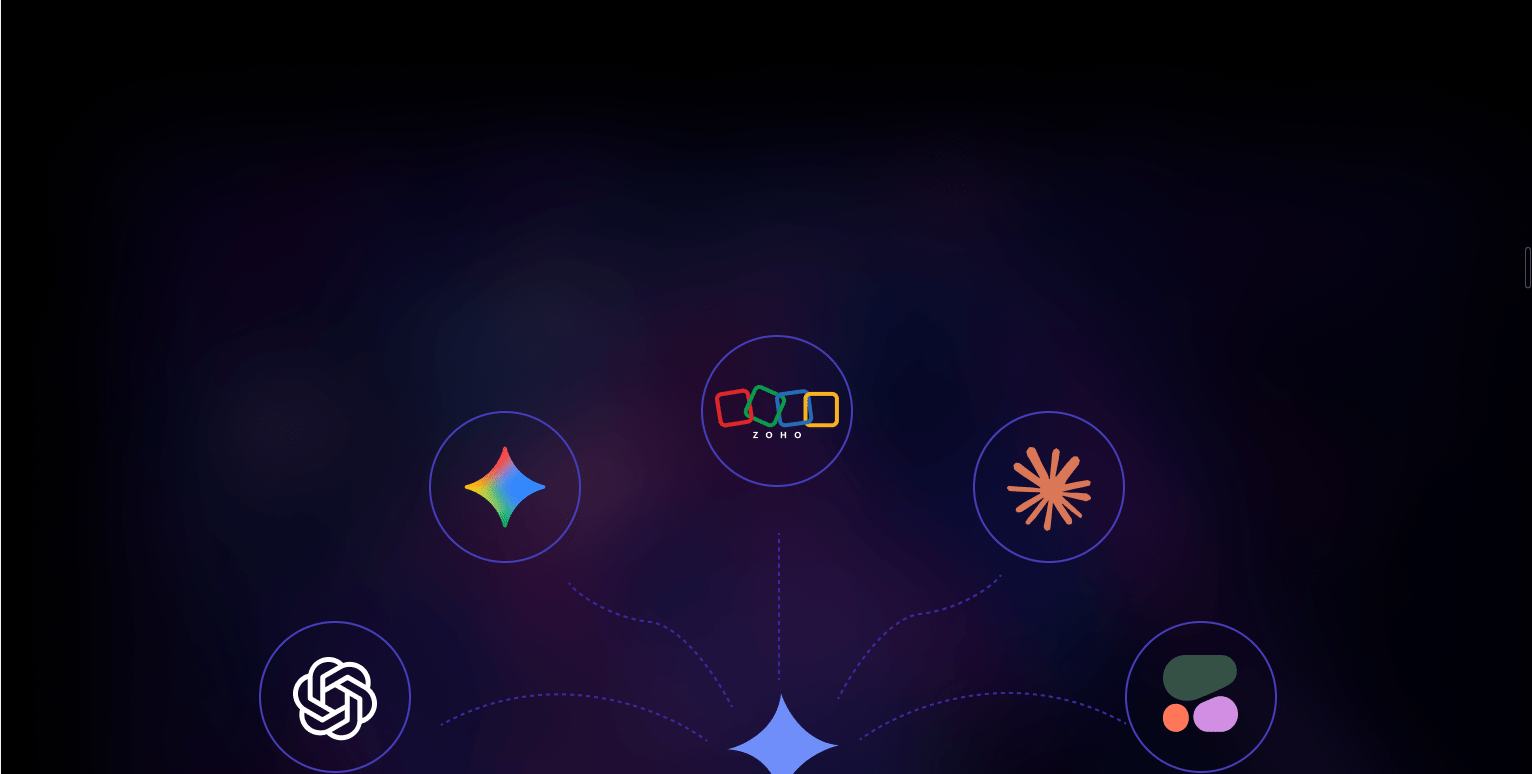
Choose an AI model of your choice, multimedia summaries, Deluge Zia bot and AI tasks, custom defined prompts and voice transcripts.

Built for secure collaboration with message reporting, granular AI controls, scoped external access, and improved accessibility for WCAG 2.0 alignment
Pick a track to dive into the features shipping across collaboration, AI, meetings, governance, the developer platform, and productivity.
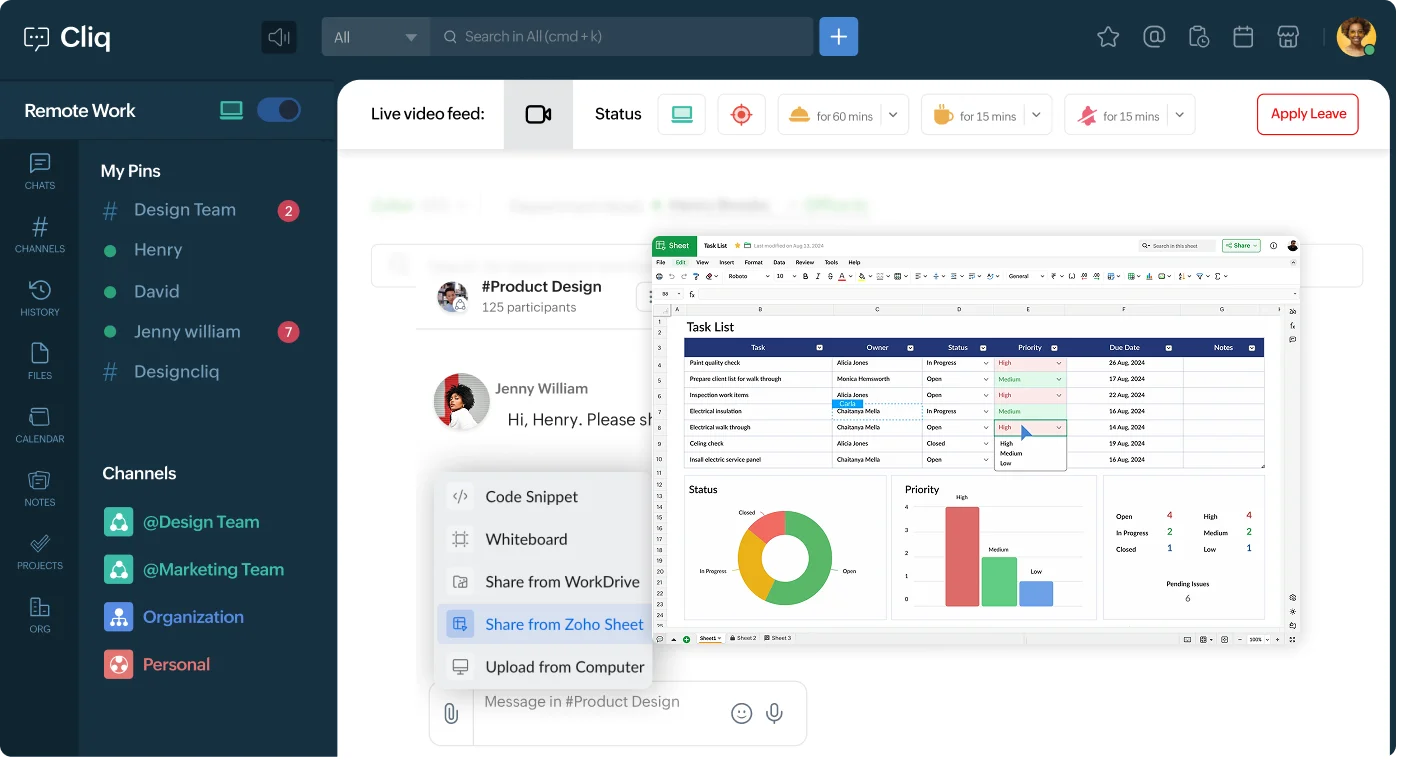
Edit shared spreadsheets directly within Cliq. Real-time co-authoring, inline comments, and version history—all in one place.
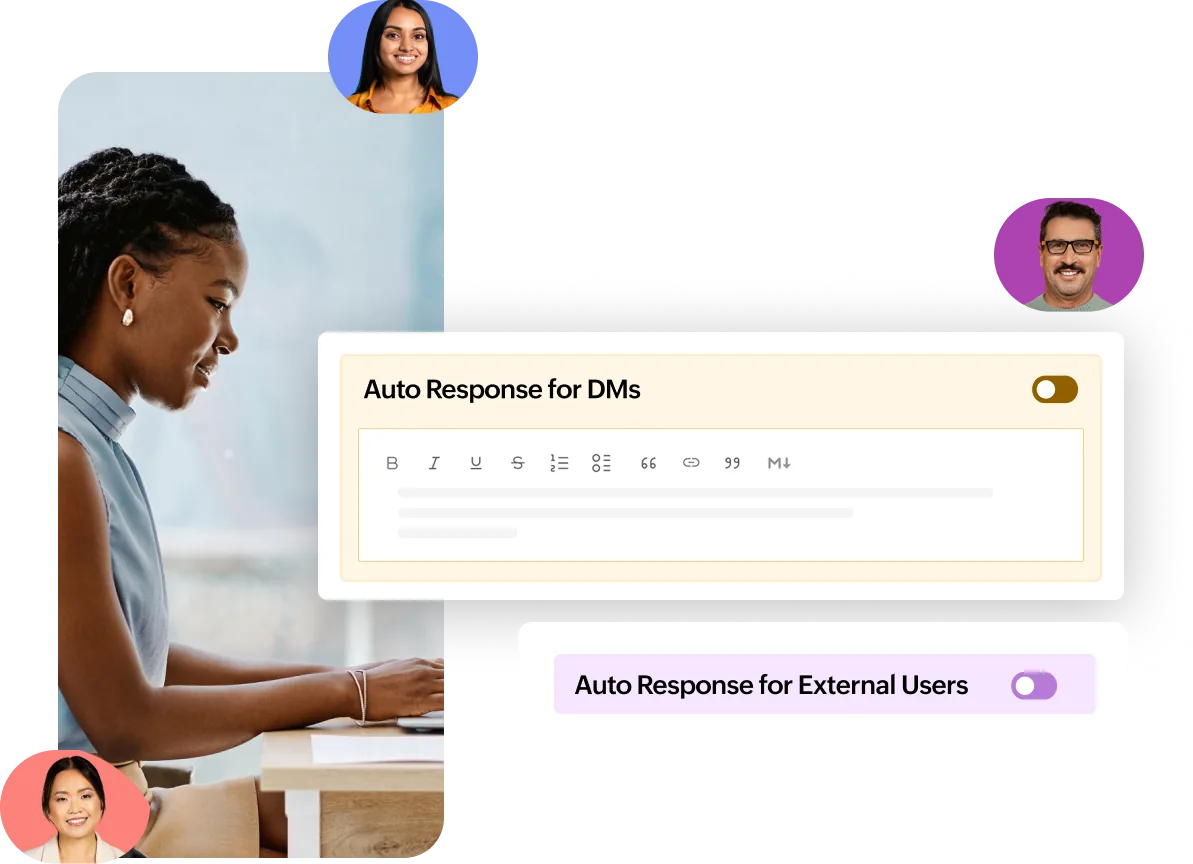
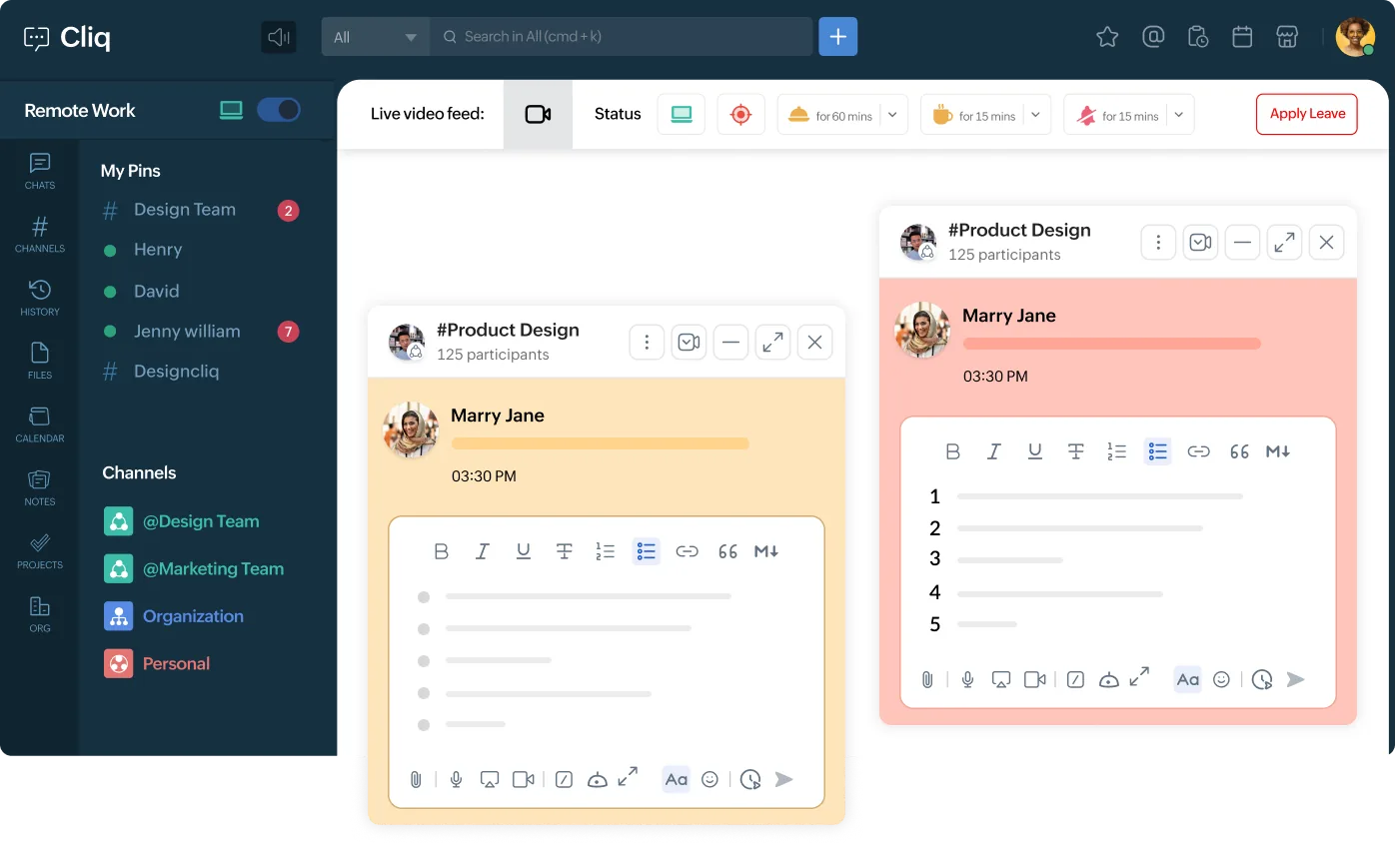
Out-of-office messages get a major upgrade with smarter auto-replies, calendar integration, and delegate handoff, so nothing slips through while you’re away.
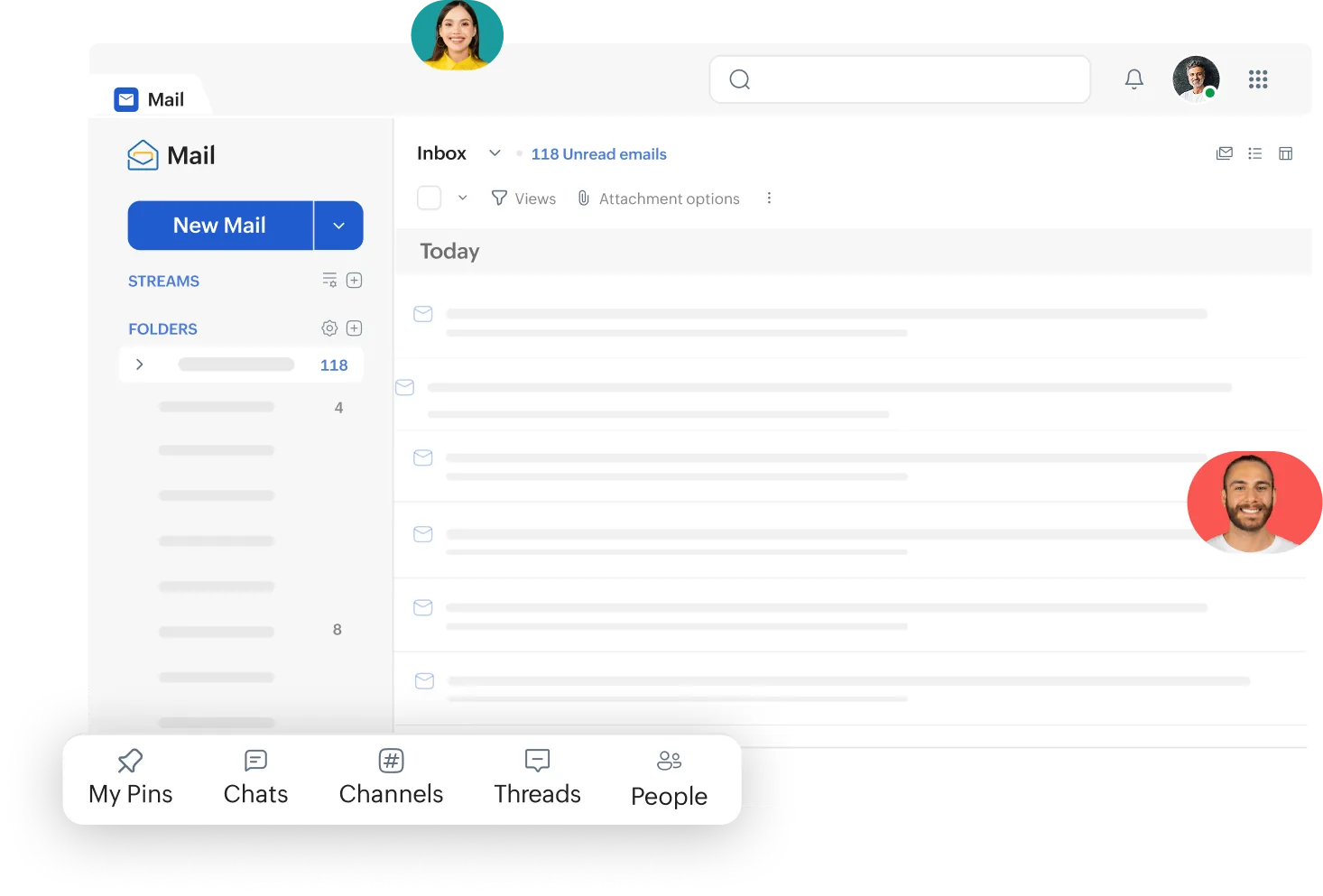
Take your conversations with you in the Cliq Mini chat bar, whether you’re working in CRM, Workplace, or Mail.
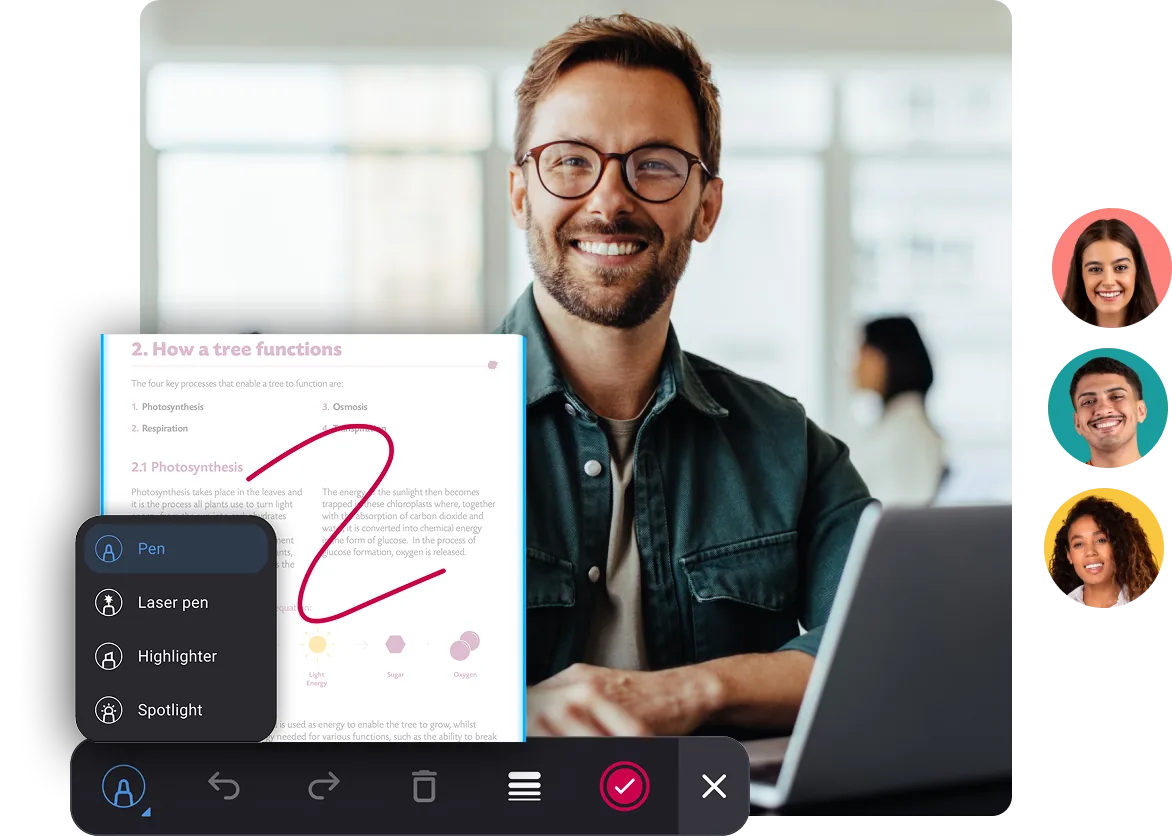
Add direct markups to your shared screen, so everyone knows where to look.
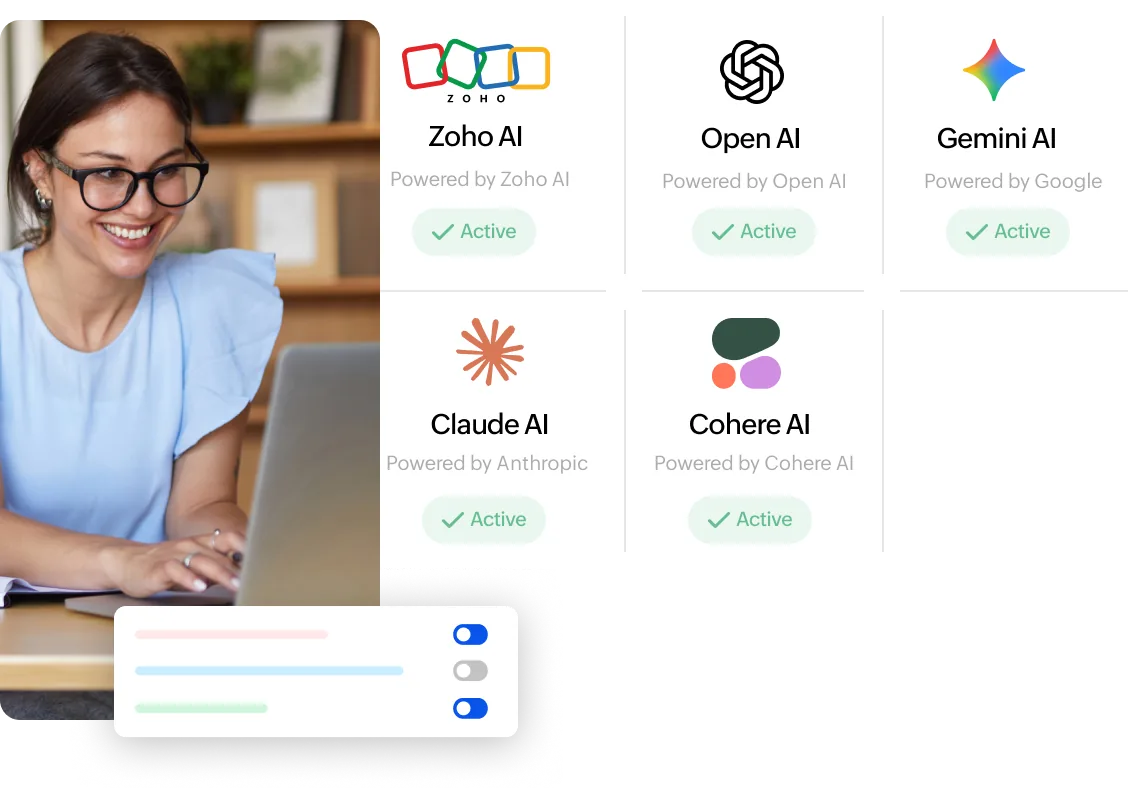
This release supports Claude, Cohere, Gemini, ChatGPT, and Zoho’s native model Zia. Switch models without switching platforms.
Build intelligent bots and automate complex workflows using Deluge scripts powered by AI.
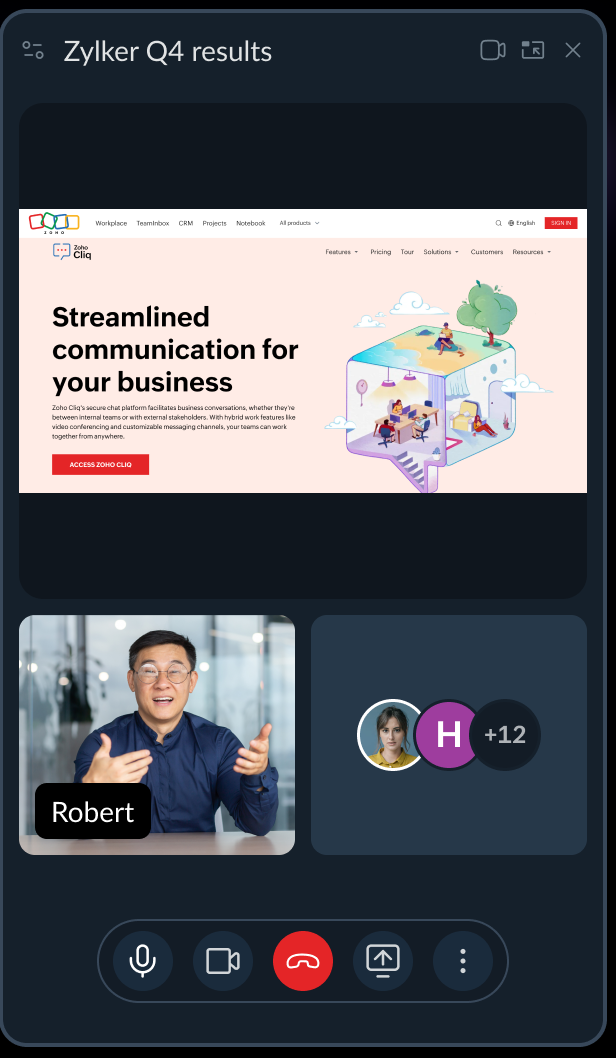
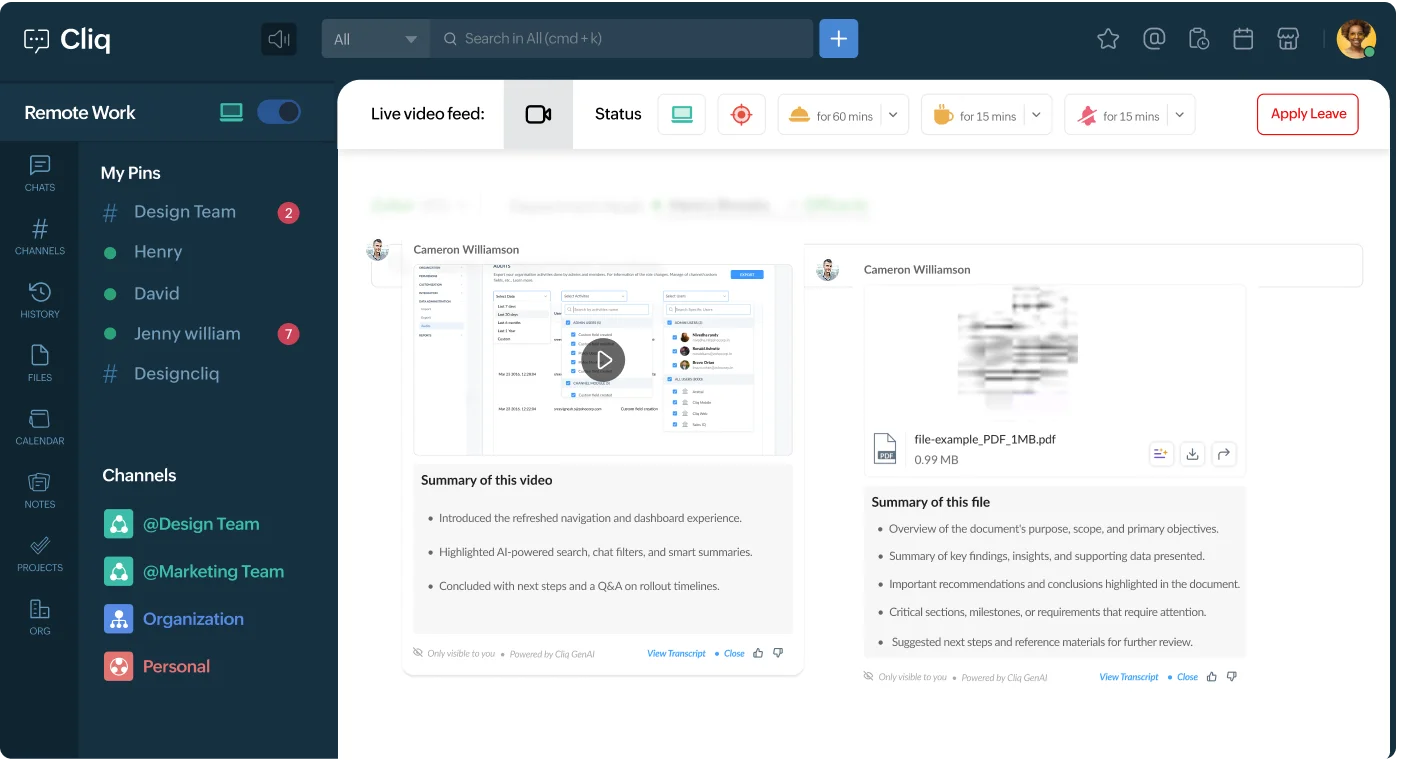
Instantly summarize videos, audio, and recordings with AI, extending beyond meetings and conversations.
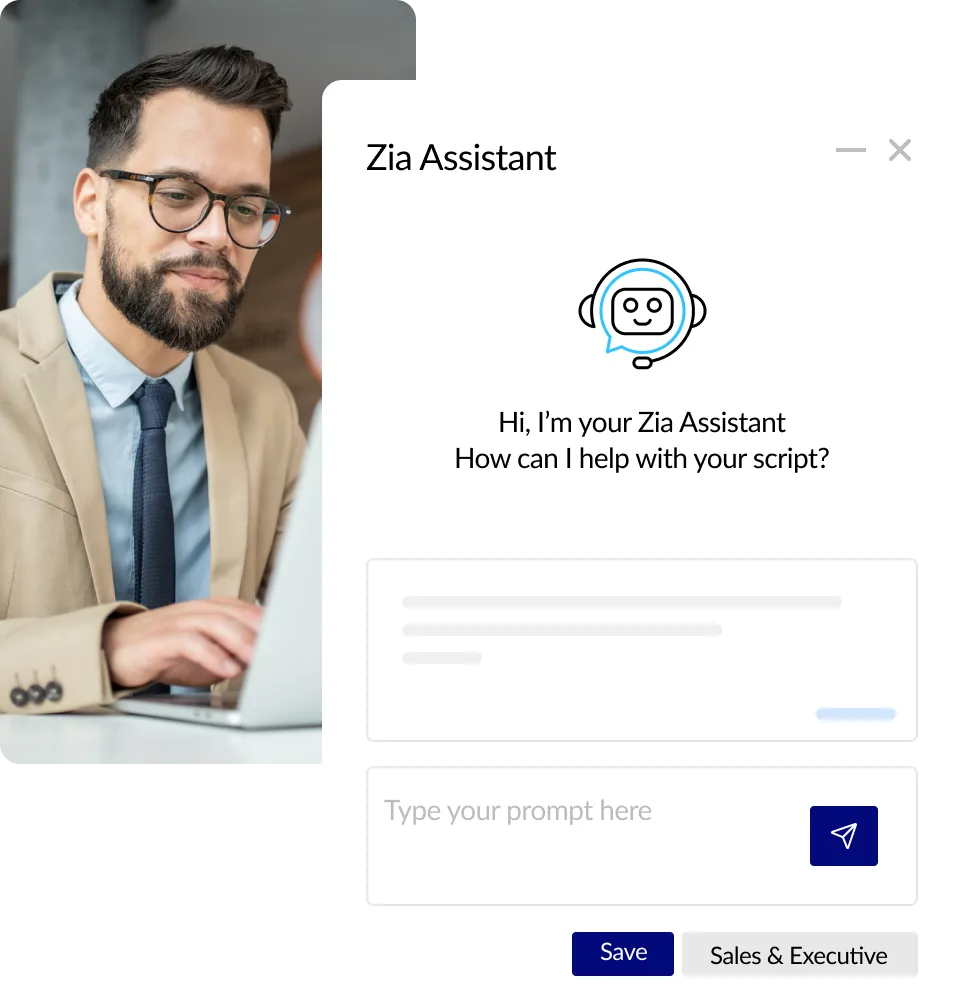
Define system-level prompts tailored to your organization’s tone, policies, and workflows. Give Zia your voice.
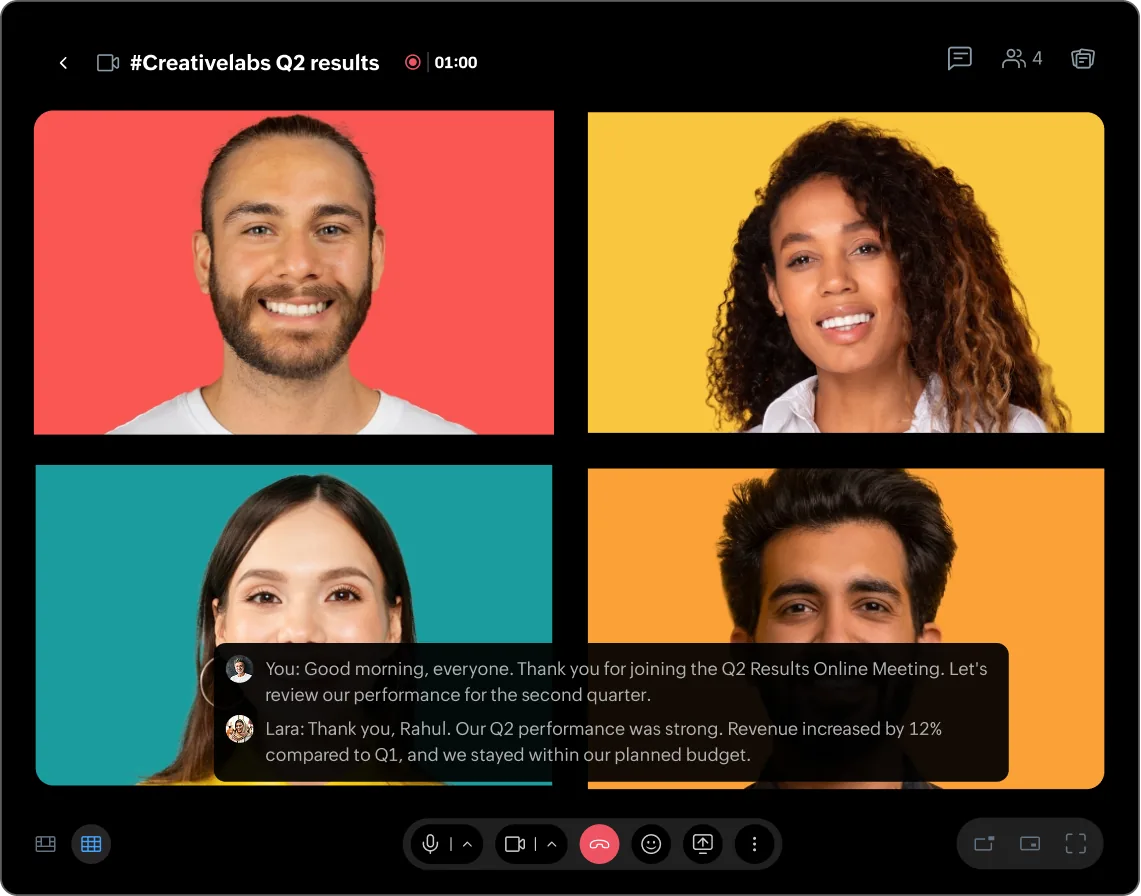
Catch what you missed at a glance, without asking anyone to repeat themselves—and get a summary and transcript once the meeting wraps.
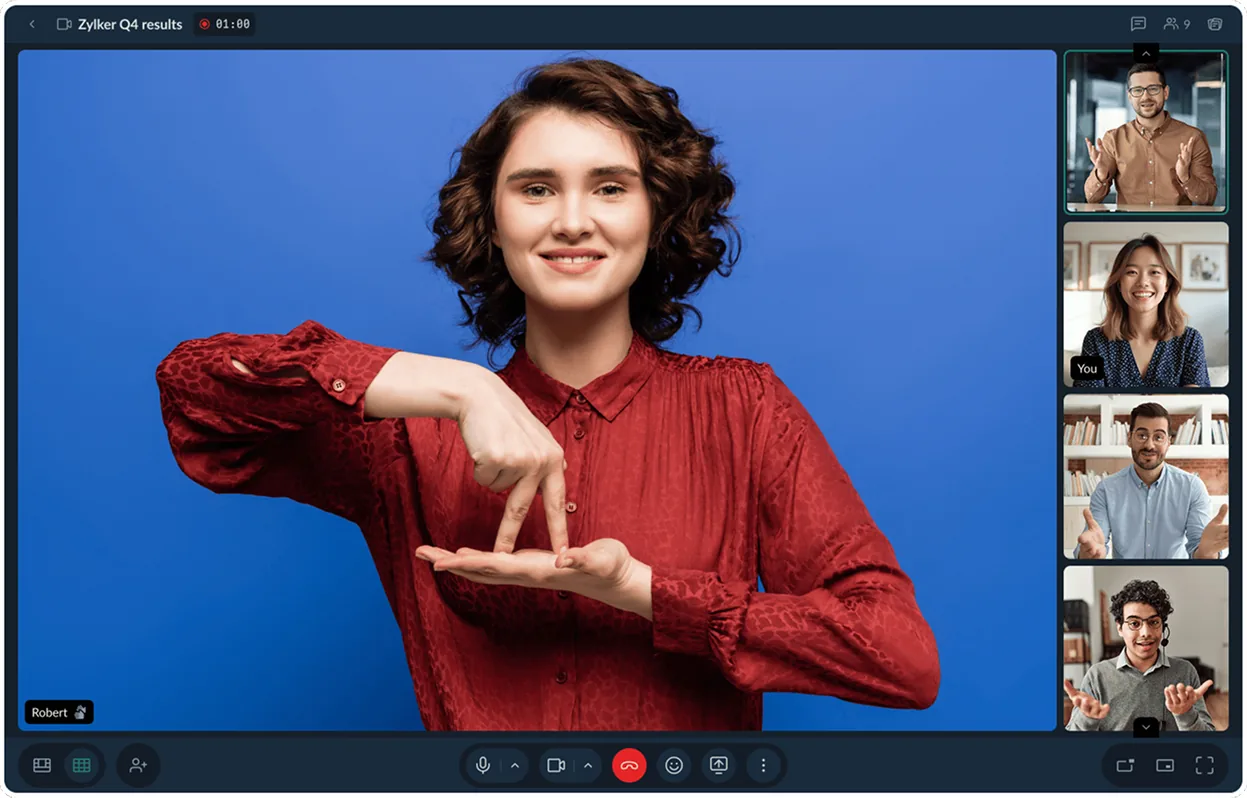
The interpreter stays pinned throughout the call, no matter who unmutes, joins, or speaks.
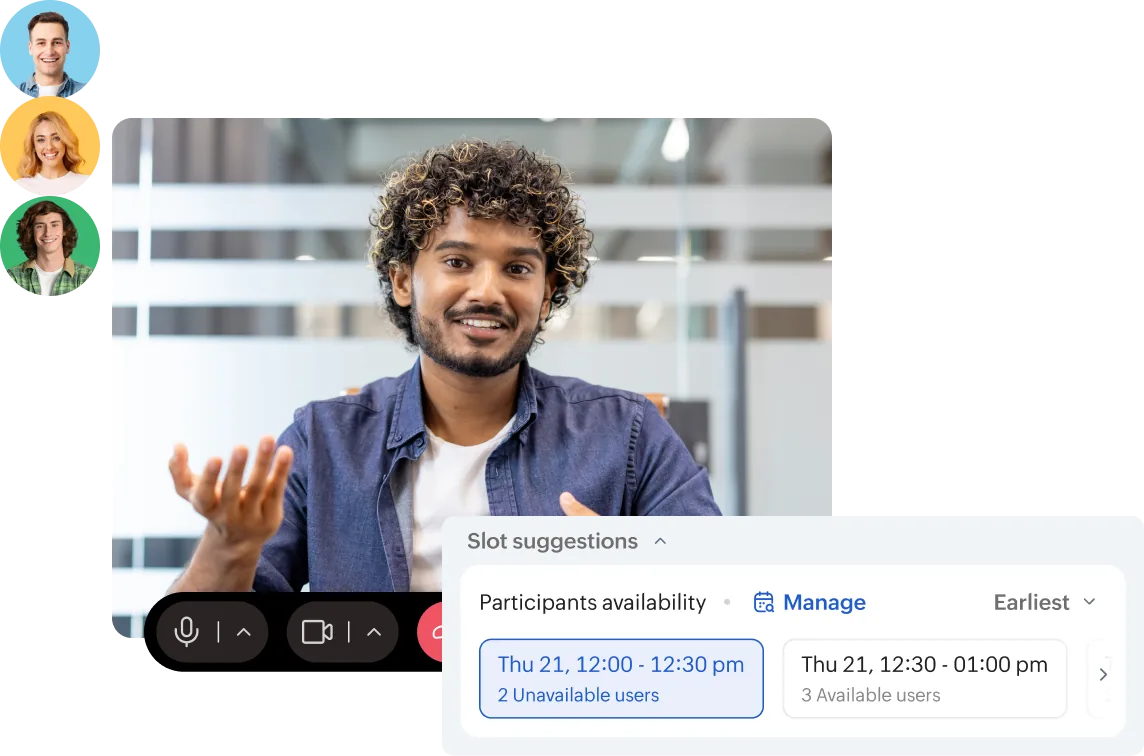
See everyone’s availability while you’re booking a meeting to prevent scheduling conflicts.
If a message crosses a line, flagging it sends a request straight to an admin for review through the Approvals bot.
Specific AI-related functionalities are turned off by default. Admins can choose what to activate based on what the organization needs.
The Client Users model provides built-in access control, ensuring partners and external collaborators only see the channels and collaboration spaces they’ve been explicitly invited to.
Text scales, contrast improves, spacing adapts, and keyboard navigation works across the app to meet WCAG 2.0 accessibility standards.
With an intuitive drag-and-drop canvas, anyone can create bots, design guided workflows, and connect to external systems through webhooks, turning everyday processes into powerful automations in minutes.
Pin bot actions like raising requests, submitting forms, or logging issues directly to a channel, giving your team one-click access to the tasks they use most, right from the message composer.
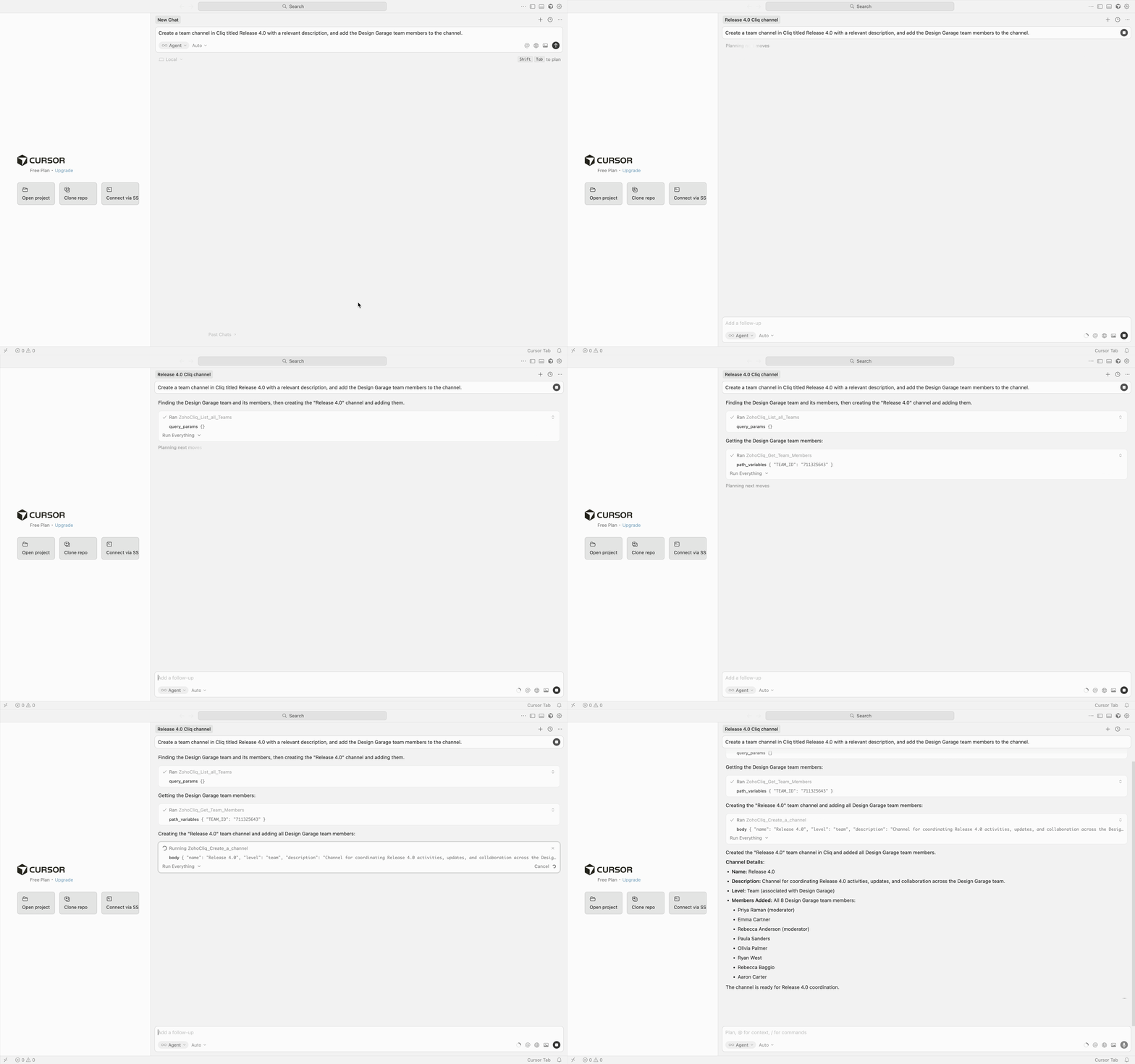
Connect AI agents like Claude, Cursor, or your own builds directly to Cliq using MCP, enabling them to complete real work with a single instruction. With OpenAPI support and LLM-optimized REST APIs v3, agents can seamlessly interact with your workspace and external systems.
Keep essential resources within easy reach by pinning tasks, files, forms, widgets, links, dashboards, and reports directly to your chats.
A richer, faster composer with smart formatting, inline previews, and improved media handling.
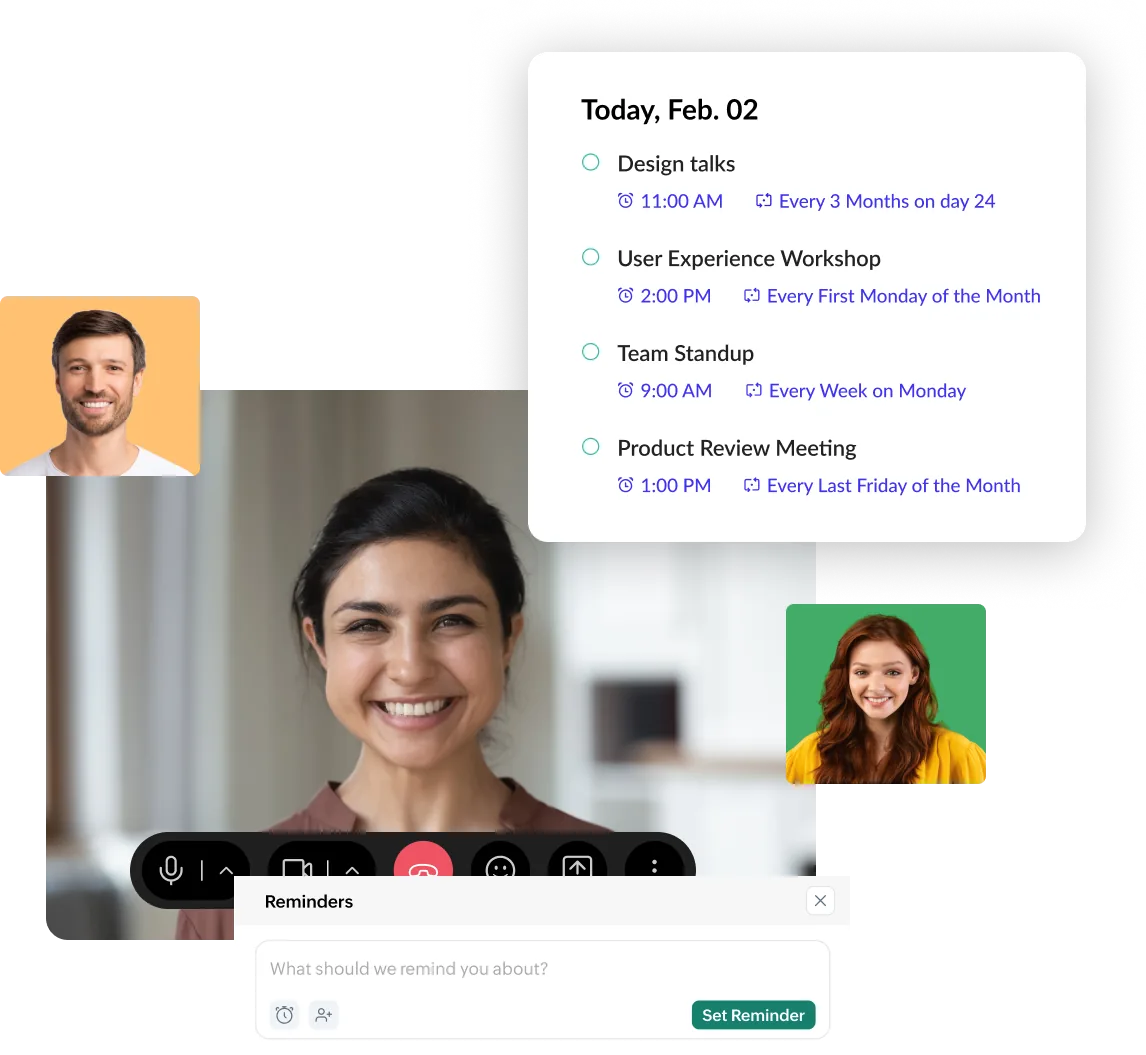
Set reminders that repeat daily, weekly, or on a custom schedule.
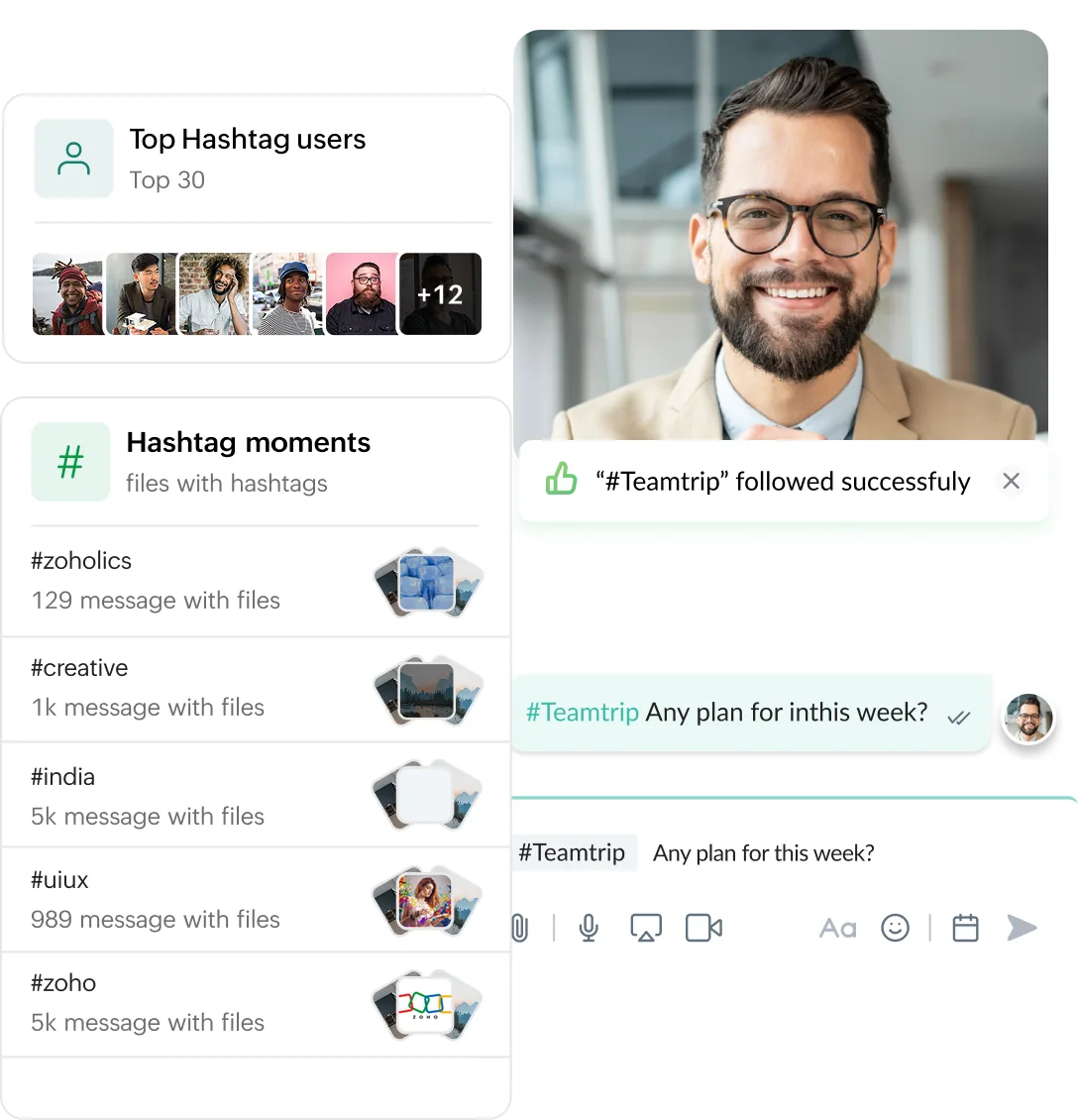
A tag applied consistently turns a scattered discussion into something you can pull up with one search. Plus, get an organization-wide view of which tags are used most.
Not every user needs the same plan. Mix and match license tiers based on individual usage for greater flexibility and cost efficiency.
Explore the Flexi Subscription planTestimonials

Cliq 7.0 has made my day-to-day work noticeably easier and more efficient. Advanced search, chat tabs, and multimedia summaries help me find information and catch up on conversations faster, while voice transcripts and recurring reminders make it easier to stay on top of communication and follow-ups. Overall, Cliq feels more organized and effortless, helping me save time and stay focused on the work that matters.
Sivadarsan Sudarsanan
Director Of Business Operations, Southwest Palliative Plus
From AI-native intelligence to enterprise-grade governance, this release is built for the way modern teams actually work. Start your journey today.


