
How do I reset my Zoho account password?
On the sign in page, click on the Forgot Password link.
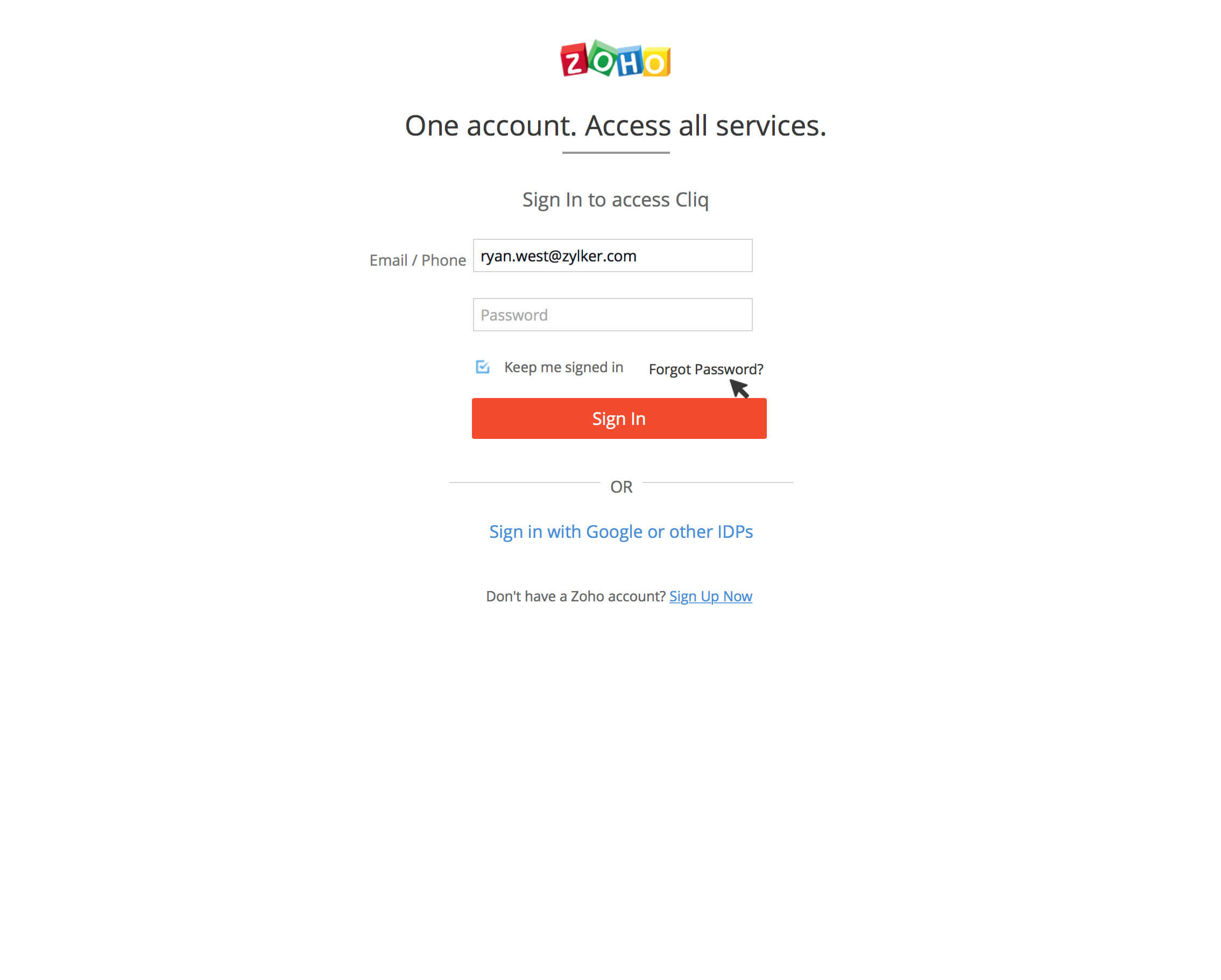
Once the Password Reset Request page appears. Enter the registered Zoho Accounts email Address in the Registered Email box. Then, enter the provided captcha and click on Request.

After Request is clicked, there are two outcomes possible based on whether the email is hosted in Zoho Mail (or) other servers.
1) Email hosted in Zoho Mail:
- When your email is hosted in Zoho Mail, you will not be able to access the password reset link that will be sent to your Zoho Mail id. Therefore the request will be sent to your admin.

2)Email hosted in other servers:
- The Password Reset link will be mailed to your email address.

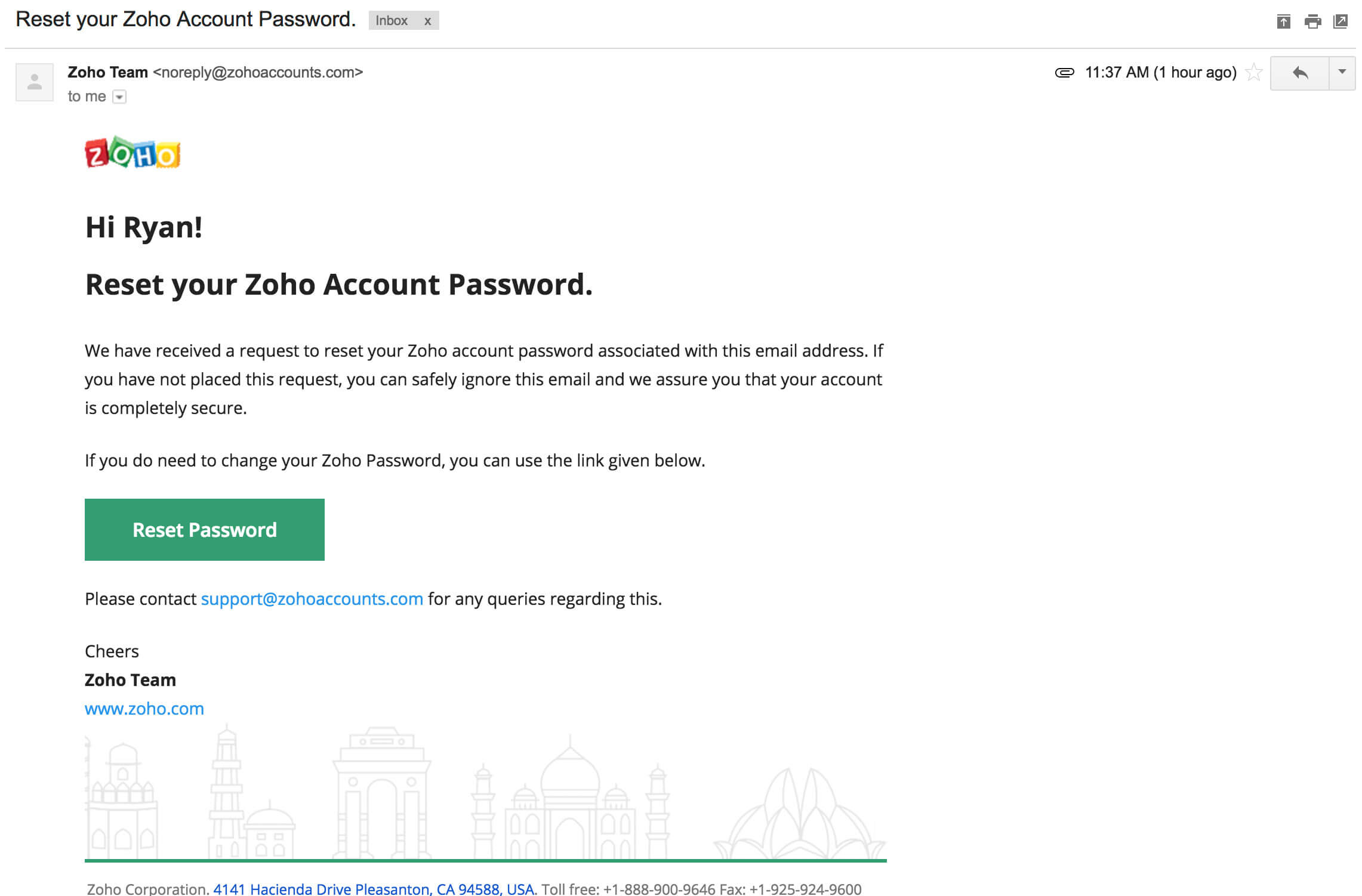
- Open the Reset password mail sent to you and click on Reset Password.
- The Reset Password page will appear. Enter your new password and click the Change button. Then, sign in to your account using the new password.
