How to delete the history of a chat?
You can delete the history of your 1-1 and group chats in your chat history. But do note that this will only clear your end of chat history and the messages will remain intact for other users of that conversation.
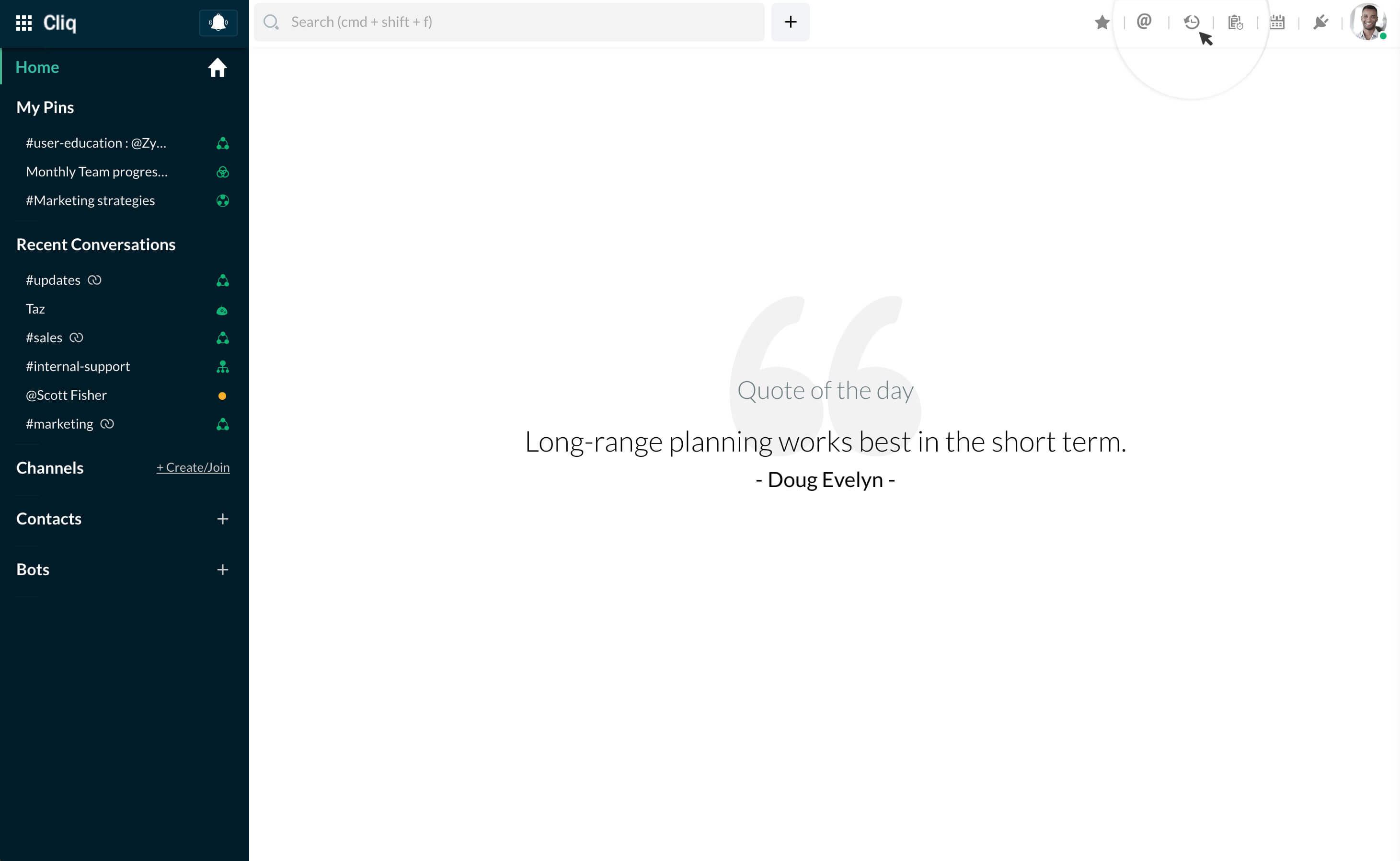
- To delete, go to your chat history by clicking on Chat History icon in top bar.
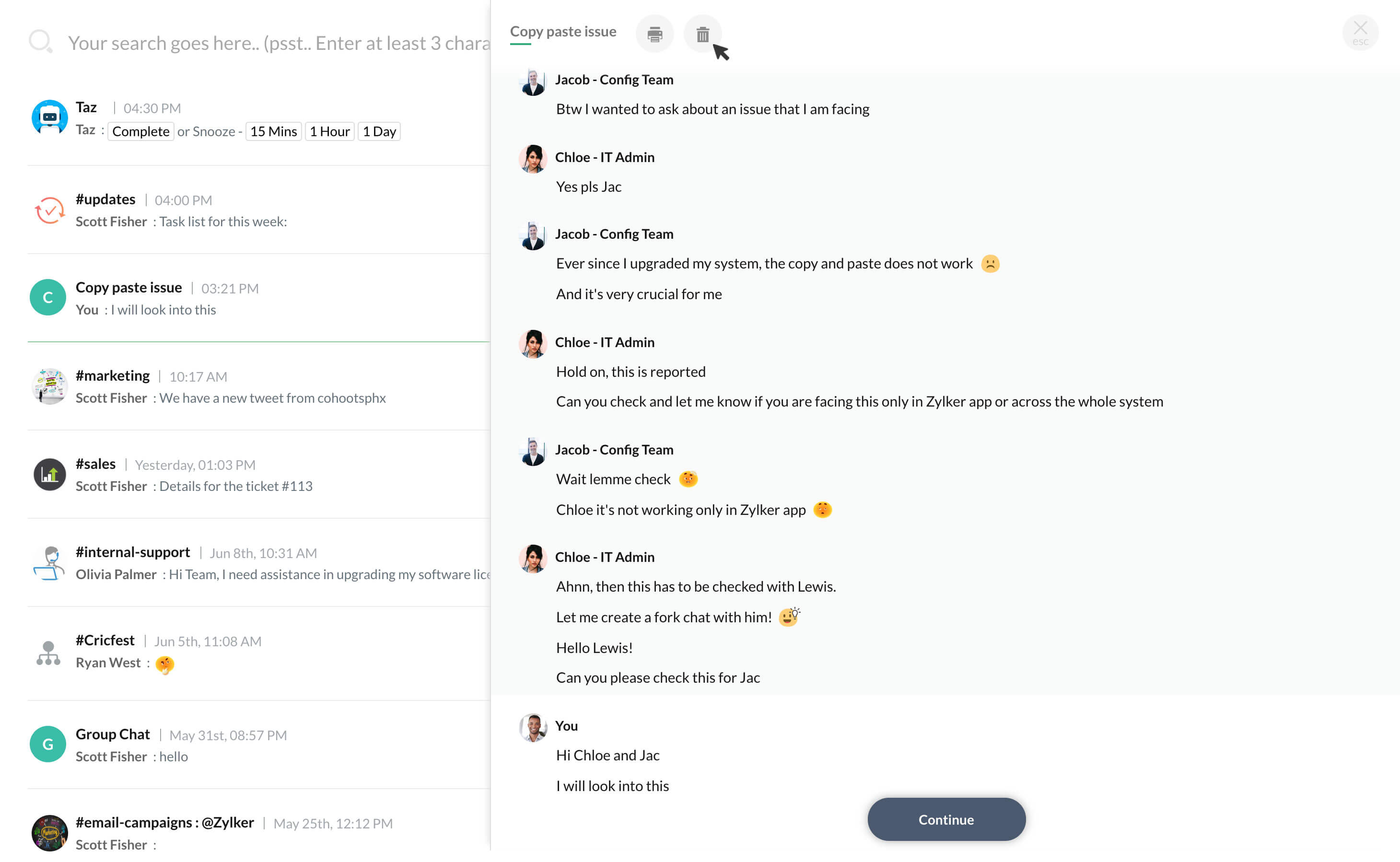
- Here, click on the chat you want to delete (or) type in search bar and then click on the required chat.
- The chat will open in the right side of screen. Click on Delete icon and a prompt will be displayed.
- Go ahead and select Yes, Delete.