FAQ
Resources
Resources
Help Docs
What's New
Blogs
Sign In
Sign Up
Sign In
Sign Up
Topics
General
Payment Pages
Payments
Recurring Payments
Coupons
Page Customization
Analytics
Payment Gateways
Integrations
GST Settings
VAT Settings
Back
How do I filter my payment list?
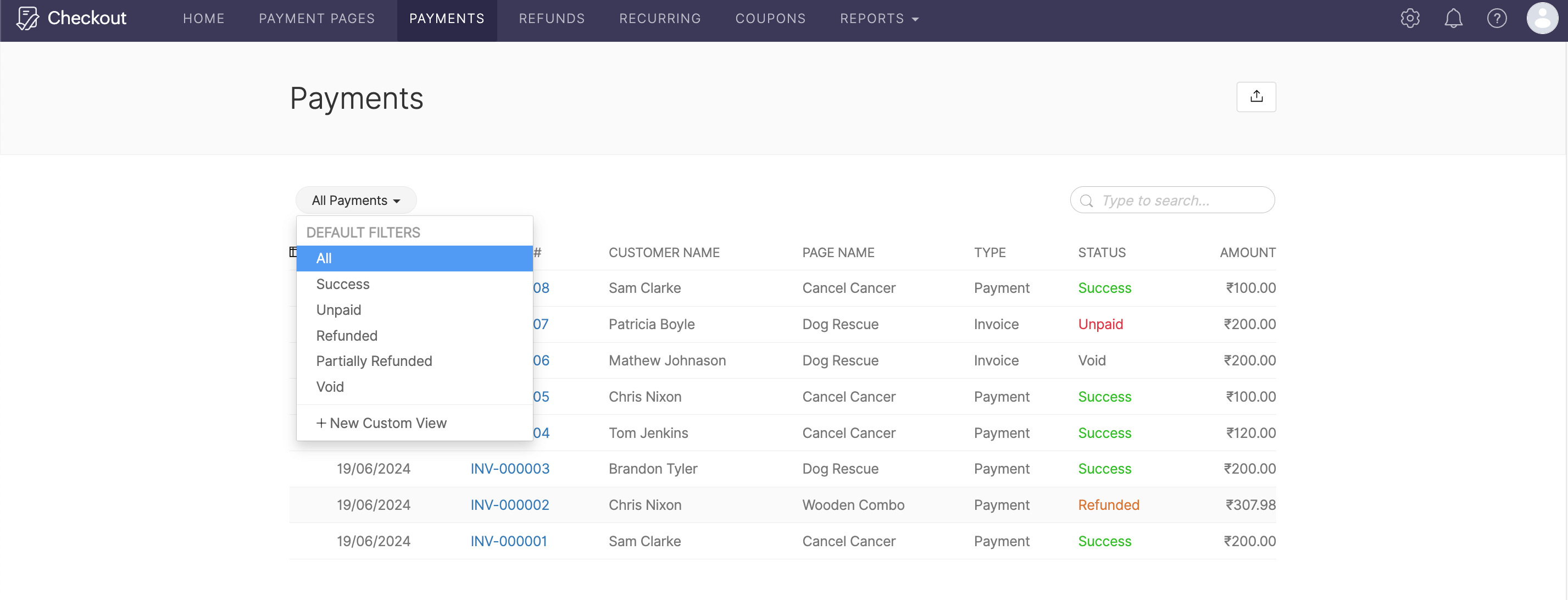
Open the
Payments
tab.
Select an option from the dropdown menu at the top of the window.
You can either select ‘All’ to list all your payments, or choose a specific payment status. Click
here
to learn more.
Join the Community Forum