
How do I integrate Zoho Checkout with Zoho Cliq?
To receive payment notifications in your Cliq channel, you can integrate Zoho Checkout with Zoho Cliq.
To integrate:
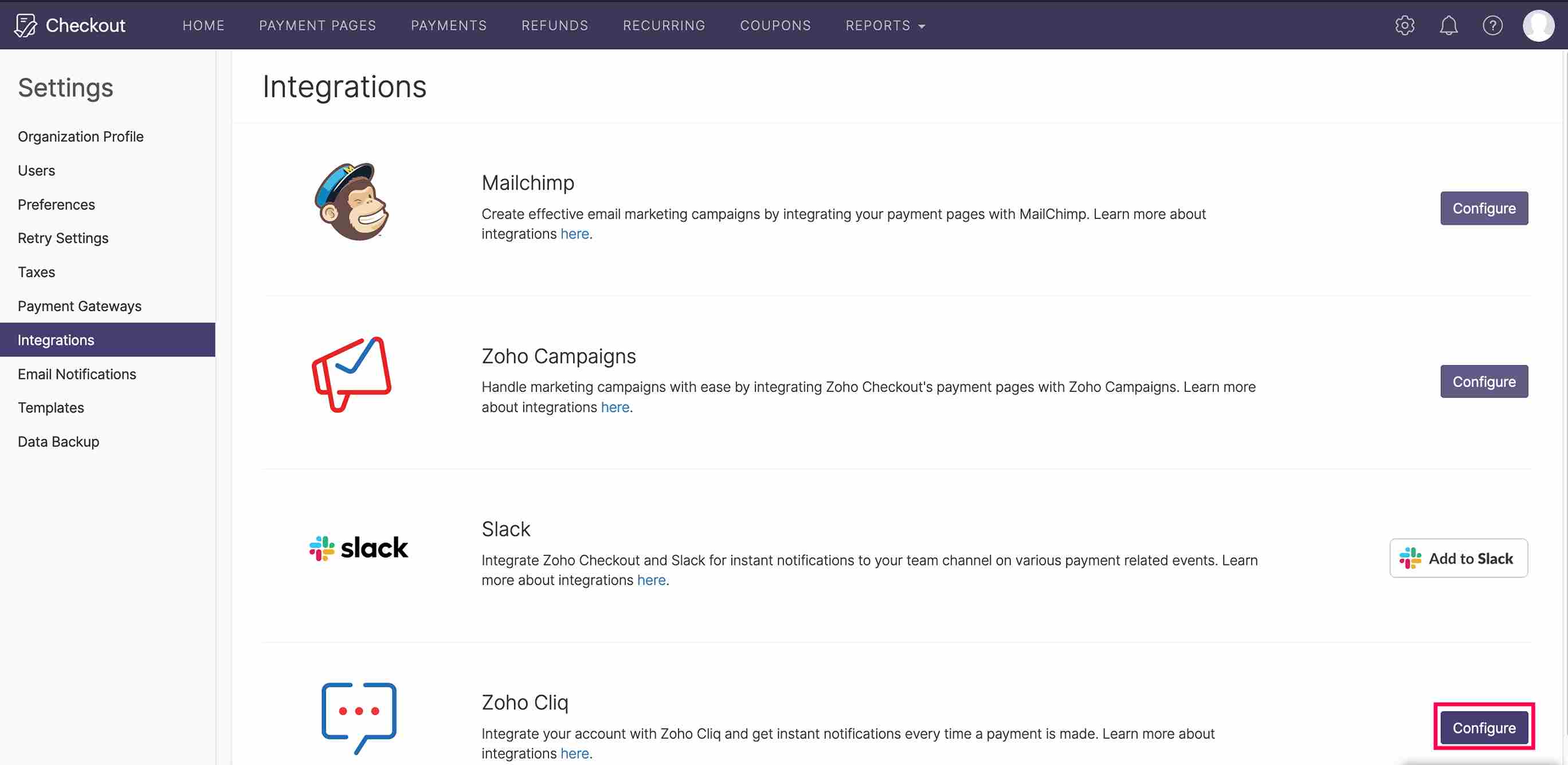
- Go to Settings and then select Integrations.
- Click Configure next to Zoho Cliq.
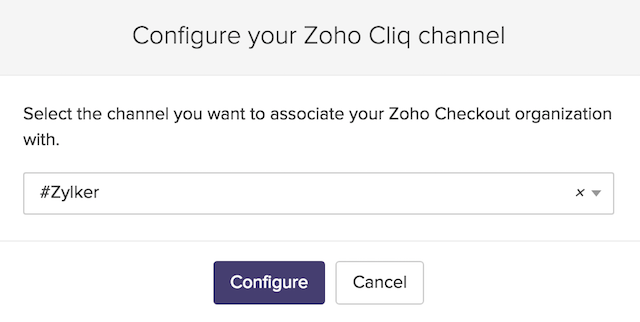
- Select the channel you want to associate your Zoho Checkout organization with and click Configure.
You will have successfully configured Zoho Checkout with your Zoho Cliq channel.