Let your calendar do the heavy lifting
With appointment booking, eliminate endless email chains or “Does Thursday at 3 p.m work?” loops. Set the rules once and let the system do all of the work.
Booking pages
Just set up your booking page, customize your availability, and share the link. Watch as appointments magically appear on your calendar.
Event generation
As soon as that slot is locked in, the system turns into your personal assistant and automatically generates calendar invites for everyone.
Smart conflict check
Our system smartly cross-references your master calendar, guaranteeing you won't accidentally be double-booked for the same hour.
Why you'll love appointment booking
Our customization options ensure that your online scheduling doesn't look like everyone else's. You get all of the automation benefits plus a unique brand experience that impresses clients and powers your growth.
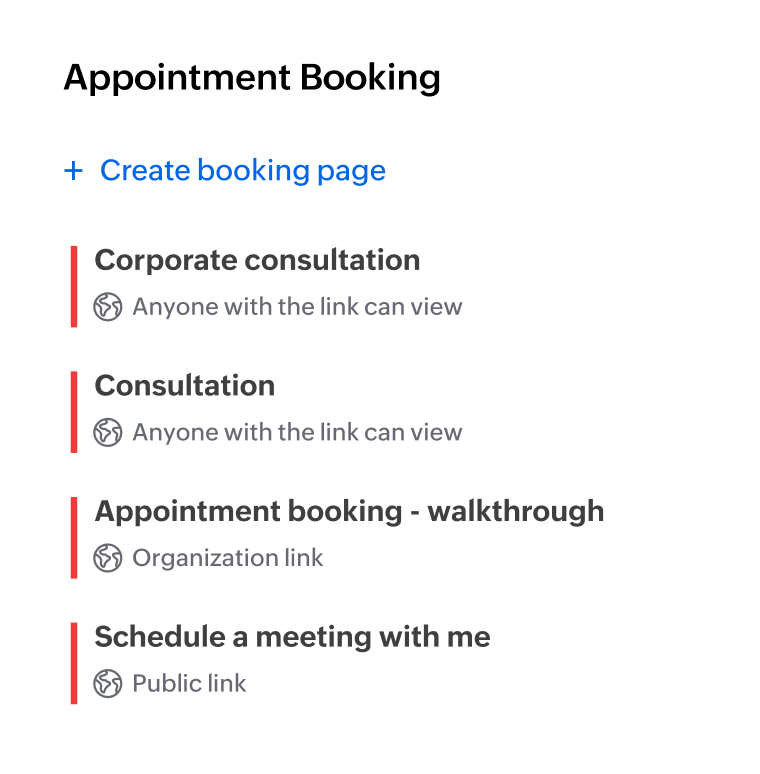
Set up multiple booking pages
From your formal consultations and initial screenings to intense coaching or casual team huddles, create distinct booking pages for every purpose.
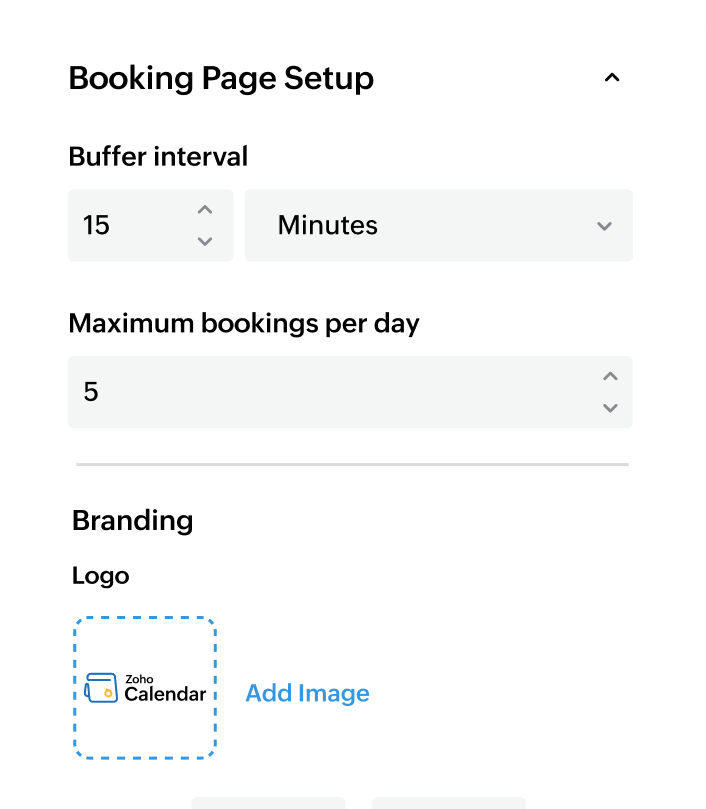
Customize your booking pages
Lay out your entire availability times for all the days in one neat spot. Brand your booking page to perfectly align with your company's visual identity.
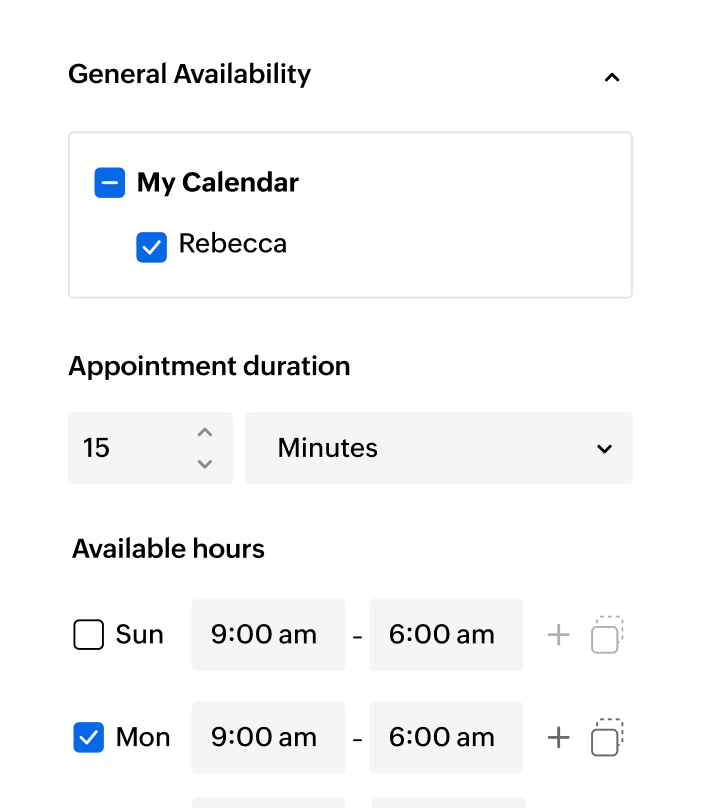
Let others know when you're available
Never be overwhelmed with appointments. Define flexible meeting lengths, automatically enforce mandatory buffer times between appointments, and set a maximum number of appointments per day.
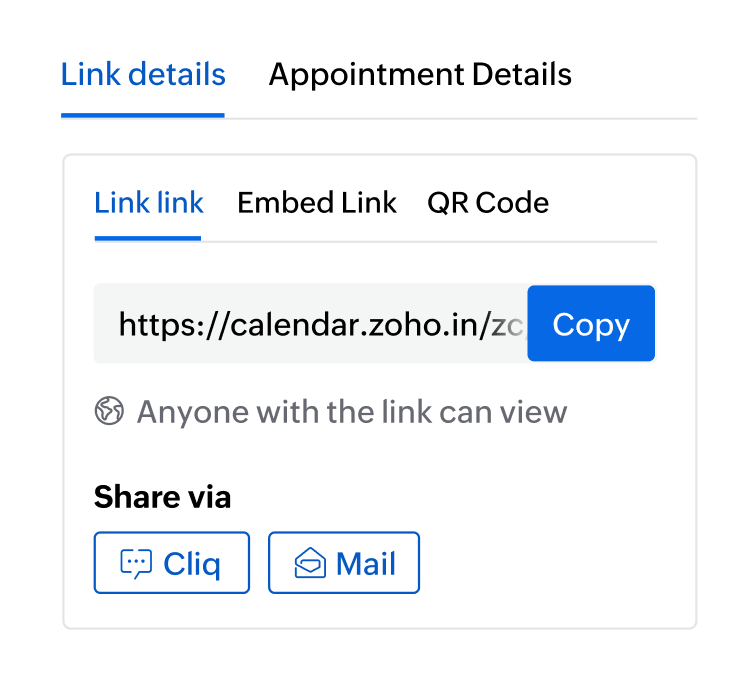
Make your availability easily accessible
Instantly send the link or a QR code of it via email (Mail) or chat (Cliq) or embed the link or button into your company website or professional landing pages.
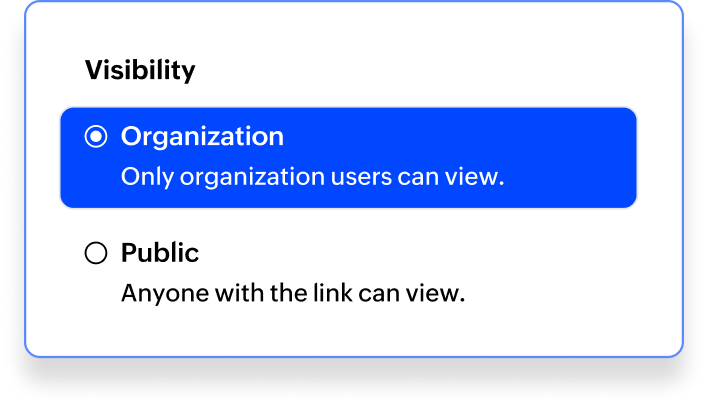
Control what you show others
Publish an open booking page for a public-facing event or a restricted one for internal collaboration. Only the availability is shared, not your private event details.
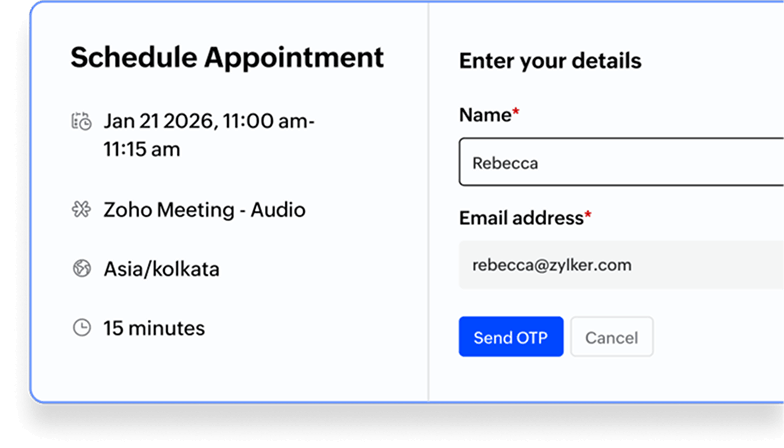
Verified appointments
Dodge annoying spam bookings by requiring guests to verify their email before they can lock in an appointment with you.
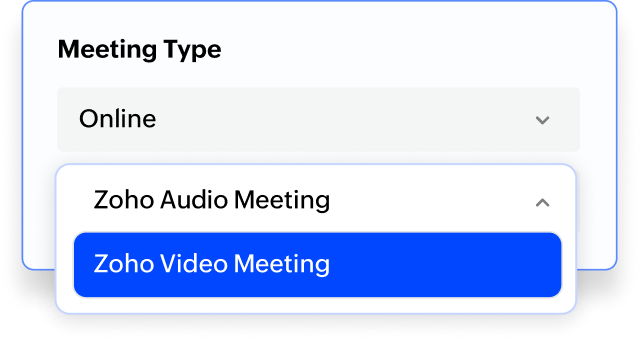
Bring conferencing along
For online meetings, integrate the Zoho Meeting conferencing tool so every confirmed booking automatically gets a unique meeting link.
Set up your first appointment today
Zoho Calendar's Appointment Booking doesn't just offer equivalent functionality as others, but comes with nifty customizations, strong privacy controls, and native integration within the wider Zoho Workplace ecosystem.
Frequently asked questions
Log into Zoho Calendar. Click the Appointment Booking icon in the right pane, next to the Settings icon. Click + Create booking page at the top of the panel to open the Booking Page Setup view. This page includes fields and options to define your booking preferences. Fill in the sections to create an appointment link.
Yes, you can choose a buffer interval that determines how much time should be kept between consecutive bookings.
While creating your booking page, you can set the maximum number of appointments that can be booked in a single day. This limit is determined by the Appointment Duration and Buffer Interval you configured.
Zoho Calendar provides an embed code (found in the Booking Page settings). Just copy and paste that snippet into your website's HTML to give your site a professional, integrated booking portal.
You can cancel a booked appointment directly from the confirmation email you received after booking. After cancellation, the appointment is automatically removed from both your calendar and the host's calendar, and the host is notified.