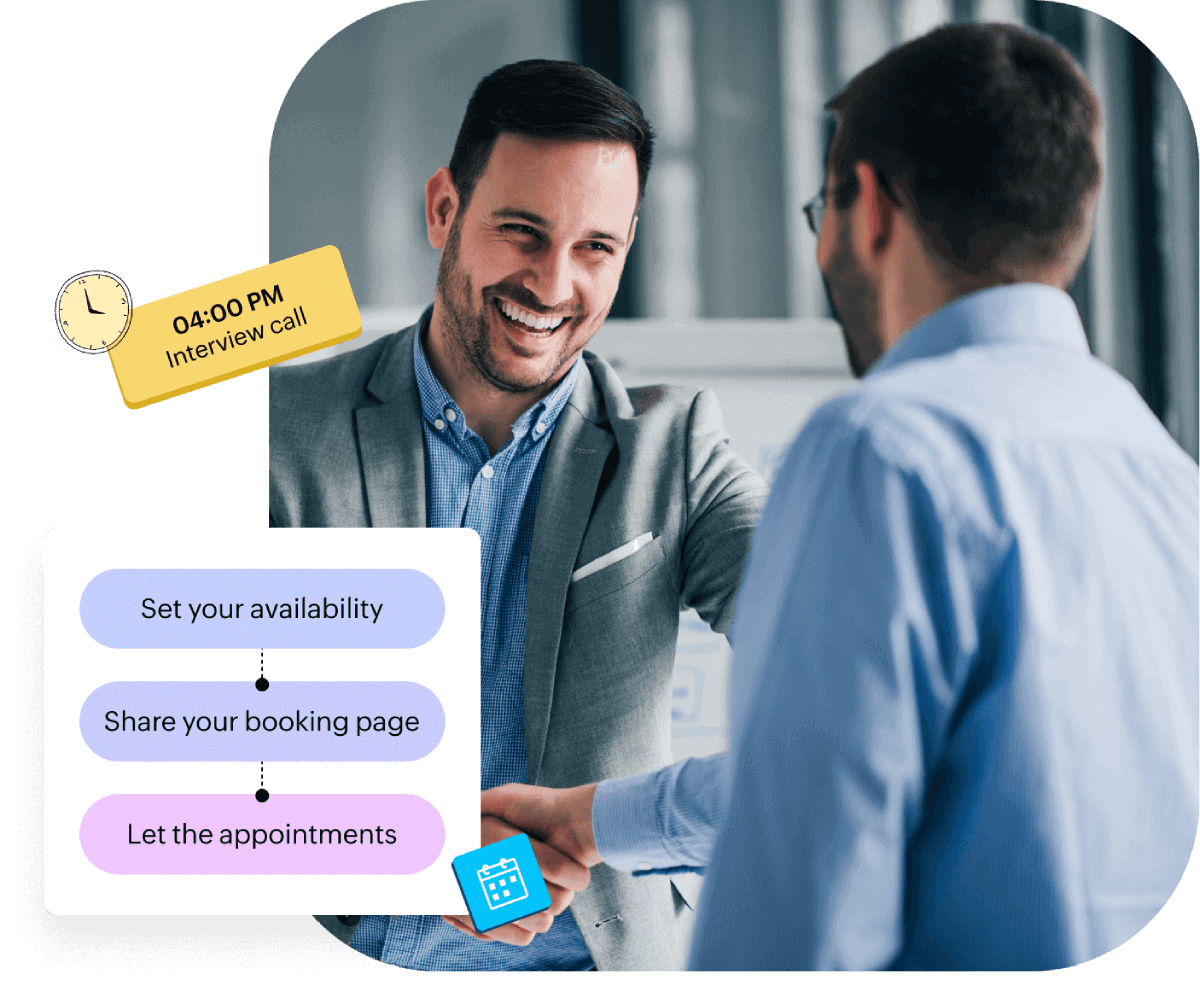
What if your interview scheduling goes off track?
Interview scheduling is a critical step that directly impacts your growth. When it breaks down, it triggers a chain reaction: delays, drop-offs, and lost talent.
Let’s look at what’s really at stake for both recruiters and candidates when manual rescheduling and back-and-forth communication cause delays and eventually put you in the backseat.
Delays and drop-offs
Recruiter perspective
Top candidates slip away due to delayed coordination.
Interview no-shows disrupt tightly packed schedules.
Manual rescheduling consumes hours every week.
Candidate perspective
There are long wait times just to get an interview slot.
Available time slots don't align with personal schedule.
Overlooked rescheduling requests lead to missed opportunities.
Process breakdowns
Recruiter perspective
Panelists miss invites or double book due to scattered communication.
Misaligned time zones cause confusion and late starts.
Candidates drop off during back-and-forth coordination.
Candidate perspective
Conflicting links or unclear instructions cause confusion.
Interviewers are unavailable at the scheduled time.
Lack of timely confirmations creates uncertainty.
Business impact
Recruiter perspective
High-potential candidates are lost to competitors.
Inefficiencies in the hiring process end up pushing the cost per hire.
Sourcing succeeds, but conversions remain low.
Candidate perspective
Disjointed processes reflect poorly on employer branding.
Inconsistent experience lowers confidence in the role.
Friction in early stages raises red flags about company culture.
Now, what solves all that? Interview scheduling software!
What is interview scheduling software?
Job interview scheduling software is a tool that automates the process of coordinating interviews between candidates, recruiters, and interviewers.
It removes manual tasks like back-and-forth emails, calendar checks, and rescheduling efforts. The result is a faster and more reliable interview process for both hiring teams and candidates.
Why it matters
A single missed opportunity or delayed response can cost you a qualified candidate. Uncoordinated interviews can affect hiring speed, candidate experience, and overall cost per hire.
Interview scheduling software like Zoho Bookings ensures interviews are planned with precision, keeping hiring timelines on track and candidates engaged throughout the process.

Built for every recruiter. Ready for any interview.
Whether you're handling back-to-back interviews or coordinating final rounds with leadership teams, Zoho Bookings adapts to your hiring process.
- Enterprise recruiters
- Technical recruiters
- Campus hiring teams
- Executive search firms
- Internal recruitment
- Freelance recruiters
- Contract hiring specialists
- High-volume hiring teams
- Remote recruiters
Keep talent moving your way with Zoho Bookings
"We’ll get back to you" shouldn’t be the start of a candidate’s journey. Yet, it often is, due to scattered calendars, unavailable panels, and long back-and-forths.
Zoho Bookings changes that. Candidates can choose time slots based on real-time availability that allows recruiters and candidates to save time and get timely reminders. Interviews are scheduled faster, communication is clearer, and the entire hiring process moves forward without delays.
- AI-powered setup
- One-on-one interviews
- Panel interviews
- Preferred time slots
- Screening candidates
- Automated communication
- WhatsApp notifications
- Custom workflows
Interview scheduling features for better recruiting
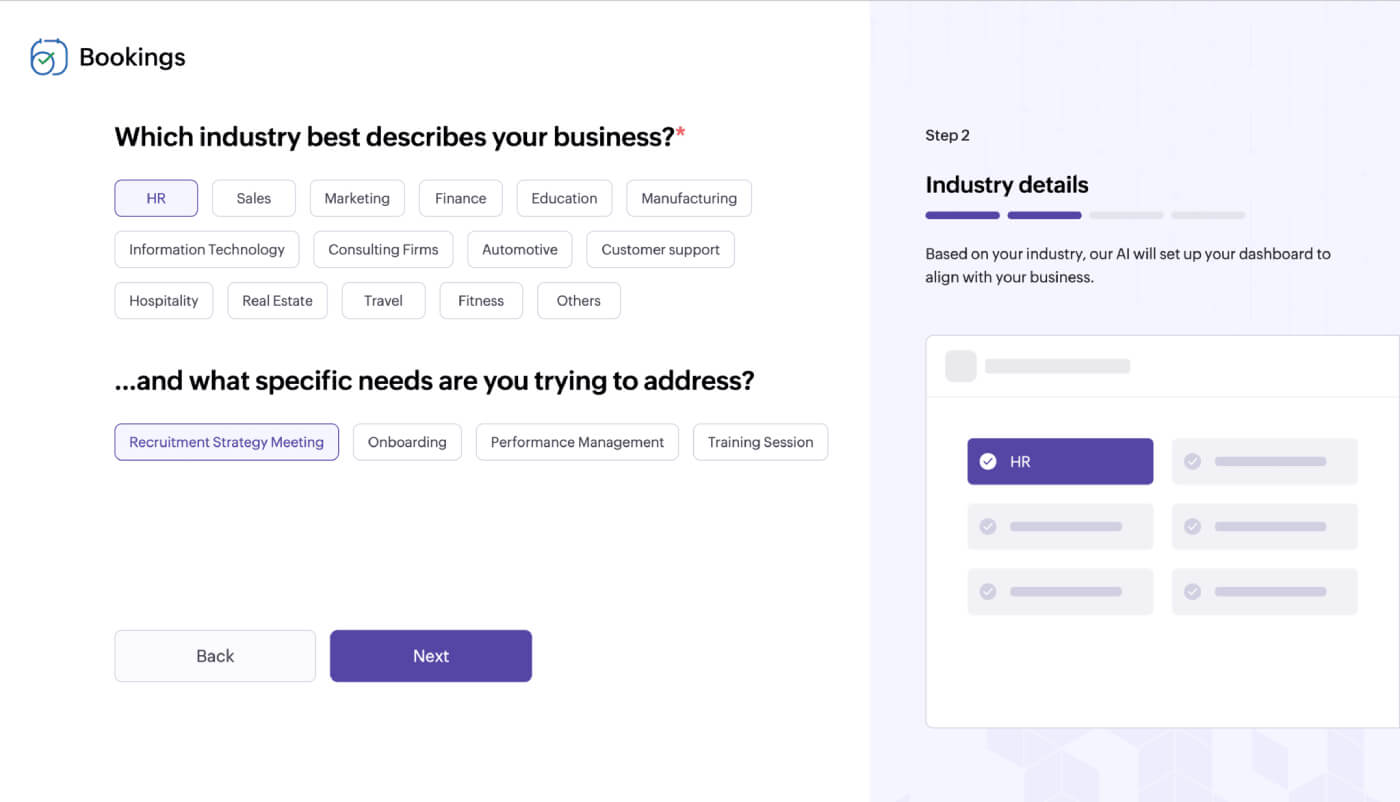
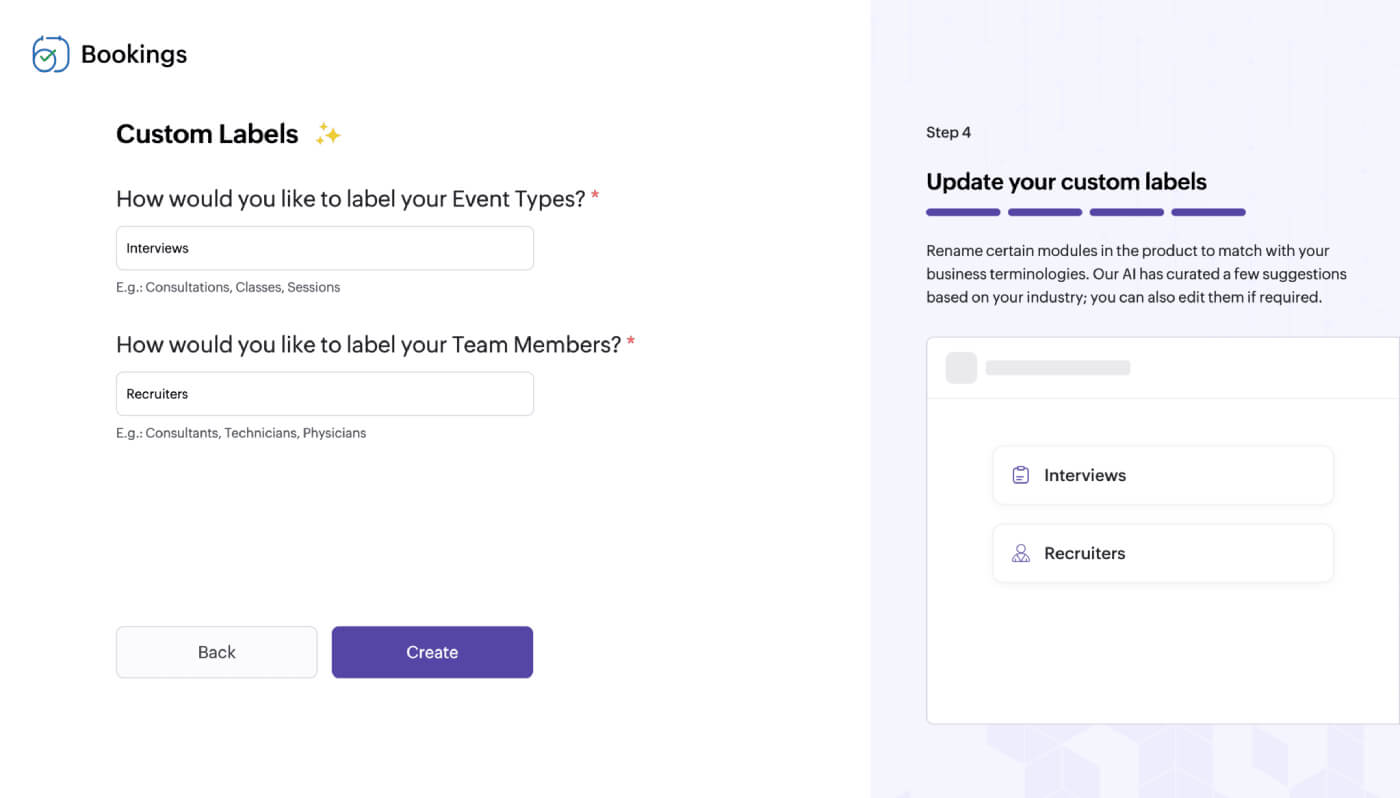
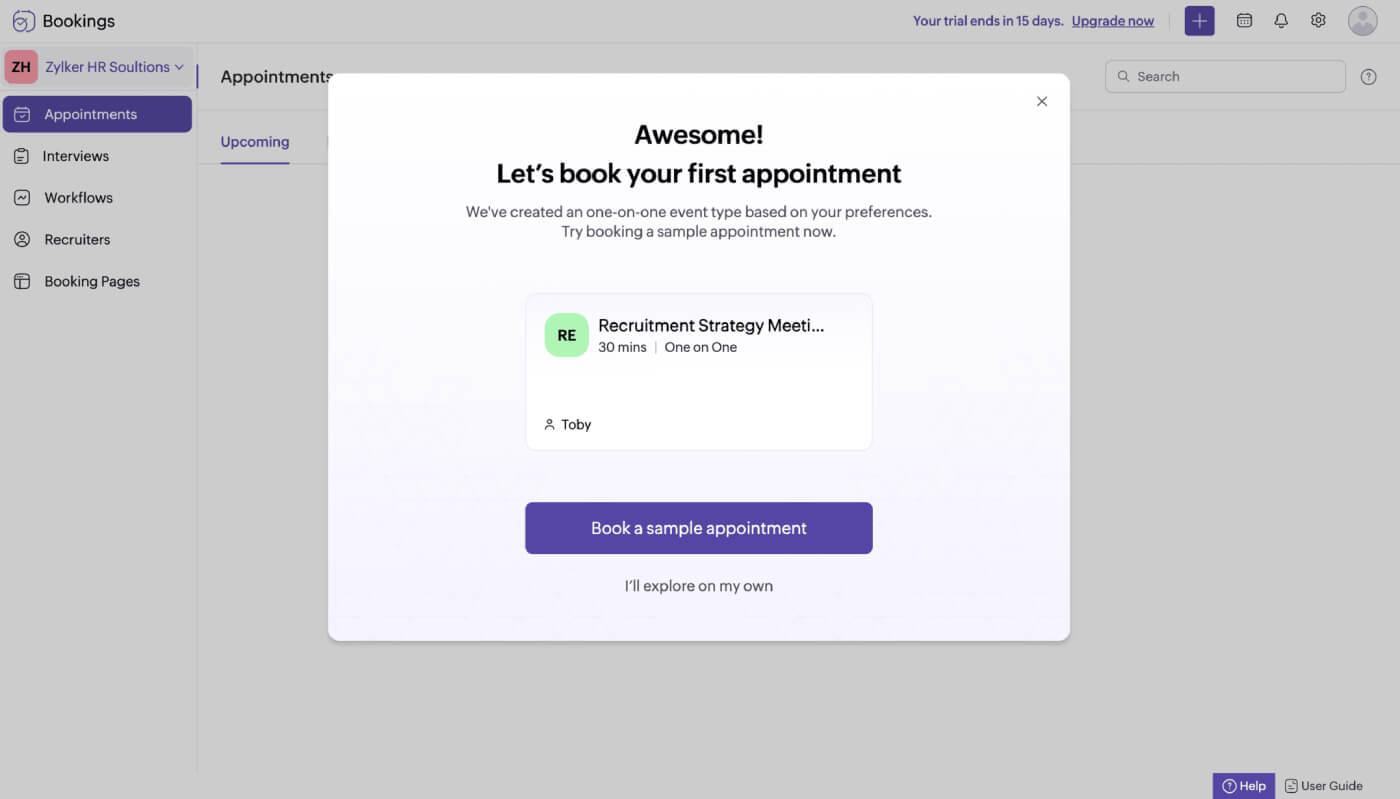
AI-powered setup
Zoho Bookings' AI-powered setup lets your recruiters start scheduling interviews with a customized dashboard and tailored interview types that are ready to share with candidates.
One-on-one interviews
Let candidates book interviews based on the interviewer's real-time calendar availability. No more back-and-forth emails, time zone confusion, or accidental double bookings.
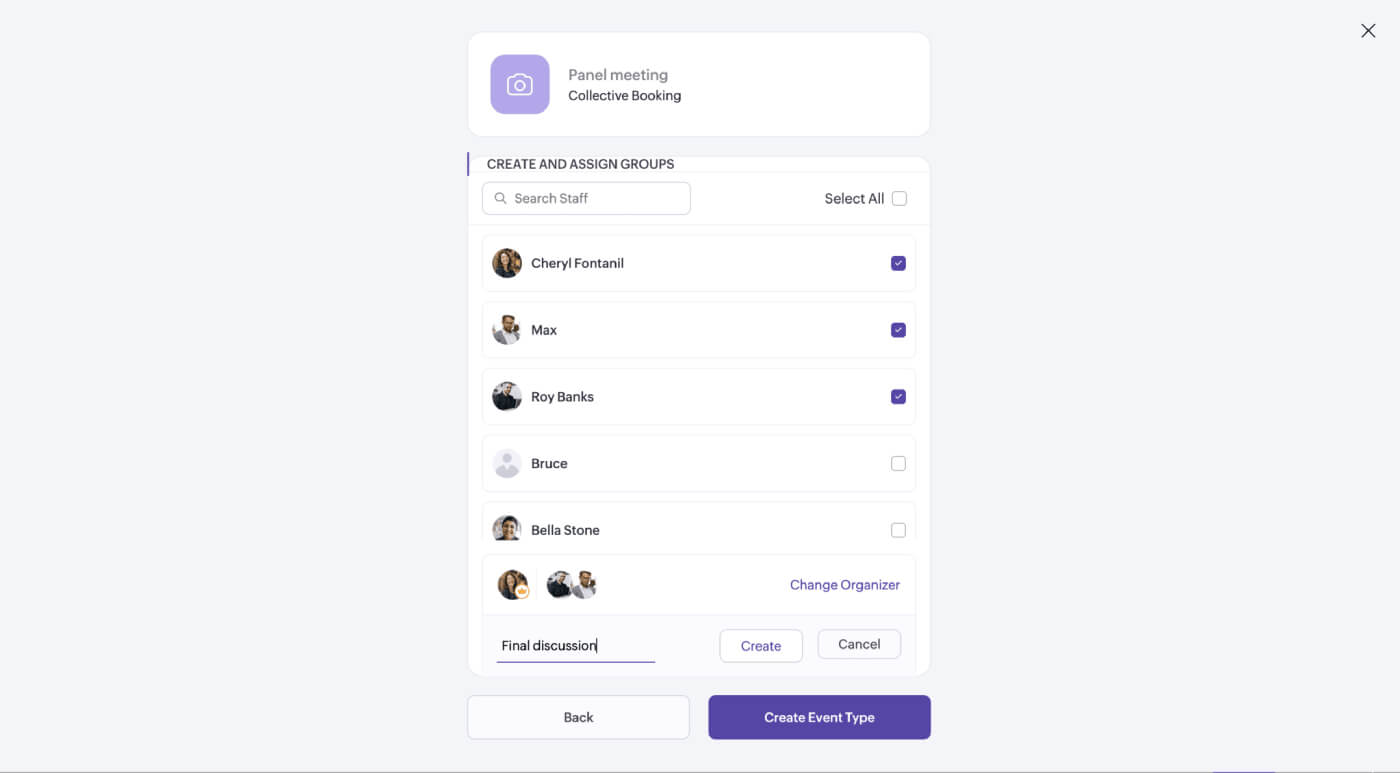
Panel interviews
Candidates get a shared link to view the panel’s availability and pick a time that works for everyone. Reminders go out automatically, so no one misses the interview.
Share preferred time slots
The Zoho Bookings browser extension lets you share a few preferred time slots into emails, or share a booking link via LinkedIn while you draft messages. Candidates can choose a time and schedule their interviews in no time.
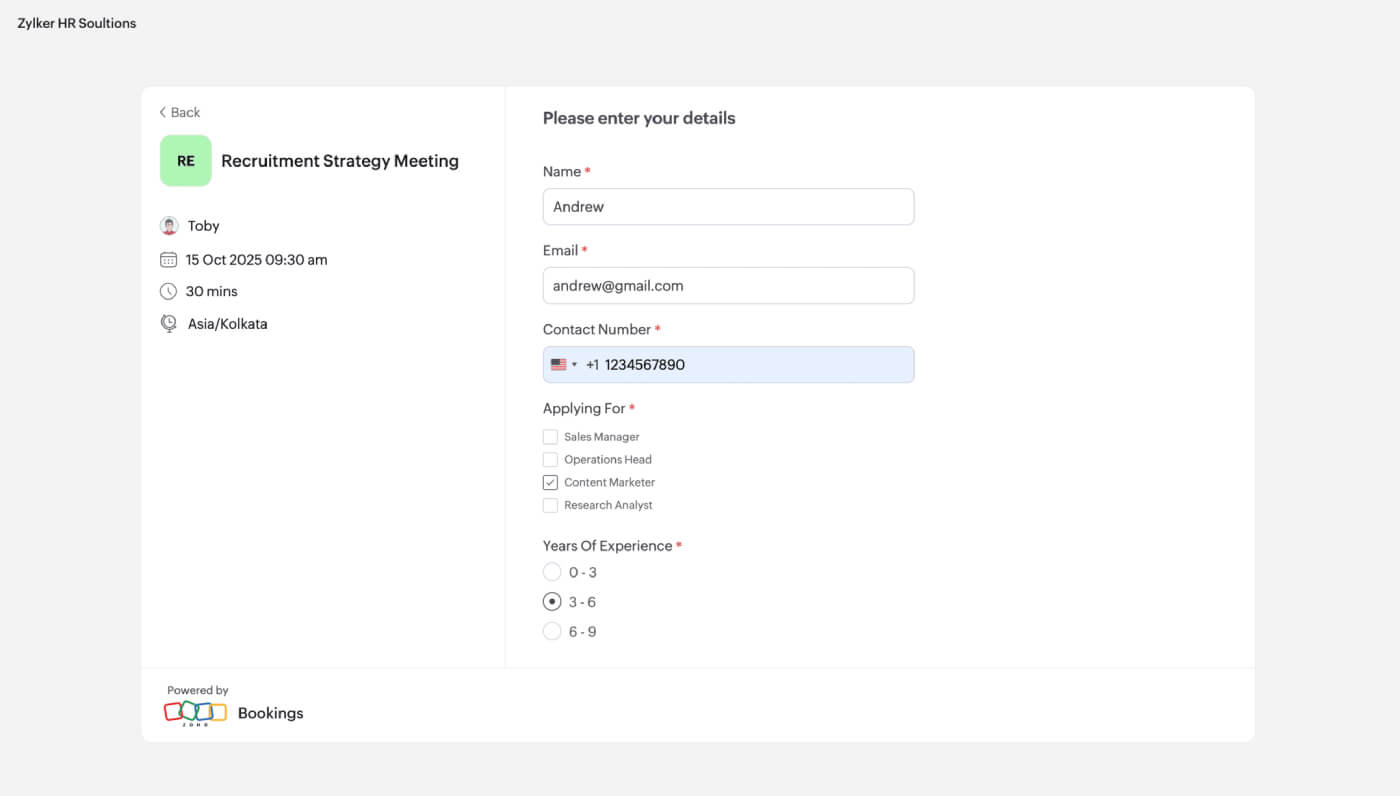
Screen candidates while scheduling
Screen candidates before the interview begins. Add custom fields to your booking forms—like years of experience, portfolio links, certifications, preferred job location, or even resume uploads via cloud links.
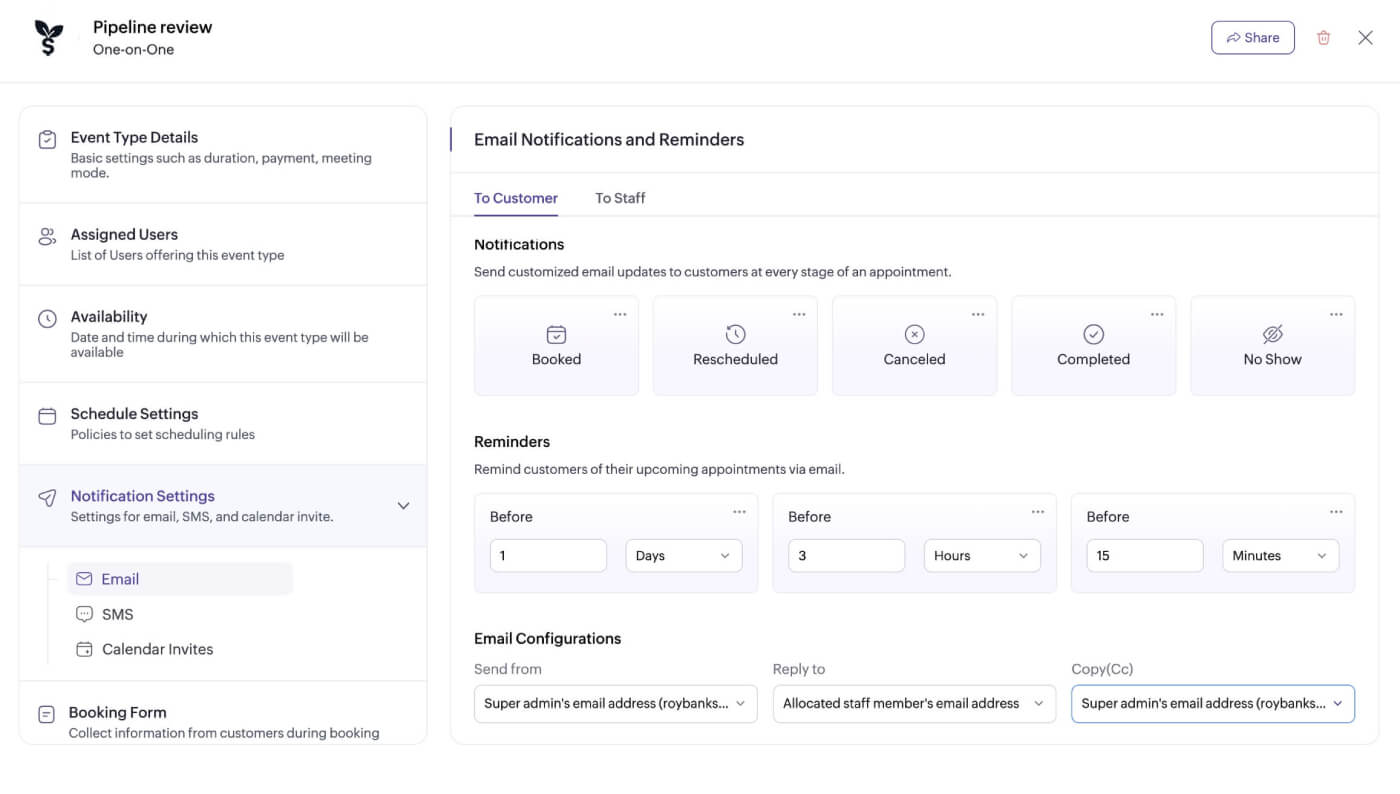
Automated interview notifications and reminders
Automatically notify and remind both recruiters and candidates via email and SMS to ensure everyone is on the same page and interviews happen without missed or delayed interviews.
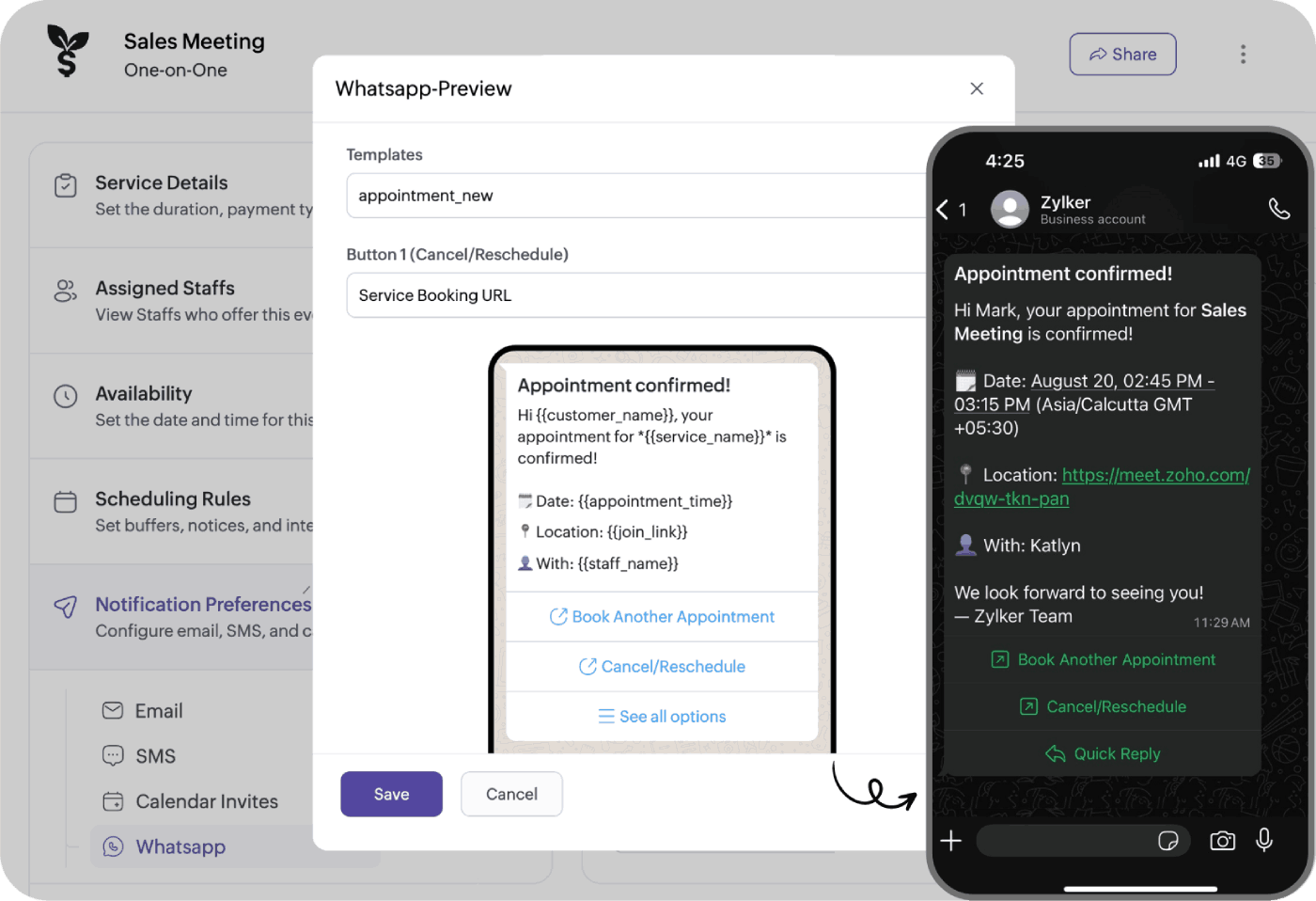
WhatsApp notifications
Reach candidates where they’re most responsive. Send interview confirmations, reminders, and let both recruiters and candidates handle cancellations or changes without any communication gap.
Custom workflows
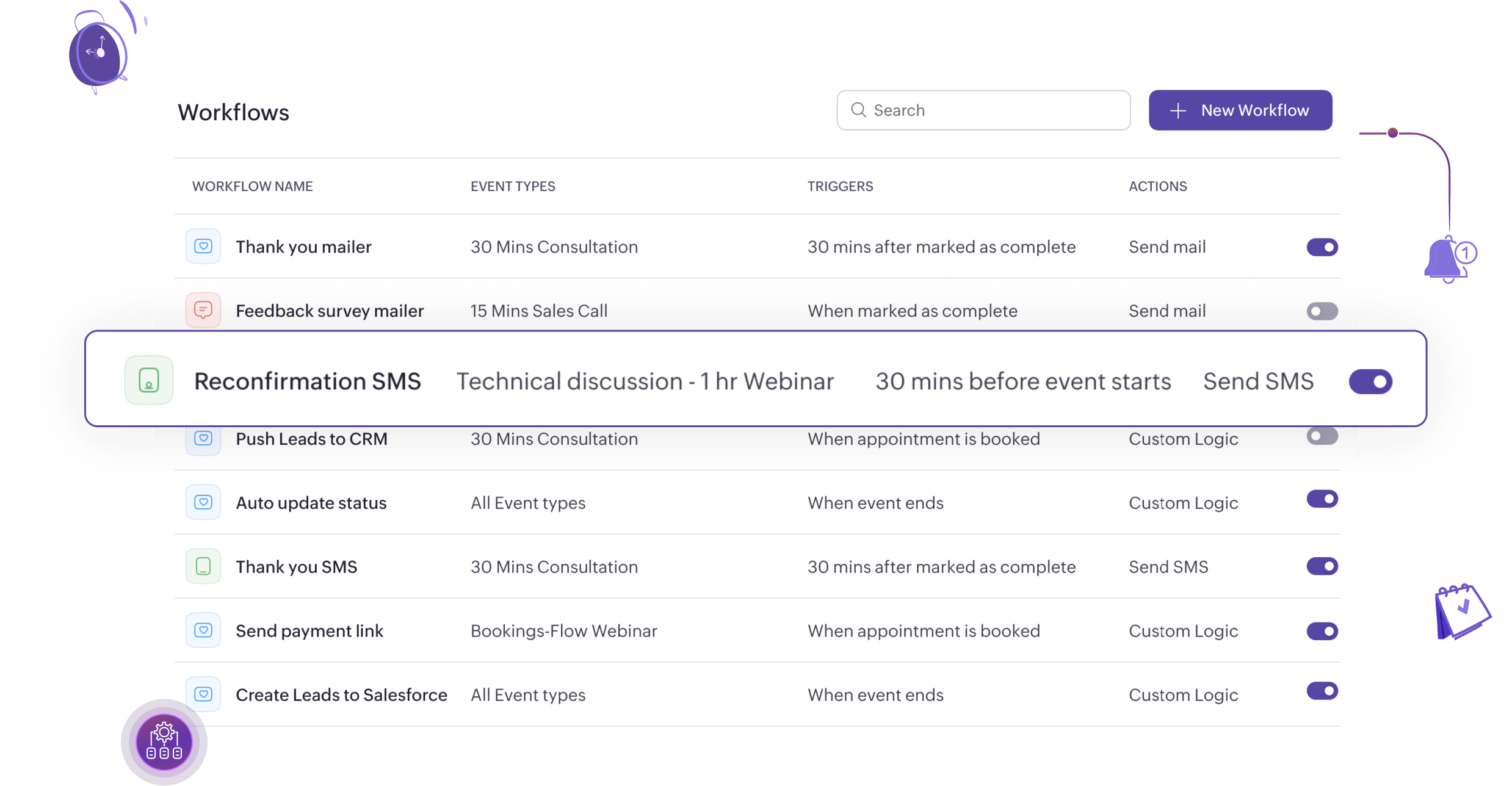
Spend less time on follow-ups and more time on hiring decisions. With automated workflows, trigger thank-you emails, feedback forms, and more.
Start your 15-day free trial with Zoho Bookings
The fastest way to get interviews on the calendar!
Sign up nowFrequently Asked Questions
1. How does Zoho Bookings support hybrid hiring models?
You can mix and match booking types for remote and in-person interviews, assign different interviewers per round, and manage it all from one centralized dashboard.
2. Can candidates share their resume while booking an interview?
Absolutely! You can add a custom field in the booking form where candidates can share a cloud storage link (like Google Drive, Dropbox, or Zoho WorkDrive) to upload their resume before the interview.
3. Can I customize the booking experience with my company’s branding?
Yes, you can personalize your booking page with your logo, brand colors, and custom messaging to maintain a consistent candidate experience from the first interaction.
4. Can I embed Zoho Bookings in our career page or applicant portal?
Yes. You can embed booking pages directly into your career page or share booking links on job listing pages and candidate portals.
5. Can I restrict interview bookings to specific roles or job openings?
Yes. Using appointment limits, you can control how many interviews can be booked for each role or job opening. This helps you manage bandwidth, avoid overbooking, and keep your hiring process organized.