Put your DMV appointment scheduling in the fast lane

Managing a DMV (Department of Motor Vehicles) office means dealing with relentless scheduling demands. Without smart tools, wait times increase, service suffers, and frustration builds. Zoho Bookings helps you navigate the speed bumps, so appointments stay on track and your staff can deliver a smooth customer experience from start to finish.

Try for free

Navigate DMV appointments easily with Zoho Bookings

Online bookings

Get access to AI-powered booking pages. Customers can book services like vehicle registrations and driving tests, as well as appointments for driver’s licenses, ID cards, and special permits, saving time for both them and your staff.

No more appointment delays

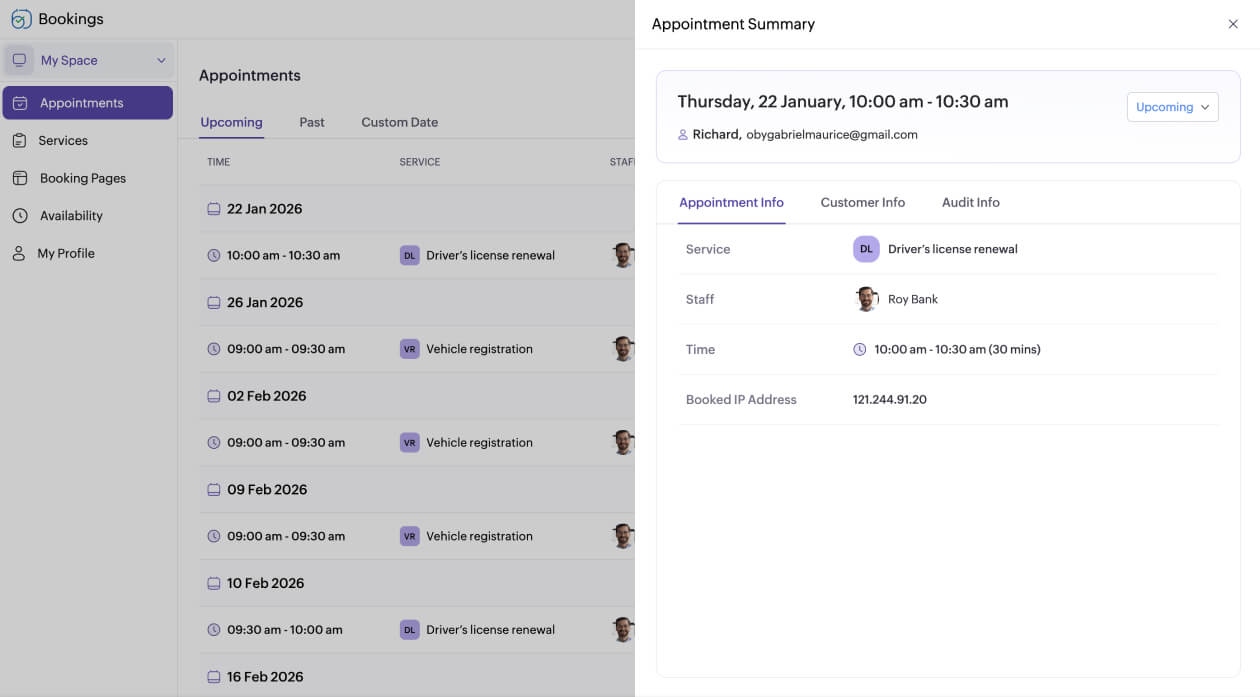
Late and missed appointments disrupt your day, waste staff time, and slow down service for everyone. With automated confirmations and reminders via email, SMS, or WhatsApp, both staff and customers stay on schedule.
Navigate DMV appointments

Why DMVs need appointment scheduling software

If your DMV office is experiencing any of these bottlenecks, it's time to consider appointment scheduling software:

  • Long waits and confusing instructions frustrate customers.
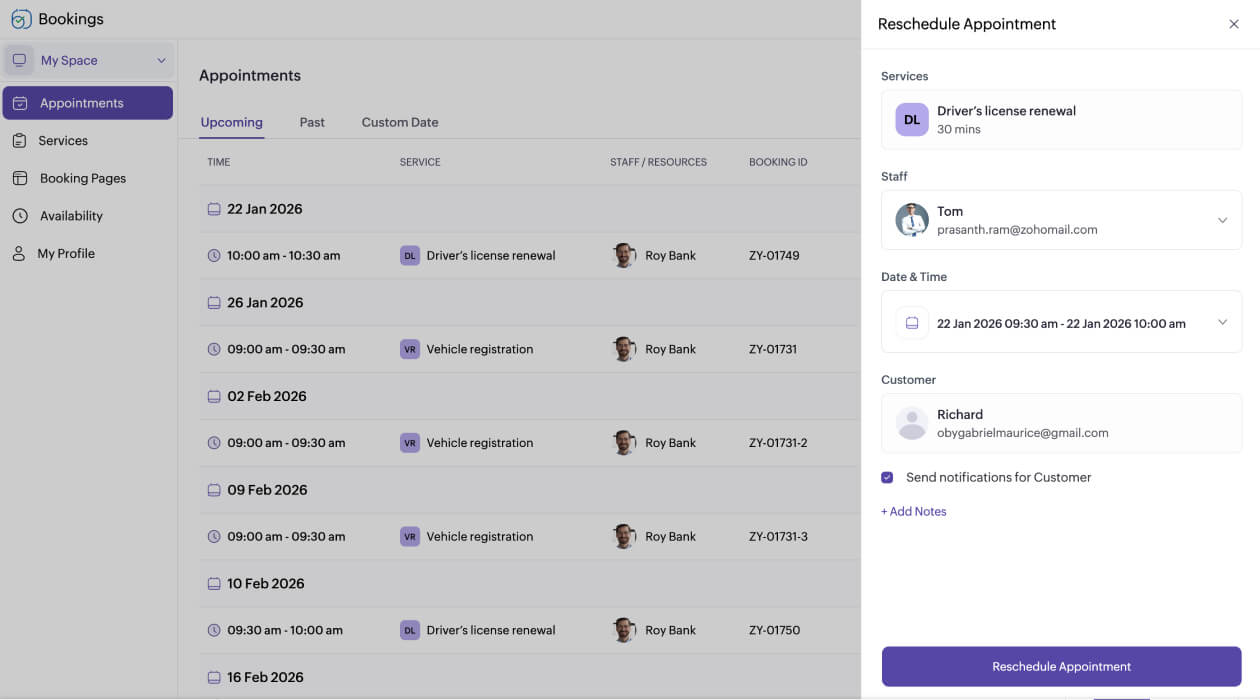
  • Calling and texting to reschedule eats up hours that could keep the day moving.
  • Handling cash and card transactions at the counter slows down service.
  • Without a clear schedule, some counters become overloaded while others sit idle.
  • Sudden visitor surges clog counters and throws off the day's flow.
Why DMVs need appointment scheduling software

Zoho Bookings keeps every DMV service in motion

  • Driver’s license renewal
  • Vehicle registration
  • Permits and road tests
  • Title transfers
  • Driving record requests
  • Special services
Explore Zoho Bookings now

Untangle your DMV scheduling with smart appointment software

01

Easy setup with AI

Getting started doesn’t have to be a long process. Zoho Bookings AI guides you through setup quickly, automatically configuring the in-app labels.

02

AI-powered booking pages

No need to design separate booking pages from scratch. Just provide your DMV website URL, and Zoho Bookings' AI automatically fetches your logo, brand colors, contact information, and social media handles.

03

Multiple locations

Managing multiple DMV branches? Zoho Bookings handles staff schedules, services, and appointments across all locations. Oversee every office from a single dashboard for better coordination and reduced wait times.

04

Appointment limits

Prevent overcrowding by setting booking limits per service, staff member, or day. This ensures smoother traffic flow, reduces wait times, and helps your staff manage workloads efficiently.

05

Reserve priority slots

Offer select time slots for services like driving tests to help customers book faster and staff manage traffic more efficiently. This shows respect for everyone's time and ensures that appointments run smoothly.

06

WhatsApp and SMS alerts

Keep customers informed without the added effort. Automated WhatsApp notifications and reminders notify and remind them of upcoming appointments, and they can reschedule or cancel with a single click.

07

Appointment booking fees

For specialized services like commercial licenses or driving tests, you can collect booking fees upfront—either in full or as a partial payment. This adds certainty to your schedule and reduces last-minute cancellations.

08

Online document uploads

Customers can submit documents in advance via notifications using a cloud link, such as proof of residence or insurance, so staff can process appointments faster. This reduces paperwork at the counter and speeds up service.

Accelerate your DMV scheduling with Zoho Bookings

Start a 15-day free trial—no upfront fees and no credit card necessary.

Try for free

Frequently Asked Questions

1. What is DMV appointment scheduling software?

DMV appointment scheduling software allows DMV offices to manage customer appointments online, eliminate queues, automate payment collection, and optimize operations across multiple services and branches.

2. Can customers reschedule or cancel appointments easily?

Yes. There are many and easy ways to cancel or reschedule appointments, such as email, SMS, and WhatsApp. This allows customers and staff to make changes to their appointments without any hiccups.

3. Does the system support multilingual booking pages?

Absolutely. Build and customize booking pages in multiple global languages, and set time zones based on your preferences to ensure you and your customers are on the same page.