

Welcome to Zoho BillPay!
New to Zoho BillPay or need help with a specific topic? Find everything you need to learn about Zoho BillPay in our comprehensive help docs.
Dashboard
Get a consolidated view of vendor bills, payments, and outstanding payable, all in one place.
Vendors
Onboard vendors, configure approvals for vendors, add vendor bank accounts, and track bills, payments, and credits.
Vendor Payments
Connect with banks or payment gateways to manage vendor payments directly from BillPay.
Integrations
Integrate with other Zoho and third-party apps to extend Zoho BillPay's capabilities and enable connected workflows.
Analytic Reports
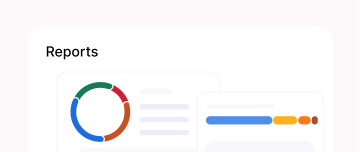
Analyze vendor bills, payments, credits, and payment trends using built-in analytic reports.
Configure Settings
Customize workflows and approvals, manage users and taxes, and configure other preferences to suit your business needs.
FAQ
View AllZoho BillPay is an app for businesses to manage vendor bills and payments. It helps businesses handle purchase orders, bills, vendor credits, and payments in one place.
Yes, you can use Recurring Bills to automate regular vendor spend such as subscriptions or service contracts.
Yes, using Batch Payments, you can make payments to multiple vendors in a single action instead of processing each payment individually.
Using the Vendor Portal, your vendors can view and manage their transactions directly, including bills, payments, and other related information.
Yes. Purchase Receives allow you to record and track goods or services received against purchase orders.