Trusted by over 22,000 businesses worldwide
Holistic AI-poweredlow-code
Turn ideas into apps in minutes with AI-powered, visual drag-and-drop builders.
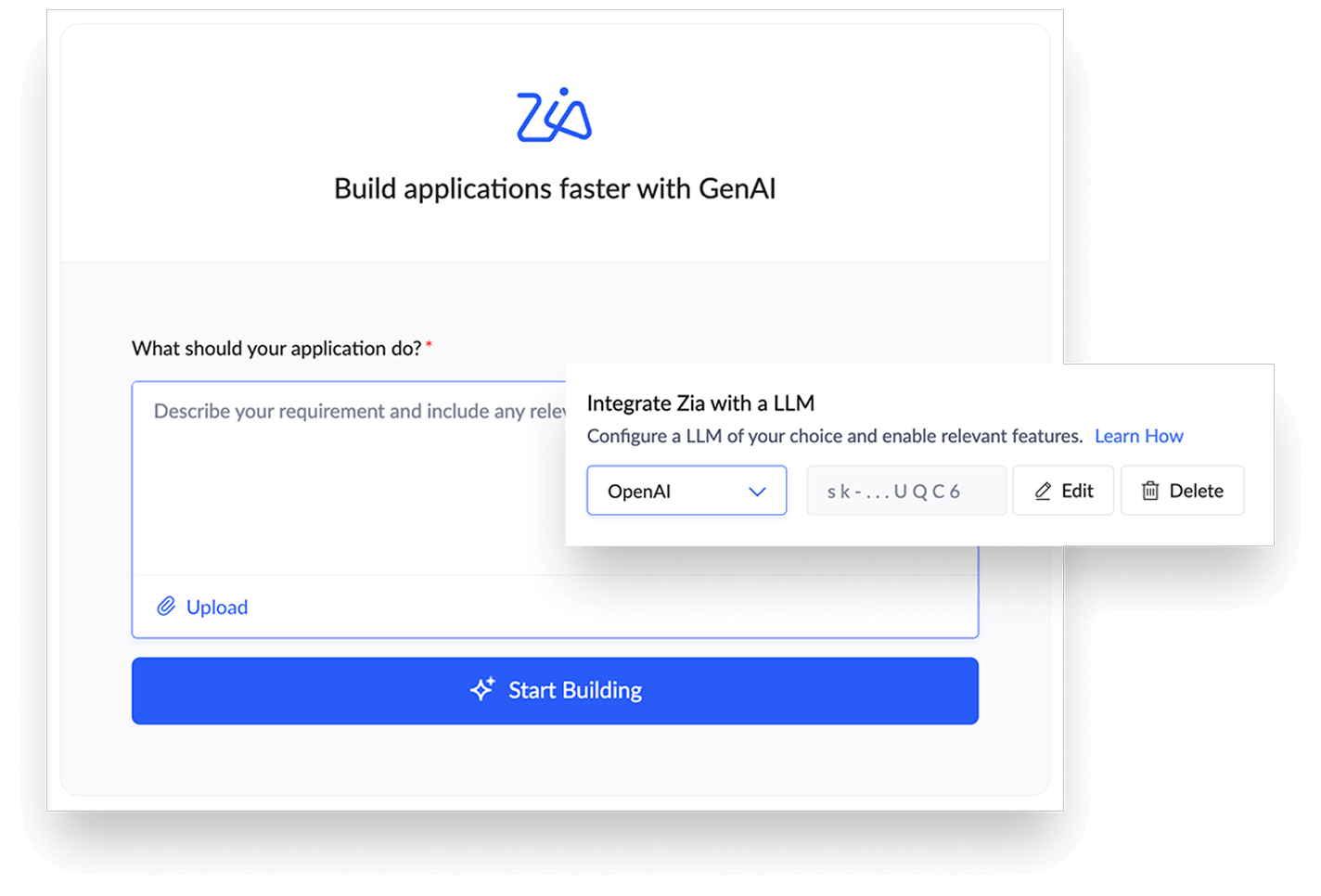
Build low-code apps with AI
The CoCreator feature, powered by Zia (Zoho's advanced AI assistant), instantly turns your ideas from text, image, or voice prompts into fully functional enterprise-grade apps. Zia can suggest form fields, offer recommendations for workflows, and provide contextual insights into your data.
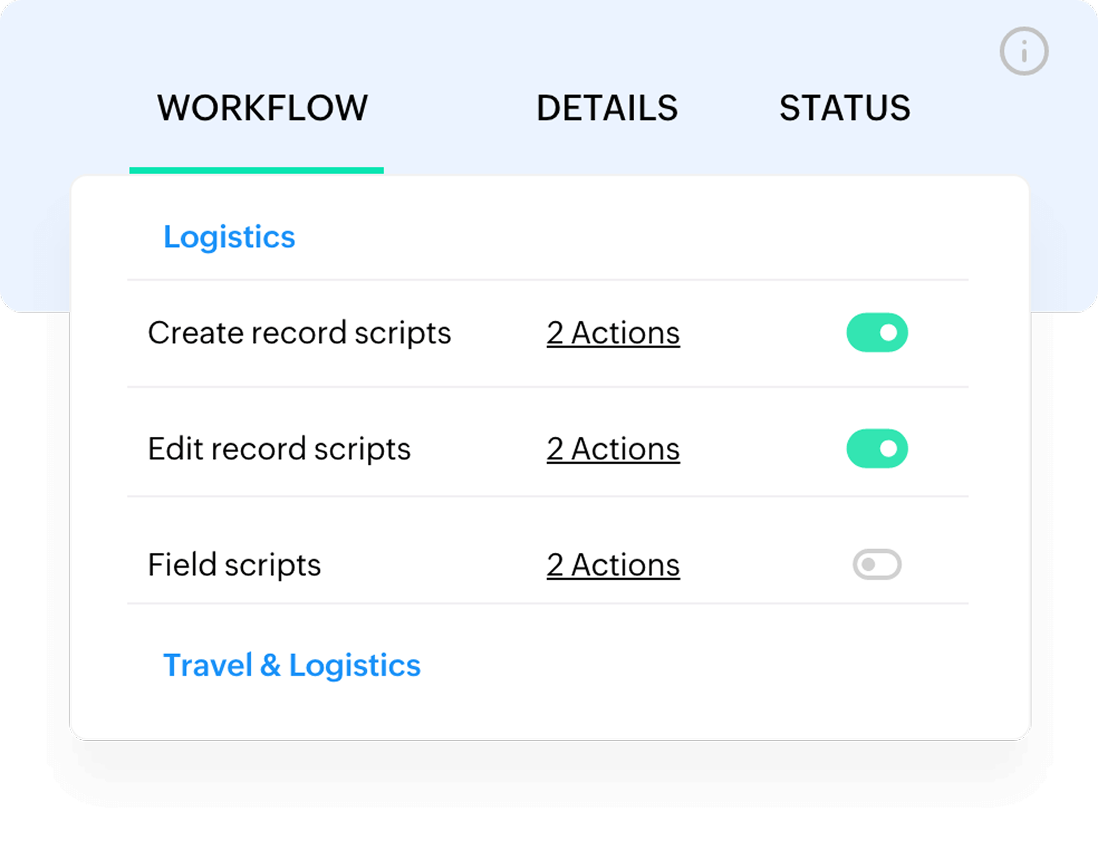
Automate business processes intelligently
Leverage the platform's AI features to go beyond rule-based automation. Easily automate repetitive tasks and streamline workflows to make them more efficient and optimized.
Work anywhere with hassle-free mobility
Every app you build is instantly available on the web and mobile, so your workforce can stay productive from anywhere at any time.
Scale automatically and deploy anywhere
Apps you build on the platform scale automatically, so they keep running smoothly with the speed and scale of your business. What's more, you can deploy your apps entirely in the cloud, on-premises, or through a hybrid setup, to suit your compliance needs.
Transform big data into powerful insights
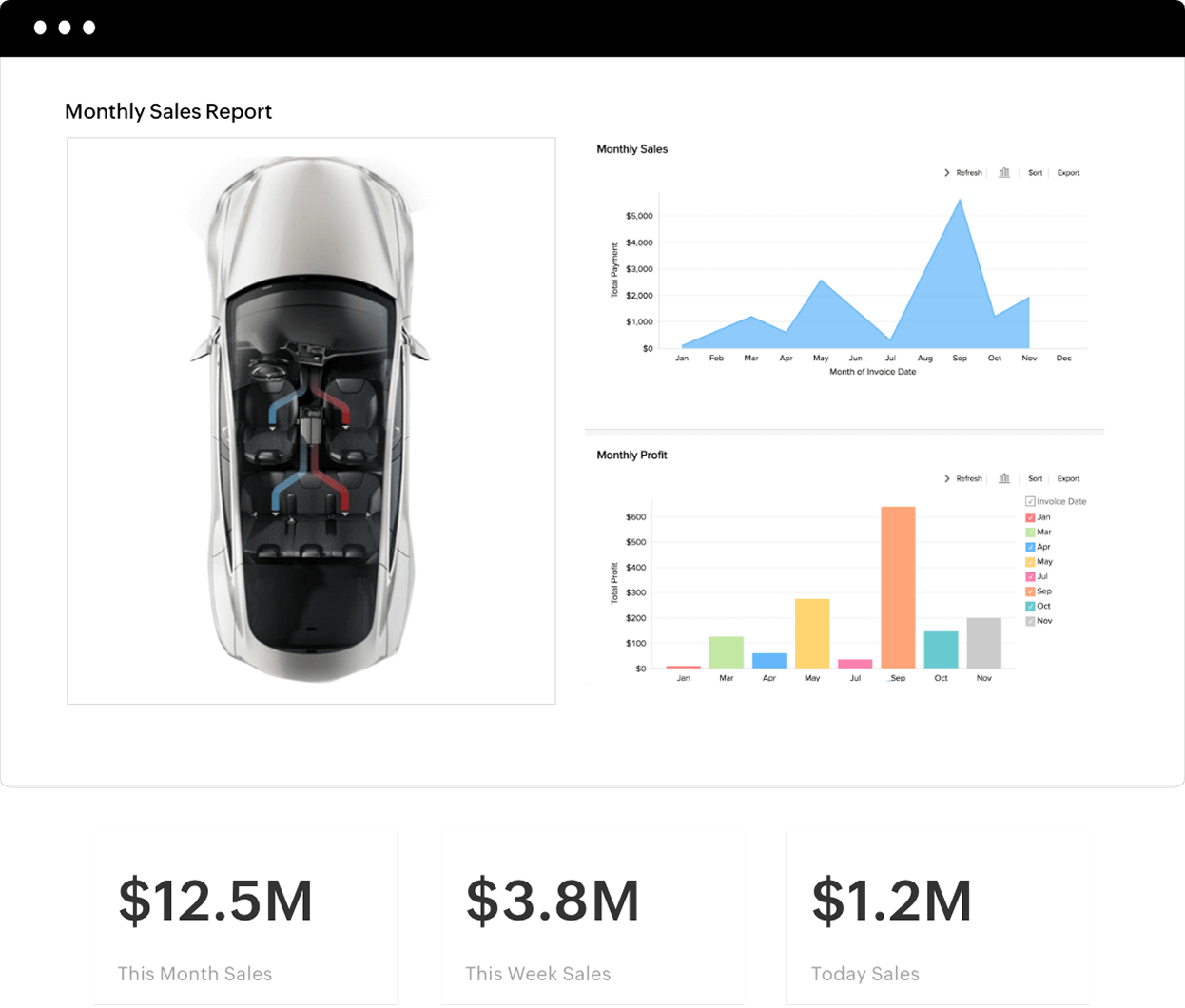
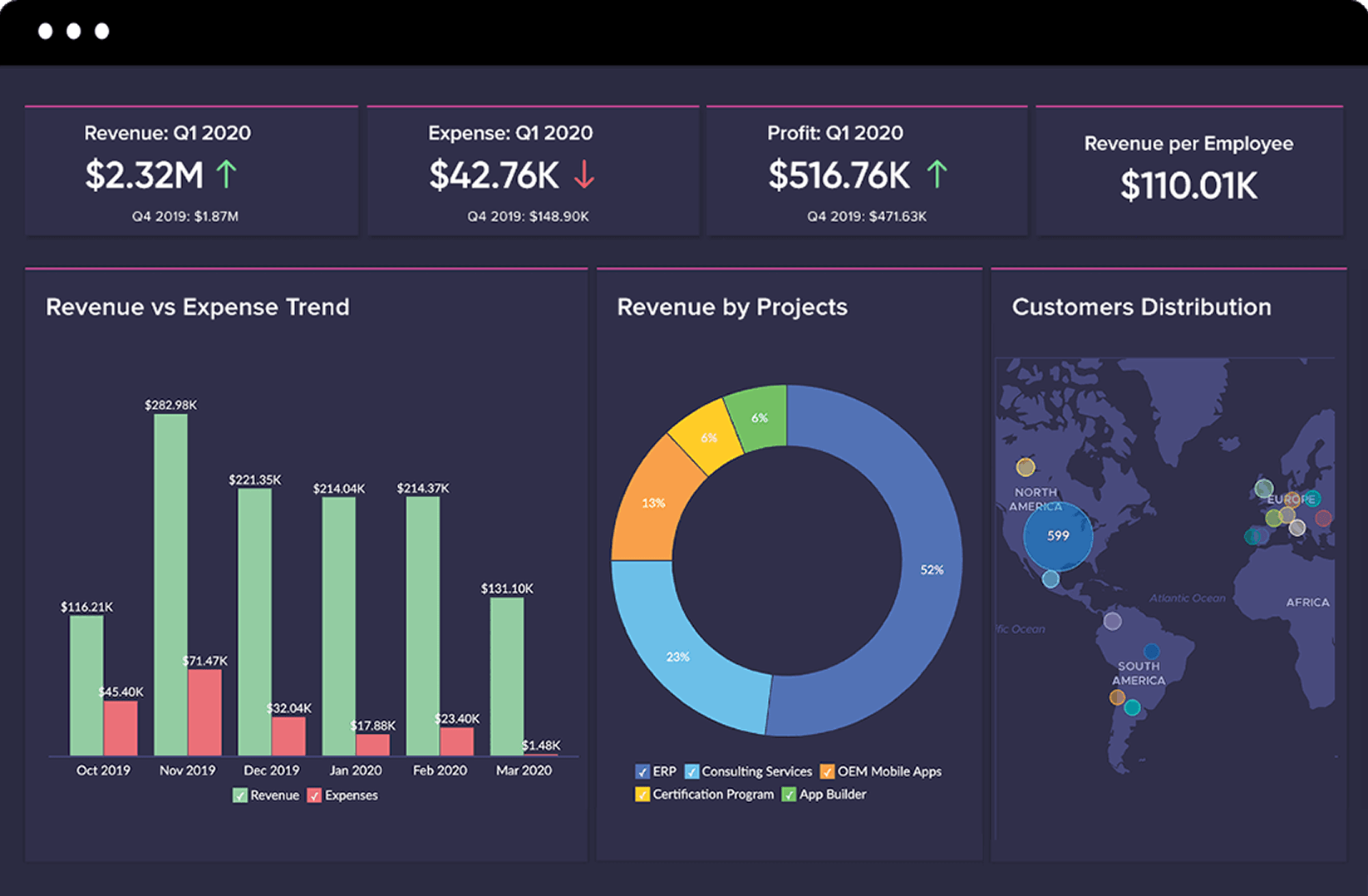
With Analytics, transform your raw data into visually rich dashboards easily.
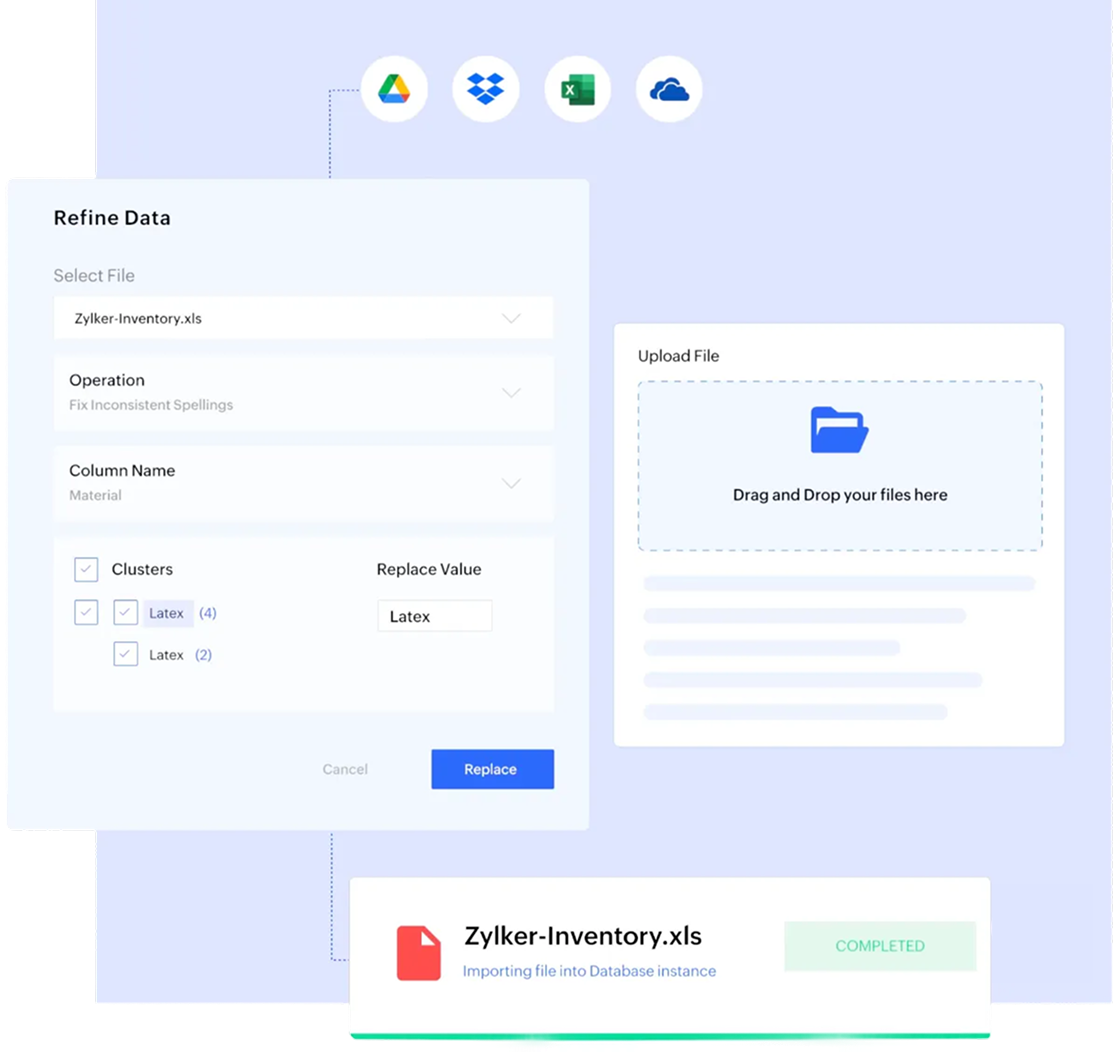
Cleanse and unify data with AI-powered precision
Transform huge, raw data sets into clean and structured information that you can rely on. With AI-powered data cleansing, you can effortlessly build a single source of truth from raw, unstructured data.
Generate holistic dashboards easily
Dive in to your data and get comprehensive dashboards in just a few clicks. Our intuitive, easy-to-use, drag-and-drop interface makes it possible to create comprehensive dashboards without the need for deep technical coding expertise.
Unearth insights with conversational AI
Ask Zia questions in natural language and get insights via sleek dashboards and widgets. Enable business users to quickly unearth meaningful information from raw data without needing to write SQL queries or code.
Collaborate securely
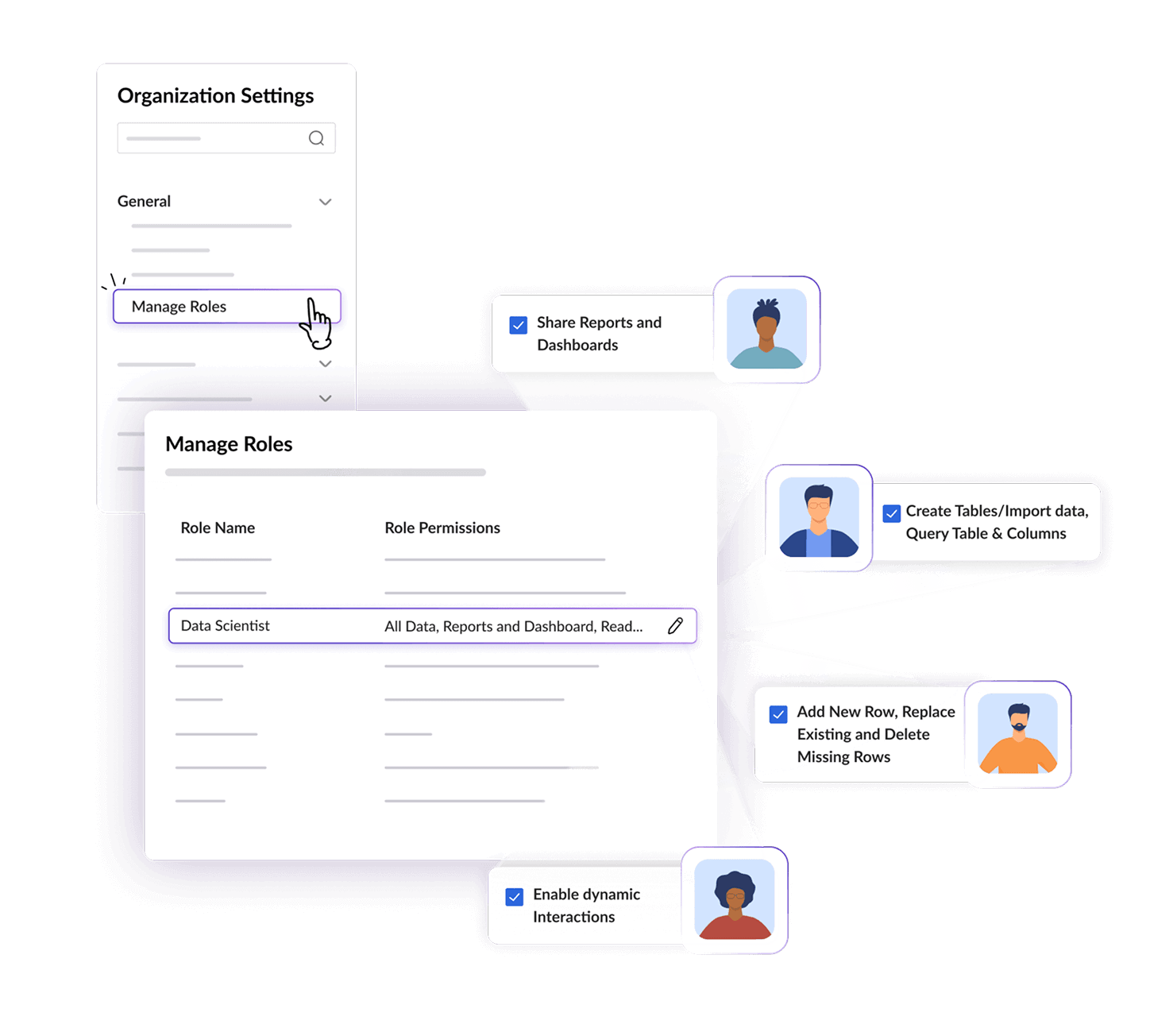
Share dashboards with stakeholders through granular role-based access, ensuring that your data remains secure and easy to consume.
Integrate seamlessly at scale
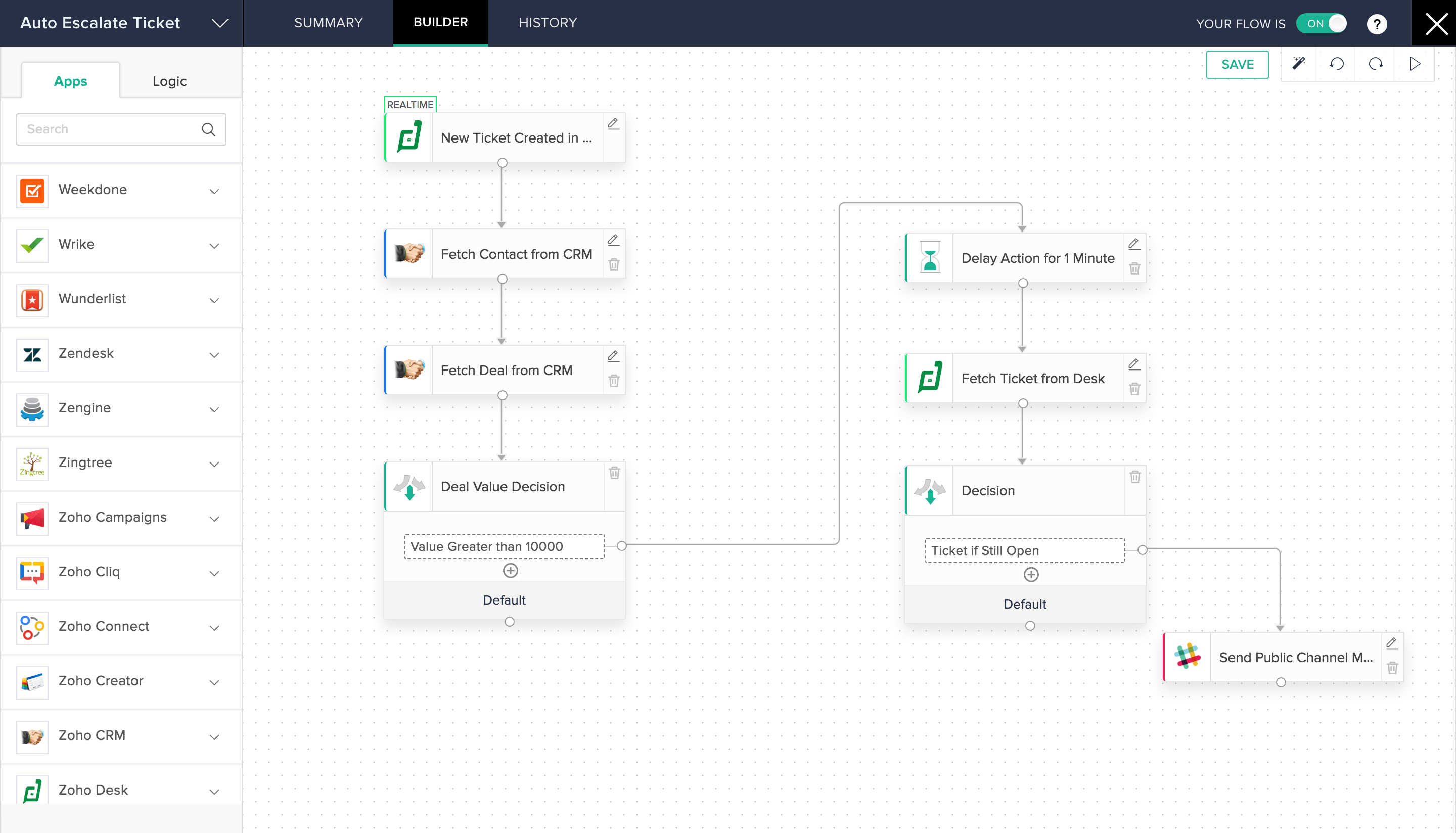
Sync all the tools you use with one unified platform; Flow automates app workflows and integrates all the apps your business runs on.
Manage workflows easily without coding
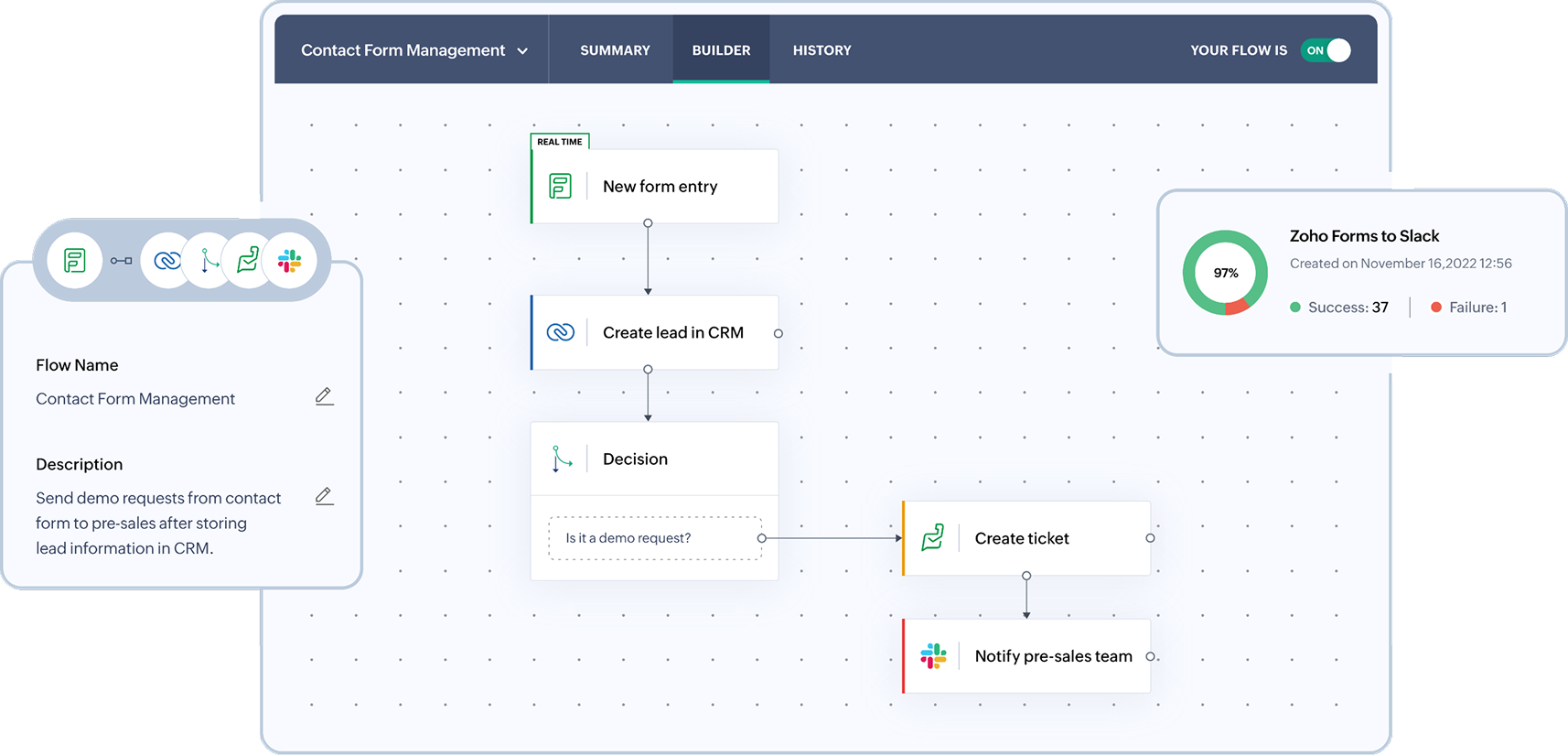
Build, set triggers for, and monitor complex cross-application workflows for your business use cases with ease via an intuitive drag-and-drop builder, without coding.
Integrate your apps
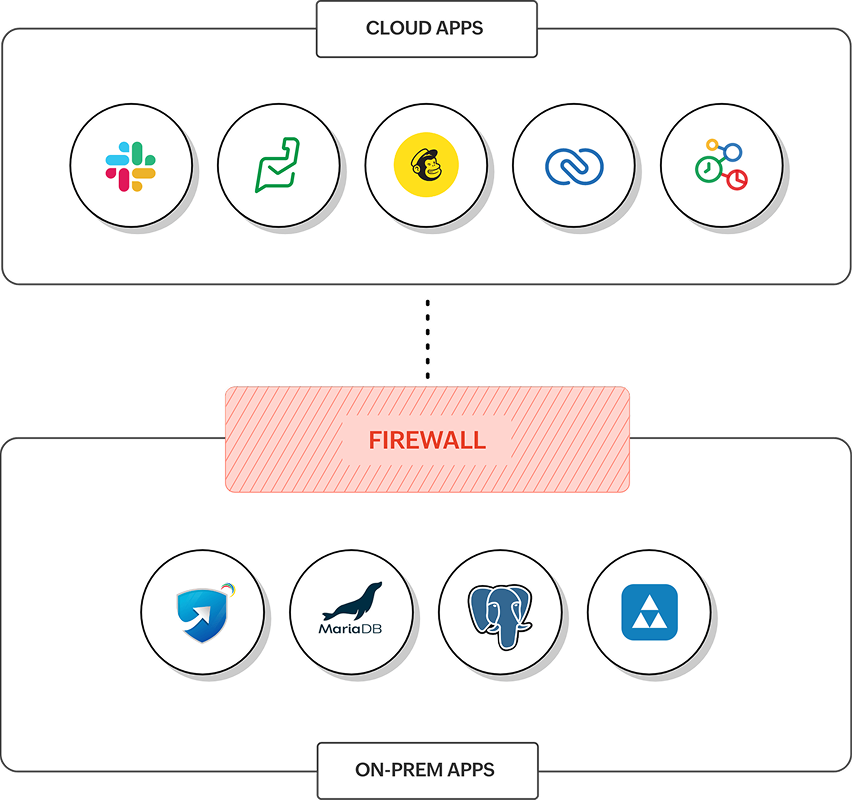
Integrate all of your apps—hosted on-prem or in the cloud—with one unified platform. Automate and integrate cross-functional workflows across your business, and ensure that critical data isn't trapped in silos.
Leverage powerful logic in your workflows
With advanced logical elements like conditional branching and time-based delays, you can tweak your workflows to your exact business requirements. Detailed flow history, automatic and manual workflow reruns, and version control ensure workflow reliability and visibility.
Ensure workflow security and transparency
Advanced Encryption Standard (AES)-based data encryption and CCPA, GDPR, and HIPAA compliance ensure that the data in your workflows is secure and compliant at all times for all stakeholders.
Effortlessly automate processes the visual way
Automate and accelerate your business processes with Blueprints, a visual way to create workflows that steer tasks through defined stages and approvals.
Map workflows visually
Leverage an intuitive drag-and-drop builder to enable stakeholders to map workflows visually. Provide clarity and structure for every stage and transition in your workflows.
Establish roles and responsibilities
Assign owners, set conditions for transitions, and establish which user handles which actions in a workflow to eliminate ambiguity. Enforce clear accountability for stakeholders, from the workflow's initiation to its final approval.
Automate notifications and approvals
Automatically trigger emails, SMS notifications, or Deluge scripts whenever a stage transitions. Ensure that your workflows remain responsive and efficient without manual effort and intervention.
Monitor every workflow stage granularly
Closely track each workflow stage's status and its previous and upcoming transitions for complete process visibility. Identify bottlenecks and continuously streamline the overall performance of your workflows.


Streamline operations with powerful bot-driven workflows
Orchestrate your everyday operational tasks between disconnected apps and move data across ERPs, Excel sheets, PDFs, images, cloud apps, and desktop legacy tools without the need for using APIs.
Connect your data
Run bots directly in your tools. Bots can read, click, extract, update, and transfer information between systems that otherwise don’t connect. Your existing stack stays as is—bots simply fill in the gaps.
Turn unstructured documents into ready-to-use data
Invoices, KYC forms, claim files, and contracts are often in formats your systems can’t read. Leverage Zoho RPA’s AI-based intelligent document processing (IDP), which combines the strengths of OCR, PDF automation, and AI to classify document types and extract structured data fields or tables with accuracy.
Record tasks once, run them at scale
Let the RPA bot take over if actions like downloading files, checking statuses, copying values, and updating fields are repeated continuously and regularly. The RPA recorder tracks UI clicks, keystrokes, and navigation across apps, and then converts that into an automated workflow. Adjust steps, add simple rules, and schedule runs so high-volume tasks run the same way every time, without adding headcount.
Deploy securely, monitor centrally, and scale as you grow
Track execution logs, queue volumes, and failures in a unified console. As your workload increases, simply add more bots for your workflows—no infrastructure overhaul needed.


Your business. Automated. Analyzed. Integrated.
Switch to Zoho Creator today—the next generation AI-powered process automation software.
Try Zoho Creator for freeFrequently Asked Questions
Zoho Creator has enterprise-grade security and scales automatically.
Zoho Creator enables process automation through event-driven workflows, Deluge scripting, and conditional logic. The platform also supports multi-step approval workflows and integration tasks that help accelerate business process automation.
No. Zoho Creator is low-code, which allows you to configure automation visually with drag-and-drop builders. For implementing advanced custom logic, you can also use its simple scripting language, Deluge.
Yes. Zoho Creator offers seamless integration with Zoho apps and 1,000+ third-party platforms. It can also integrate with other platforms through custom APIs.