Unattended Device Details
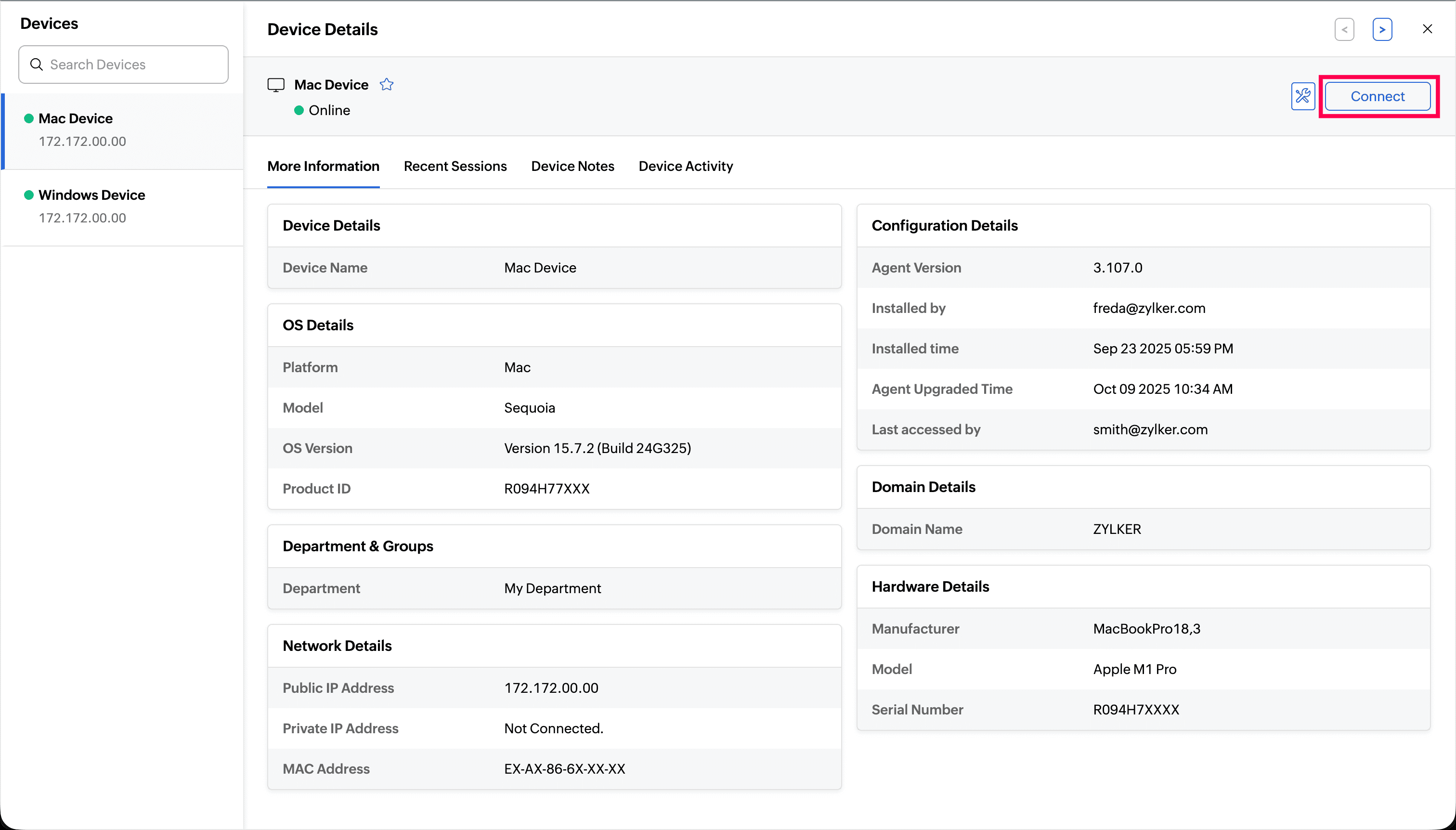
The Device Details page offers a comprehensive view of a specific unattended device, encompassing its technical specifications, organizational assignment, and operational history.
How to View Device Details
To view the complete details for any device, navigate to the Unattended Access home page and simply click on the device name in the list.
Device Details Overview
The details page organizes device information into several key areas:
- Primary Device Details
Device Name
OS Details: Platform, OS Version, Model, and Product ID.
Department & Groups: Shows the associated department and groups.
Hardware Details: Includes the manufacturer, model, and serial number.
Network Details: Displays network configuration, such as the Private IP address, Public IP address, and MAC address.
Configuration Details: Tracks agent information, including the agent version, installation details (installed by and installed time), agent upgraded time, and last accessed by information.
Domain Details: Shows the domain name the device belongs to.
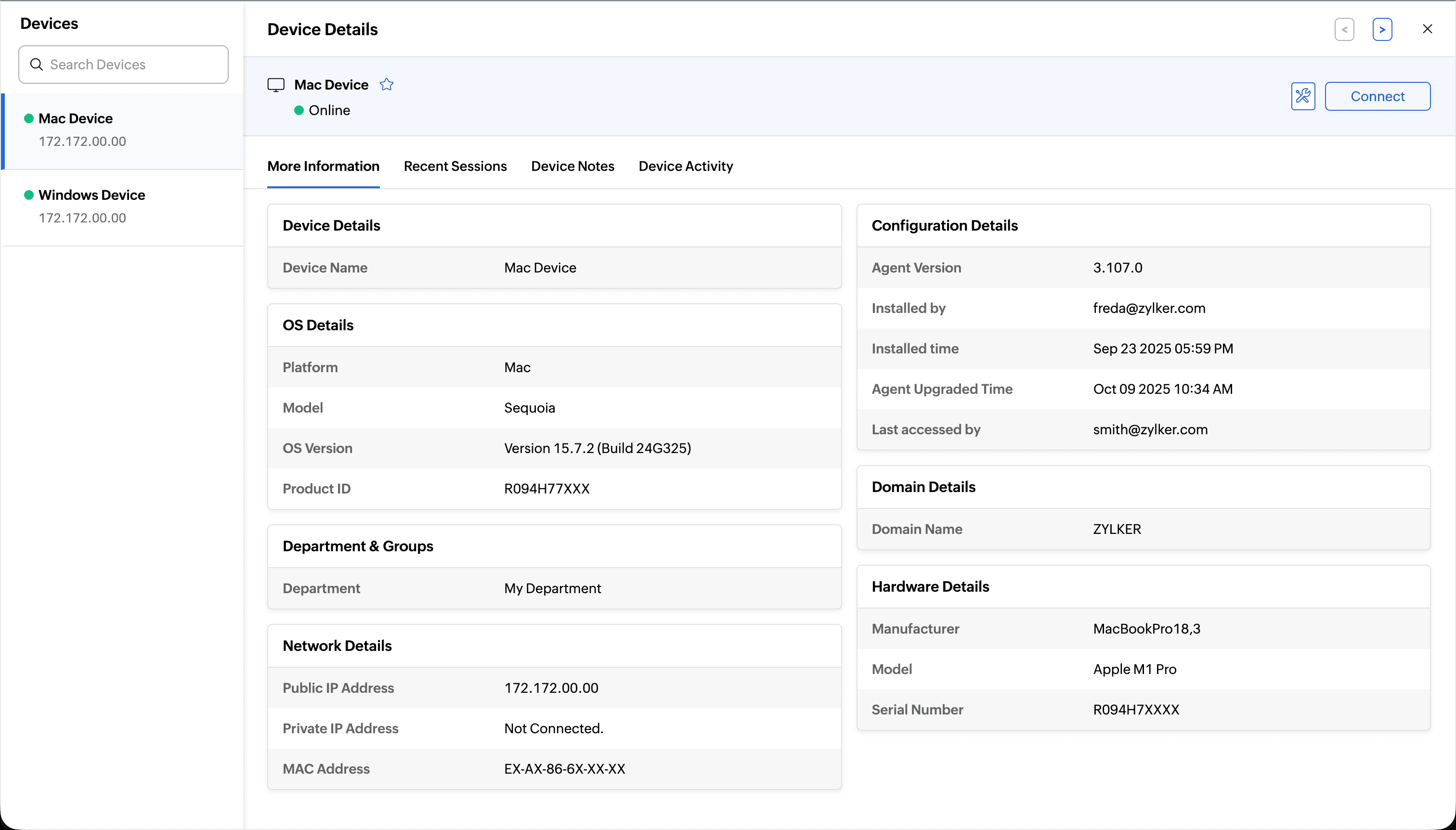
Recent Sessions: A record of the most recent remote sessions successfully connected to this device.
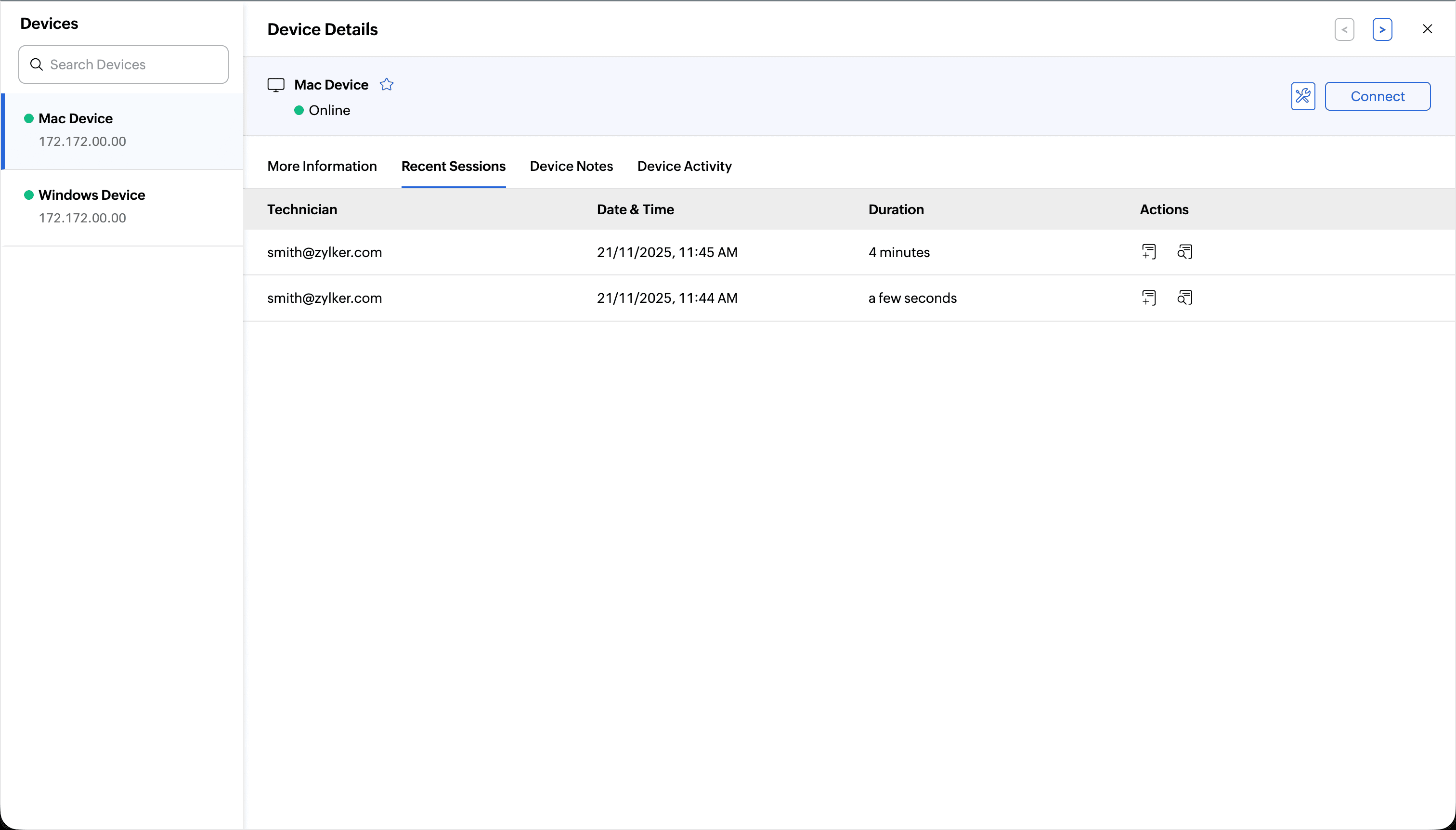
Device Notes: A dedicated area for entering and viewing notes relevant to the device.
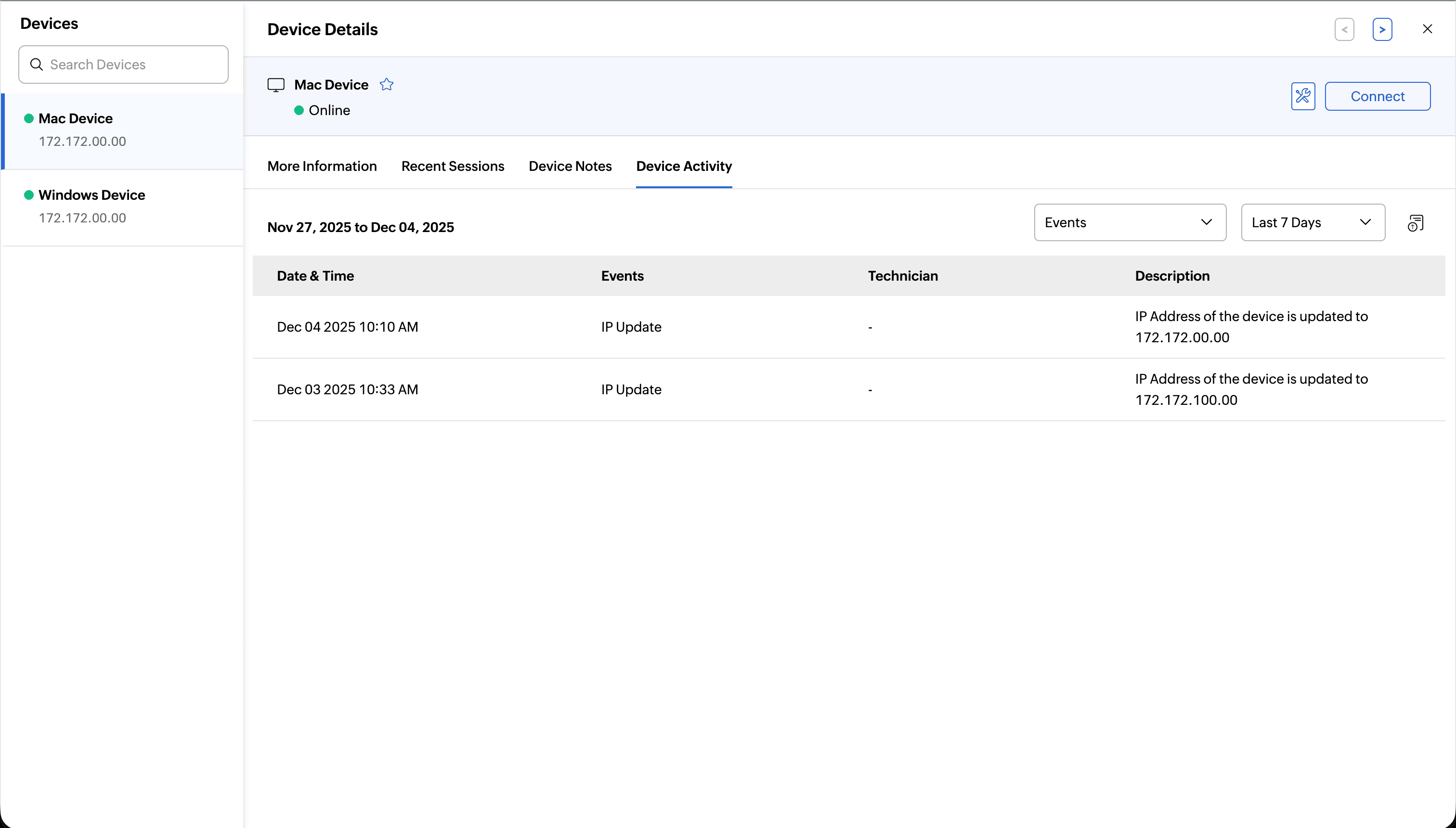
Device Activity: A detailed audit log comprising all major device-related events, including:
Session connects/disconnects
Session confirmation rejection - Logged when the session confirmation prompt is rejected by the customer/end user.
Tool usage
IP address updates
Active user updates
Power options utilized (e.g., reboot, shutdown)
Note: This activity log can also be exported for external review.
Immediate Access from the Details Page
From the Device Details page, you can immediately initiate remote action. Click Connect to establish a remote session.