How to start a session?
This section will explain how you can start a visual remote assistance session from within Zoho Assist.
- Go to assist.zoho.com.
- Log in to your account using your Zoho credentials.
- To start a session, click AR Assistance and click on START NOW.
Zoho Assist offers four ways to start a AR remote assistance session. You can choose whichever one you prefer:
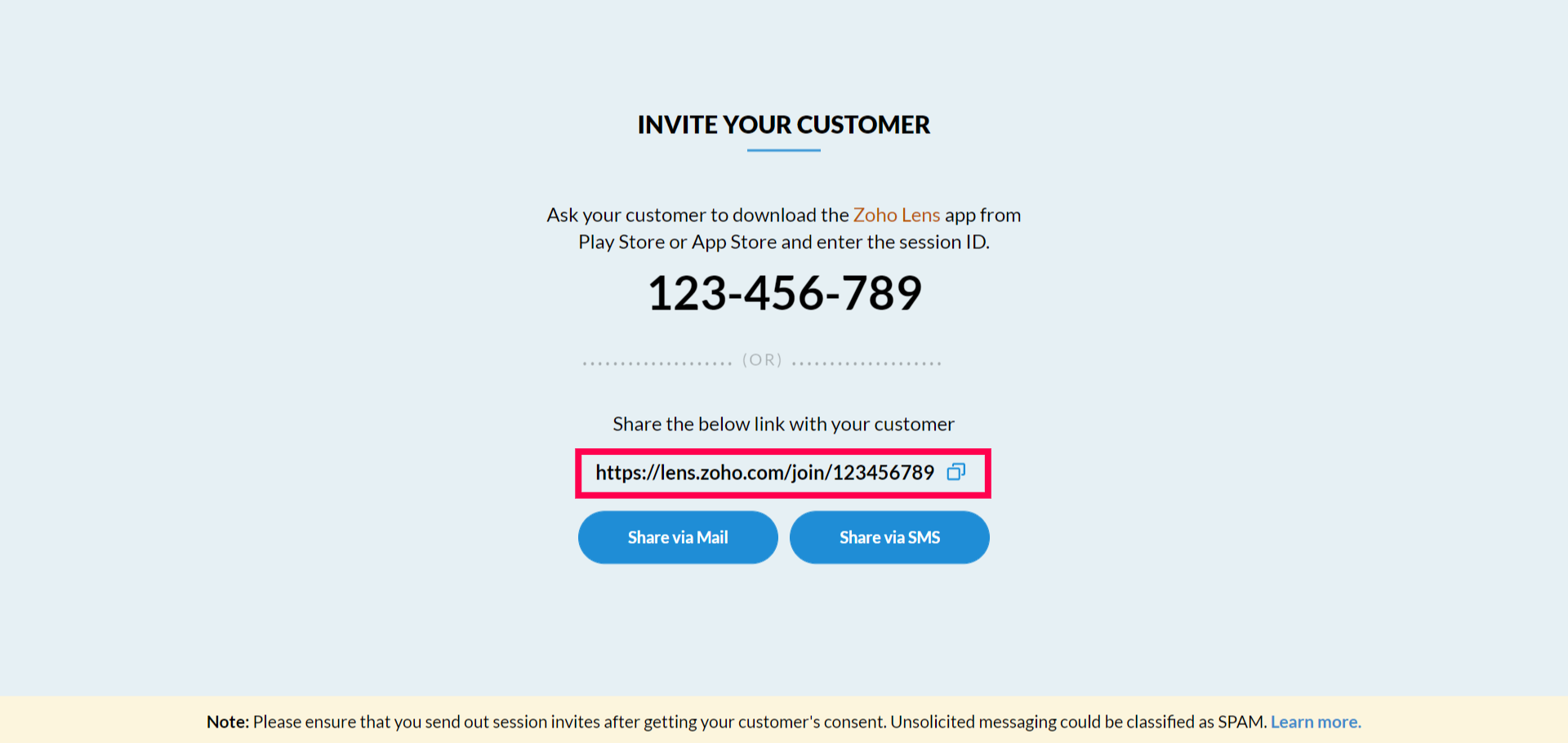
- Guide to the Zoho Lens customer app: Guide your customer to download the Zoho Lens customer app from the Play Store or App Store and ask them to enter the session ID.
Email invitation: Enter your customer's email address in the space provided and click the Invite button.
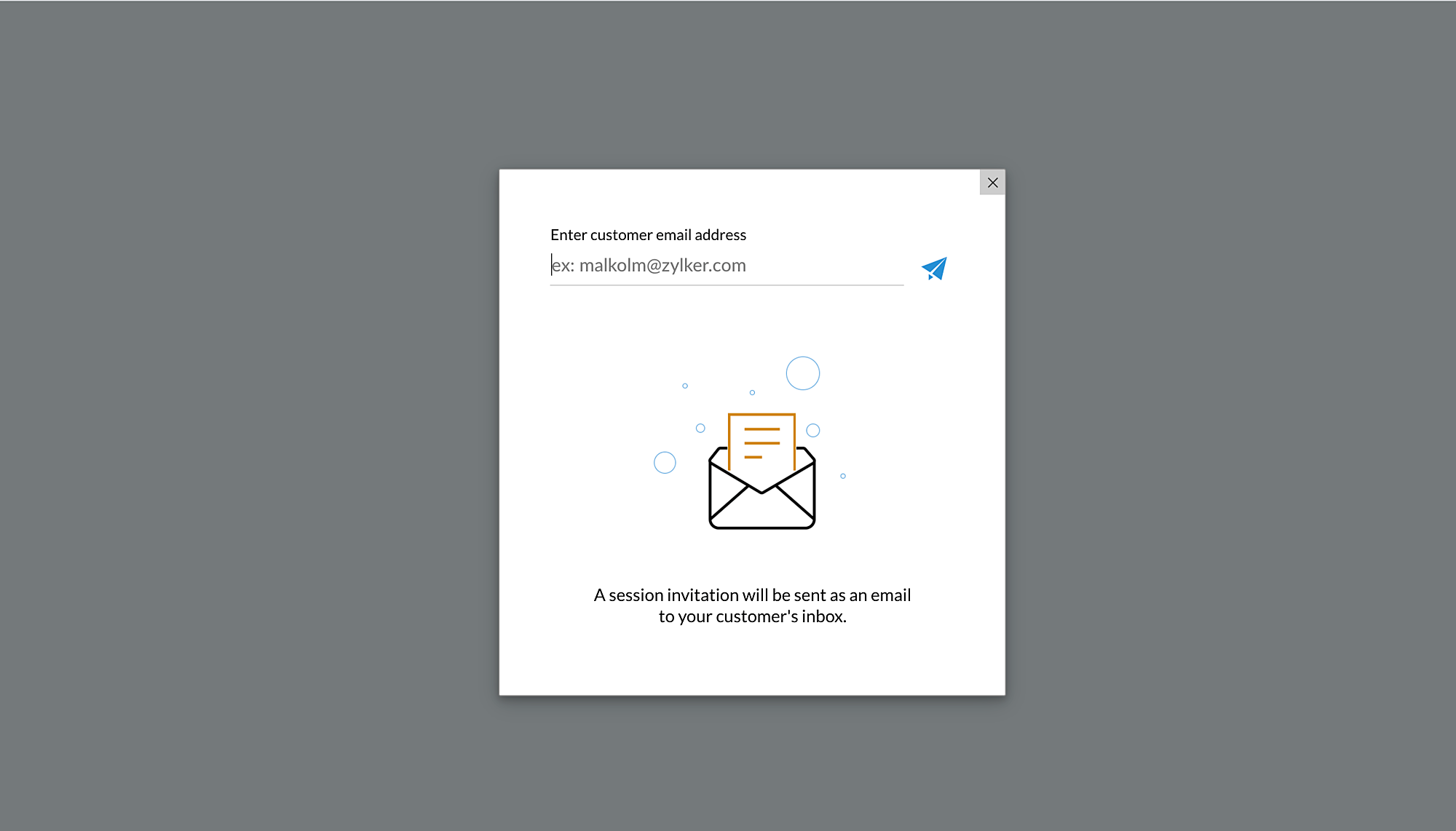
SMS invitation: Enter your customer's mobile number in the space provided and click the Invite button.

Send link: Copy the invitation link given and send the link to your customer through IM/Chat

Note: Click here to learn the steps your customer needs to follow to join a session.