How to schedule a session?
If you are struggling to assist customers in different time zones, or your customer is not ready for an assistance session, you can schedule a support session at a convenient time for you and your customer. Your customer will receive an email notification once you schedule a session. You can also set reminders for yourself and your customer and reschedule a session if required.
To schedule a session
- Go to assist.zoho.com. Log in to your account using your Zoho credentials.
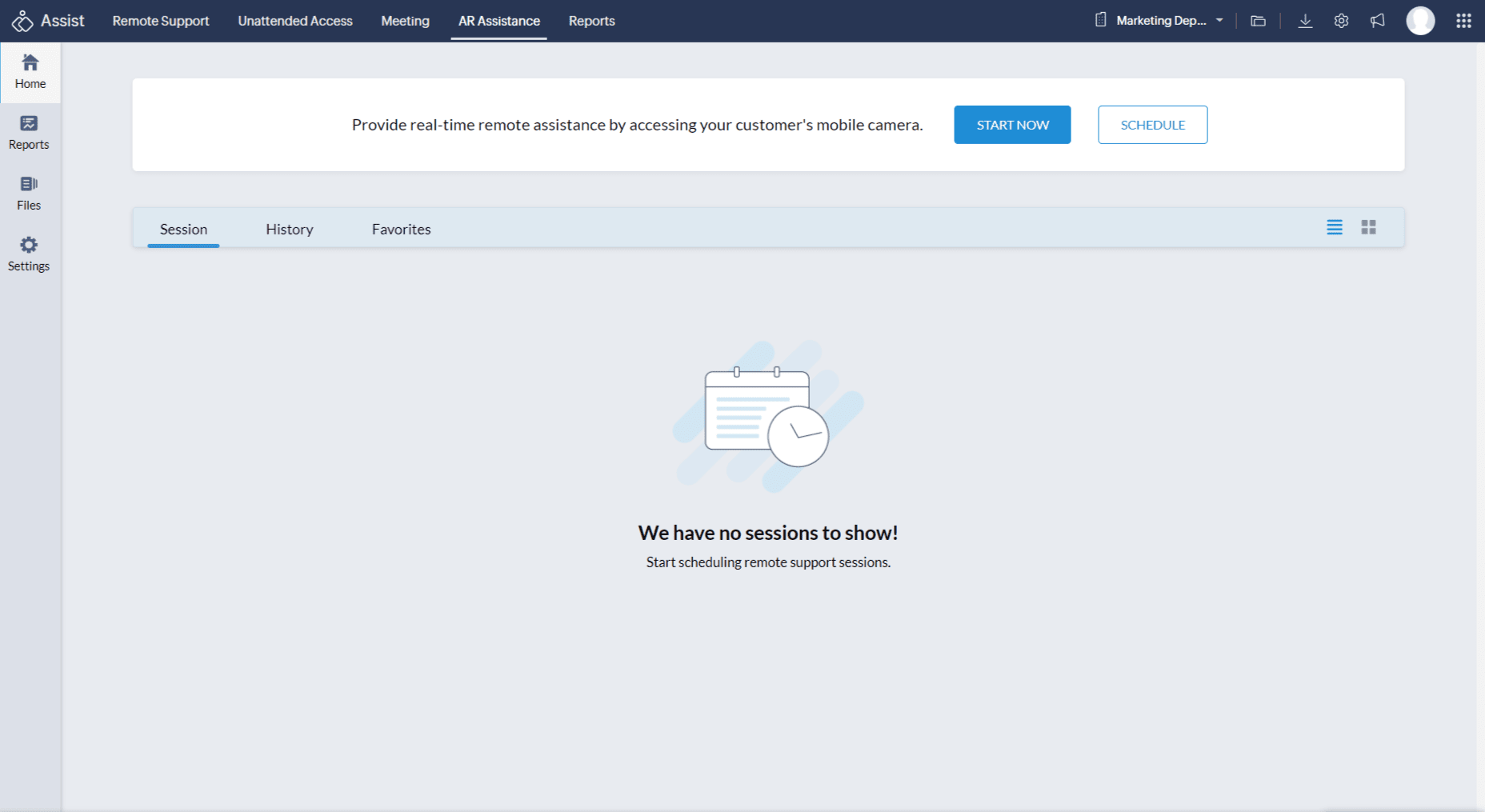
To schedule a session, click AR Assistance and click on SCHEDULE.
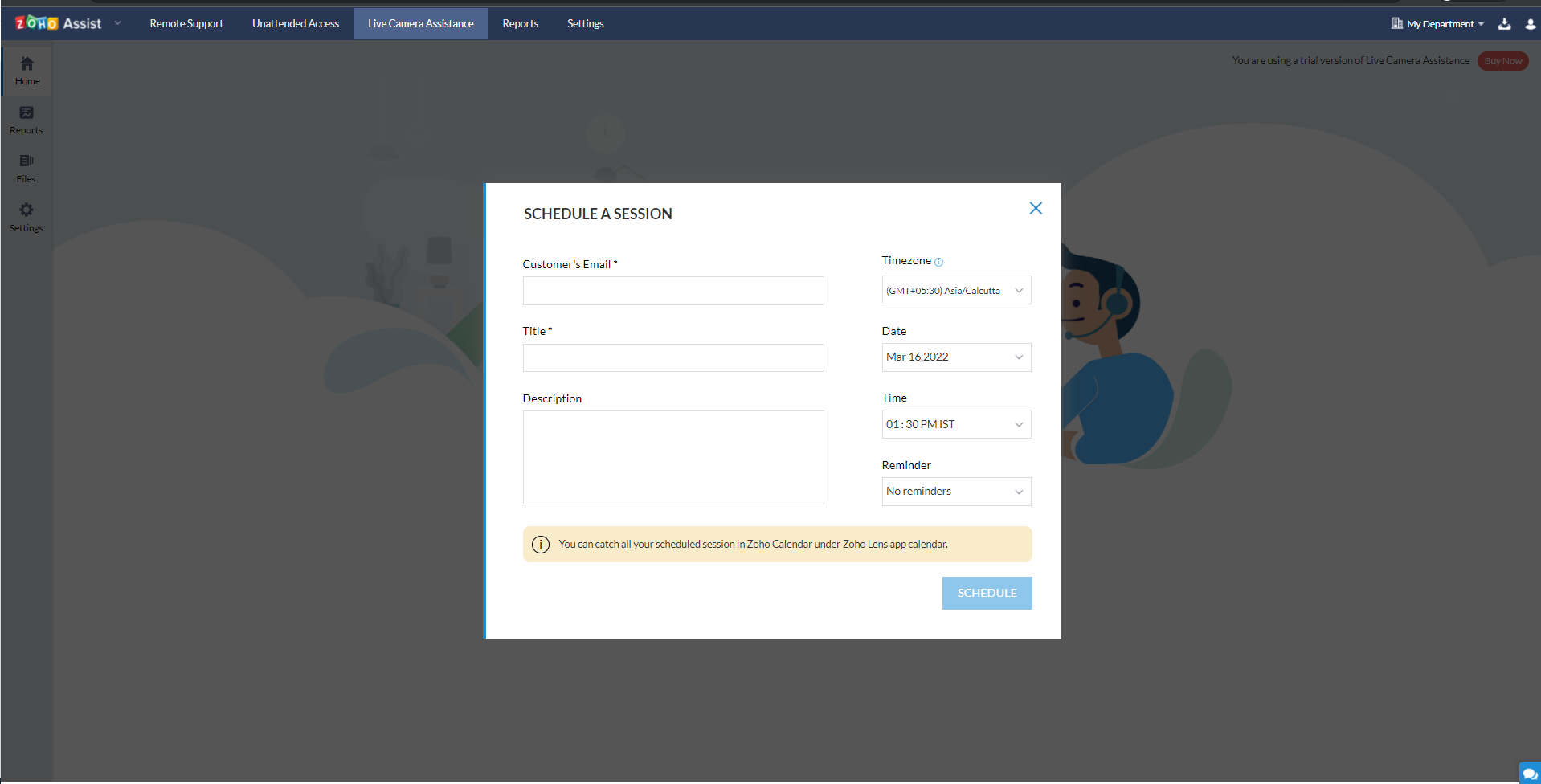
- Give a Title for the session and add a brief description.
- Select the Time Zone of your customer. If you aren't sure of the customer's time zone, the session will be scheduled based on your time zone.
- Choose the Date to schedule the session on.
- Choose the Time for the session to begin.
- You can set the time the reminder email will be sent by clicking Reminder.
Click SCHEDULE to schedule the session.
To reschedule or cancel a session
- Go to the session that needs to be rescheduled or canceled.
- Click
 next to the session.
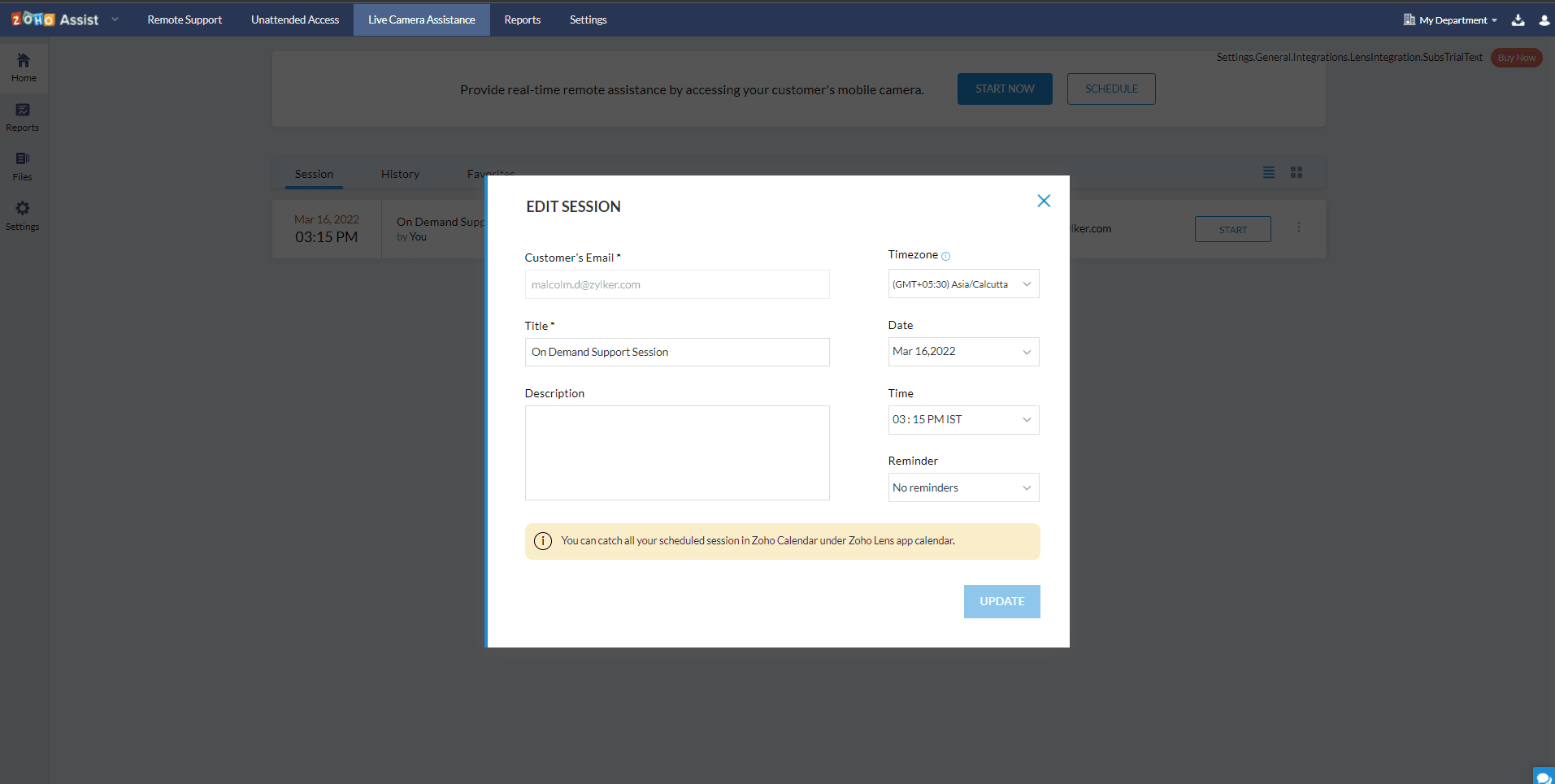
 Click Edit to reschedule the session.
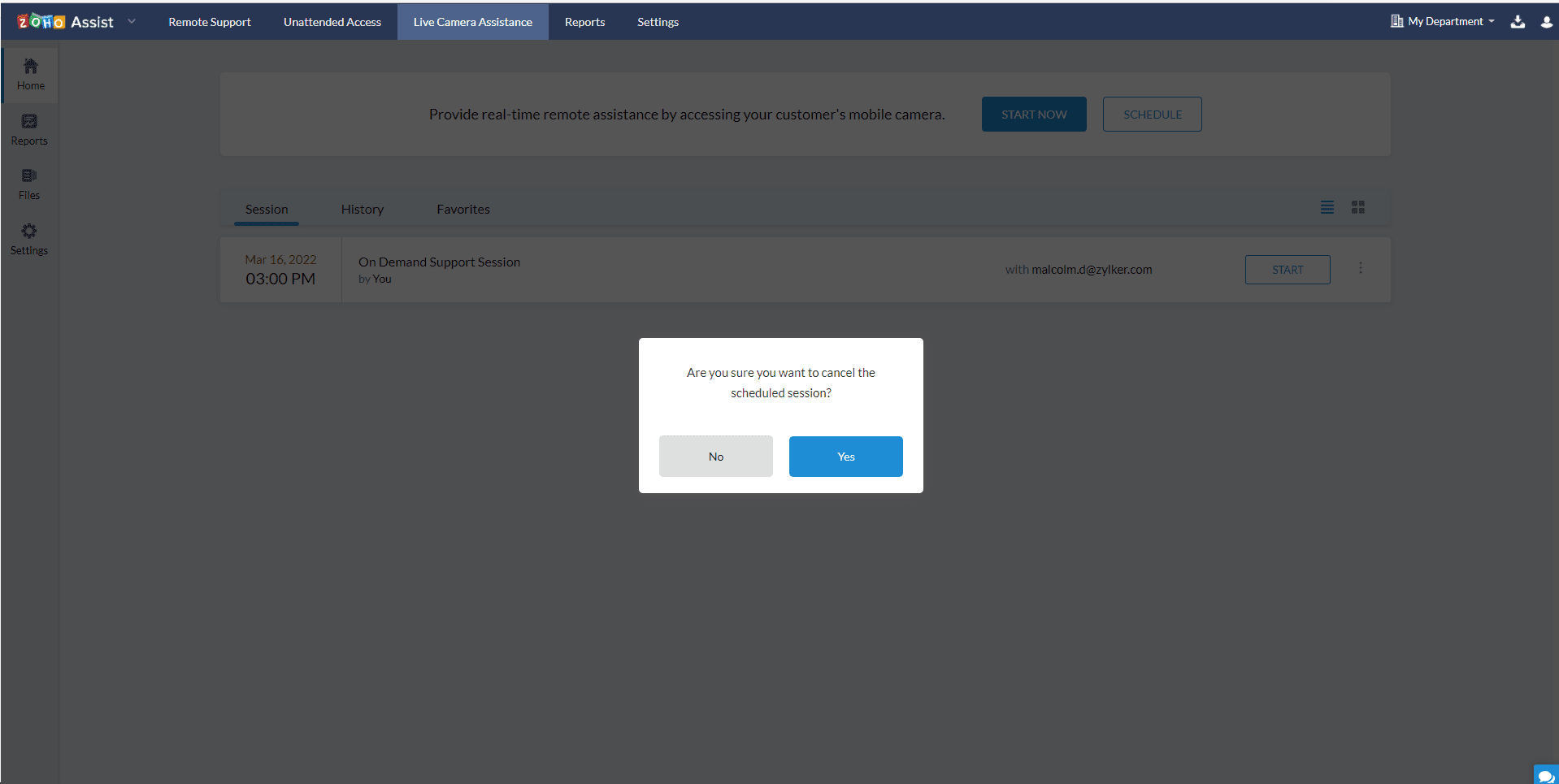
Click on CANCEL to cancel the session.