Custom Email Templates
Customize email invitations for remote support sessions so that it suits your organization prospects. Yes. It's optional and the remote support email invitation has a default template. But who wouldn't want to customize? Now you can simply go ahead and add your flavor to invite your customers with style.
You get the following customization options
- Use dynamic custom fields and position them in your invitations as you wish.
- Customize content using formatting tools.
Steps
- In general settings choose Email Template.
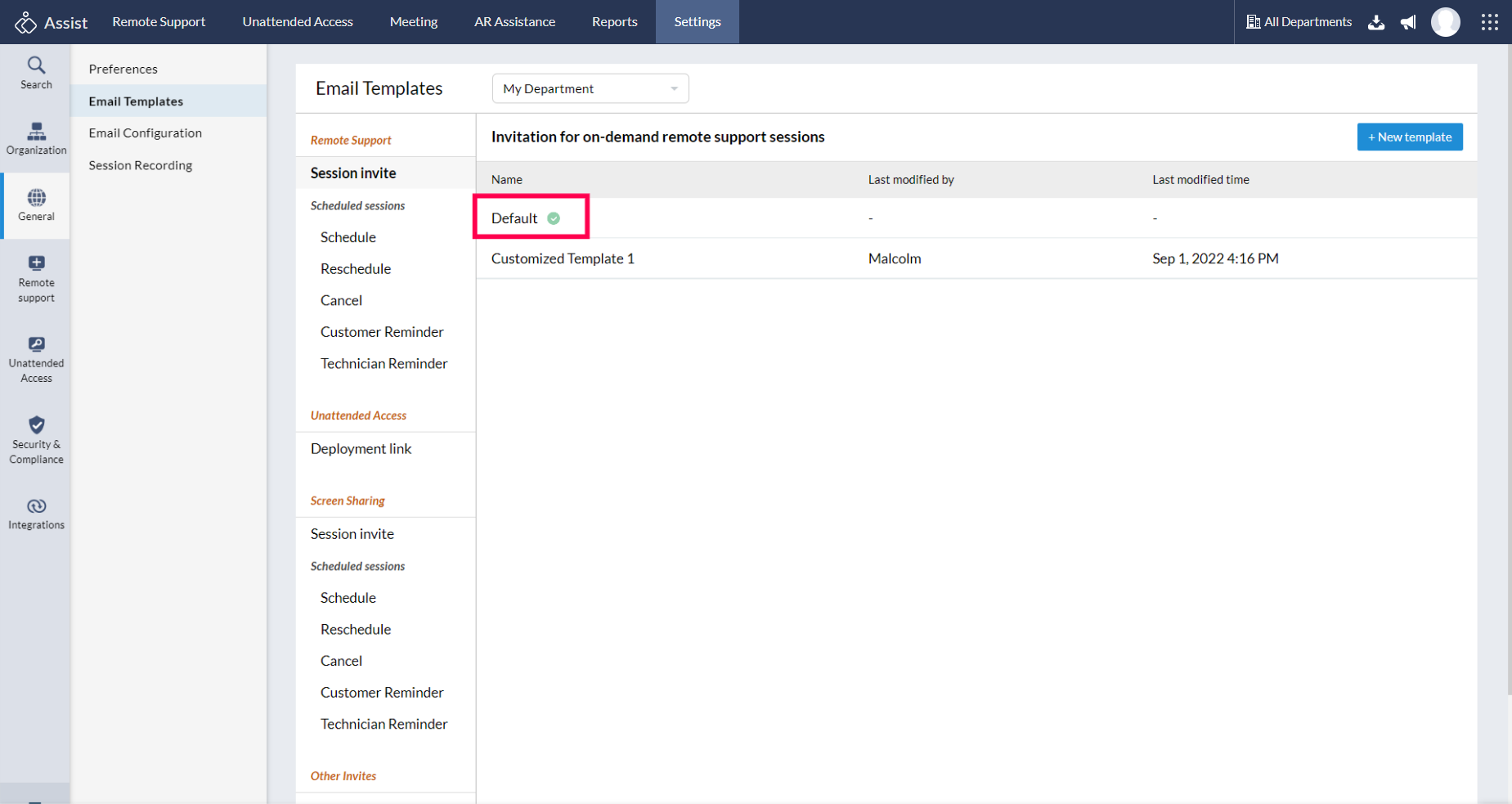
Choose Use Default Template to send default remote support session invites.
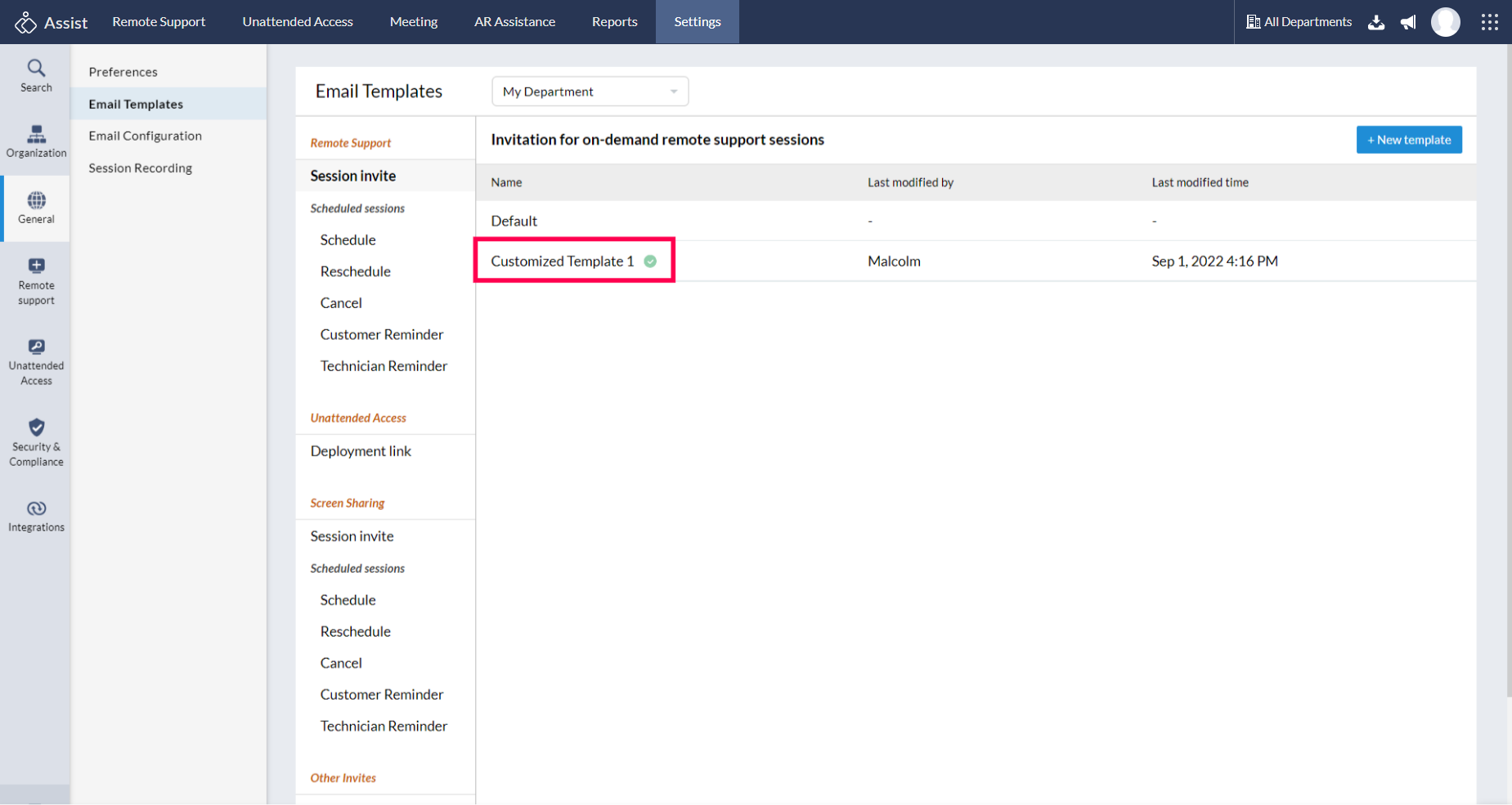
Choose Use Customized Template to personalize the content.
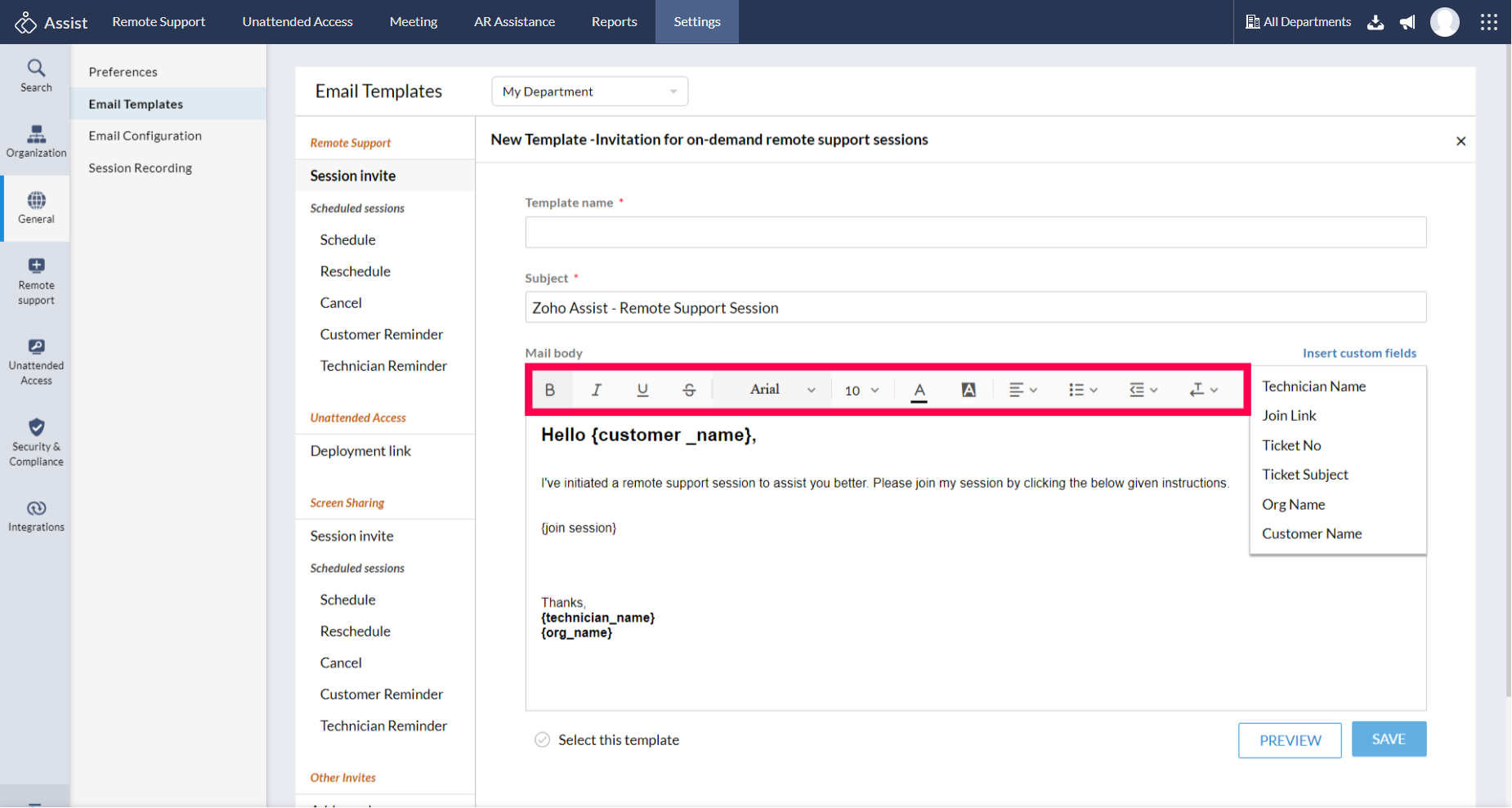
Basic editing tool icons are present on the top of the page.
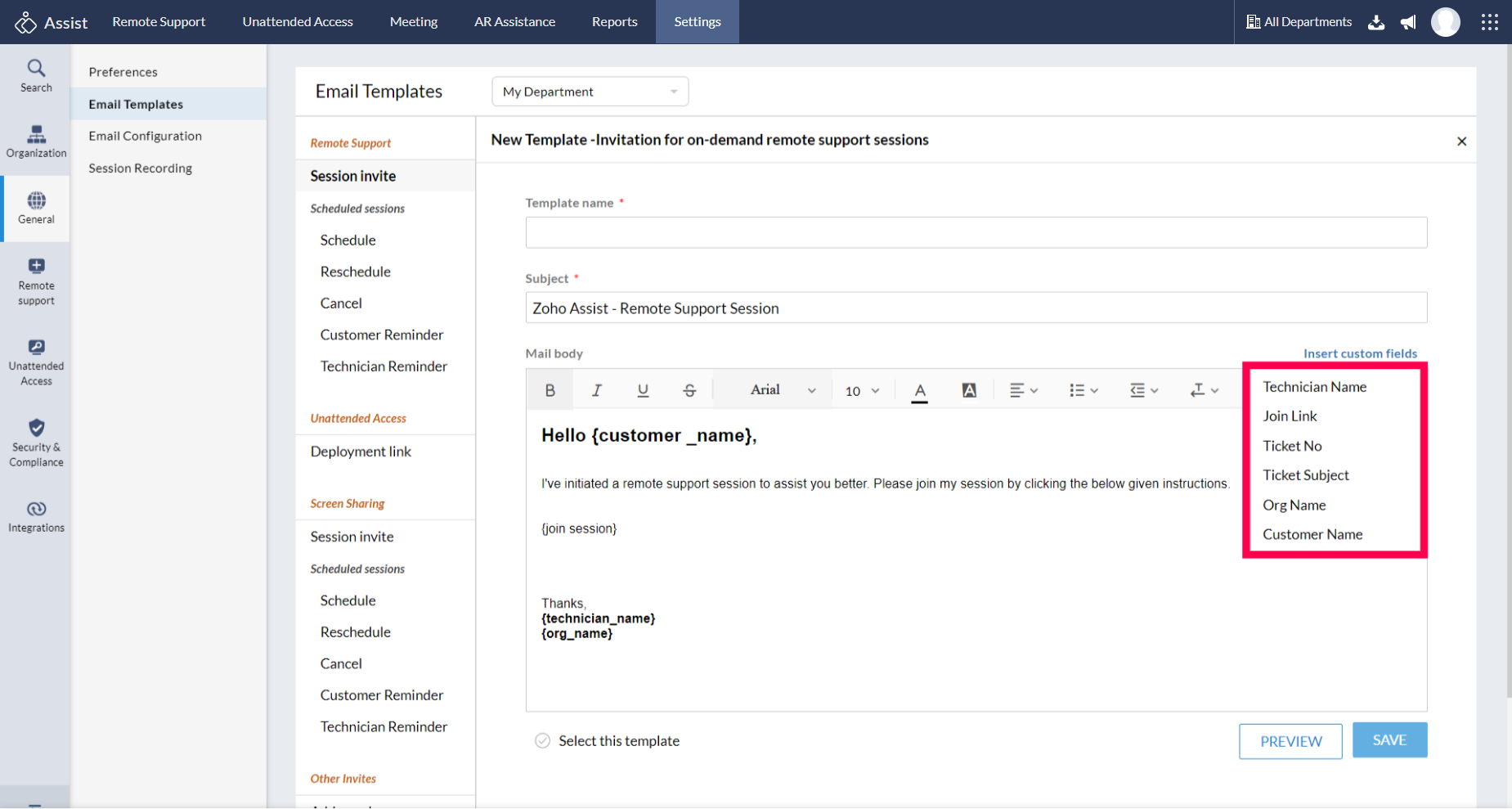
Custom Fields present on the right side of the page to add the technician's name, customer's name, organization's name and the joining link to your customized content.
- Choose Save for future use of the customized email template.
