Deliver secure customer support with privacy first cobrowsing
Zoho Assist Cobrowse empowers your support team to guide customers directly within the browser while maintaining the highest levels of privacy and data security. Every session is designed with safety at its core, so your team can deliver fast, accurate assistance without ever putting customer information at risk. With cobrowsing, you can provide a compliant and seamless collaboration experience that builds trust at every step.
SIGN UP FOR FREE
Why security matters in cobrowsing
Cobrowsing demands strict privacy controls because technicians can see exactly what users see, making it essential to protect sensitive data without limiting support effectiveness. Cobrowsing lets technicians guide customers inside a live browser session, but that visibility must never compromise privacy or trust. As users navigate accounts, forms, and sensitive data, Zoho Assist Cobrowse applies a privacy-first, zero trust design to keep every interaction controlled and secure. The platform is GDPR-ready, HIPAA-aligned, and enterprise-approved for compliant customer support.
How Zoho Assist Cobrowse keeps sessions secure
Encryption for all sessions
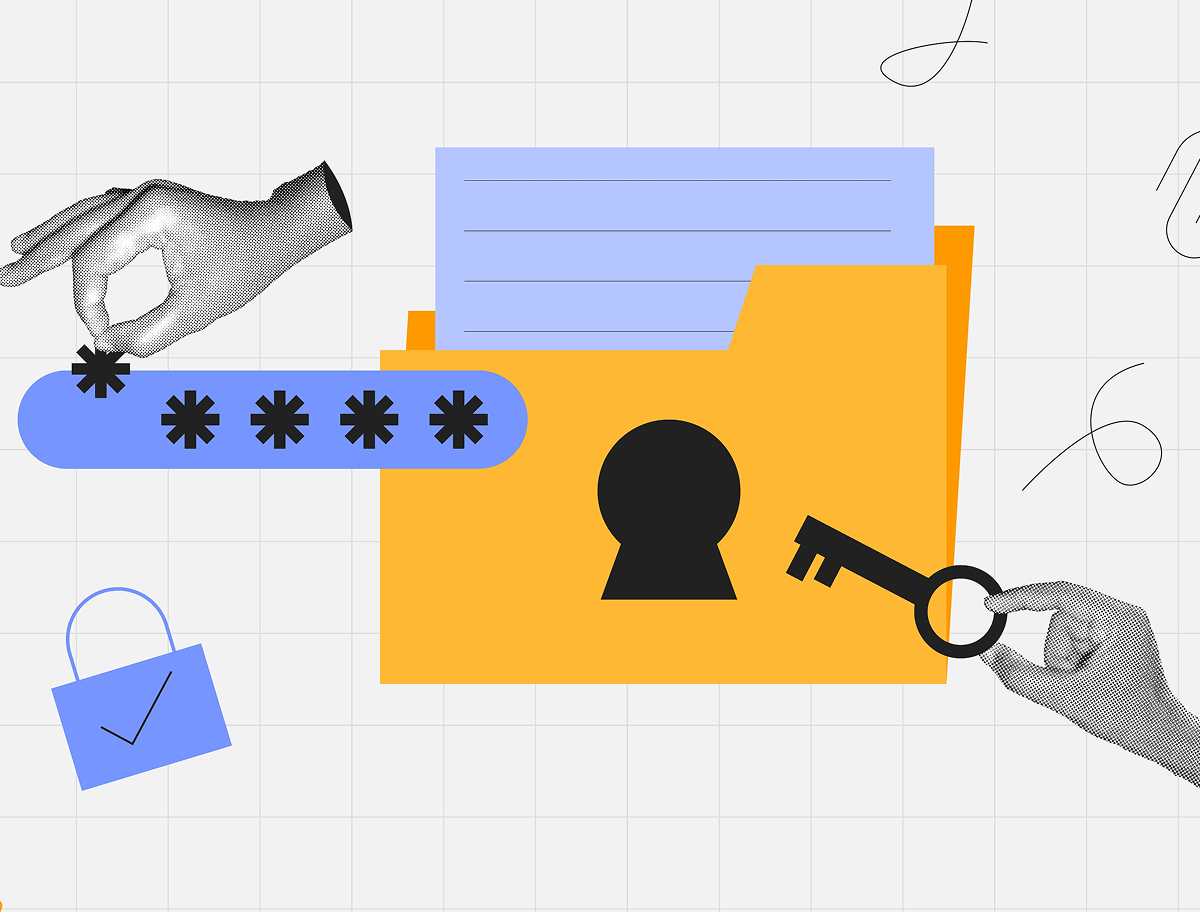
All cobrowse sessions are protected using industry-standard TLS encryption, ensuring that data exchanged between the technician and the customer cannot be intercepted, altered, or accessed by unauthorized parties. Each session operates within a secure, isolated channel, safeguarding communication from network threats, intermediaries, or external actors.
Active-tab only design
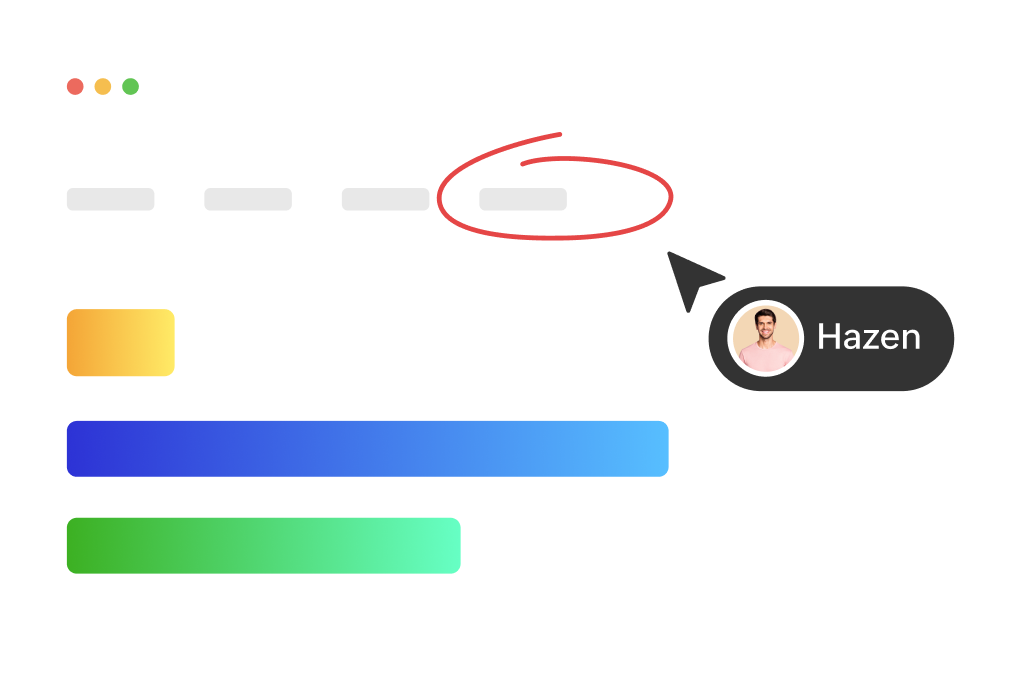
Cobrowse access is confined to the customer's active browser tab. Technicians cannot view other tabs, background pages, desktop applications, or system processes. This strict scoping ensures customers retain full control and visibility over what is shared always, reinforcing trust throughout the support experience.
Field-level privacy controls
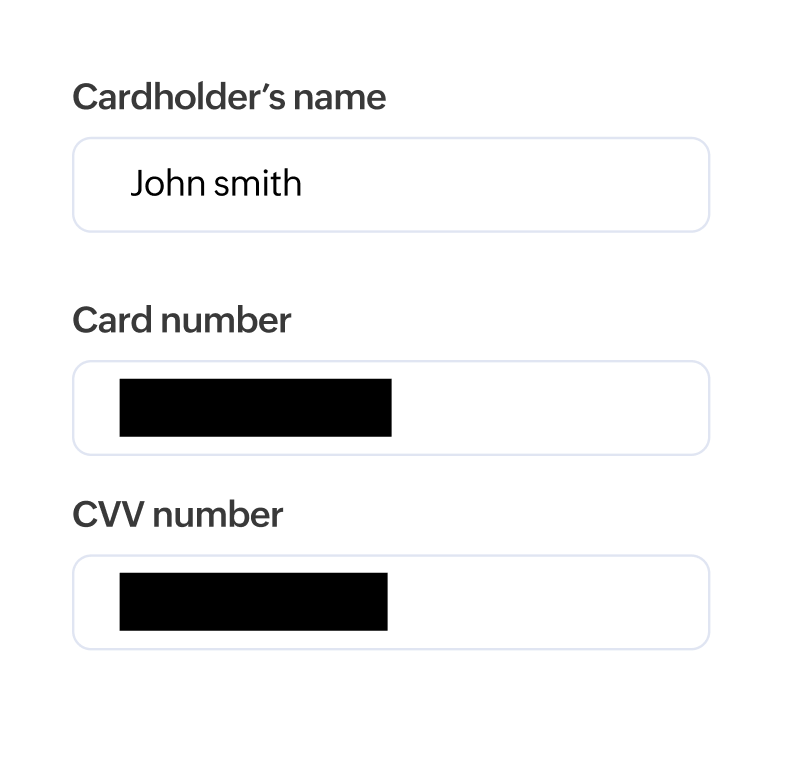
Sensitive information like passwords, credit card numbers, CVVs, personal identifiers, and other confidential fields can be masked from the technician's view. These fields remain visible only to the customer, and administrators can further customize masking rules to match their application's unique data requirements.

Consent-first access
Sessions begin only when the customer explicitly grants permission. They can pause sharing, switch tabs safely, or terminate the session at any time, ensuring complete transparency. This gives customers continuous control over what information they choose to share.
Role-based permissions and technician controls
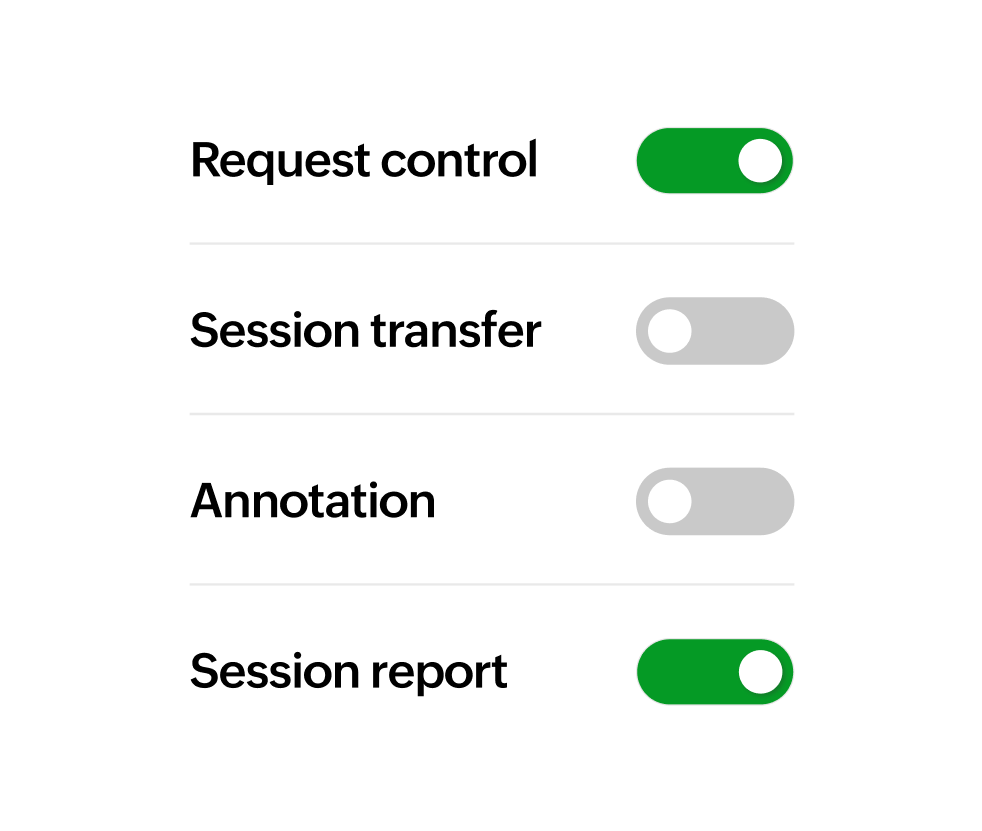
Administrators define exactly what technicians can and cannot do during a cobrowse session, including restricting them to view-only mode, enabling or disabling form entry, and configuring masking rules. These granular controls help organizations enforce security policies and maintain strict oversight of technician actions.

Zero downloads required
Zoho Assist Cobrowse operates entirely within the browser, eliminating the need for downloads, plugins, or executable files. This reduces exposure to software vulnerabilities, simplifies onboarding, and ensures broad compatibility across browsers and devices without ever requiring system-level access.
Secure session logging
Zoho Assist Cobrowse maintains detailed session logs that capture essential information like session duration, technician actions, consent confirmations, and interactions with masked fields, all while adhering to data minimization best practices. These logs provide accountability and audit readiness without storing sensitive customer data.


Data residency and storage transparency
Organizations can choose from Zoho's global data centers to control where their data is stored and ensure compliance with regional regulations. Session metadata is handled with transparency and aligned with local data protection laws, so businesses have greater control over privacy and retention.
Why choose Zoho Assist Cobrowse
Privacy-first, zero trust cobrowsing with browser-only access that prevents system, file, or device-level visibility
Session-level TLS 1.2+ encryption with isolated secure channels for all cobrowsing interactions
Active-tab-only visibility with real-time masking for passwords, payment details, and personal data
Consent-driven sessions governed by role-based access control to manage technician actions
GDPR-ready and HIPAA-aligned compliance with secure session logs and global data residency options

Frequently asked questions
Absolutely. All data is encrypted during transit, and sensitive fields are masked, ensuring technicians never see confidential information.
No. Zoho Assist Cobrowse restricts access strictly to the active tab. Technicians cannot see other tabs, desktop apps, or device-level information.
No downloads or extensions are required. Everything runs directly in the browser.
Once the session ends, all co-browsing interactions are terminated and cannot be accessed again. No session data is stored.
Yes. Admins can configure custom masking rules to block specific fields that contain sensitive or business-critical data.
Customers can pause, resume, or end cobrowsing at any time. Consent is always required before a session begins.