
Why healthcare providers choose cobrowsing
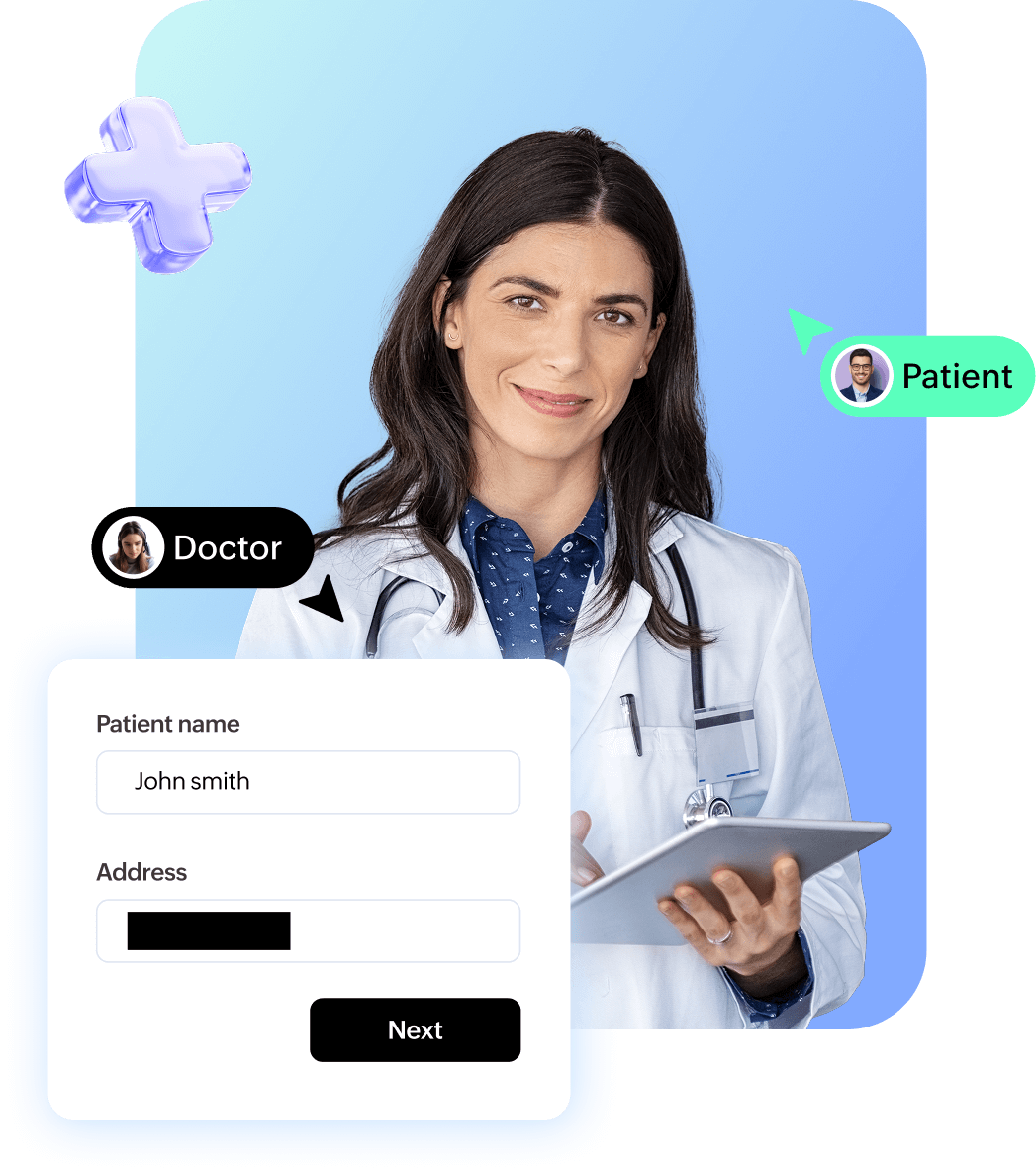
Patients often struggle with portals, medical forms, and digital records, and step by step guidance over phone or chat can be confusing and slow. Co-browsing removes this friction by letting healthcare teams see exactly where a patient is stuck and guide them directly within the browser. This improves accuracy, reduces support time, and boosts patient satisfaction.
Key benefits of using Zoho Assist Cobrowse in healthcare
Portal onboarding and navigation
Guide patients through account creation, login issues, personal information updates, medical report viewing, and appointment scheduling.
Insurance and billing support
Help patients complete insurance forms, upload documents, verify claim details, and navigate payment workflows without exposing private data.
Telehealth readiness
Assist patients with technical setup for telecommunications. This includes verifying microphone and camera access, adjusting browser permissions, and reviewing session instructions.
Administrative and compliance workflows
Support staff can walk patients through consent forms, address updates, prescription requests, and other digital submissions.
Accessibility and patient experience
Co-browsing improves access for elderly patients or individuals with limited technical skills. It provides clear visual guidance that reduces confusion and boosts engagement.
How Zoho Assist improves digital support for healthcare providers and patients
Privacy Controls that protect patient trust
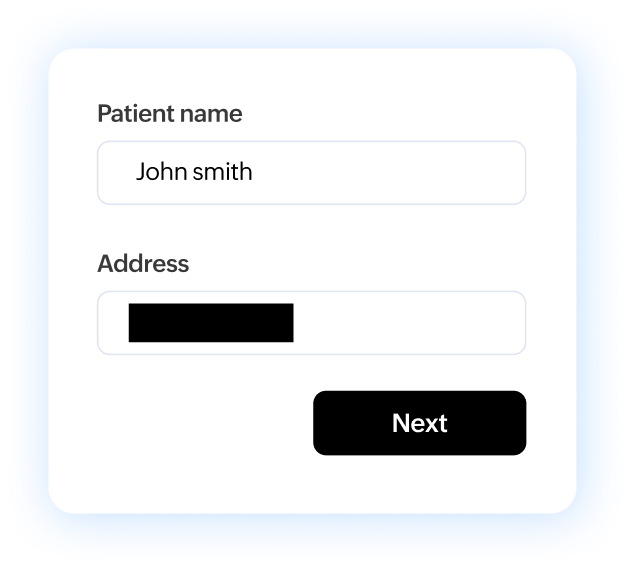
Zoho Assist Cobrowse keeps patient information safe at all times. Technicians cannot see other tabs, desktop windows, or personal files. Only the active tab is shared and all sensitive fields are blurred before they appear to the technician. Patients can pause, continue, or end the session whenever they choose. This controlled environment ensures complete transparency and patient confidence.
No installations or plugins required
Patients are never asked to download software. Zoho Assist Cobrowse works inside the browser and starts with a single click. This removes friction and provides immediate access to support during critical healthcare tasks.
Better Efficiency for Providers and Better Confidence for Patients
Co-browsing reduces back and forth conversations and eliminates guesswork. Healthcare teams can resolve issues faster and ensure patients complete digital tasks accurately. Patients feel supported and empowered, leading to higher satisfaction and smoother digital health experiences.
Built for Healthcare Level Security and Reliability
Zoho Assist Cobrowse uses encrypted connections, data minimization, and strong access controls to maintain the integrity of patient data. The platform aligns with healthcare security expectations and helps organizations deliver safe, guided, and human centered digital support.
Common uses of Zoho Assist Cobrowse in healthcare

Patient portal assistance
Help patients sign up for portals, reset passwords, update demographic details, view lab results, and manage appointments. Co-browsing allows staff to guide patients visually through each step, reducing confusion and incomplete submissions.
Appointment scheduling and management
Assist patients with booking, rescheduling, or canceling appointments directly within scheduling portals. This minimizes errors and reduces call volumes for front-desk and support teams.
Insurance forms and claims navigation
Guide patients through insurance enrollment, coverage verification, claim submissions, and document uploads. Sensitive fields remain masked, ensuring privacy while improving form completion accuracy.
Billing and payment support
Walk patients through invoices, payment portals, and financial assistance applications. Co-browsing reduces misunderstandings around charges and payment steps, leading to faster resolution and fewer follow-ups.
Consent forms and digital documentation
Assist patients in completing consent forms, medical histories, prescription requests, and other required digital paperwork accurately and on time.
Accessibility-focused support
Provide clear, visual assistance for elderly patients or individuals with limited digital experience. Co-browsing makes healthcare services more inclusive by reducing reliance on complex verbal instructions.
Transform your patient experience with secure co-browsing
Sign up for freeFrequently asked questions
Zoho Assist Cobrowse is designed with healthcare-grade security and privacy controls that align with HIPAA expectations. It uses encrypted connections, strict access controls, and data minimization to help protect patient information during support sessions.
Only the active browser tab is shared during a session. Other tabs, desktop windows, and local files are never visible. Sensitive fields are automatically blurred, and patients can pause or end the session at any time, maintaining full control.
Yes. Zoho Assist Cobrowse works entirely within the browser. Support teams guide patients visually on the same web page without taking remote control of the patient’s device or accessing personal files.
Co-browsing can be used for portal onboarding, appointment scheduling, insurance and billing assistance, telehealth setup, consent forms, and other patient-facing digital workflows.
No. Patients do not need to install any software, plugins, or browser extensions. Co-browsing starts instantly within the browser using a secure, single-click session.
Zoho Assist Cobrowse enables secure, compliant, and patient-friendly digital support. It reduces support time, improves task completion accuracy, enhances patient trust, and helps healthcare organizations deliver smoother, more human-centered digital experiences.