What is cobrowsing?
Co-browsing enables agents and customers to navigate a website together in real time. Unlike screen sharing, it only shares a browser tab—keeping local files and other tabs private.
With co-browsing, you can:
- View and interact with a customer's browser instantly.
- Highlight, draw, or guide them through actions.
- Request permission to take control.
- Keep sensitive data hidden through masking.
This makes co-browsing ideal for customer onboarding, technical troubleshooting, form assistance, checkout support, and live sales guidance without downloads or complex setups.
What you can do with Zoho Assist Cobrowse
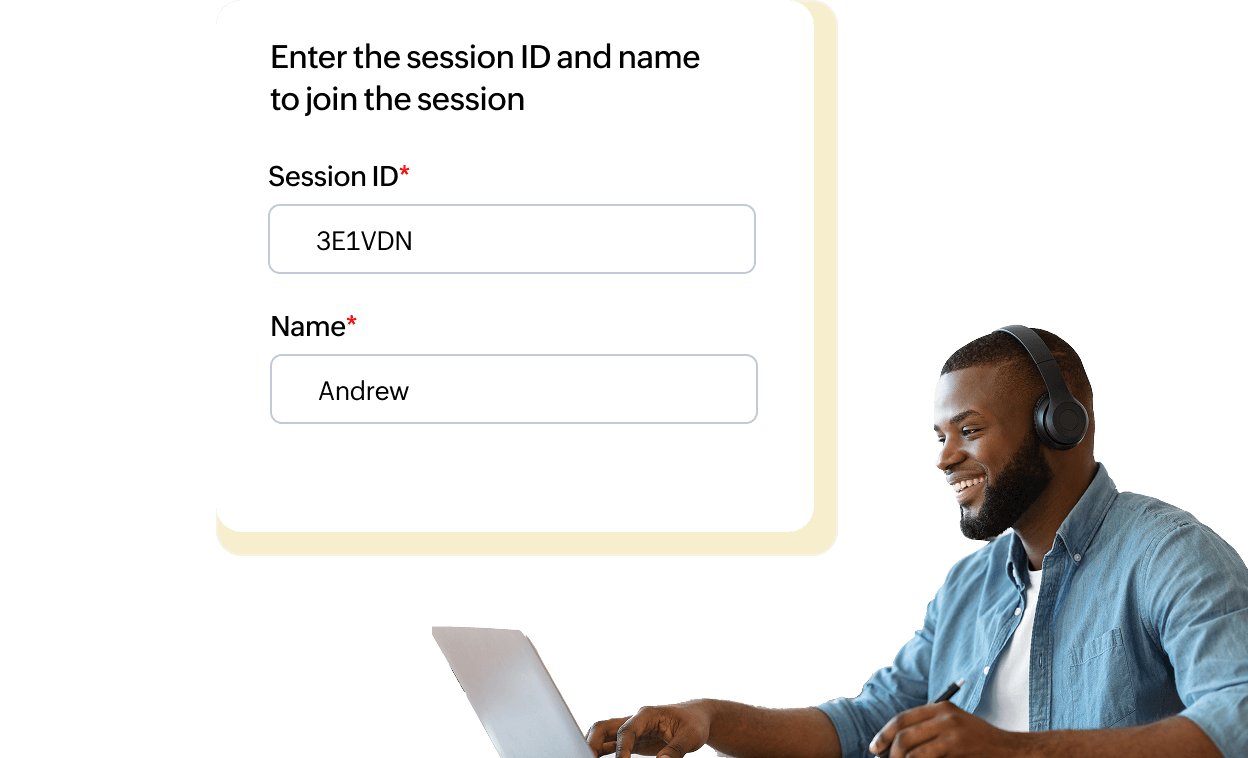
View customer browser
Instantly access your customer's browser to identify and understand issues. No screen sharing or installation required.
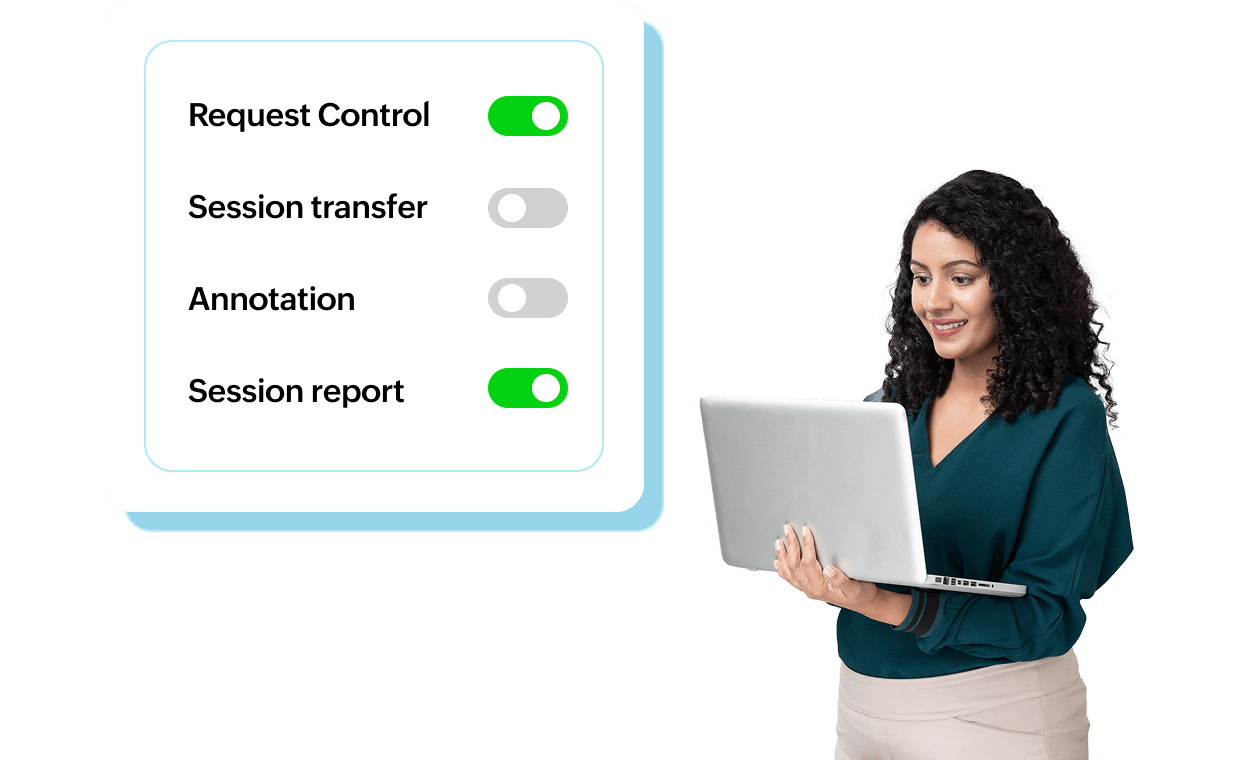
Take browser control
With customer consent, agents can securely control the browser to complete forms, guide purchases, or troubleshoot issues.
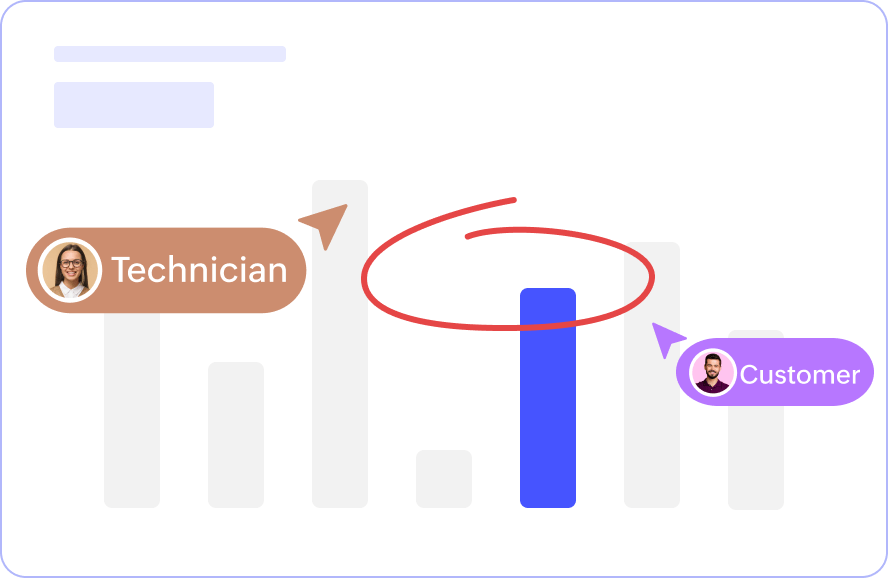
Use on-screen annotation
Draw, mark, or highlight directly on the customer's screen to explain the next steps visually.
Enjoy unlimited sessions
Support customers freely with no restrictions on the number of co-browsing sessions.

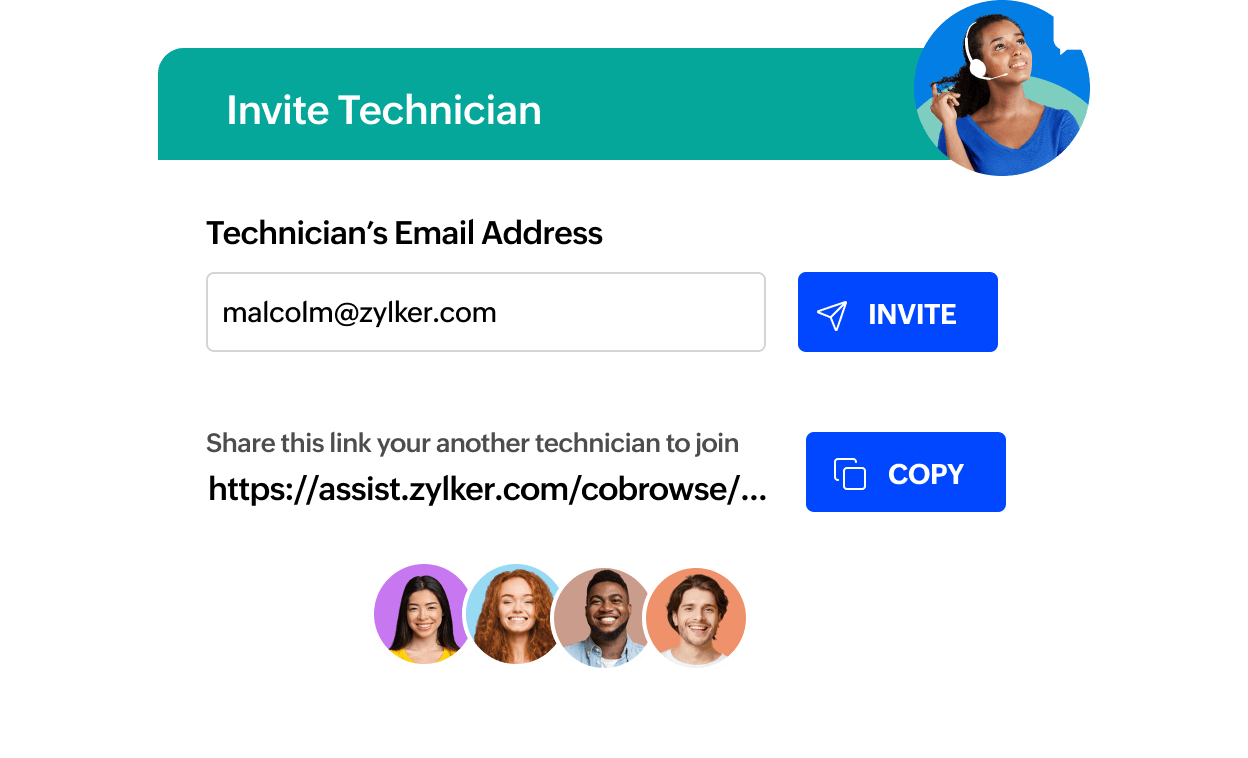
Transfer active sessions
Seamlessly hand off an active co-browsing session to another technician without interrupting the customer.
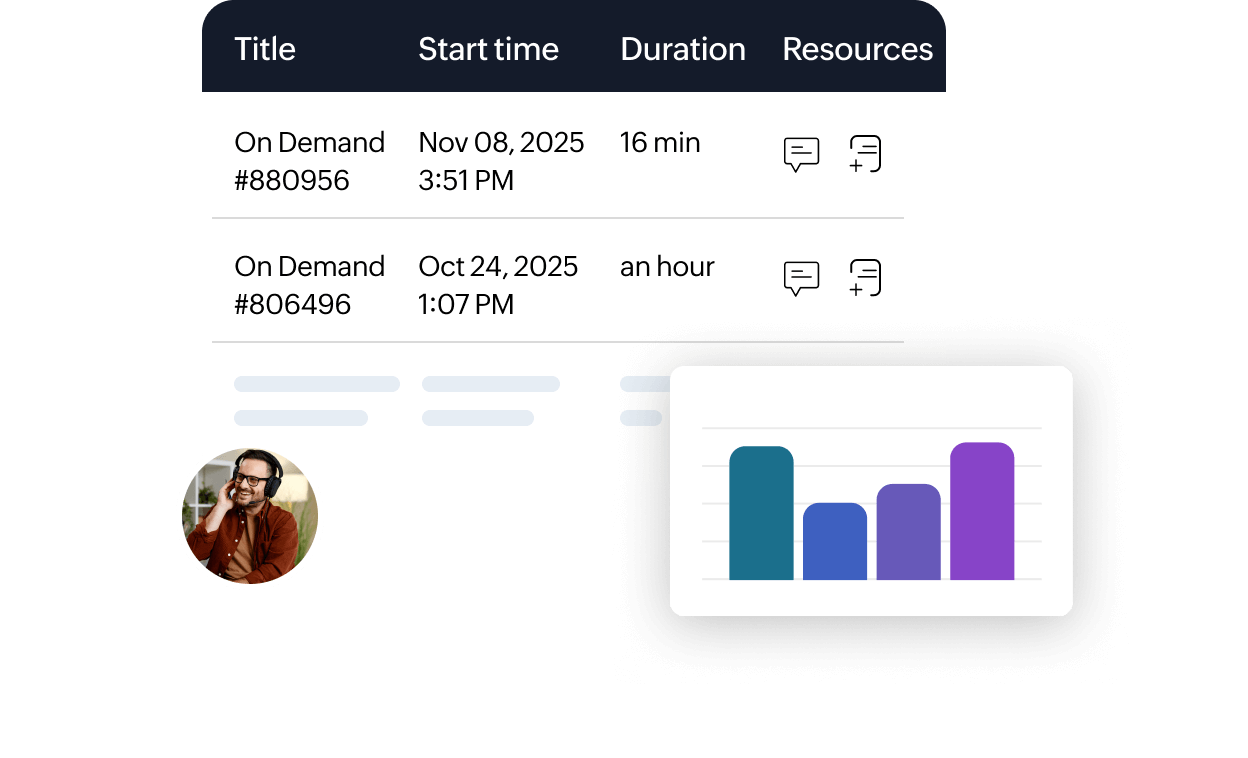
Create custom reports
Generate detailed session reports to analyze performance, outcomes, and customer experience metrics.
Enhance privacy and control
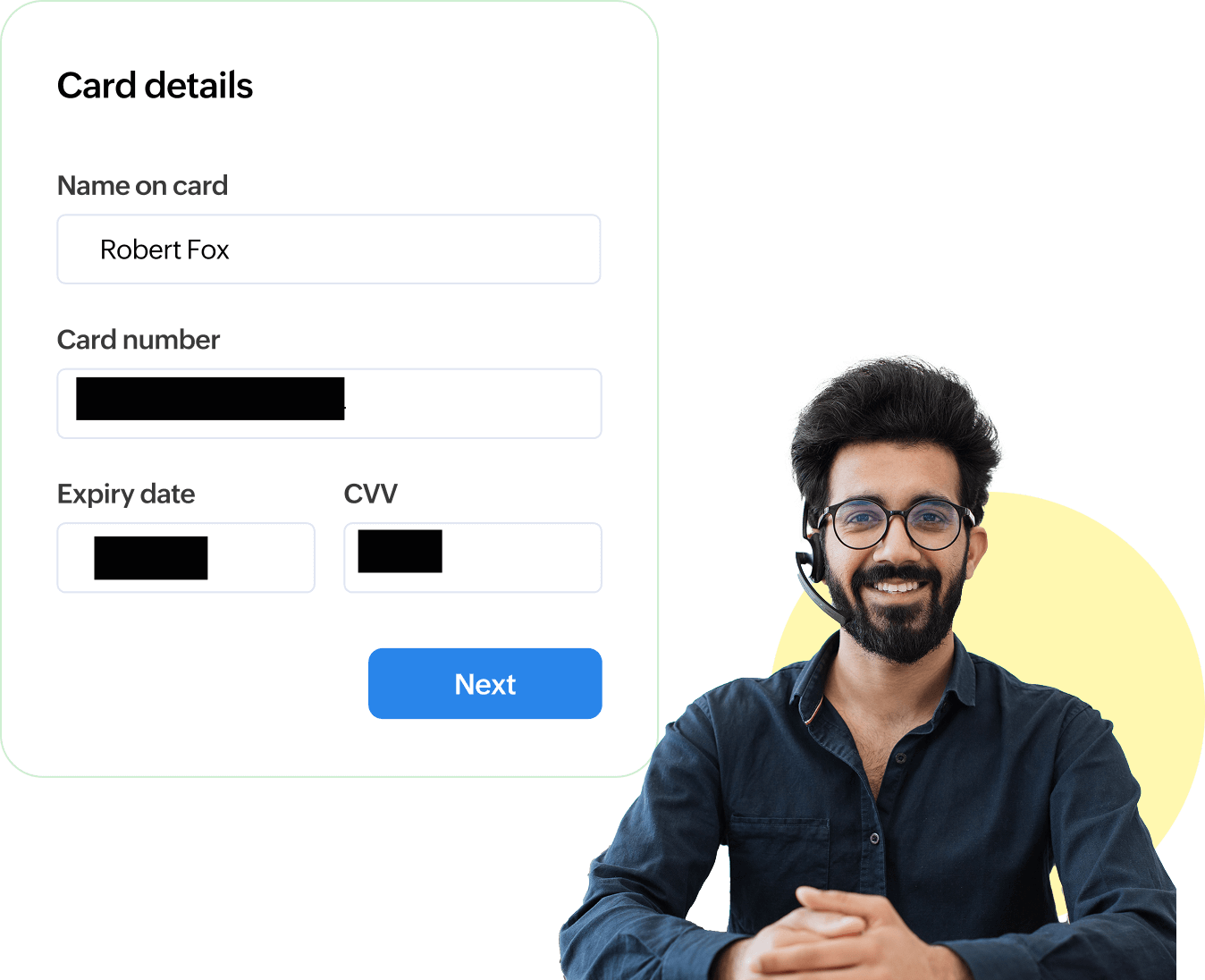
Collaborate securely as both the technician and customer see each other's cursors, while sensitive information like passwords or payment fields remains hidden for GDPR compliance.
Instant cobrowsing with browser extension
Enable cobrowsing without integrating code into your website. Technicians can initiate sessions and guide customers through any webpage using the Cobrowse by Zoho Assist browser extension.

Benefits of using Zoho Assist Cobrowse
When compared with other co-browsing tools like Cobrowse.io, Upscope, or Surfly, Zoho Assist Cobrowse stands out for its deep security integration, scalability, and ecosystem compatibility.
Faster resolutions
Solve problems quickly by seeing what users see, cutting down on back-and-forth communication.
Seamless integrations
Combine co-browsing with Zoho Desk, CRM, and other third-party tools to deliver omni-channel support.
Clientless experience
No downloads, plug-ins, sessions start instantly from the browser.
Scalable for enterprises
Handle multiple sessions, technicians, and departments with centralized control and analytics.