Restrict Embedding Views
The Trusted Domains tab allows you to configure the domains where you can embed the Zoho Analytics reports and views.
In the Embed/Published URL section, set the Allowed Domains toggle button as Enabled and enter the trusted domains in the given field. You can specify up to 10 domains.
Now you can embed the Zoho Analytics views only in the configured domains.
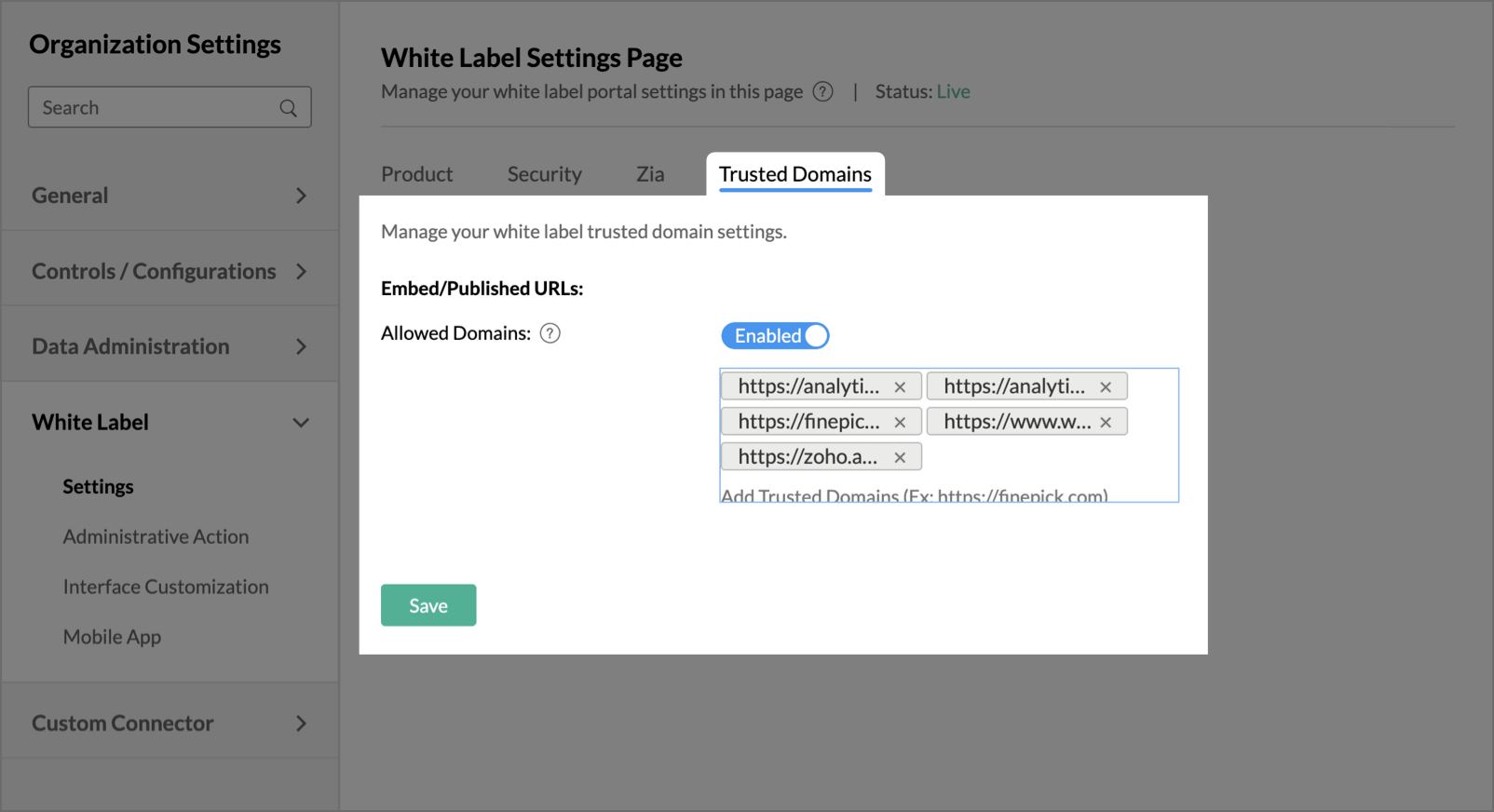
It is mandatory to add the trusted domian (already entered above) as frame orgin, when embedding an open view.
Exmaple: <iframe frameborder=0 width="800" height="600" src="https://analytics.finepick.com/open-view/21xxxxxxxx?frameorigin=https://finepick.com"></iframe>
In the Embed/Published URL section, set the Allowed Domains toggle button as Enabled and enter the trusted domains in the given field. You can specify up to 10 domains.
Now you can embed the Zoho Analytics views only in the configured domains.
It is mandatory to add the trusted domian (already entered above) as frame orgin, when embedding an open view.
Exmaple: <iframe frameborder=0 width="800" height="600" src="https://analytics.finepick.com/open-view/21xxxxxxxx?frameorigin=https://finepick.com"></iframe>
In the Embed/Published URL section, set the Allowed Domains toggle button as Enabled and enter the trusted domains in the given field. You can specify up to 10 domains.
Now you can embed the Zoho Analytics views only in the configured domains.
It is mandatory to add the trusted domian (already entered above) as frame orgin, when embedding an open view.
Exmaple: <iframe frameborder=0 width="800" height="600" src="https://analytics.finepick.com/open-view/21xxxxxxxx?frameorigin=https://finepick.com"></iframe>