Agents
The Agents tab is where all the agents you've built are listed. Each agent appears as a card showing its name and basic details. Click any card to open its details page.
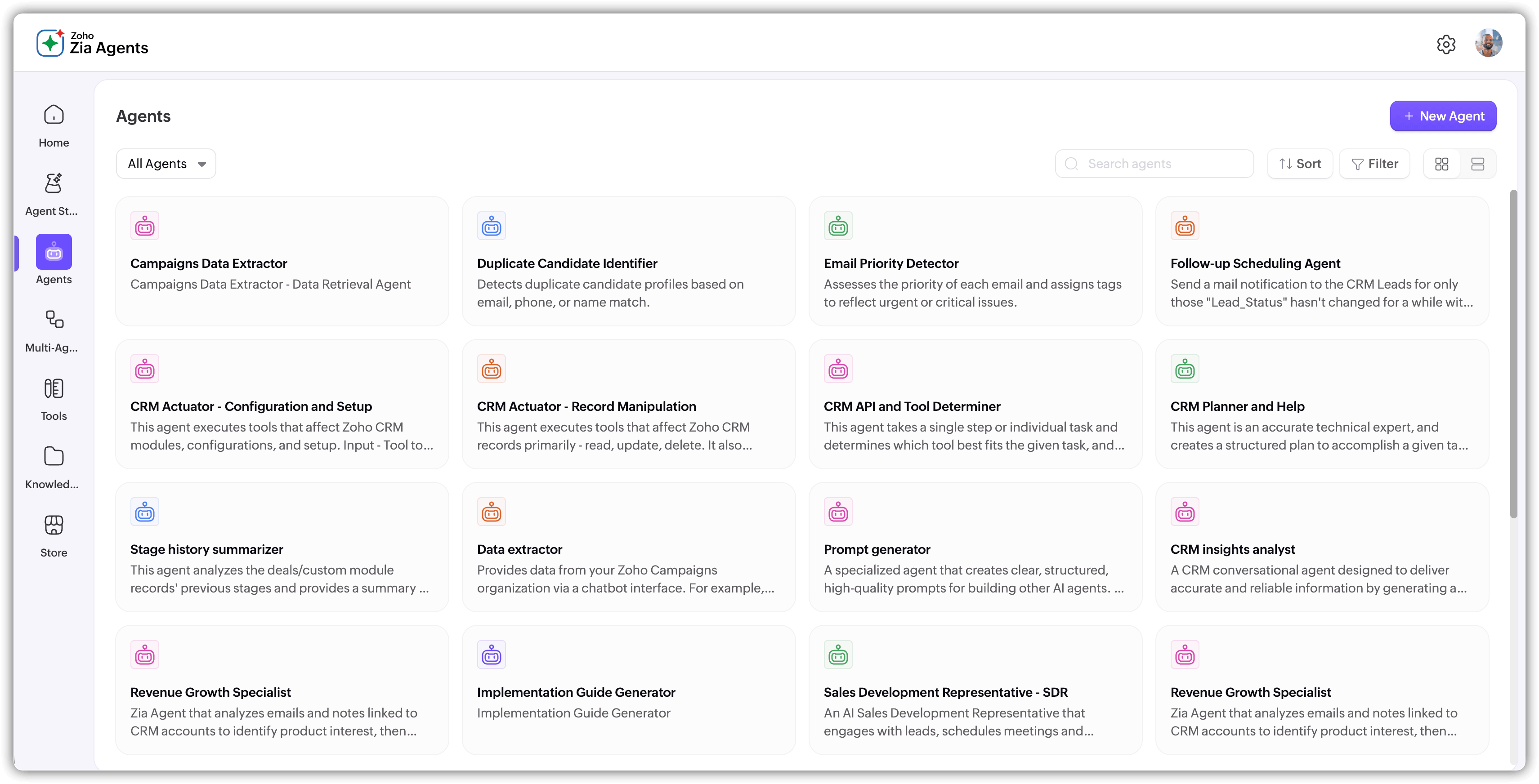
On this page, you can :
- Click the + New Agent button to create a new agent.
- Use the dropdown on the top left corner to view all agents, agents created by you, agents created by others at a glance.
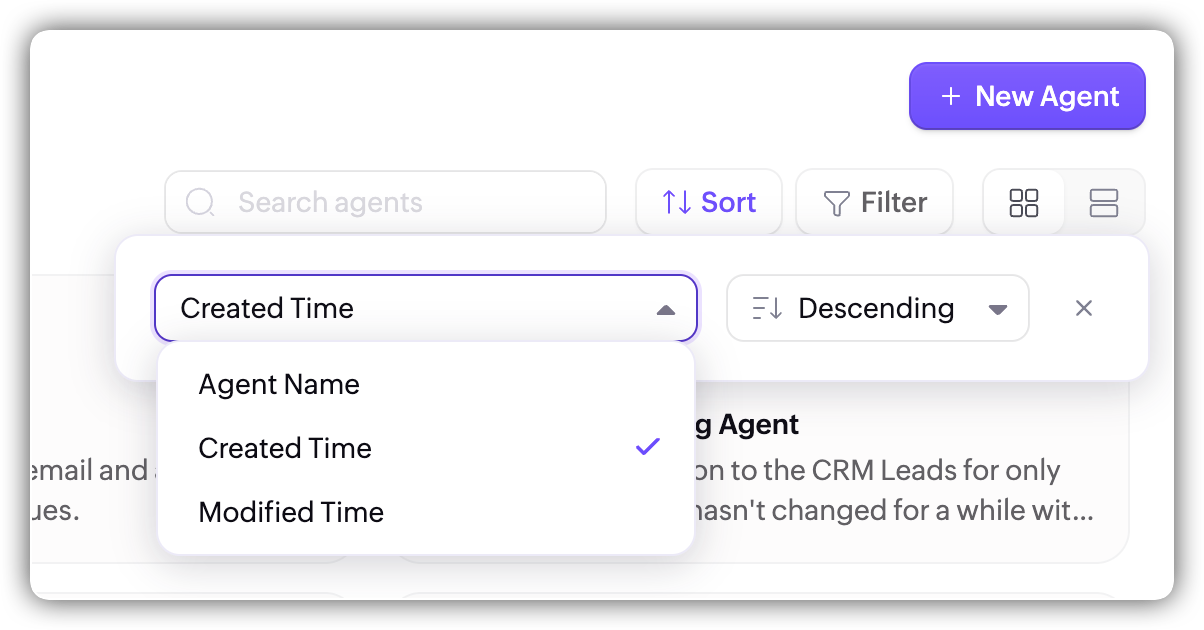
- Sort the agents as ascending or descending order of the agent name, created time, or modified time.
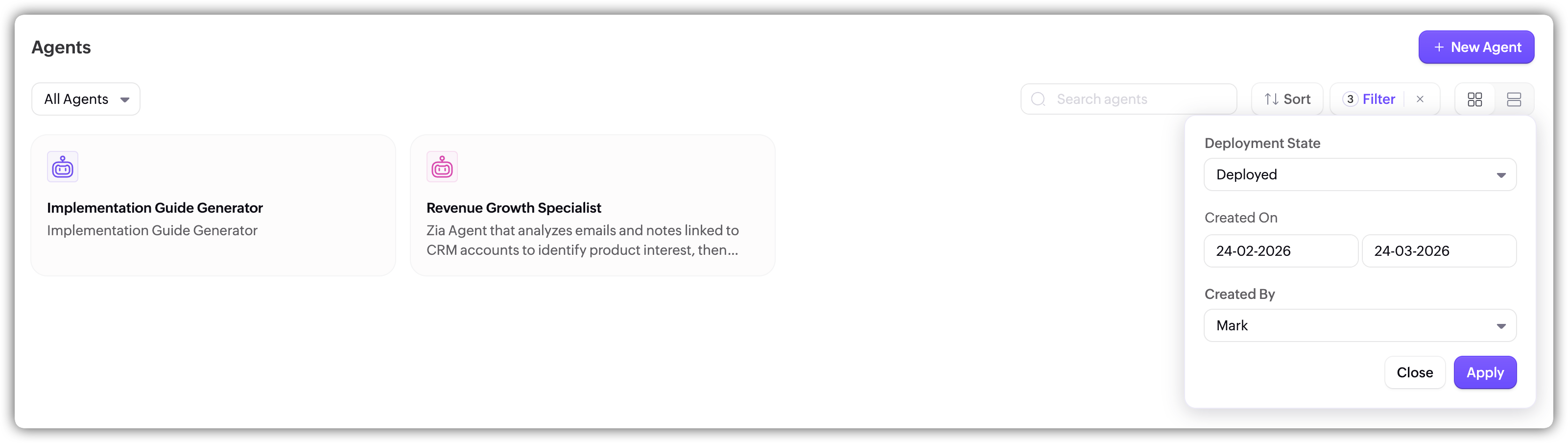
- You can also add additional filters to view only specific agents.
Agent details page
The details page is the central hub for managing a specific agent. At the top, you'll find the agent's name, ID, current version, creator, and the last updated timestamp.
The top right has three key actions. Share lets you share the agent with others in your organization. Test Agent opens the test window where you can interact with the agent in real time before deploying it. Deploy shows the current deployment status and gives you options for how to take the agent live.
Below that, the page is organized into four tabs:
Overview is the main configuration view. On the left side, you'll see the agent's instructions, role, and other details like the vendor, model, and description. On the right side, you'll see the knowledge base documents, tools, and guardrail settings attached to the agent. Everything here is editable directly from this tab.
Integrate provides Integrate provides options for connecting your deployed agent to external channels including ChatKit, Cliq Chatbot, WhatsApp, and the Agent API. For a full walkthrough of each option, see Integrating Agents.
Observability gives you visibility into the agent's performance in production, including session data, execution metrics, and step-by-step breakdowns of individual interactions. See Observability for a full walkthrough.
Versions maintains a log of every version of the agent, showing the version ID, status, creation time, and author. This is useful for tracking changes over time and rolling back if needed.