


Can I provide discounts at the invoice level?

Yes, you can provide discounts at the invoice level. Here’s how:
- Go to Settings and click General Preferences.
- Select At Transaction Level under Do you give discounts?.
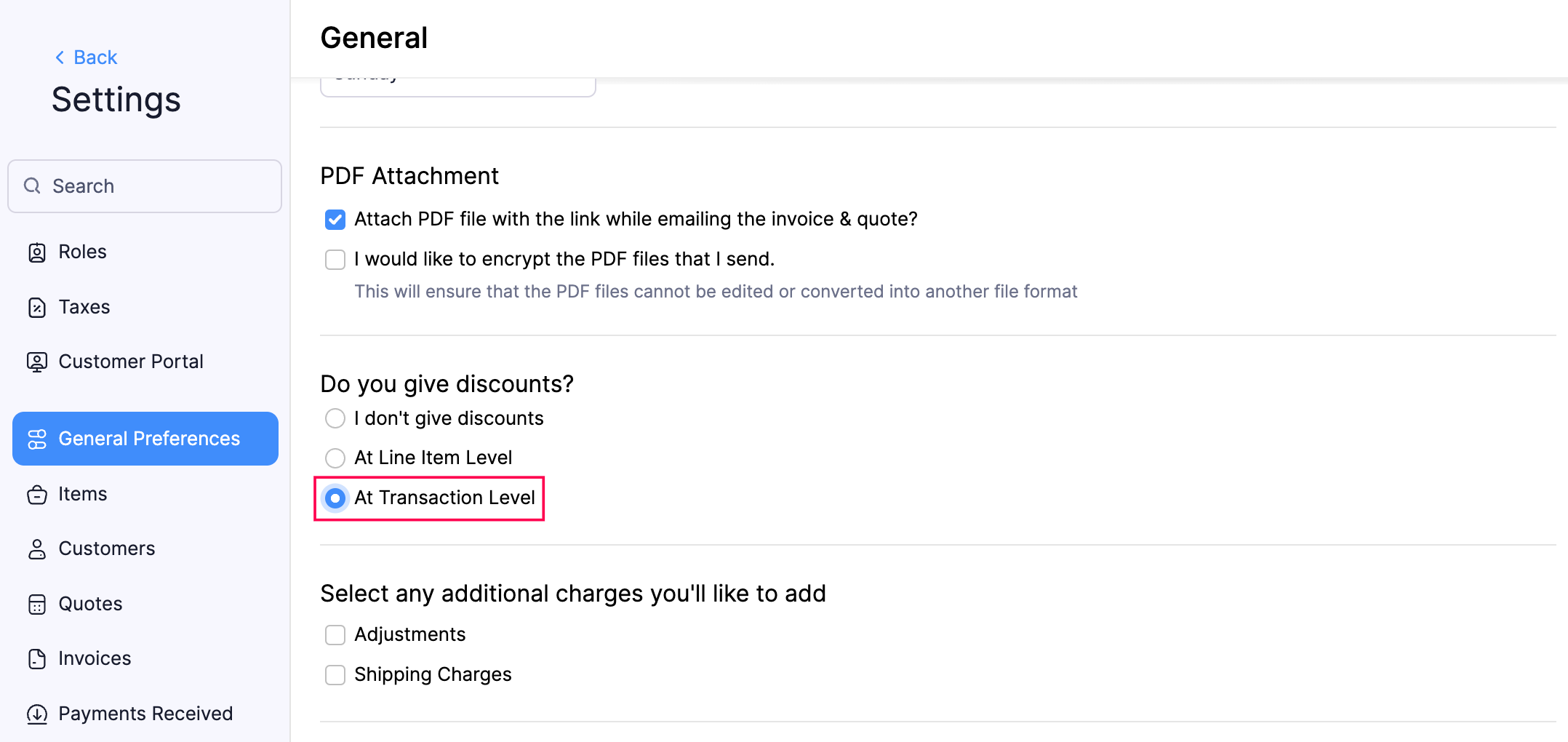
- Click Save.
To display discounts on your invoices:
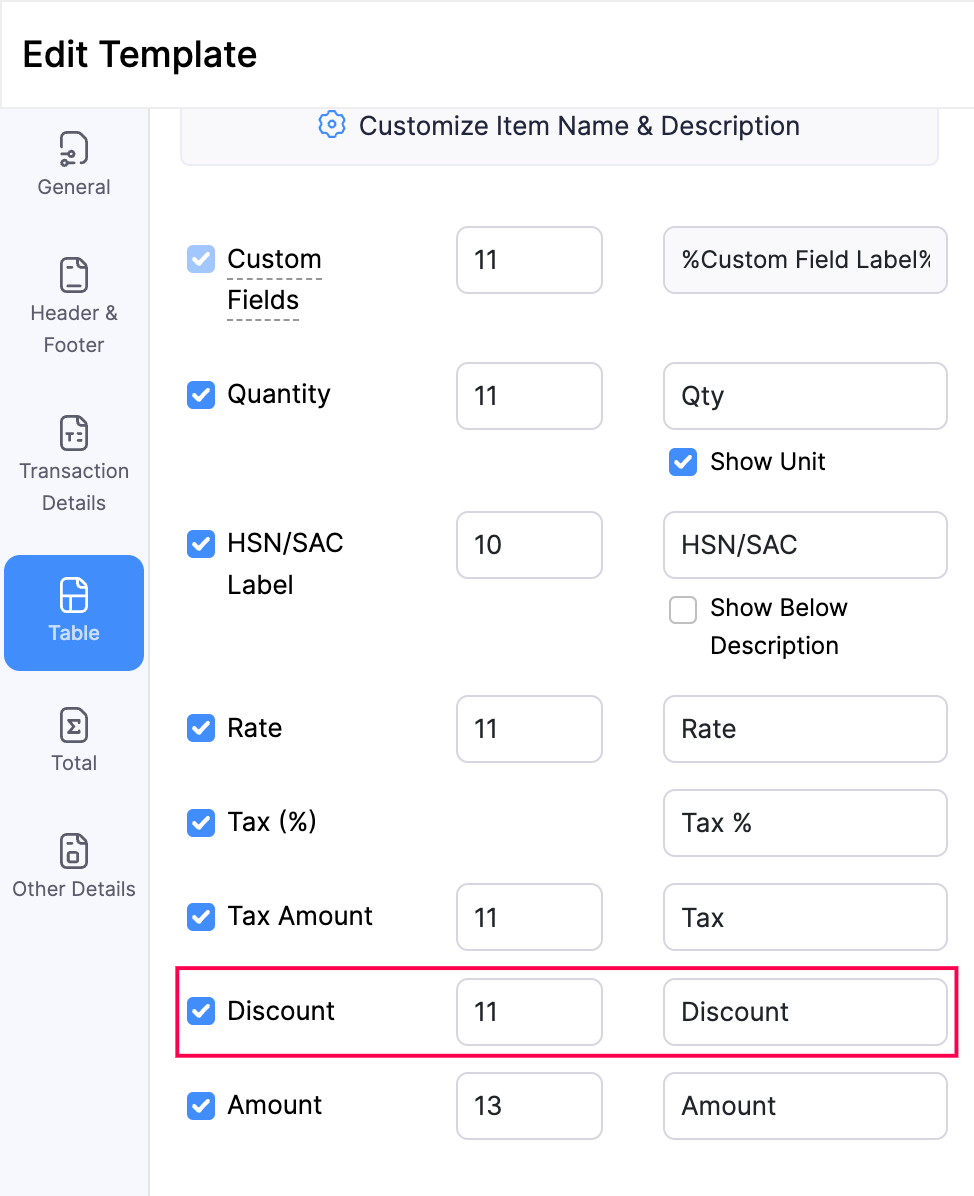
- Go to Settings and click PDF Templates.
- Select Invoices.
- Click Edit in the template in which you want to display discounts.
- Select the Table tab on the left sidebar and mark Discount.
- Click Save.
 Yes
Yes