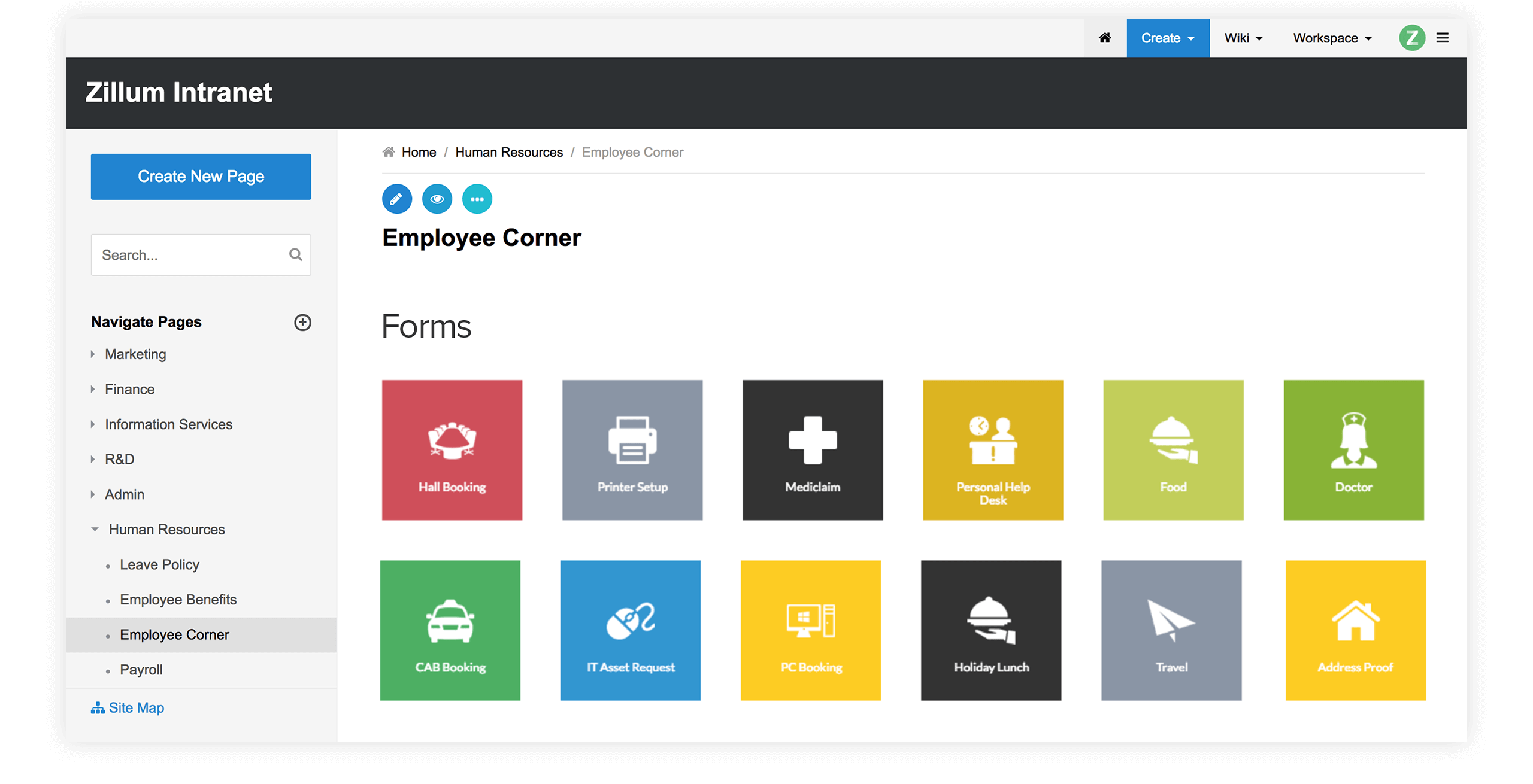
Zoho Wiki offers collaborative
tools to stay competitive, increase productivity and to share knowledge
across the board.
You can stay connected with your group / teams scattered across the
globe, next building or on the same floor and still effectively work
together on the same page.
"The Zoho wiki platform has been incredibly useful to my small business. I have used it for organising an ad-hoc common-interest group, for organising the development of events and publications, and as the basis of a customer-support web site (among other things). Maintaining the wiki-based web site is great because I can edit and extend it from wherever I am (with the aid of collaborators if I want) and it is really easy to split it into public and private sections. My next project will probably be to migrate all my back-office functions onto a private wiki so that I can employ home-based part-time support staff as the business grows."Vilnis, Energy Management Expert
www.vesma.com

WorkspacesTop
Now, each team or department has it's own workspace within the
organization wide wiki. Each workspace can operate as a separate portal,
meaning it is easy to give permissions for the team alone, share
documents within the team, customize the look and feel etc.
For
eg, within the enterprise wiki, there can be separate workspaces for HR,
Finance, Marketing, IT teams. Each team can upload and share documents,
can customize their own workspace, set fine grained access controls for
the team and others too. Likewise, Teachers can create separate
workspaces for different classes.

As an
authorized administrator you can create online workspaces for users to
- Stay informed on conversations within workspace
- Encourage people to brainstorm and contribute their ideas
- Keep users up-to-date on progress through notifications
Comprehensive history trackingTop
Monitoring changes is very simple. Users can easily
- Create their own watch lists of pages or wikis and view the changes
- Check for recent comments at a glance
- Capture the knowledge previously lost in email
Users can also keep track of the changes made and can get a gist of
details like
- Who edited the pages
- What file versions were attached
- When it was done
VersioningTop
A version log is automatically generated and tracked for every
change made to a document.
If a working document gets accidentally
deleted then revert back to previous version and easily retrieve the
lost data.
Our version system can effectively merge changes that
are made by two or more people to a document at the same time.
This
is what we literally mean by Put everyone on the same page
Version History
|
Version Changes
|