|
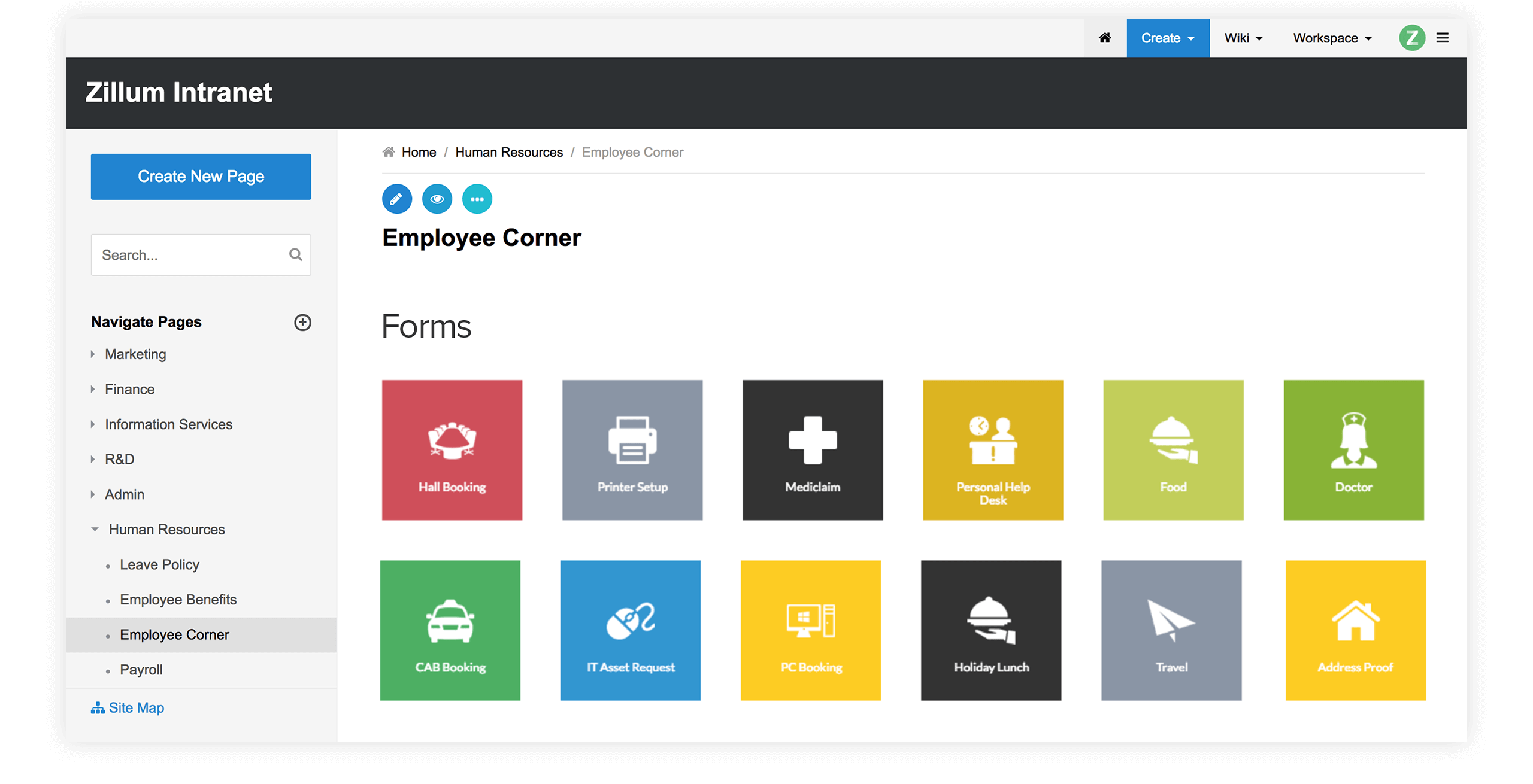
Zoho Wiki allows you (Owner) to manage your Wiki through an intuitive
web interface with total control from a single place.
The wiki owner or administrator can
- Assign access privileges like Read / Write for Group Users, Individual Users, Registered Users, Domain Users, Public
Users, Organization Users
- Set Wiki, Workspace or Page level permissions for users
- Customize look and feel of the website for members
- Have permissions to Restore, Copy, Block users and Rename pages
Create and Manage UsersTop
As an authorized wiki owner or administrator you can add
- Individual users - You can directly add the E-Mail IDs of the users you want to add. Also, you can select the users from the contact list.
- Domain Users - You can type in your @company.com domain mail address using
Company domain option. Once the domain address
is set,
then all users belonging to this domain will automatically
have
permissions to view your wiki pages.
- Group Users - You can share your wiki pages to multiple groups. From the group list, select the groups you want to add. You can create your groups from the contact list
- Zoho Registered Users - All Zoho registered users will have access to the wiki pages. Instead of allowing anonymous guest viewers, this will facilitate valid users to access the pages and leave their comments.
- Organization Users - This option is available for enterprises that have bought Zoho Business. As part of Zoho Business, wiki access will be provided for all the organization users or for select organization users.
- Public - Everybody can now access the wiki pages.
Create, Manage Users and Custom Permissions
|
Next, you can assign custom permissions when a user
gets added to a particular group like
- Reading
- Editing
- Deleting
- Posting
Comments
- Creating Pages
Set Workspace / Page level permissionsTop
a. Workspace level Permissions
We have options to define workspace permissions at two levels
- Set Parent Wiki permissions itself as workspace permissions
- Set Custom permissions for a particular workspace

b. Page level Permissions
We have options to define page permissions at two levels
- Set Parent Wiki permissions itself as page permissions
- Set Parent Workspace permissions itself as page permissions
- Set Custom permissions for a particular page

Customize
site for your GroupTop
Administrator can customize the entire wiki
for group members like
- Select wiki skins/themes, change
logos / titles
- Add custom Headers/Footers for pages
- Define
stylesheets (CSS) for your pages
- Enable instant
notifications to stay updated
- Configure your favorite
language using language settings
Language Settings
|
Add Custom CSS

|
Permission
to Restore, Copy and Rename pagesTop
Zoho Wiki also offers
additional Admin privileges like
- Restore Pages - Easy restore
option for deleted pages
- Copy To - Allows users to copy contents
from one wiki to another one
- Rename Pages - Rename or Edit a page
title
- You can allow users to copy the workspace contents. This action will allow others to copy the contents of your workspace.
You are allowing your contents to be copied by any user, under your own
risk. Zoho Wiki is no way responsible for any copyright or privacy
issues.
Restore Pages
|
Copy to
|
|
|