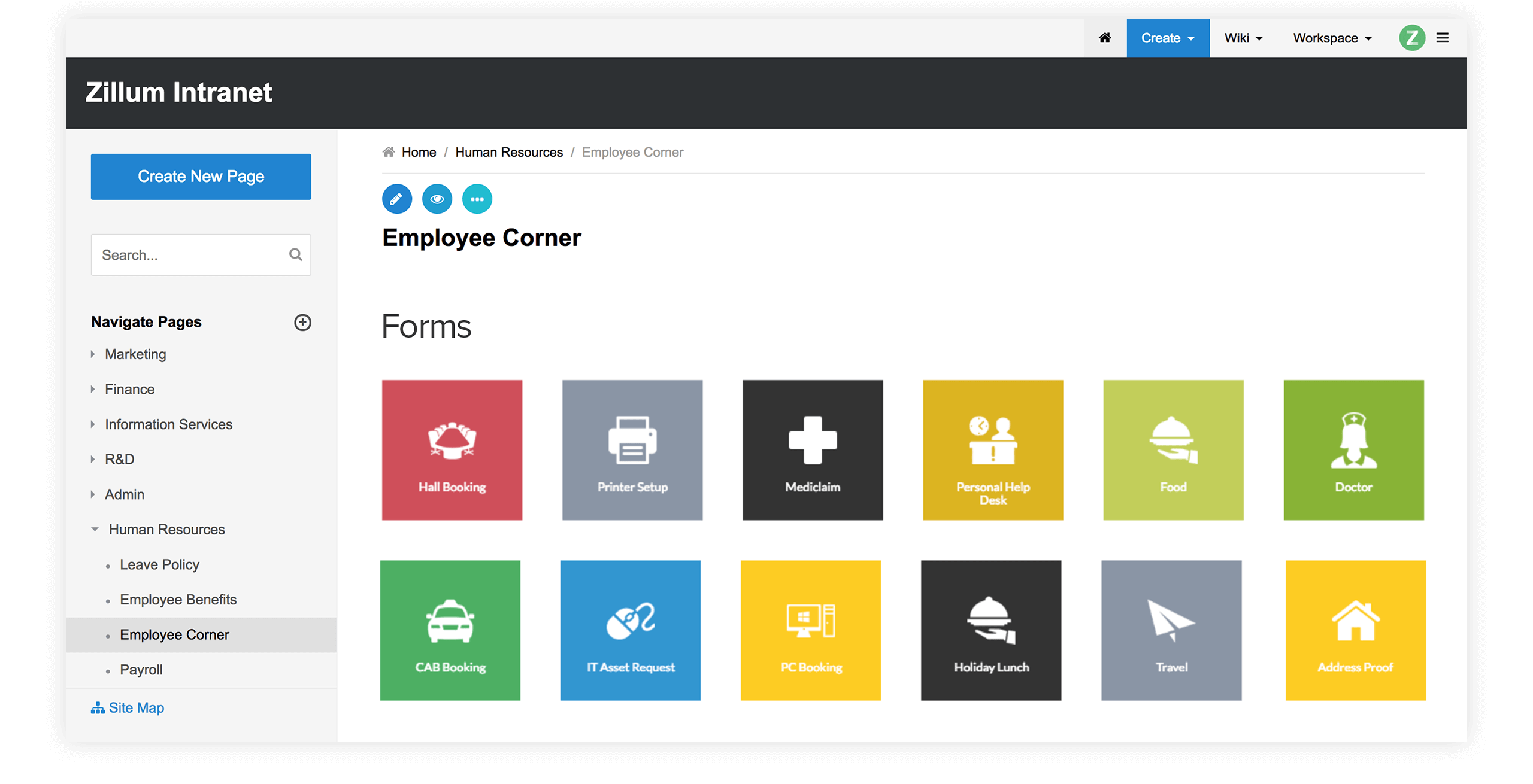
|
Zoho Wiki
provides options to select wiki themes, configure navigation panel, add
customized headers/footers,
define your own style sheets, change
logos/titles and customize web pages as you like.
Customize
Navigation panel, Headers, FootersTop
Zoho Wiki
allows you to
- Easily configure the top navigation panel with your favorite or
frequently accessed applications
- Set customized footer for your pages in workspace like adding
copyright message etc
- Change names, titles, add your own images or logos for your web
pages
Custom Top Panel (Zoho Sheet)
|
Customized Footer
|
Logos and Titles
|
Enhance
Look and Feel of PagesTop
Zoho Wiki
provides many options to customize look and feel of your pages. You can
- Select a skin from a list of predefined themes for your Wiki
- Option to position the navigation panel to the left or right side
- Define your own style sheets (CSS) for the way the text is displayed
and the page is laid out
- Set your Wiki Dashboard as the default Home page
- Enable auto-linking of pages for CamelCase phrases
Themes
|
Custom StyleSheets (CSS)
|
Configure
Language settingsTop
You can
choose your favorite language for the pages using language option
present in GeneralSettings
panel. Currently we support English, Japanese, Chinese, Norwegian,
Swedish and more are in works like Spanish, Dutch etc
Note: If you
wish to contribute or view the pages in your favorite language do mail
us at support@zohowiki.com
|