|
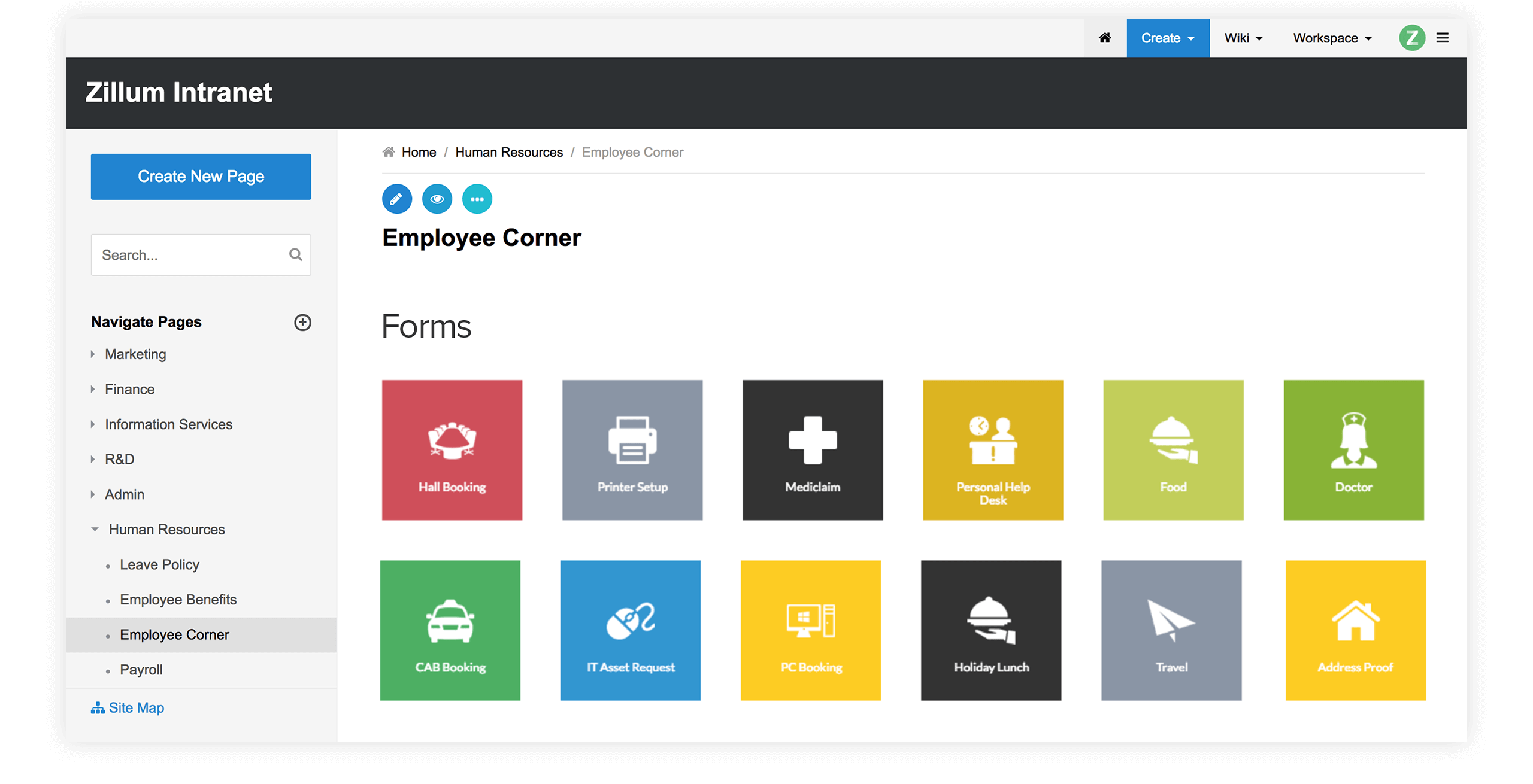
Zoho Wiki allows you to build a powerful source of information which you can organize and manage it effectively in a centralized place. You can link, arrange hierarchically (in a folder structure), re-order and tag your pages which helps in fast and easy navigation
Links are the basic connectivity chains to the contents on a web page. An effective way of linking between pages provide easy access to page contents - just a single click on a link will get the desired information. You can link pages, images, pictures, attachments, comments and external sites.
Link Attachments
 |
Link Email
 |
Link Pages
 |
Our SiteMap helps to build hierarchies of pages in a folder fashion. With this you can rearrange pages resembling a hierarchical tree. Using Site Map You can
- Reorder pages, subpages using simple drag-and-drop option
- Alphabetically index all web pages in your Wiki
- Create Table of contents (TOC) to build chapters and sections for your site
Hierarchy of Pages
 |
Wiki Index
 |
Tag and Search pagesTop
a. Tag Pages
Tagging a page is considered to be the most effective way to provide accurate and detailed data for your website visitors.
Zoho Wiki provides a easy way to
- Filter and categorize information by tagging contents
- Quickly add tags to pages and create own tagging structure
- Easily define your own tags to classify and relate web pages
Add Tags
 |
b. Search Pages
Add more unique fresh contents to your website which results in more visitors and generates more traffic. Zoho Wiki's Quick search helps to
- Make a effective search of pages within your wiki workspace
- Tag pages with intuitive labels so that your pages gets listed at the top
- Filter search based on file names, contents, page titles etc
Quick Search
 |
Search Results
 |
|