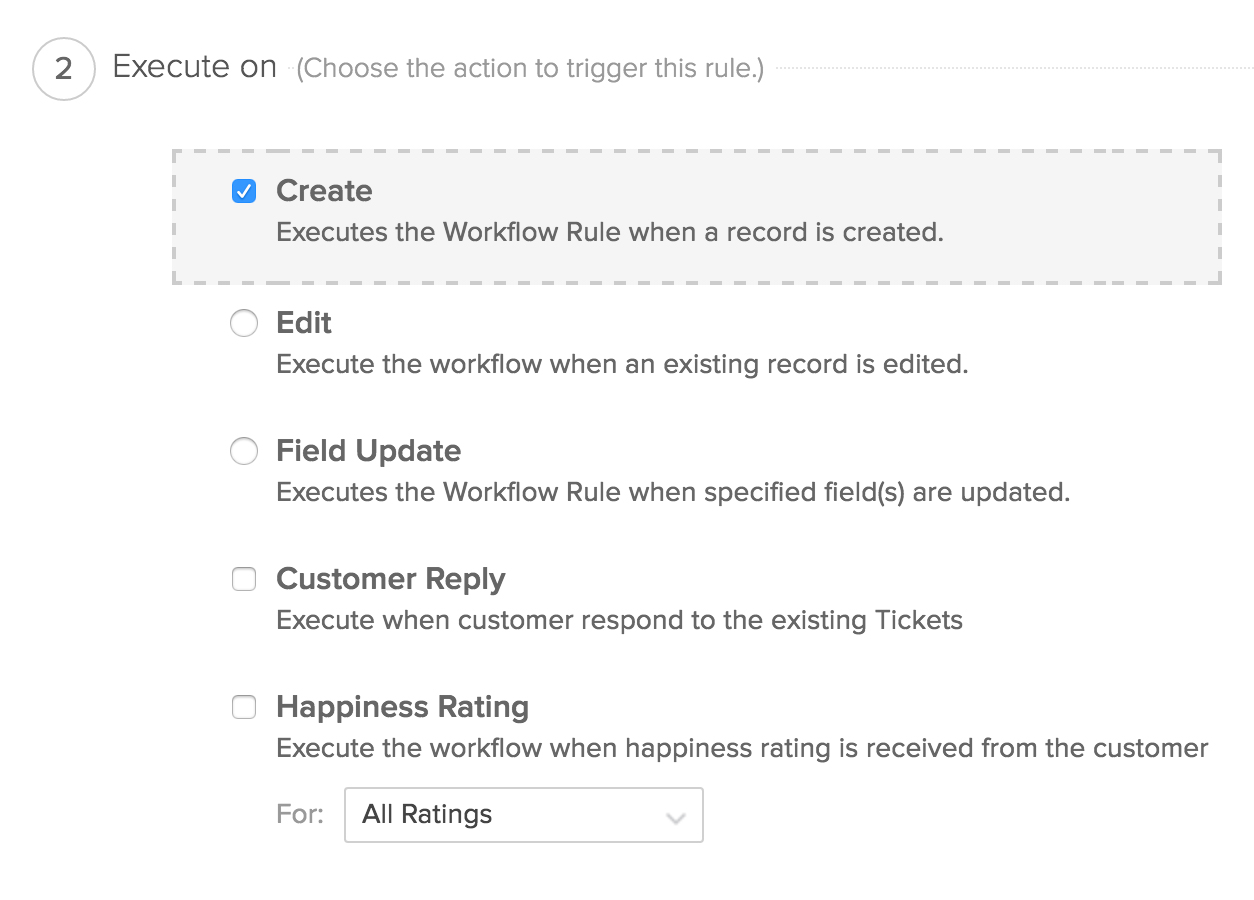
Service-levels, contracts, and more.
An organized desk is the sign of an organized mind. The same is true of help desks. Organize all your customer service efforts with Zoho Desk. Use service-levels and contracts to ensure you fulfill all your commitments. All your advanced automation rules will be based on these basic building blocks.
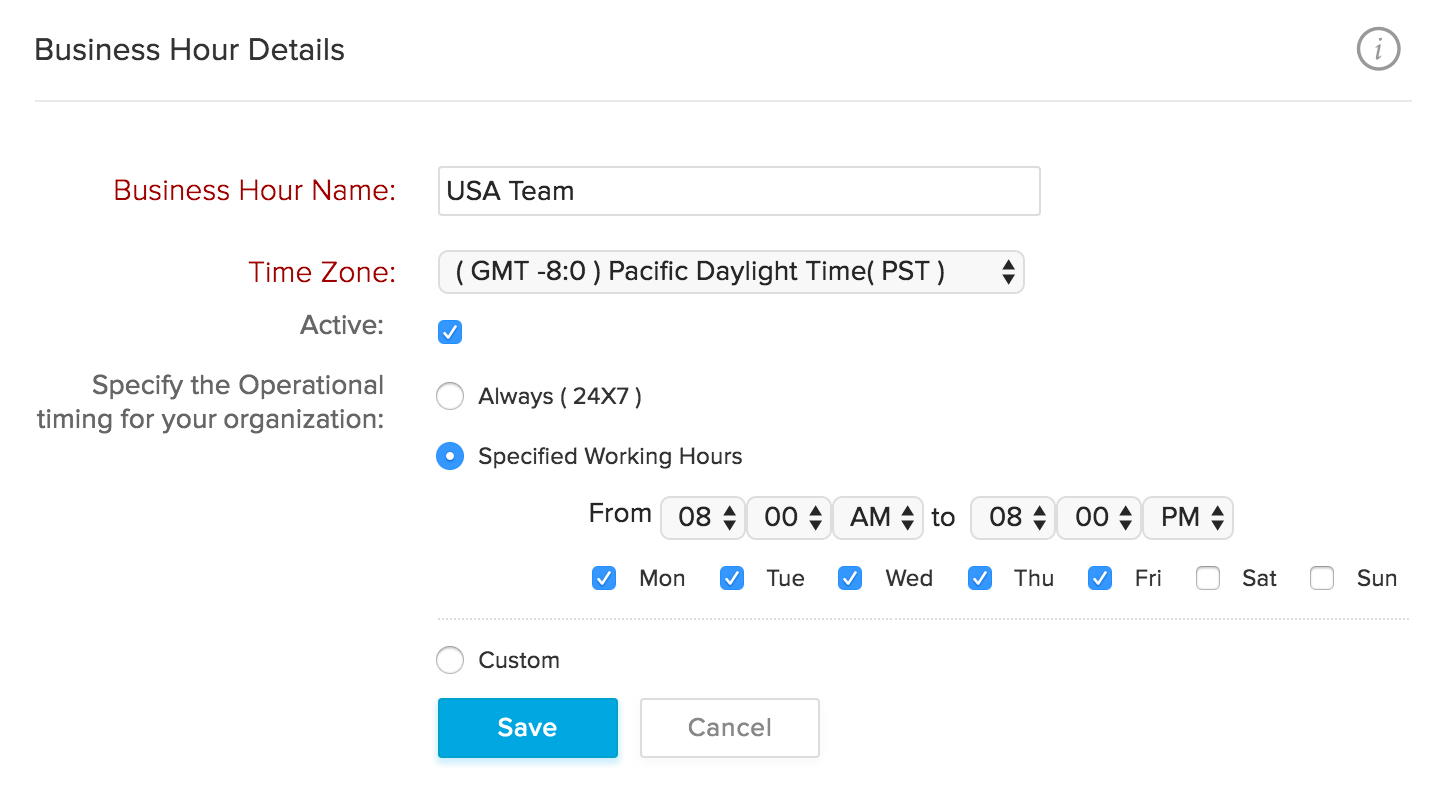
Every ticket finds its match.
Tickets have to be assigned to agents before they can be answered, but doing that manually is a huge waste of human potential. So we've taken ticket assignment and automated it. Now all you have to do is set the criteria and create rules, and watch every ticket meet its perfect match in your team.
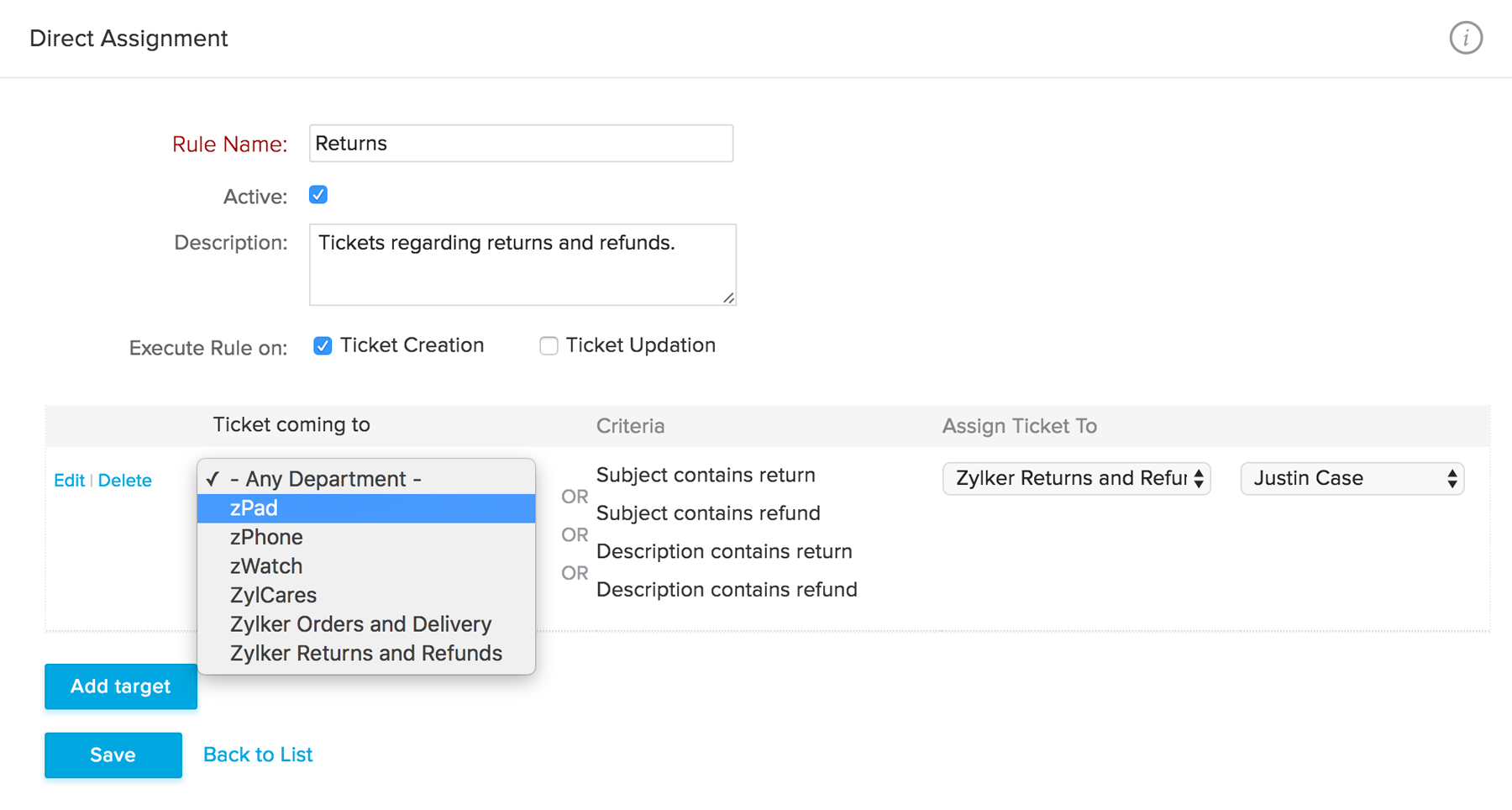
Escalate tickets. Avoid disasters.
We've all seen those tickets where a timely response couldn't go out. For managers, it's really important that these tickets be brought to their attention immediately past due time. With a simple set of rules, tickets can get escalated automatically based on SLAs. If that's not enough, they can be automatically assigned to another agent too.
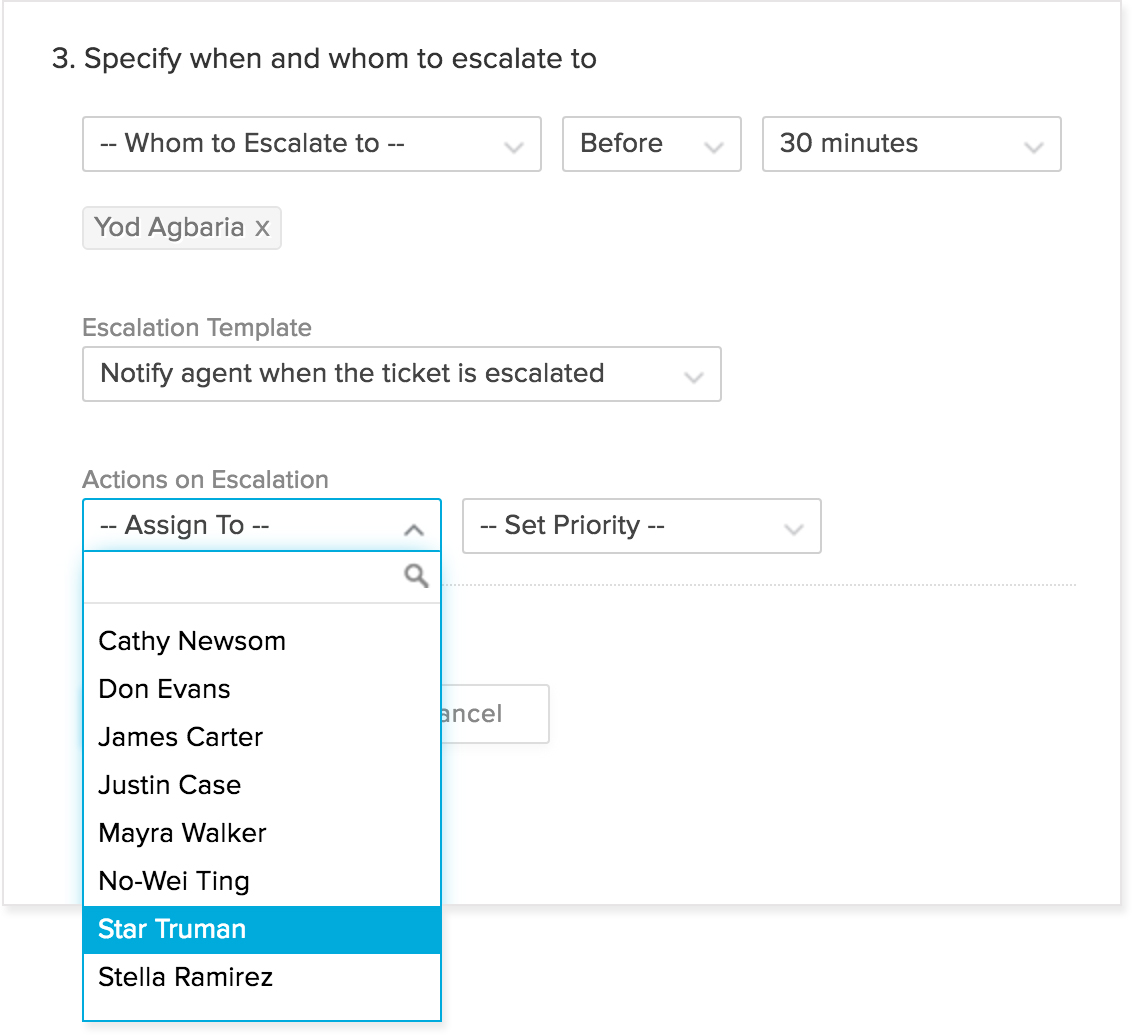
Knock, knock. Here's a notification.
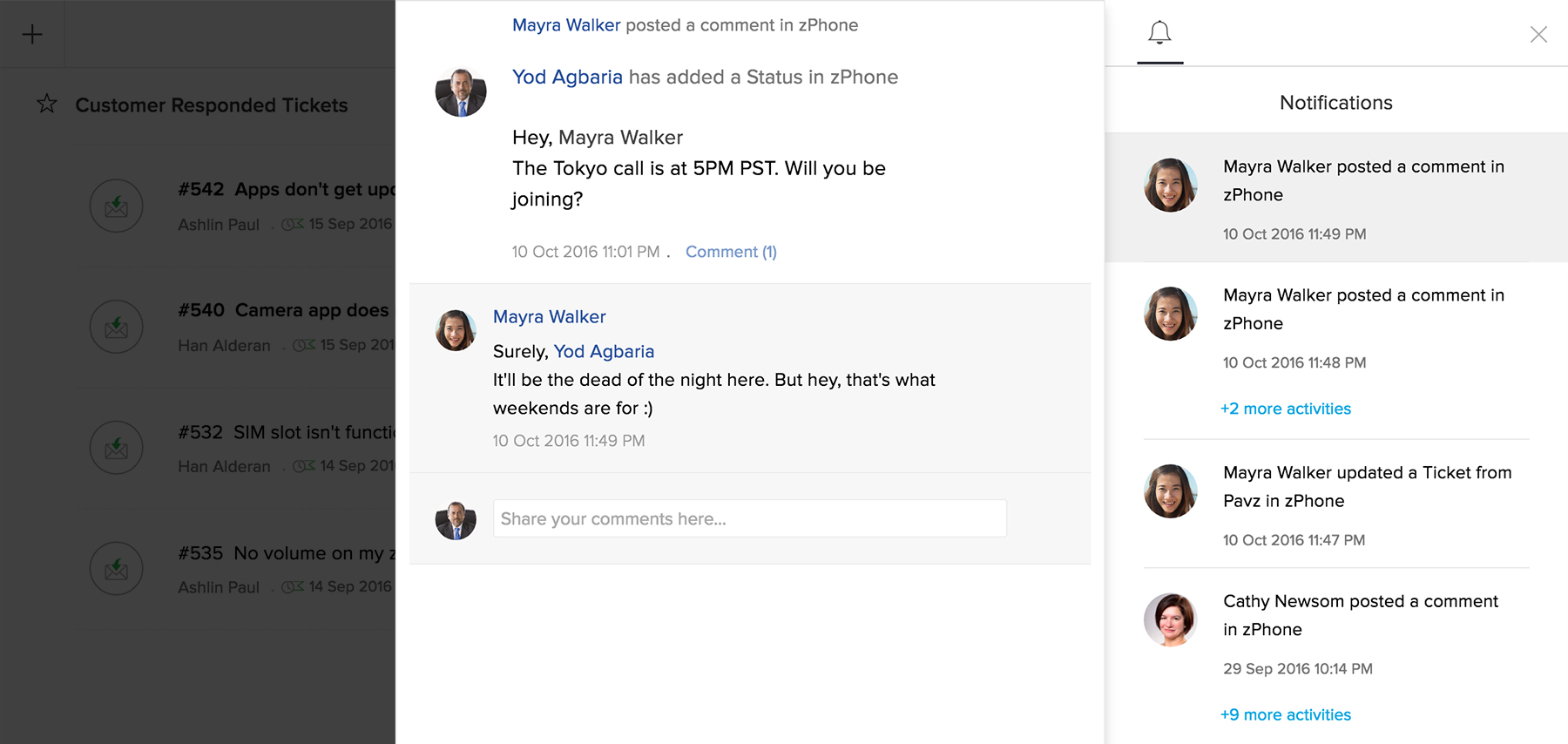
Trust and transparency are twin brothers. Be it customer service or anything else, they always work hand-in-hand. Customers have to be notified of updates in their tickets and agents have to be notified of customer responses. All of this can be automated, and you can even customize the look and feel of these notifications.
Flexible, all-encompassing workflow automation.
Processes are to business what a skeleton is to the human body. They're not visible to the outside world but they make all the difference. Workflow process automation in Zoho Desk is designed to be extremely flexible while being simple to implement. Automate frequent activities. Improve your team's productivity. Deliver more happiness.