Layouts
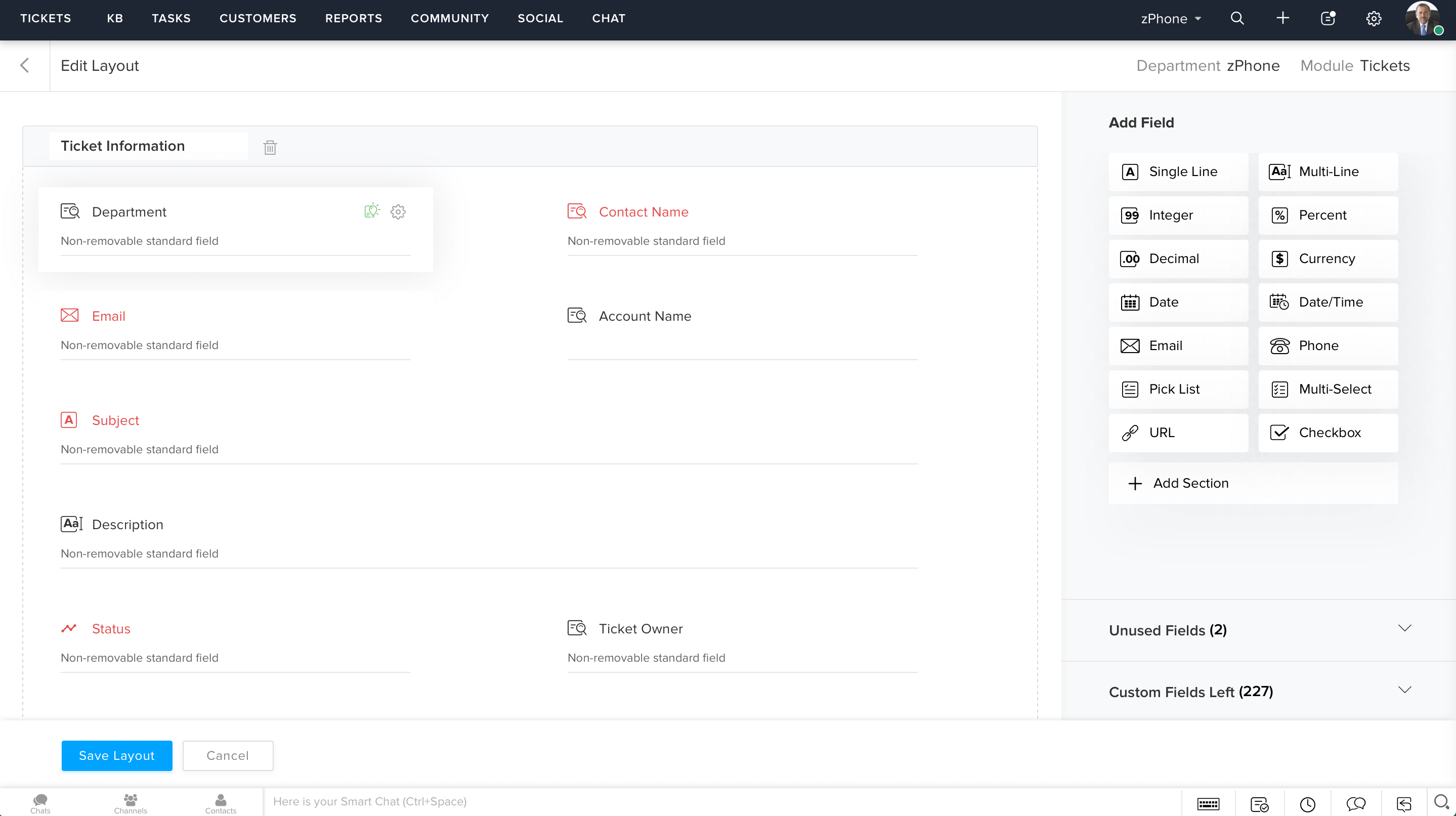
When customers fill out a web form to raise a ticket, it's important that you ask them only the information you absolutely need. Layouts make it possible for each department to have its own set of custom fields, and even a different set of values for the same field. For instance, a field called "Type" could have the values "Hardcover" and "Paperback" in the books department and have the values "Formal", "Sport", and "Sandal" in the shoes department.
Custom Fields
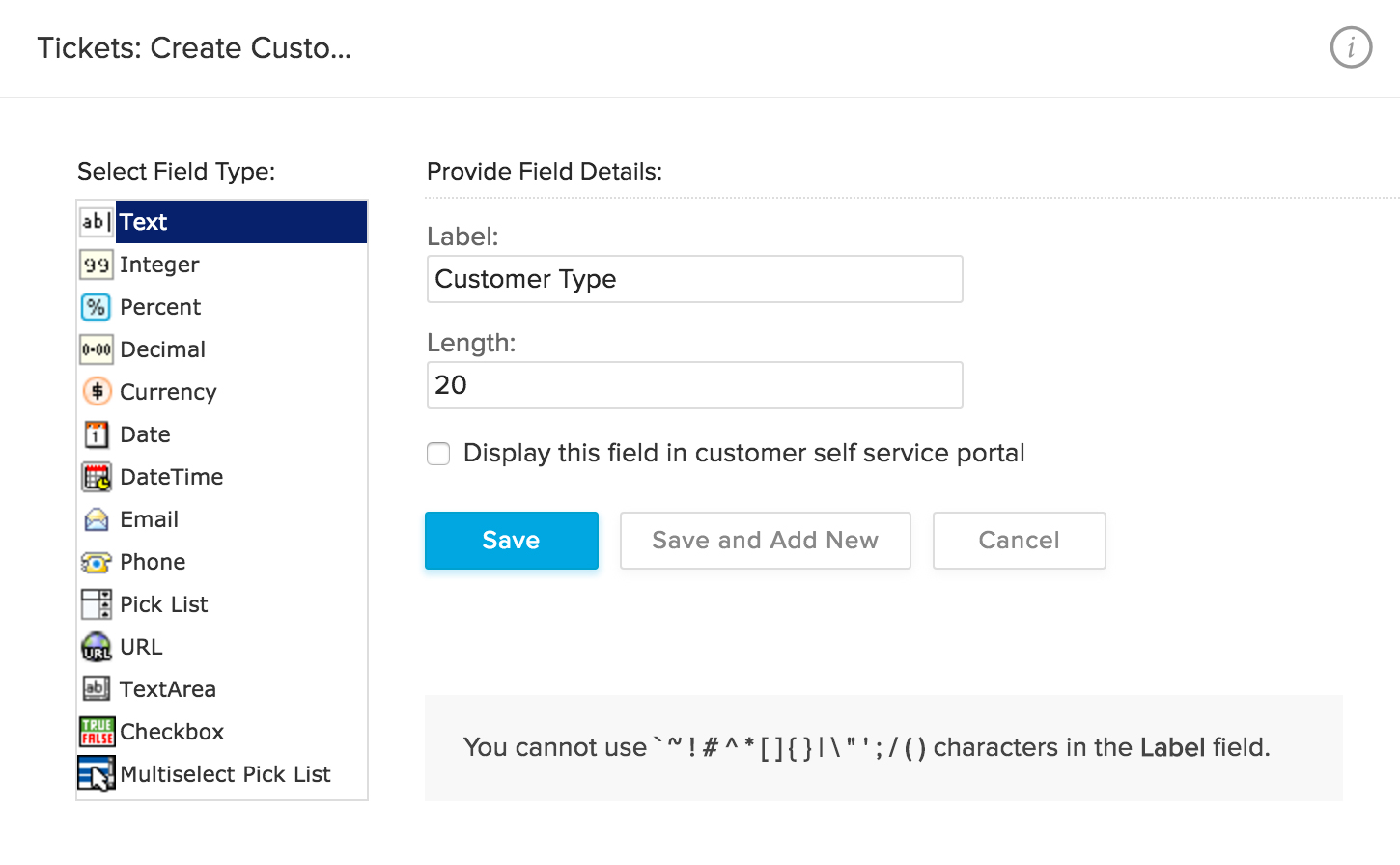
Create custom fields for each module of your help desk based on your requirements. For example, you can create a Mobile Number field for new tickets or new contacts.
Ticket Status
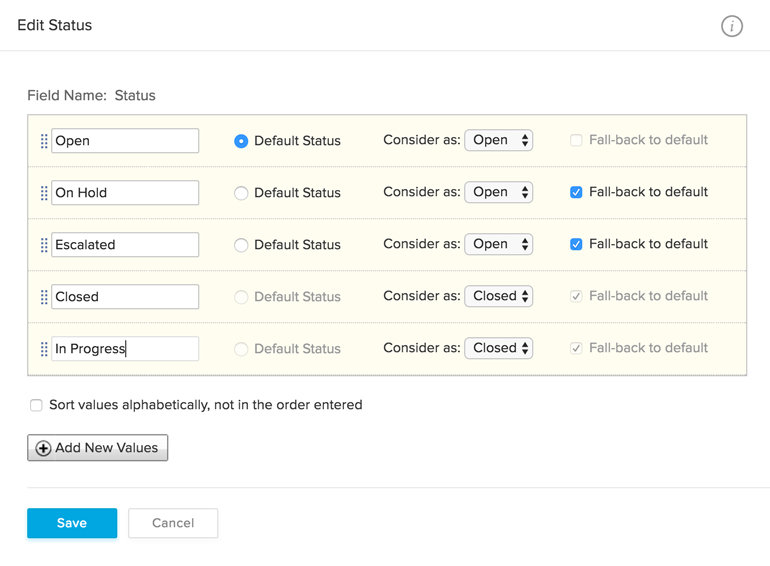
Ticket status denotes the level of progress made on a ticket – open, on hold, escalated or closed. You can also create custom ticket statuses that represent the workflow of your business more accurately.
Email Templates
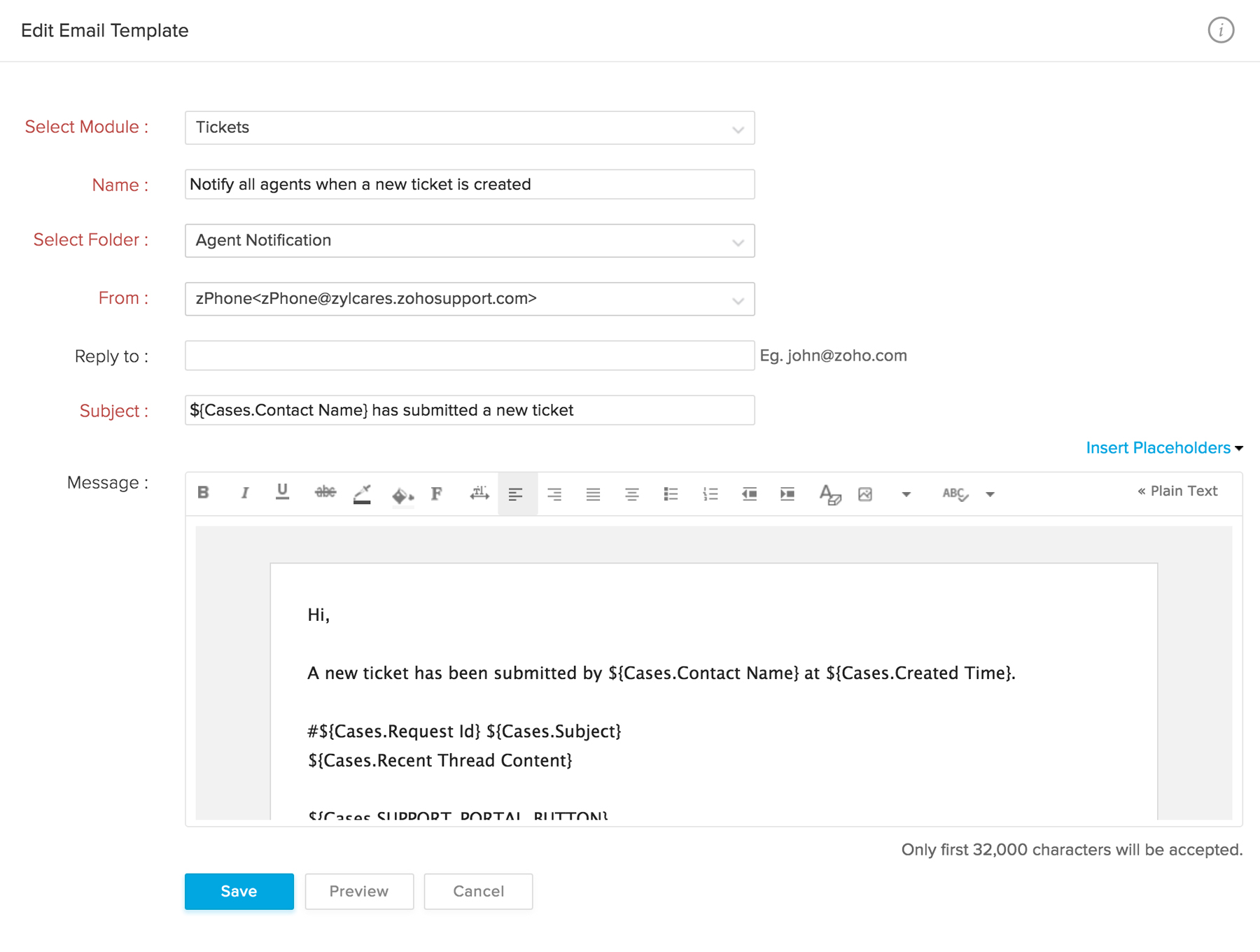
No more wasting time composing alert messages each time you need to send one. Create email templates that can be personalized and sent to users when these alerts are triggered.
Response Templates
Email templates can also be used to save time typing out responses that are frequently used; like the closing message for every interaction, or the solution to a commonly reported issue.
Ticket Templates
Ticket templates enable predefined values to be automatically filled in while creating a new ticket, making the whole process faster. Save time by using templates for the frequently-raised types of tickets.
Help Center Customization
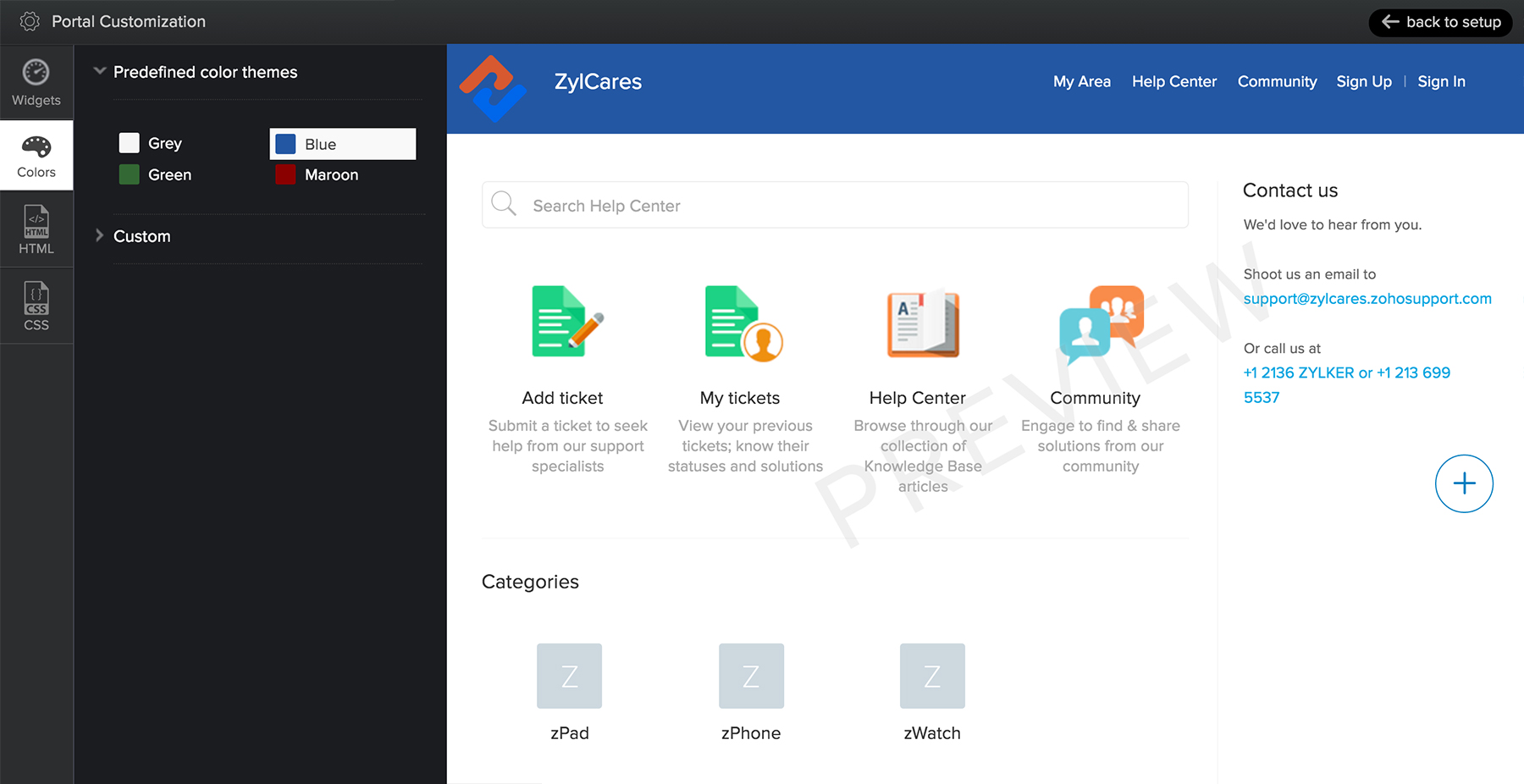
Your Help Center should reflect your brand philosophy and your website's look and feel. With Zoho Desk, you can play around with themes, use drag-and-drop rearranging, try out real-time styling, and more to give your customers your brand of customer experience.
Web Forms
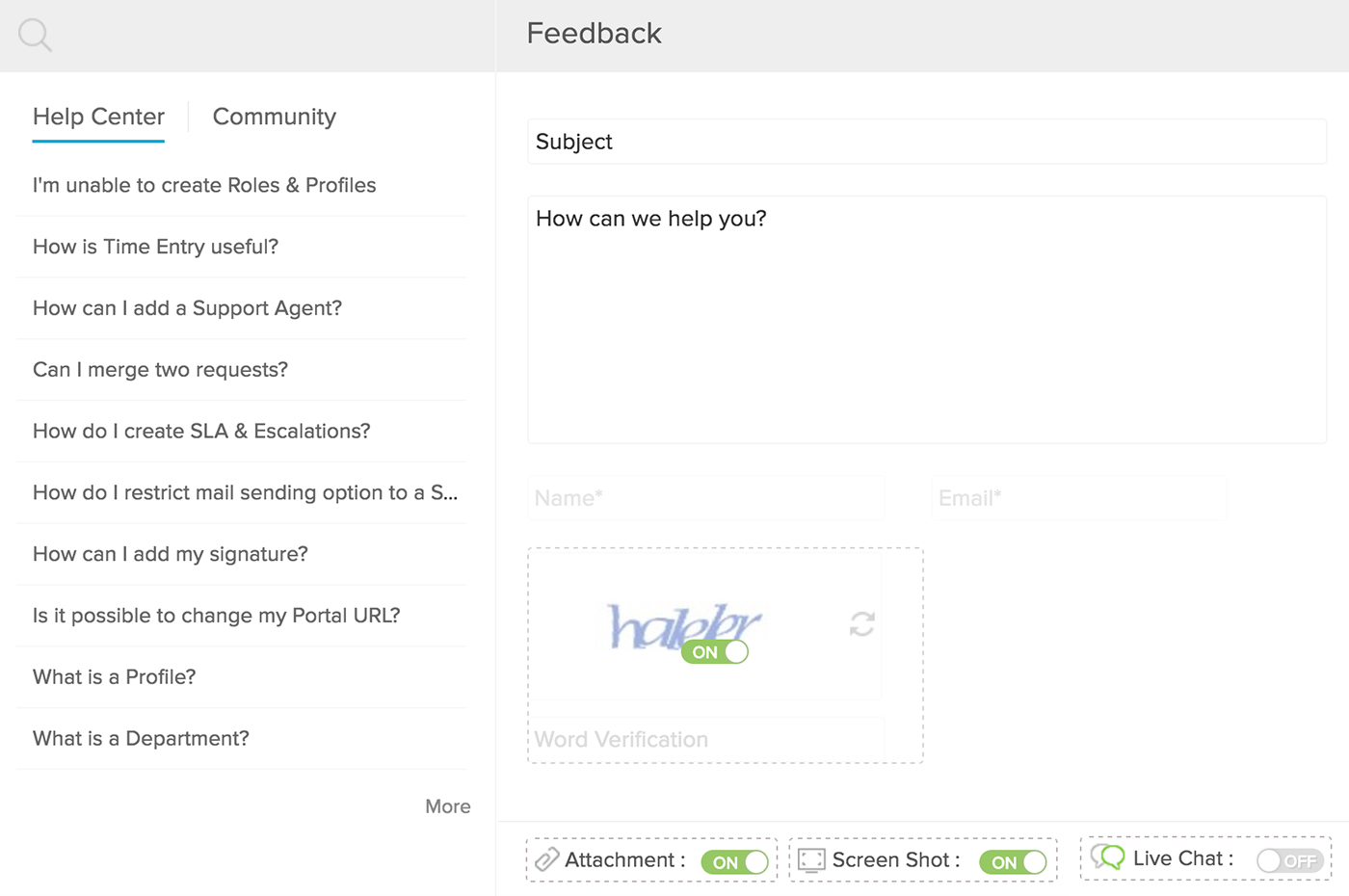
Web forms eliminate the need for customers to contact the support center every time they have an issue, and they're easy to create and deploy. Embed them in your website for your users to submit their requests, hassle-free.
Rebranding
Get Zoho Desk to reflect your company's logo and brand colours, right from the help desk interface to your help centers.
Tabs
Rename and reorganize the working tabs in your help desk. For example, you could change the name of the Solutions tab to 'Knowledge Base' in the Help Center.
Domain Mapping
Customize every tiny detail. Make your Help Center an extension of your brand by mapping it to your own domain. This helps customers navigate and ask for help easily.
Sandbox Environment
You can now test and work on customer service improvements and enhancements with Zoho Desk's sandbox environment. This will not interfere with real-time operations. You can implement the change in live account after the desired results are obtained in the simulated environment. This ensures smooth transition without errors in the actual operations.