SLAs and Contracts
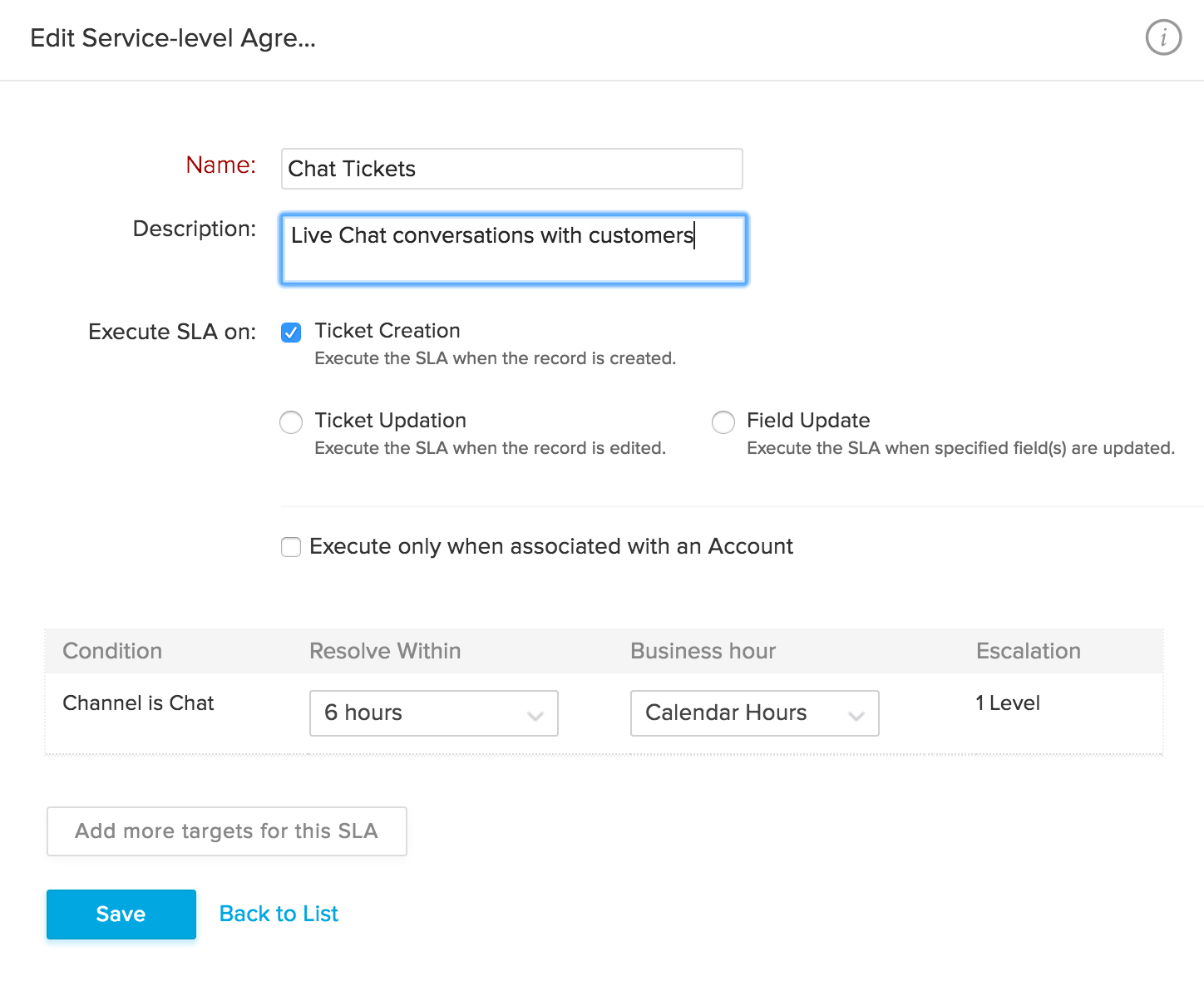
SLAs (Service Level Agreements) and Contracts help you define your level of commitment to your clients. With SLAs, you can specify the resolution time for a ticket based on criteria, like priority, channel, and customer type. And contracts ensure that you stick to the customer support plans that you've agreed to for the specified time period.
Priority
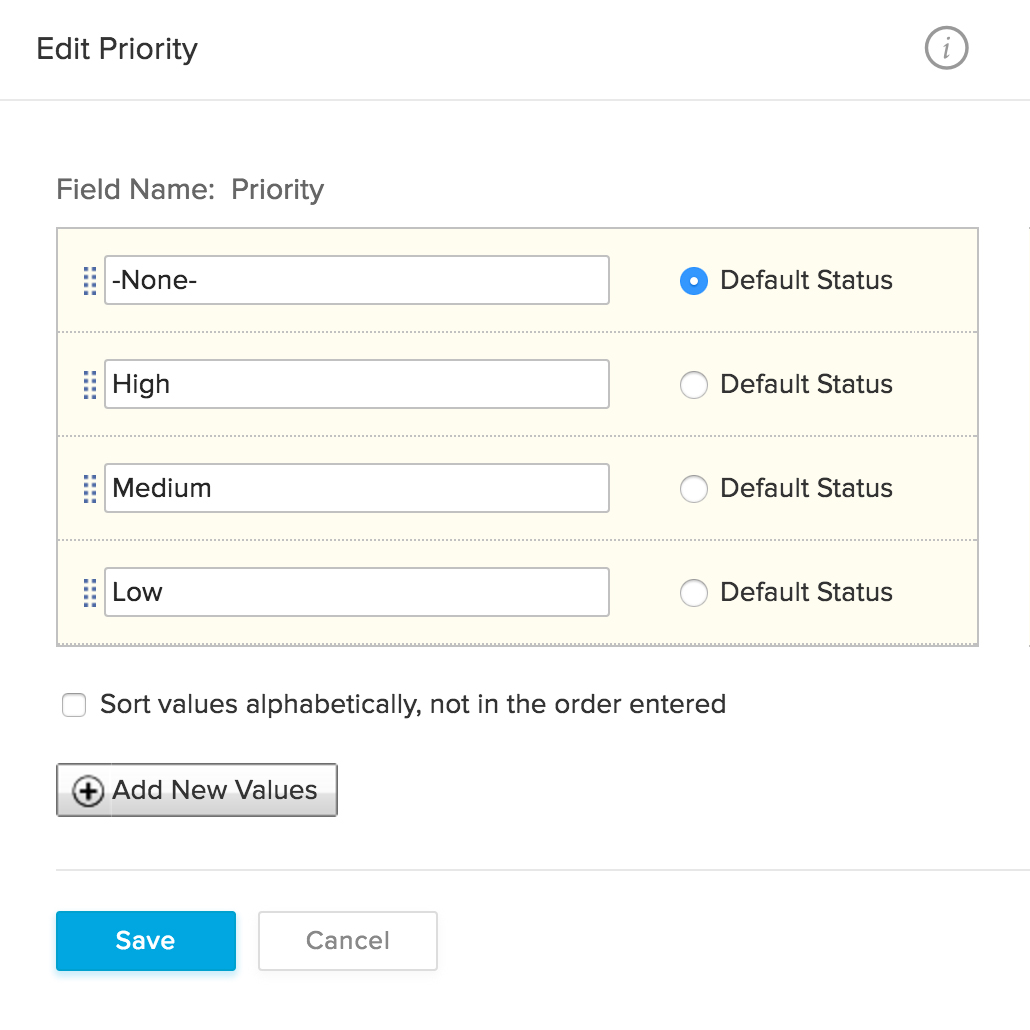
All tickets need to be answered, but some have to come first. Assigning a priority helps determine the order in which they should be responded to.
Escalations
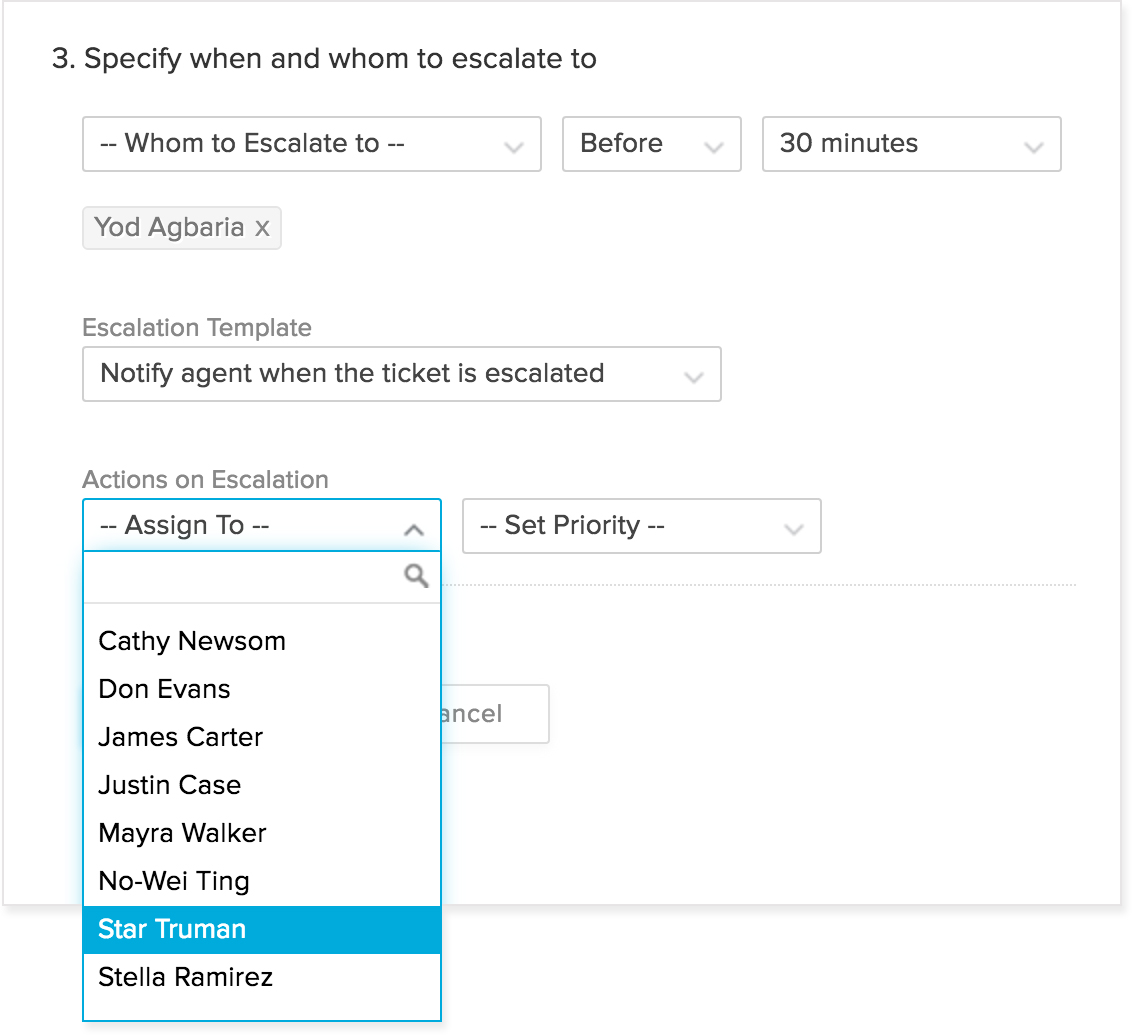
Every once in a while, tickets slip through the cracks and miss their resolution time. Avoid this by defining rules for automatically escalating a ticket that's past its due time. You can choose to notify the manager immediately and also re-assign the ticket to a different agent.
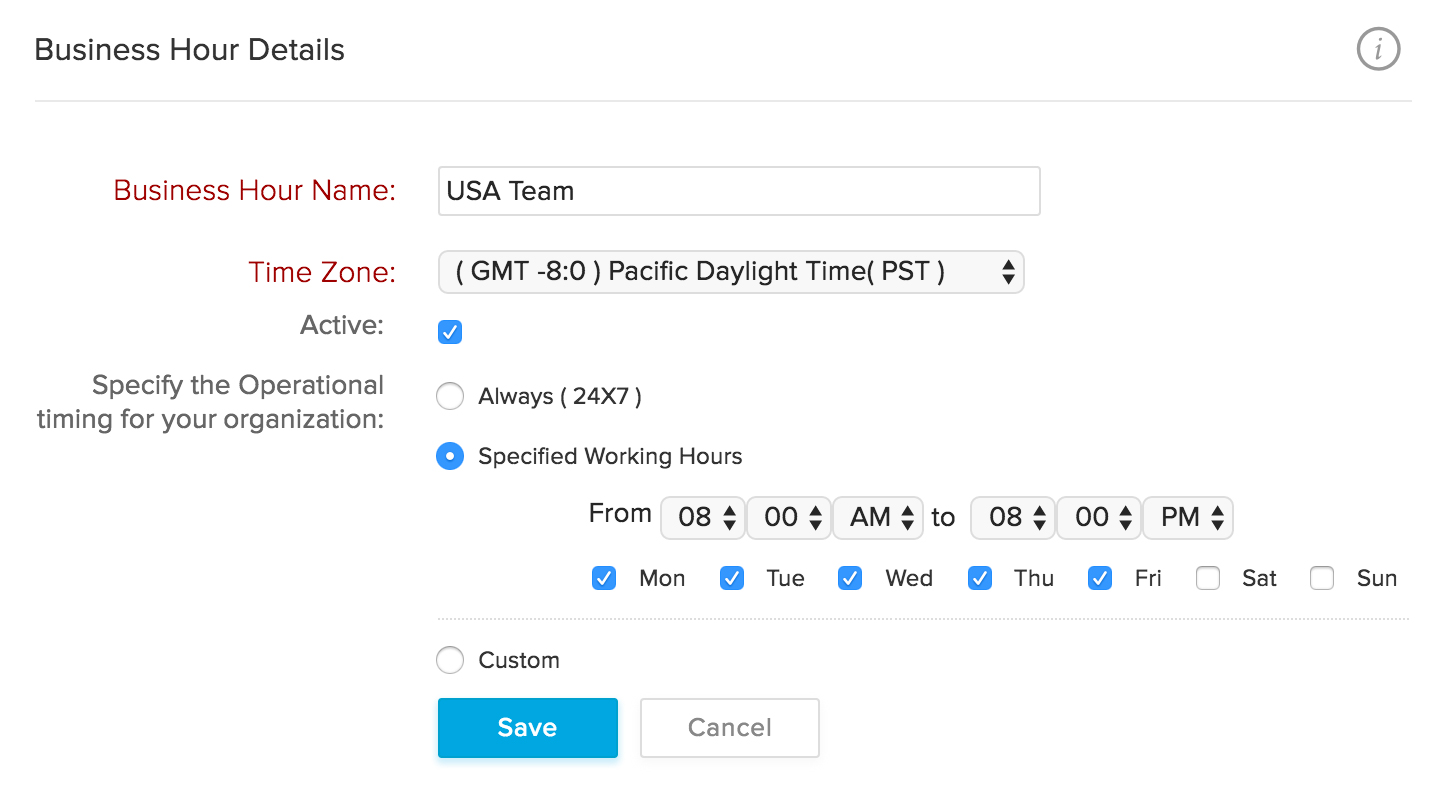
Business Hours and Holiday List
Specify your working hours and holidays to ensure that your SLAs are applied accordingly.
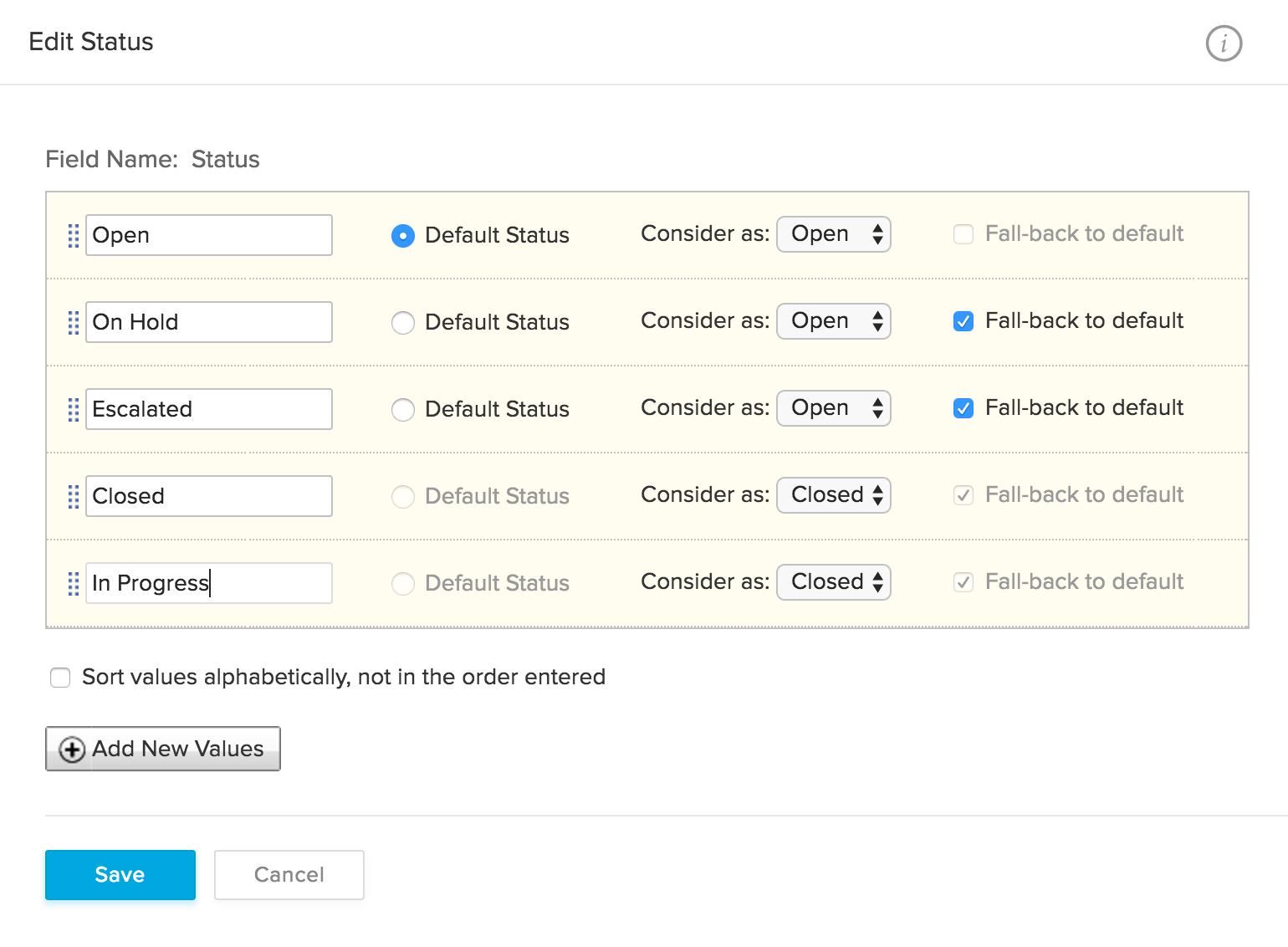
Ticket Status
A ticket status helps you track how many tickets your team has received, how many are in progress, and how many have been resolved. Zoho Desk's default statuses are 'Open', 'On hold', 'Escalated', and 'Closed'. You can also create custom ticket statuses that better suit your workflow.