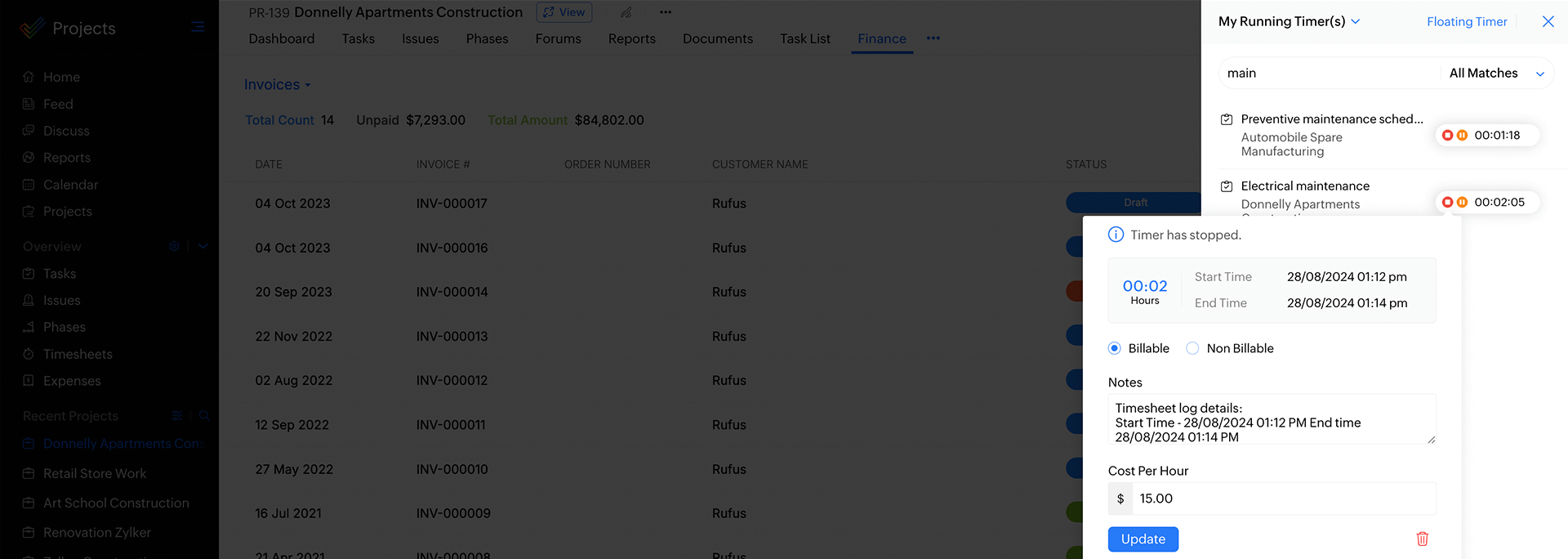
Track your Time with Ease
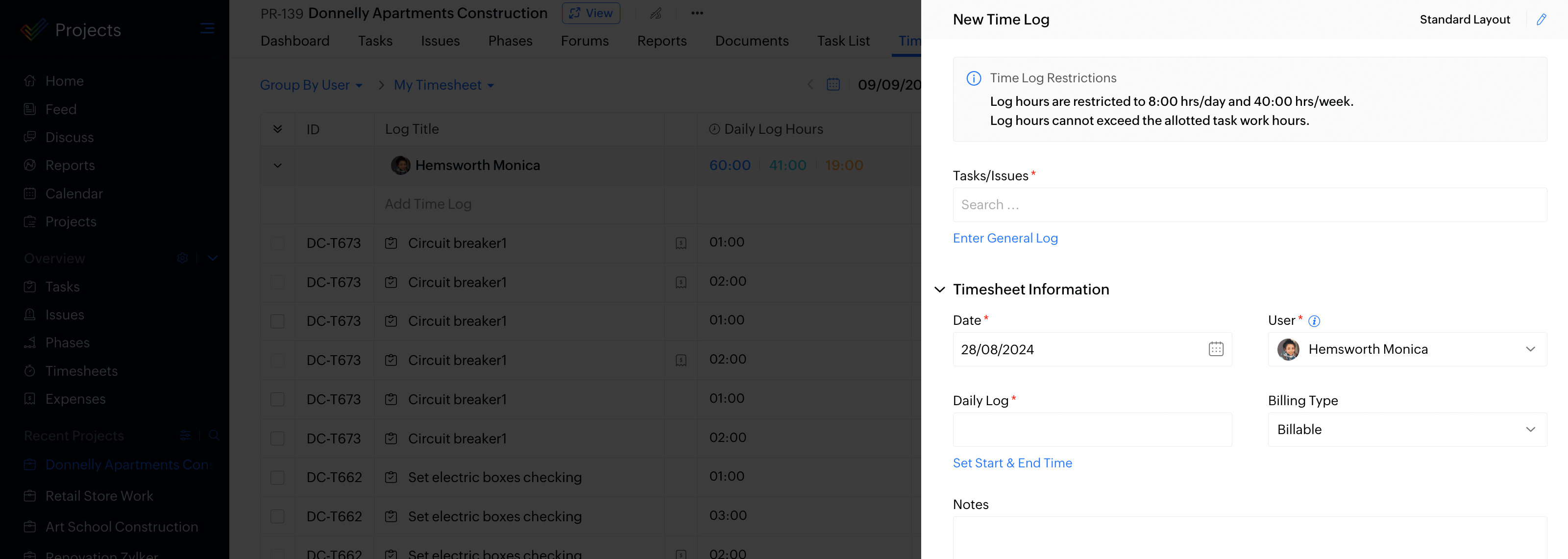
Timesheet software can record the start and end date of tasks. It contains a detailed breakdown of tasks accomplished throughout the project. You can log details of each task and track all from a single place in a timesheet system. Time management in a project can be done by logging time daily or weekly.
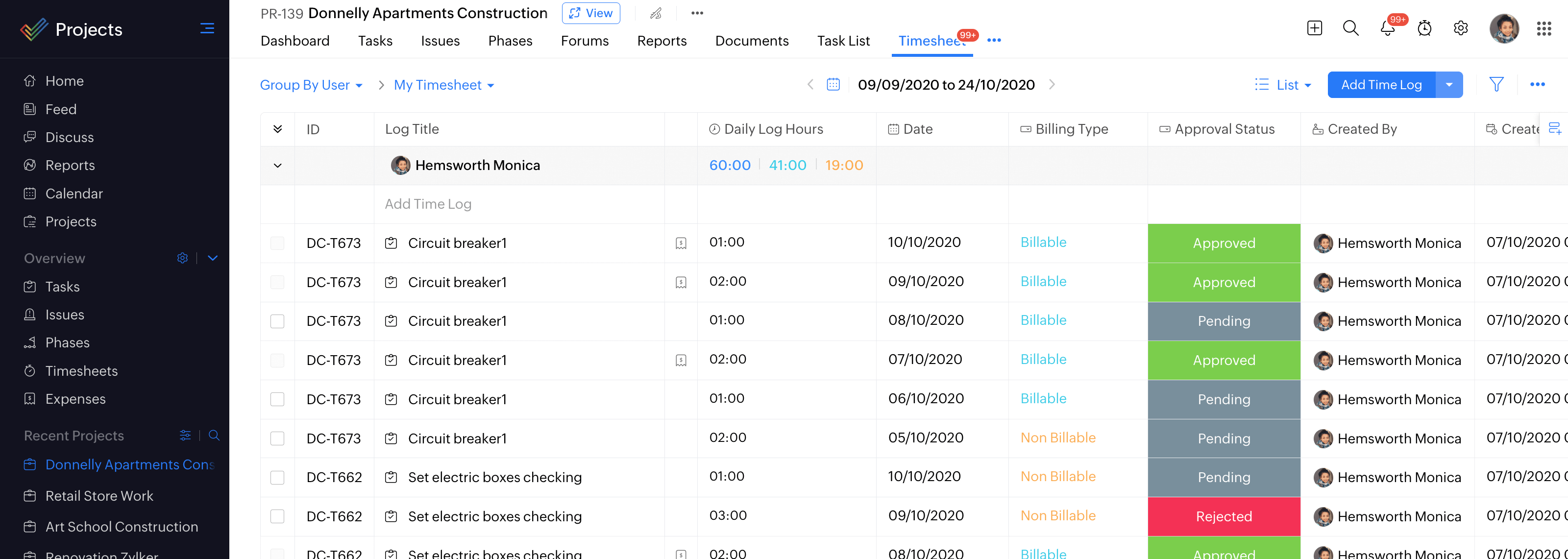
Record Billing Hours
Time spent on tasks, which can be billed per working hour, per day for the client are billable hours, and the ones that cannot be billed to the client are non-billable hours. You can choose reports based on users, billing or period for your business needs with our online timesheet software.
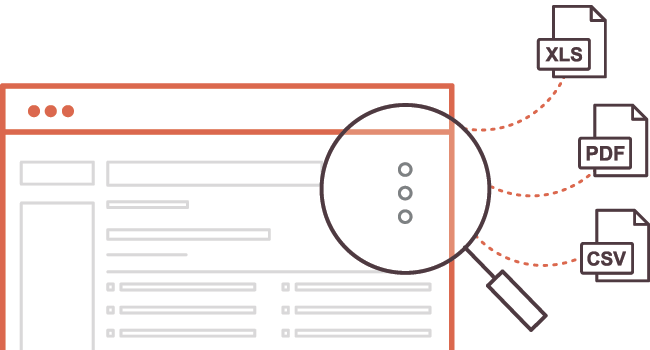
Export Timesheet in Various Formats
Export all your timesheet data (xls / csv formats) with a single click and send them to your clients, project managers, stakeholders, to get a glance of the completed tasks for subsequent billing or employee time tracking. You can also export your timesheet as a pdf file using this employee timesheet software.
Create Invoices and Bill Clients using our Timesheet System
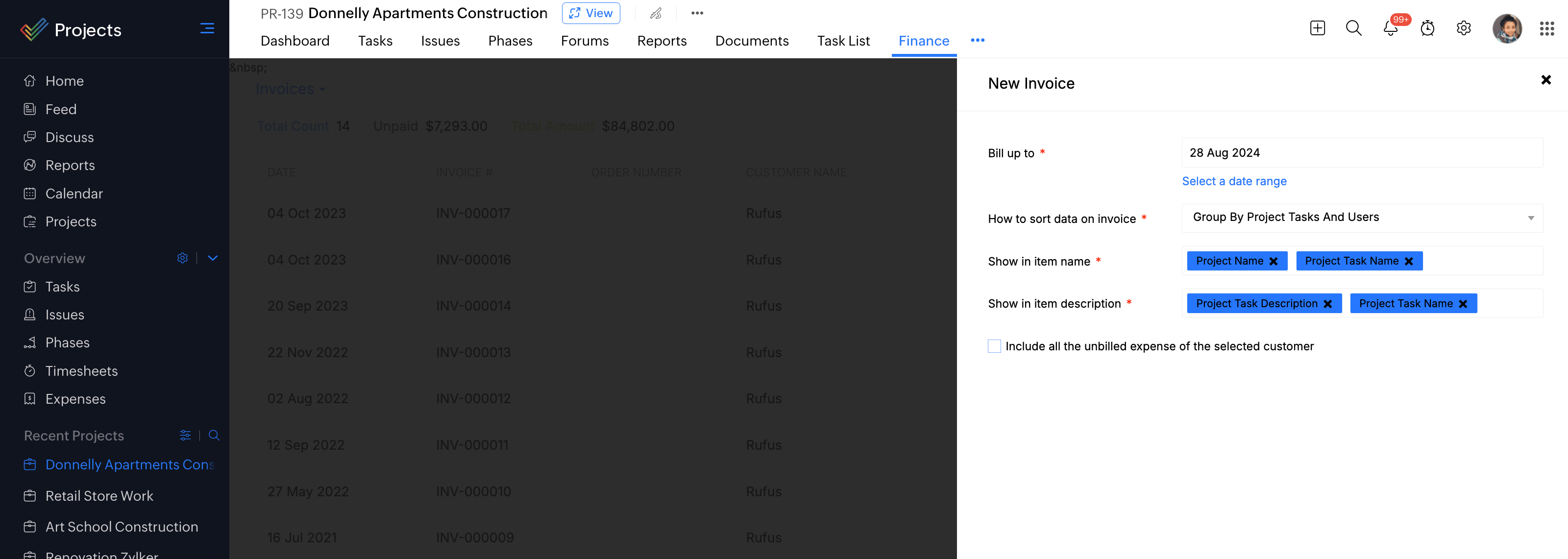
Create invoices from timesheets and send them for client payments or employee payrolls using our timesheet management tool. You can load all your timesheet data using Create Invoice option available as part of the timesheet tool into our invoicing system Zoho Invoice/Zoho Books.
Timesheet Billing Status
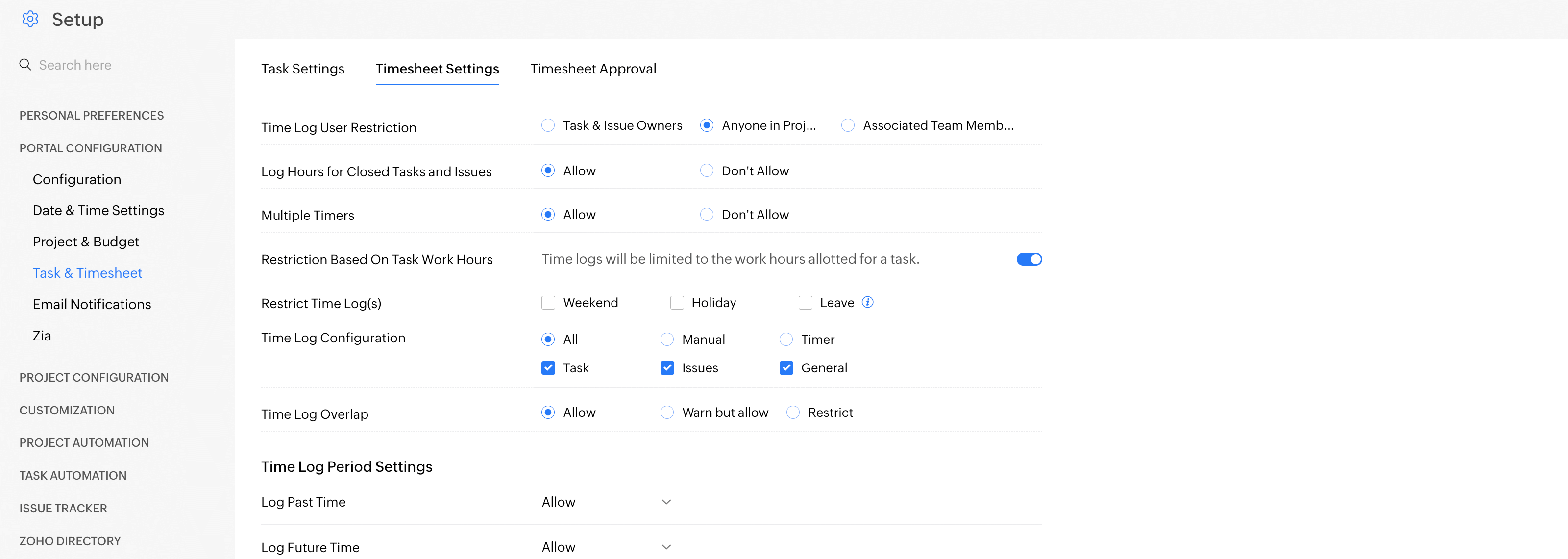
With timesheet management software, you can establish an approval process and billing status for timesheets. Select a default billing status for your entries even before you log time. Time management can also be done by establishing an approval process for your entries so that it is simple to filter approved and unapproved entries.
Timer for Tasks
Time management can be done by setting timers for your task. Once you stop the timer, the entries are automatically logged in your project timesheet software. Timers help in calculating the actual working hours in a project.