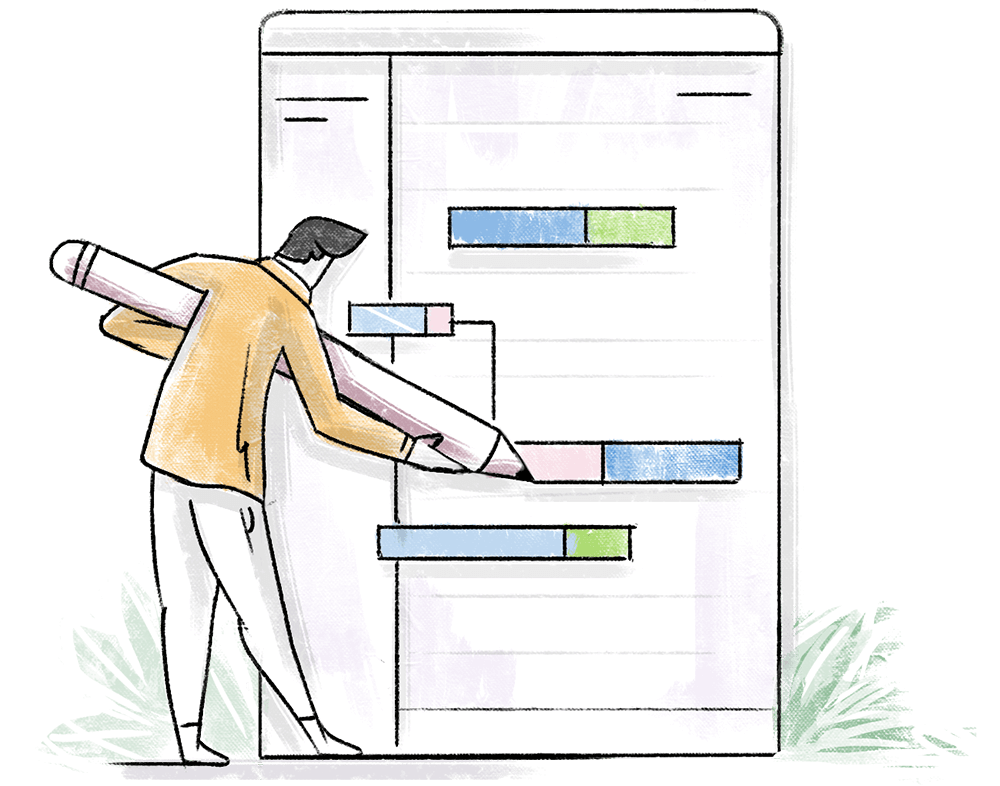
Task Dependency in Zoho Projects
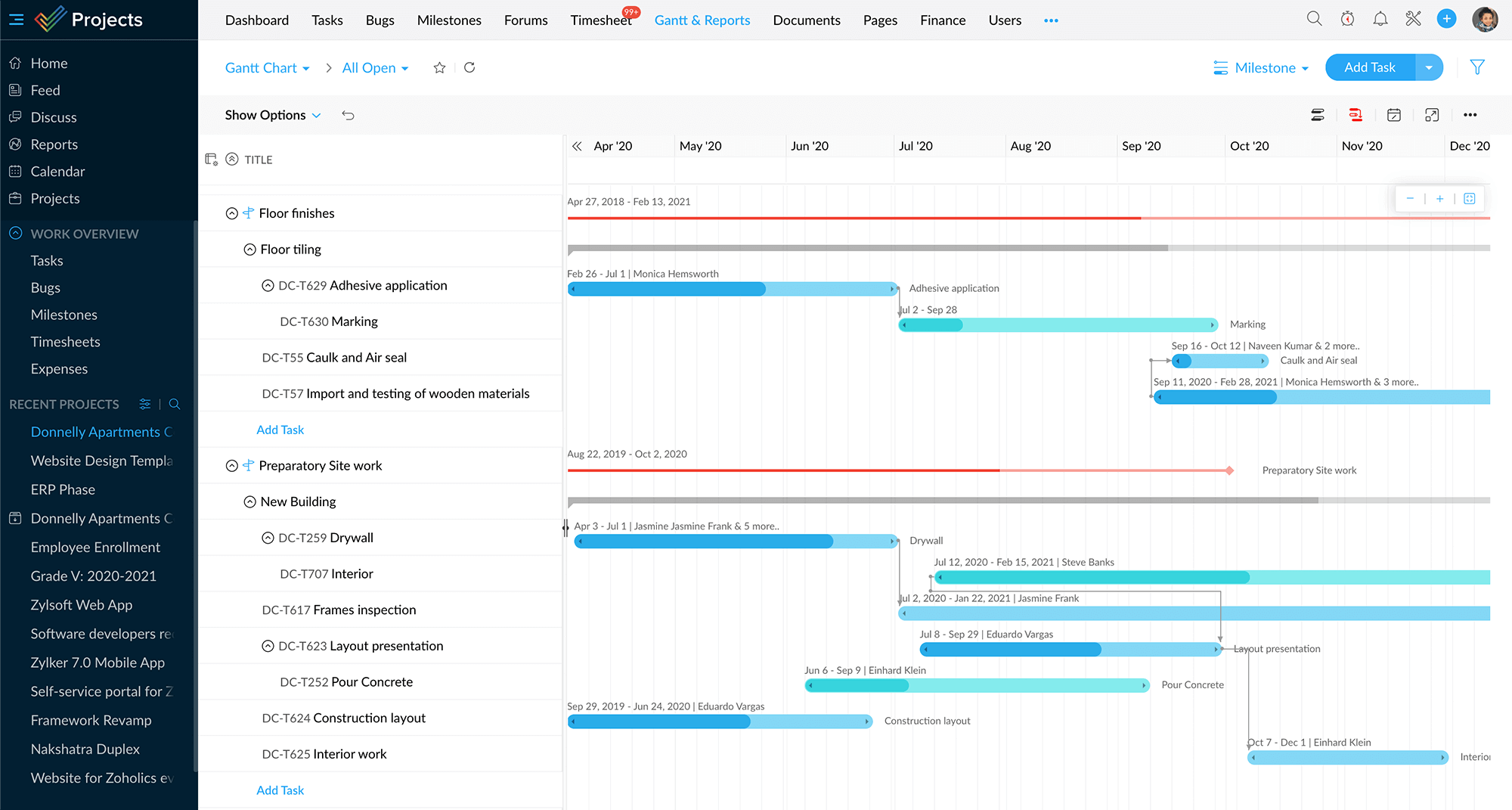
Task dependency is the relationship in which a task relies on one or more tasks to be performed in a certain order before it is marked complete. The task that depends on the completion of the previous task is the successor, and the task it depends on is the predecessor. In Zoho Projects, the Gantt chart helps the project team get a bird's-eye view of tasks and their dependencies with details like task owners, dependency type, time lag, due date and more.
Visualize and manage task dependencies
In the Gantt chart, setting dependency between tasks is as simple as clicking and dragging between them. You can choose from the four different types, namely, Finish to Start, Start to Start, Start to Finish and Finish to Finish. The type determines the order in which the tasks need to be executed.
Space tasks out with a predefined lag
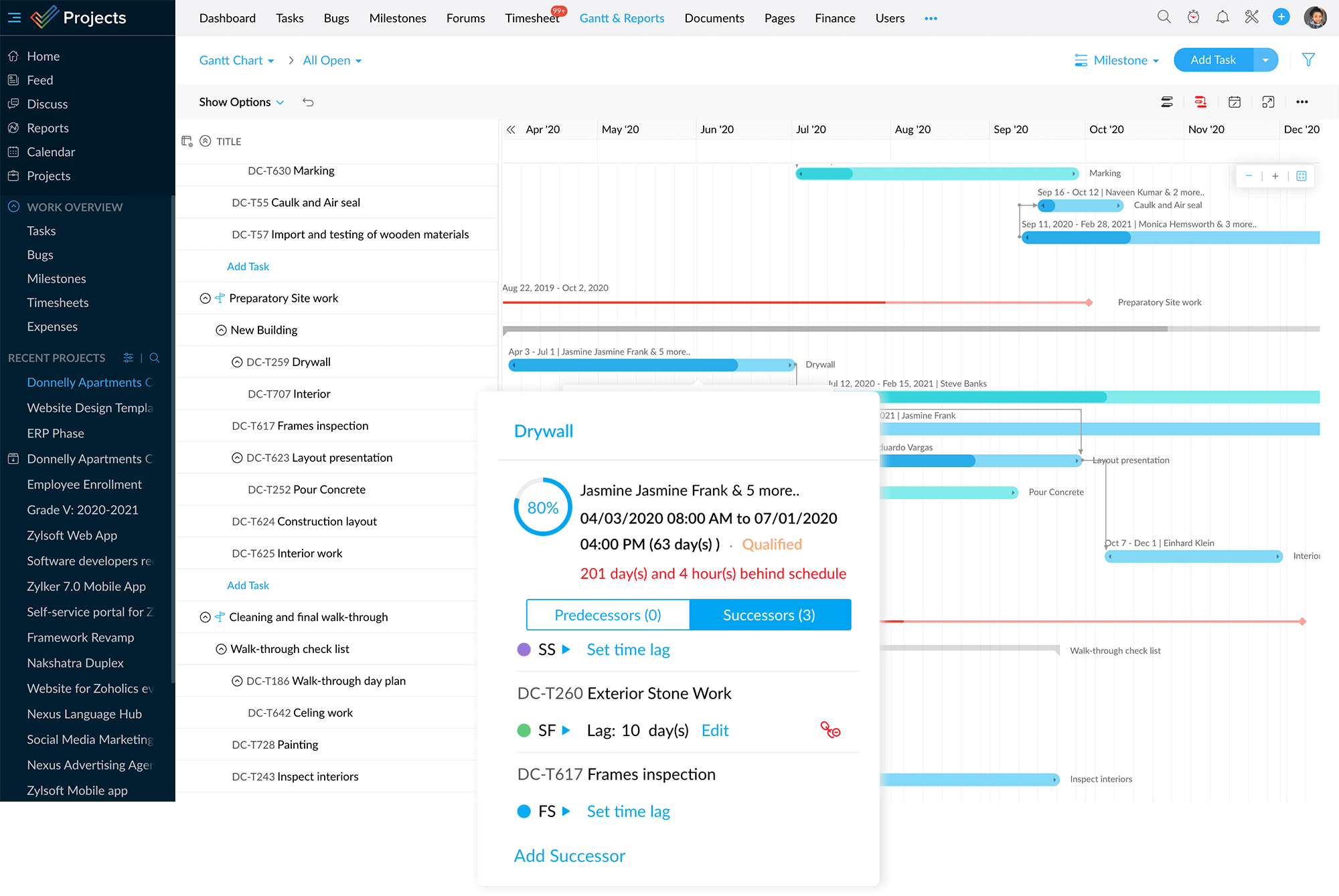
Lag is defined as the duration of time by which a successor task has to be delayed with respect to the predecessor. Let's say that a task should be taken up two days after the preceding task is complete. Once a lag of 2 days is set, you can see that the successor is automatically rescheduled to begin two days after the predecessor is complete.
Plan dependencies even before tasks are scheduled
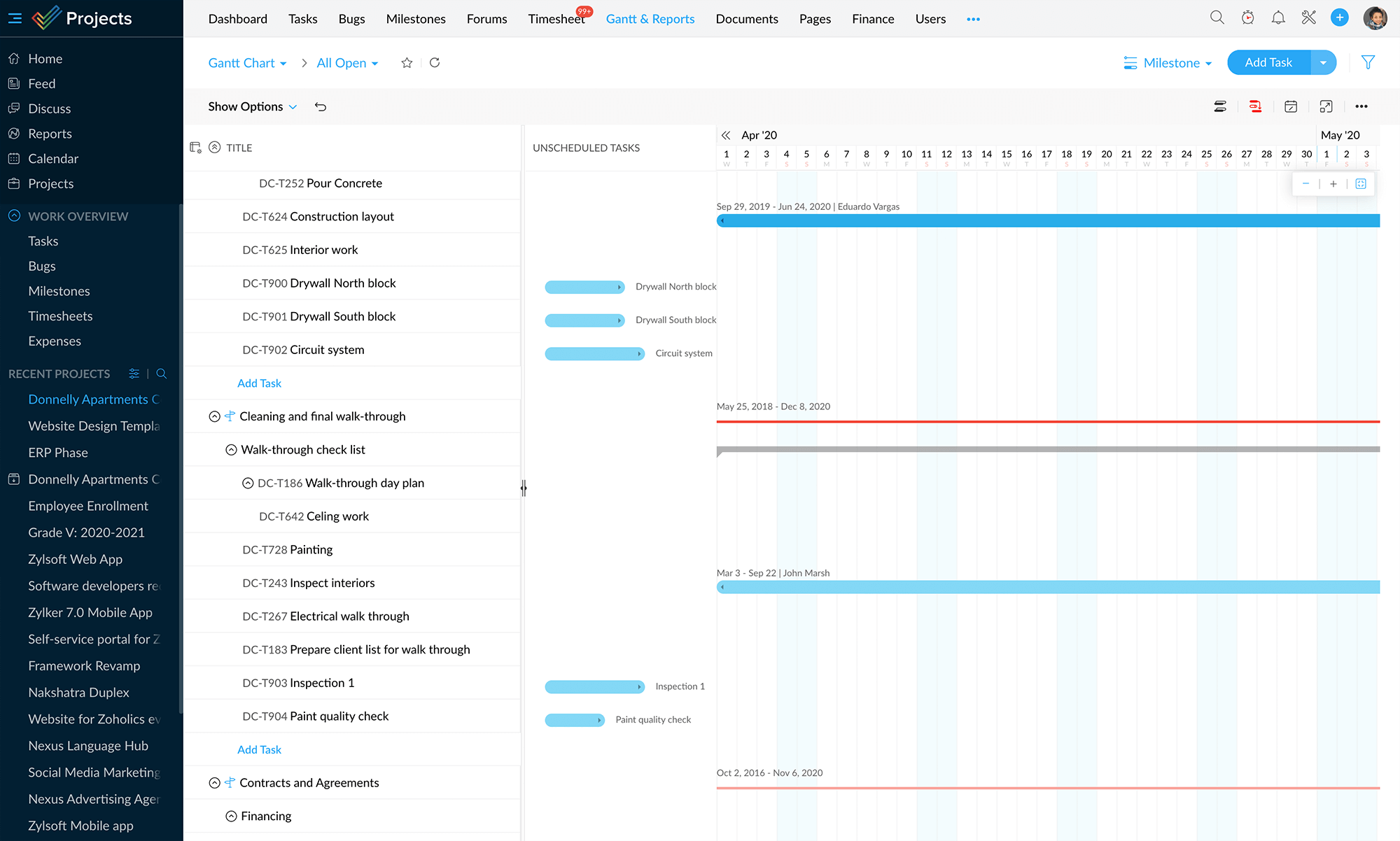
Zoho Projects allows you to set dependencies for unscheduled tasks. All your tasks without a defined start and end date are plotted in the Unscheduled Tasks column. You can predefine relationships among these tasks in a similar click and drag fashion. The tasks align themselves automatically once the dates are set.
Take control over default actions
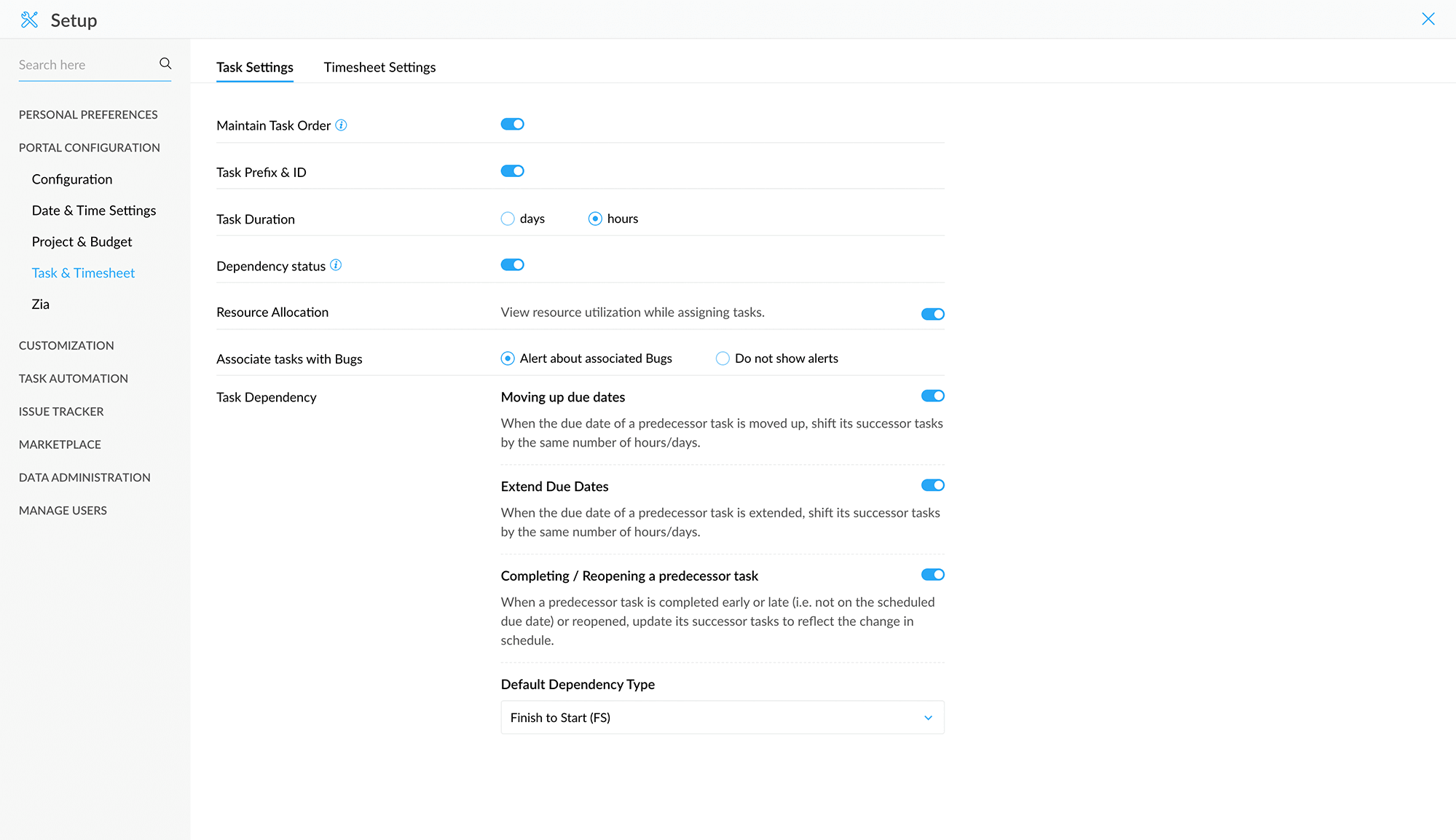
All task dependency related settings are available under Task and Timesheet in the Setup where you can choose your preferred and most frequently used dependency type as the default. You can also decide on what actions to be performed whenever a task is advanced, postponed or rescheduled.