Subtasks What is a subtask?
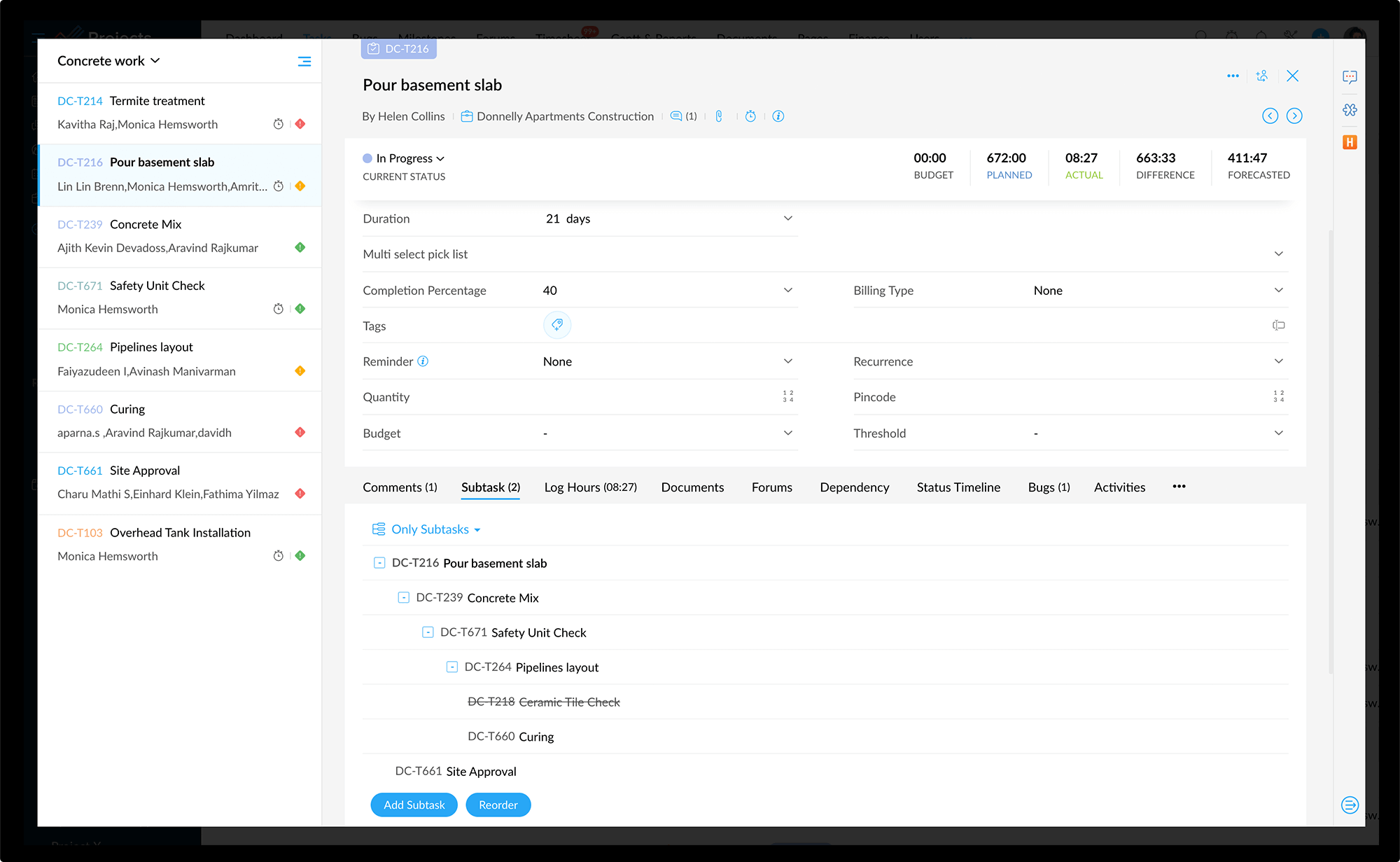
A parent task can be split up into a number of tasks which can be assigned and tracked separately in a project. Splitting complex tasks into smaller tasks i,e work breakdown structure often provides a better picture of the overall task progress, and allows each project member involved to better understand what part of the module they are responsible for.

Key Benefits of Subtasks
- Helps you organize, and structure your tasks.
- Allows you to set project goals, keep track of deliverables and manage deadlines.
- Continuous uninterrupted workflow with no delays and on-time project completion.
- Break down (WBS) complex projects into many, dependent tasks and manage work effectively.
Create and manage subtasks in Zoho Projects
Zoho Projects allows you to break your existing tasks into subtasks in order to gain much deeper insights into the progress of a task. You can outdent / indent an existing task to break into a subtask or parent task respectively as per your needs.
Import subtasks from MS project
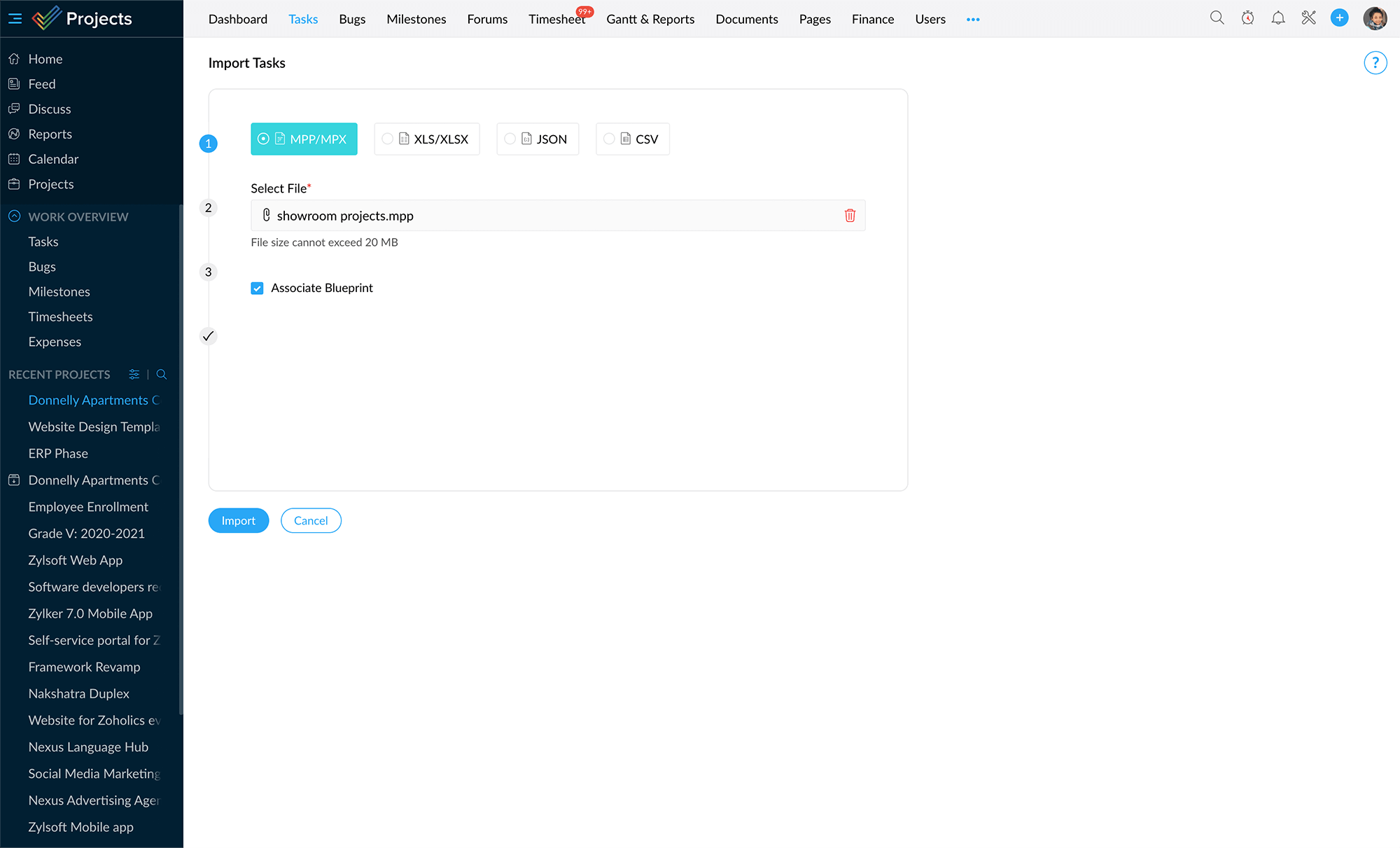
You can import tasks along with its subtasks, so that your work break down structure (WBS) of MS Project is maintained in Zoho Projects.
Create subtasks
Create subtasks in no time. You can create them from the Gantt chart, Task Details page, or drag and drop tasks to create subtasks. The dragged task is added as a subtask beneath the task it is dropped on.

Subtasks in Gantt chart
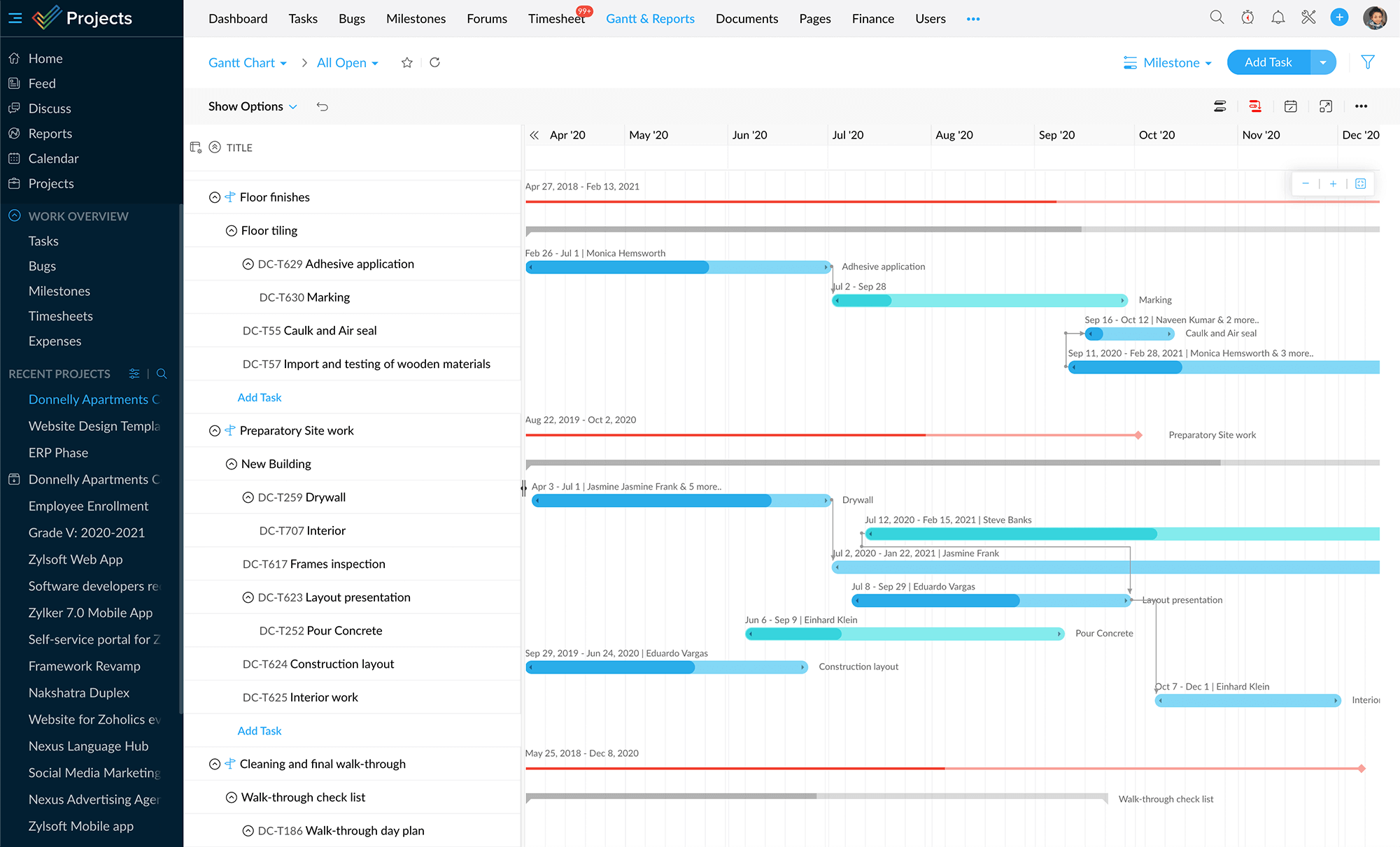
You can view subtasks right from the gantt charts. This gives you an easy way to view and print subtasks from Gantt view.
Subtasks in templates
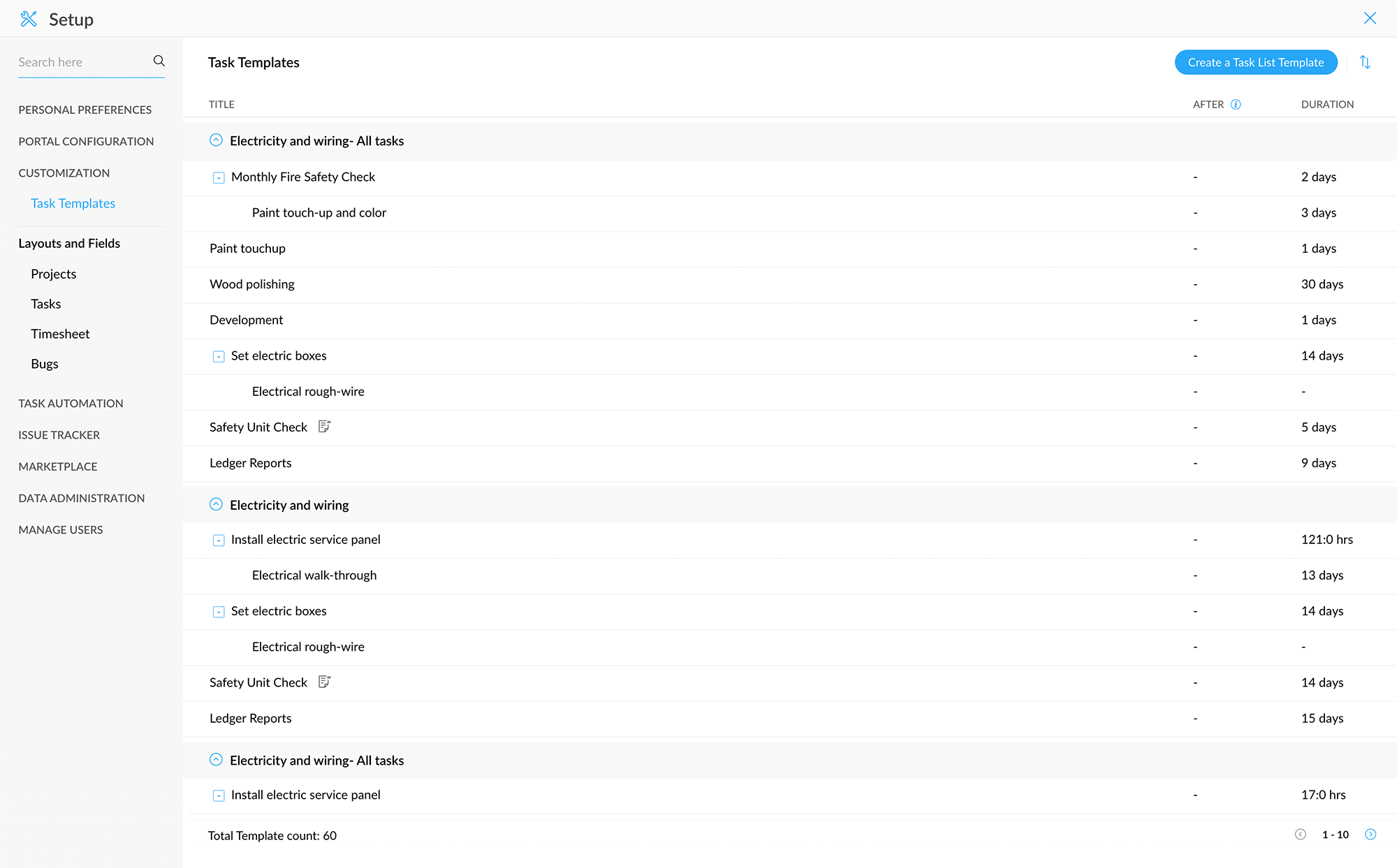
Just like normal tasks, you can capture the subtasks as part of your project template in Zoho Projects.