Google Project Management

Works with Gmail, Google Docs, Google Calendar & Sites

Google Apps customers can now take advantage of Zoho Projects and its project management and collaboration benefits. Zoho Projects for Google Apps creates a rich, integrated experience for Google Apps users that includes single sign-on, integration with Google Docs and Google Calendar plus the ability to embed Zoho Projects information directly inside iGoogle, Gmail and Google Sites.

  1. Google Apps Users

    Add Google Apps Users

    Create a new project and Zoho Projects will automatically populate users from Google Apps domain. You can select project role for each user and add them in Zoho Projects.

  2. Tasks in Google Calendar

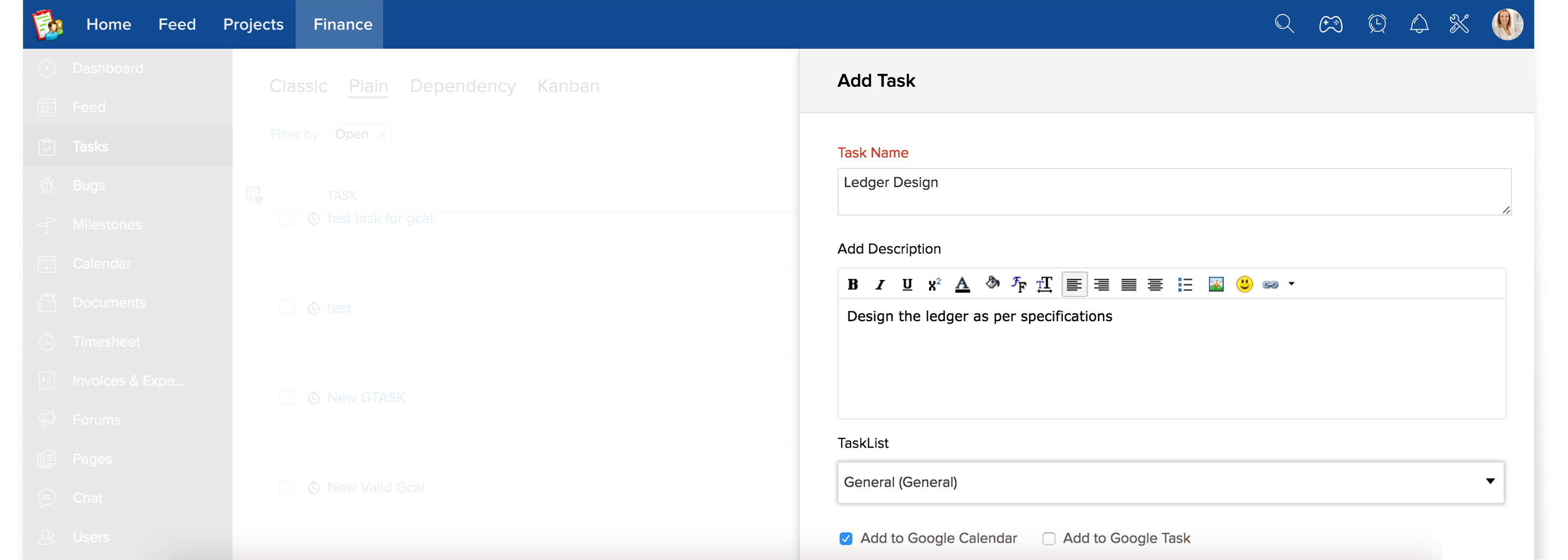
    Add tasks in Google Calendar

    Create a Milestone, tasklist for your project. Now add a task with proper start and end dates then select the "Add to Google Calendar" option will automatically add your task to Google Calendar.
  3. Events in Google Calendar

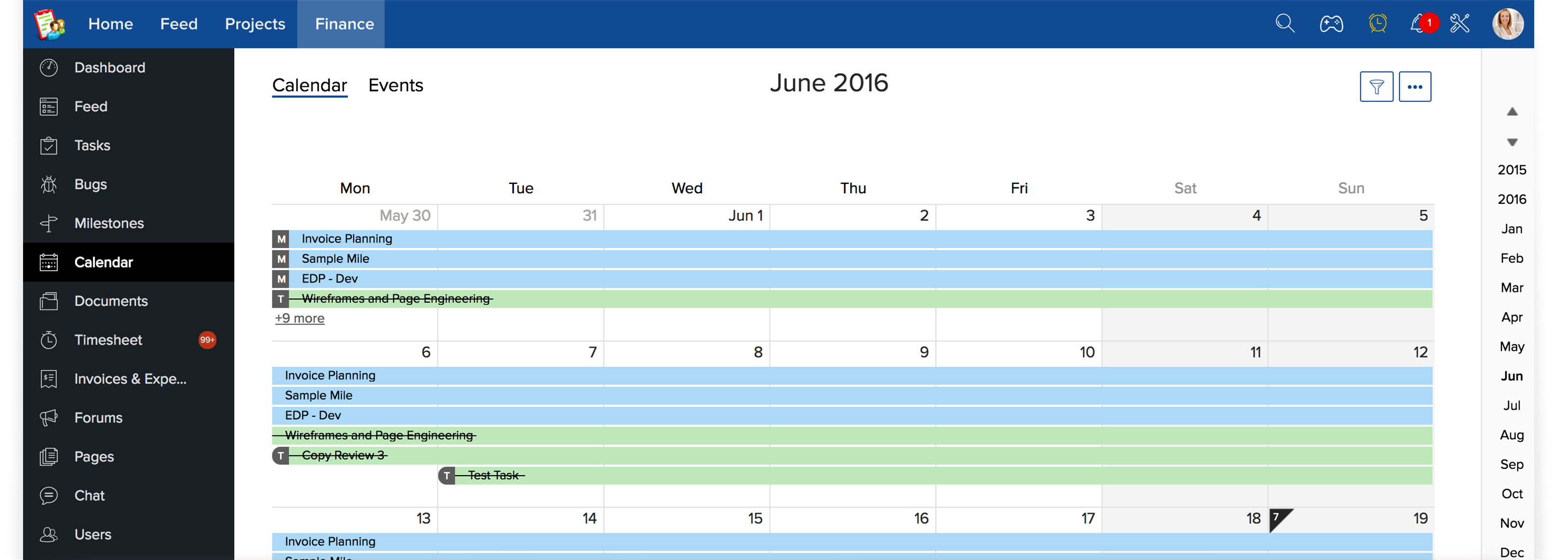
    Embed project events in Google Calendar

    Keep track of your events that is of high prioritry by exporting them to your Google Calendar. For this you need to copy the iCal/gCal link present at the bottom of your calendar and load this in your Google Calendar.
  4. Import from Google Docs

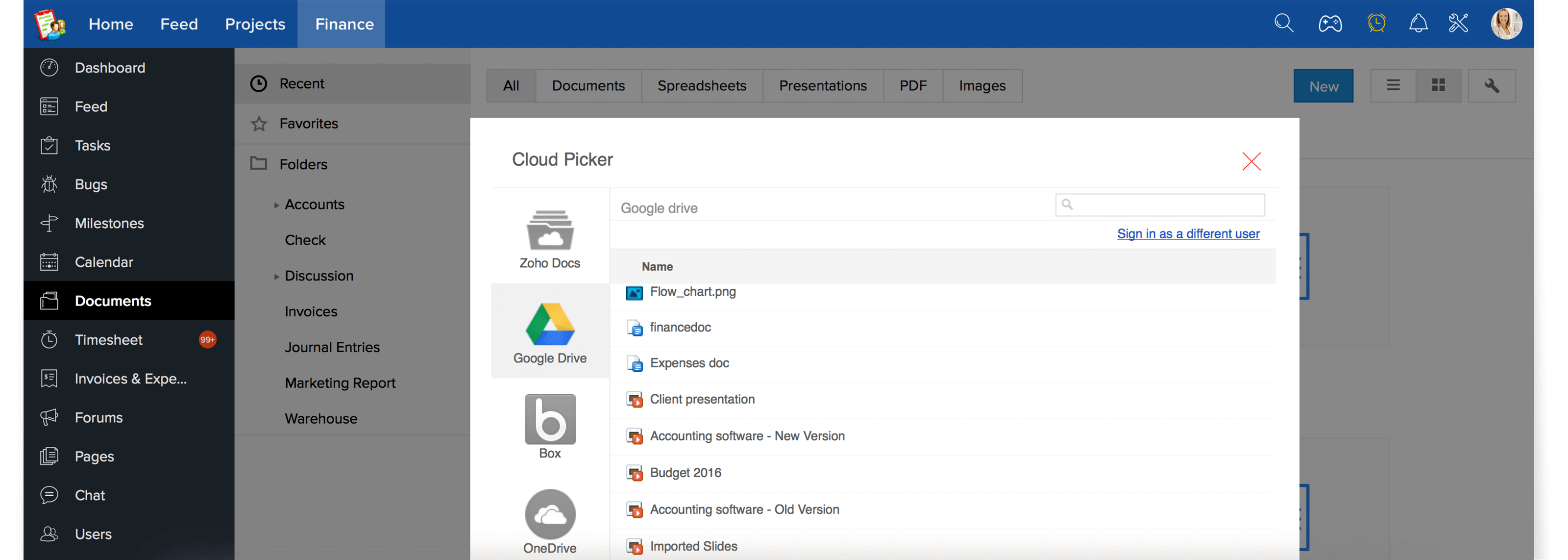
    Import documents from Google Docs

    Apart from attaching documents from Zoho Docs or from your personal desktop now you can easily upload your Google Docs documents to your project in Zoho Projects. This way your files stored in Google Docs can be shared with all the members in your project.
  5. Embed Gadget in Gmail

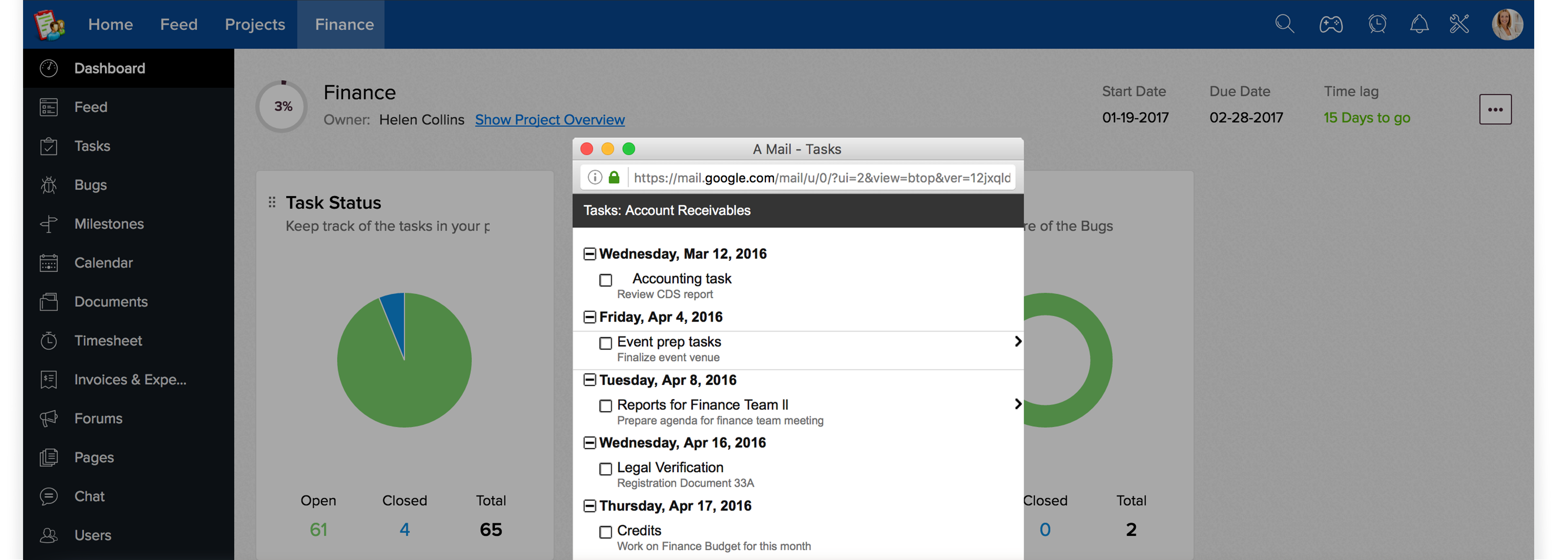
    View project information in Google Mail

    Easily embed your project gadget and get stream of latest project activities and status updates right from within your Google Mail.

  6. Customize iGoogle Page

    Customize iGoogle page with gadgets

    Get your latest project information within matter of minutes by customizing your Google Site pages with project gadgets.

Project Management Made EasyFree Plan with Unlimited Users. No Credit Card required.

Get StartedIt just takes 30 seconds