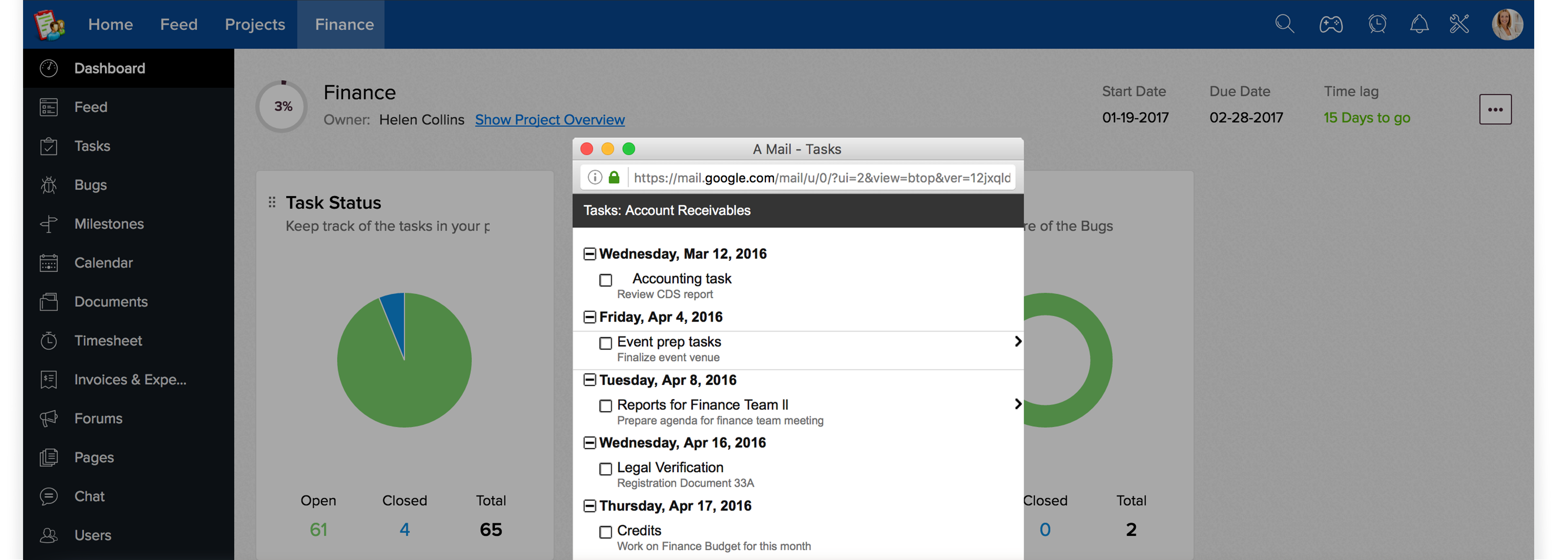
"Starting today, third-party developers can build Gmail contextual gadgets and distribute them in the Google Apps Marketplace. These gadgets can display information from social networks, business services, Web applications and other systems, and users can interact with that data right within Gmail," wrote Chandrashekar Raghavan, the product manager for Google Apps extensions, in an official blog post
We run on email day in day out and it has become an inevitable part of the business. The new Zoho Projects Gmail Contextual Gadget in Google Apps makes it easy to manage your business needs in Zoho Projects right within your Gmail.
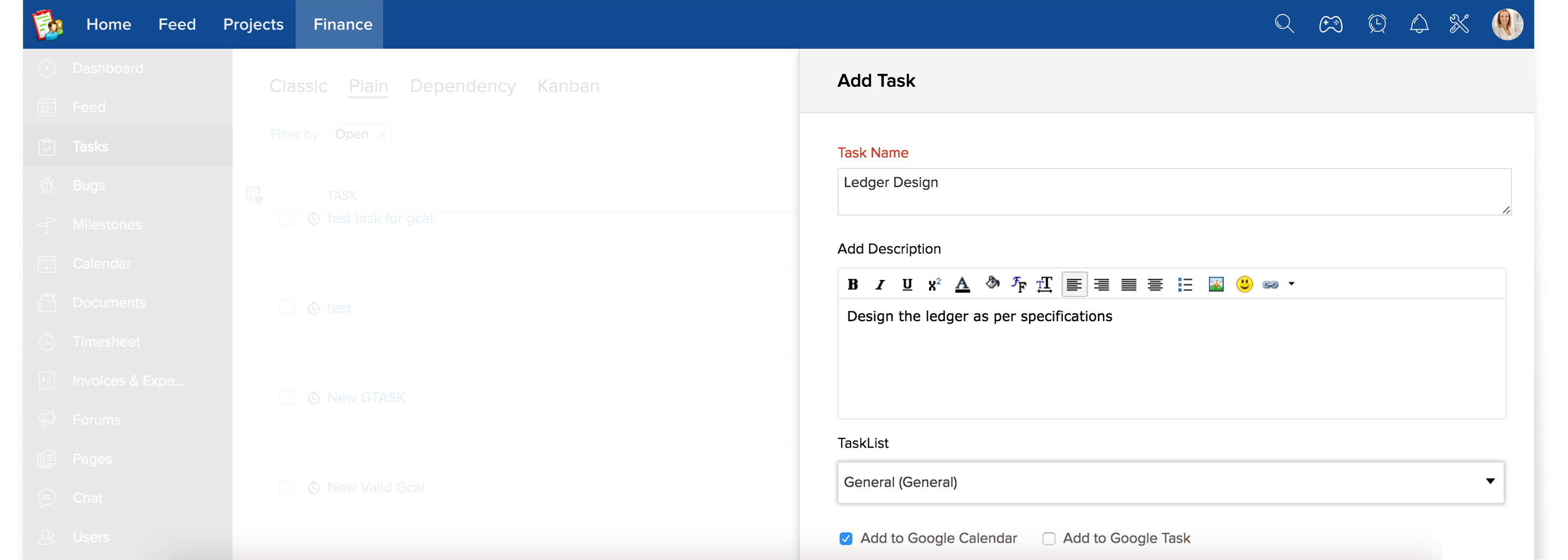
Simply add the Zoho Projects Gmail contextual gadget to your Gmail account and it lets you transform your email into an actionable task in Zoho Projects. But it doesn't stop there, you can convert an intelligent idea sent through an email into a forum post and brainstorm with your project team. The Gmail contextual gadget available for Google Apps users helps you to assign the tasks, share an idea via a forum and create projects in Zoho Projects. All this is done right within your email without leaving your Gmail inbox.
Zoho Projects Gmail Contextual Gadget greatly accelerates user adoption by bringing the application directly to the user in context with their project work flow. In addition, it drastically improves productivity, saves lot of time and makes it much easier to see the benefits for your project management team.
Here's the short video which talks about how to use Zoho Projects Gmail Contextual Gadgets :
Keep work organized with tasks and sub tasks
Milestones are a great way to monitor progress
Comprehensive view of dependent tasks.
Gantt charts visually represents project progress
Timesheet streamlines the performance of a project
Dashboard gives you a quick view of latest activities
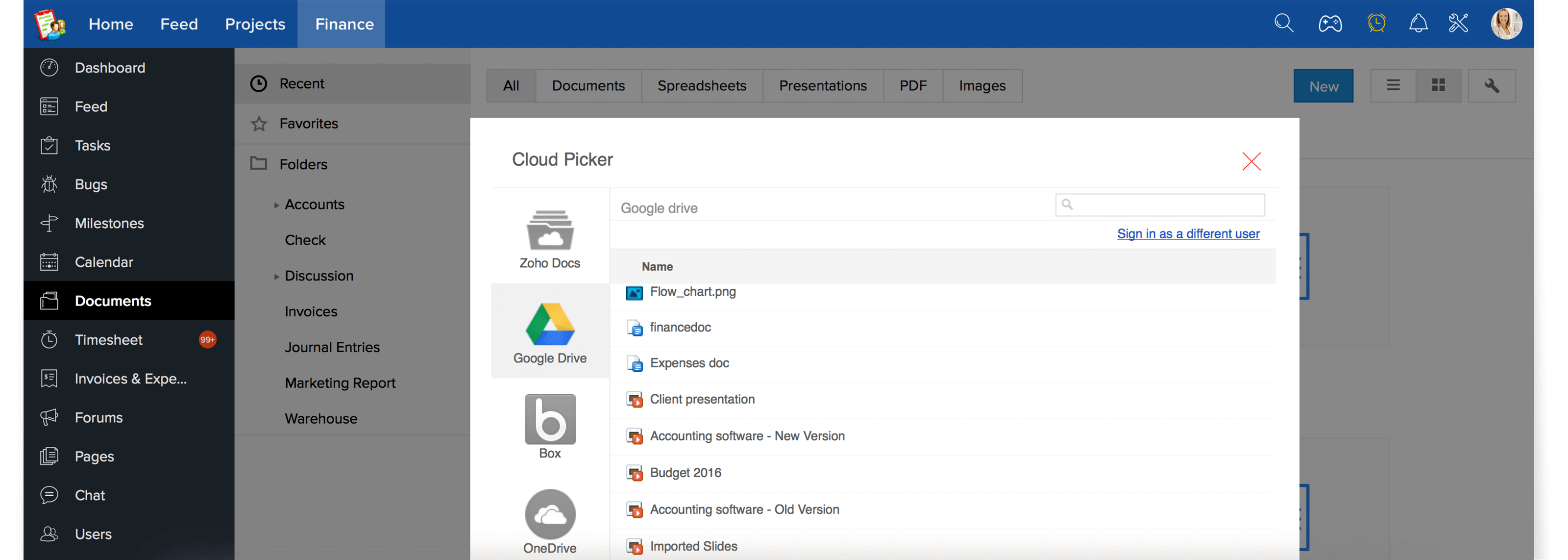
Manage all files in one place with documents area
Interactive forums to keep conversation flowing
Wikis offer a simple way to create web pages
Discuss and make decision faster with chat rooms