Team administration at
your fingertips
Your team’s data and files are a vital part of your business. With WorkDrive, you can efficiently manage access, structure, and security for your knowledge base.
Redesigned admin dashboard
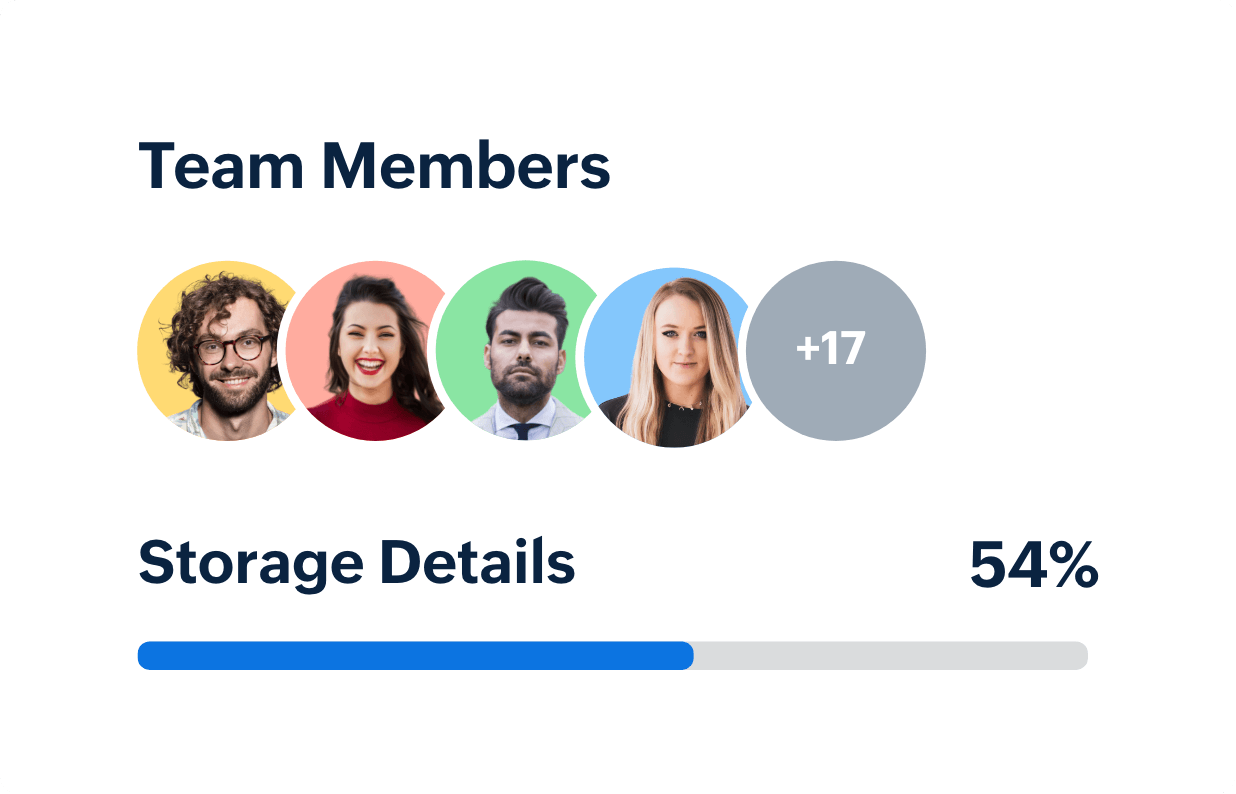
View subscription, storage, licenses, invites, and live activity at a glance. Receive automated alerts before you hit capacity, so work never slows down.

Set up in minutes
Quickly bring in team members with an invitation link, either by importing their email addresses or by linking your Active Directories with SAML authentication.
Create functional groups
Create groups based on team member functions. Quickly create Team Folders for a particular project by adding the functional groups you want to include.
Roles and permissions
Assign each person a role as a team admin or a team member. As an admin, keep an eye on the team’s file activities using the admin panel.
Customize your team profile
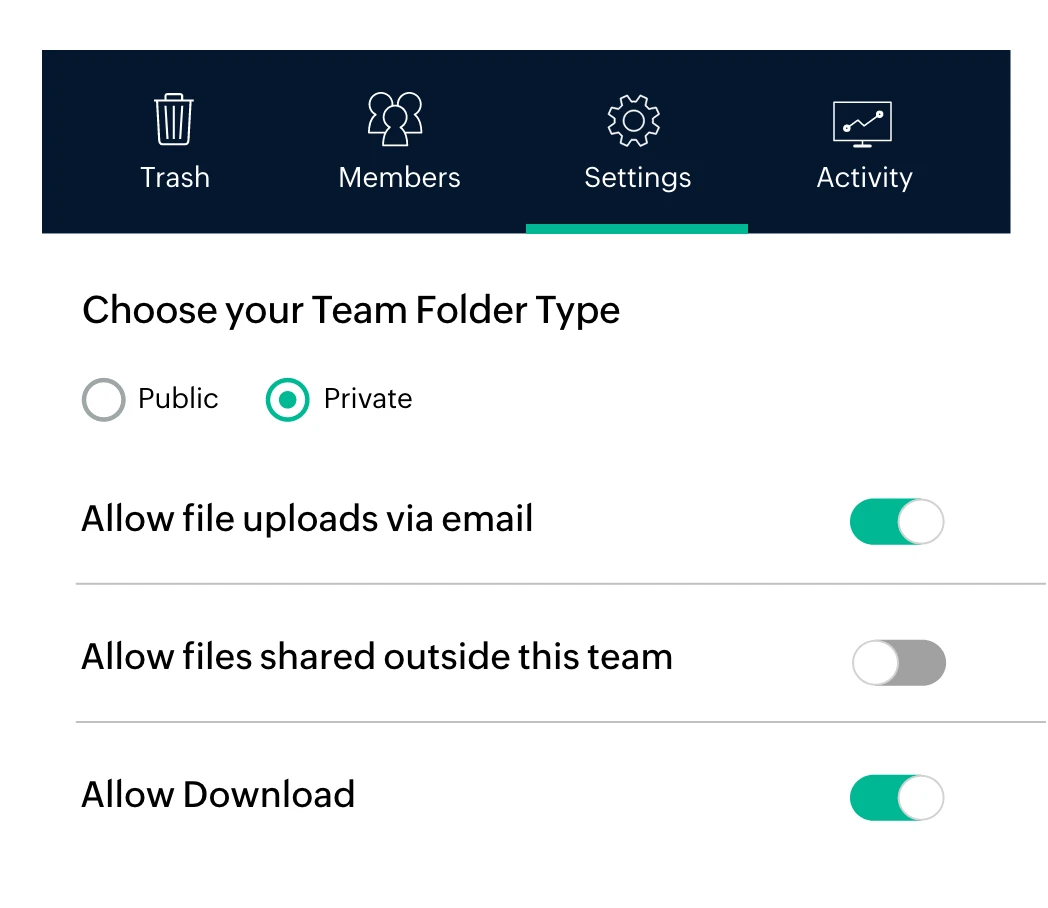
Make Zoho WorkDrive work the way you do. Decide who gets to create Team Folders, share content externally, or download files to their devices
Bring your team to
Zoho WorkDrive
Change is never easy, especially when there are many people involved. Moving to Zoho WorkDrive means spending less time in migration and getting started with your work instantly.


- Anticipate your team’s needs
When your team grows, their needs grow too. Be aware of details like total storage left, the number of licenses used, and pending user invites. Also, monitor your team’s progress with details like active users, active Team Folders, and user activities.
- Activity reports and audit trail
When your team grows, their needs grow too. Be aware of details like total storage left, the number of licenses used, and pending user invites. Also, monitor your team’s progress with details like active users, active Team Folders, and user activities.
- Accelerate data discovery
Create Data Templates and add custom fields as metadata based on how you want to classify your documents. With WorkDrive, you can associate templates to files and add purpose-based classifications to your content, making it easy to search/ or filter files based on the custom fields.
Know your
team better
Get a quick summary of your team activities within your file manager. See the top actions performed, user actions, most active Team Folders, and other storage details in a snap.
Anticipate your team’s needs
When your team grows, their needs grow too. Be aware of details like total storage left, the number of licenses used, and pending user invites. Also, monitor your team’s progress with details like active users, active Team Folders, and user activities.

Activity reports and audit trail
Be legally prepared. Why bother your IT team to find files created in your organization? In case of legal requests, get detailed reports on each file activity. See the number of file uploads, edits, downloads and previews at the team and Team Folder level.

Accelerate data discovery
Create Data Templates and add custom fields as metadata based on how you want to classify your documents. With WorkDrive, you can associate templates to files and add purpose-based classifications to your content, making it easy to search/ or filter files based on the custom fields.

Manage your
team efficiently
Improving data accessibility also means keeping track of it on many devices. As an admin, be aware of where your documents are going.
Transfer file ownership
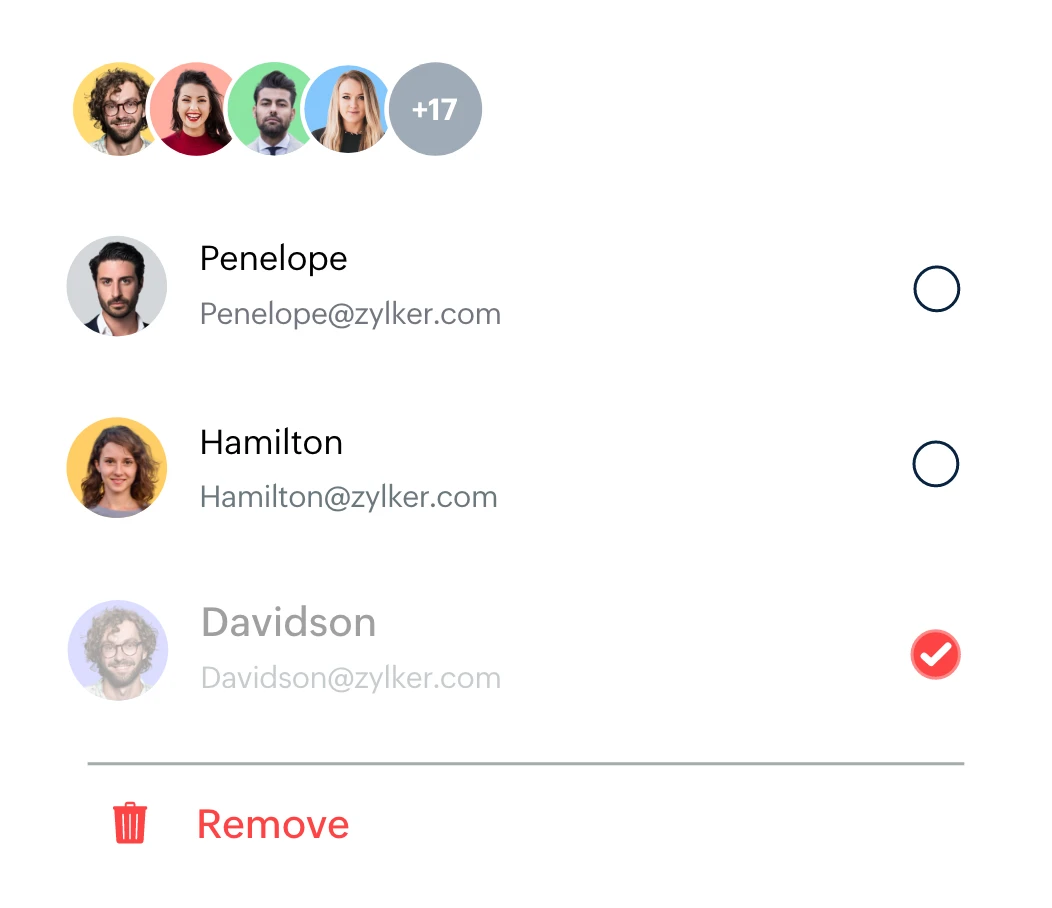
Don't stress out when an employee leaves your organization. Revoke their access to team files by suspending them or transferring all their files to another member of your team.
Not an active member?
Not a problemWant to transfer an active member's file ownership after they've moved to another team or department? Whether they're an active, inactive, or suspended user, you can view all their My Folders documents and easily transfer file ownership.
Modify Team Folder settings
See your Team Folders and their settings in one place. As an admin, you can add users, edit privacy settings, view activity, trash Team Folders or even recover files 3 months before the Team Folder's recovery period.
Broaden your content search
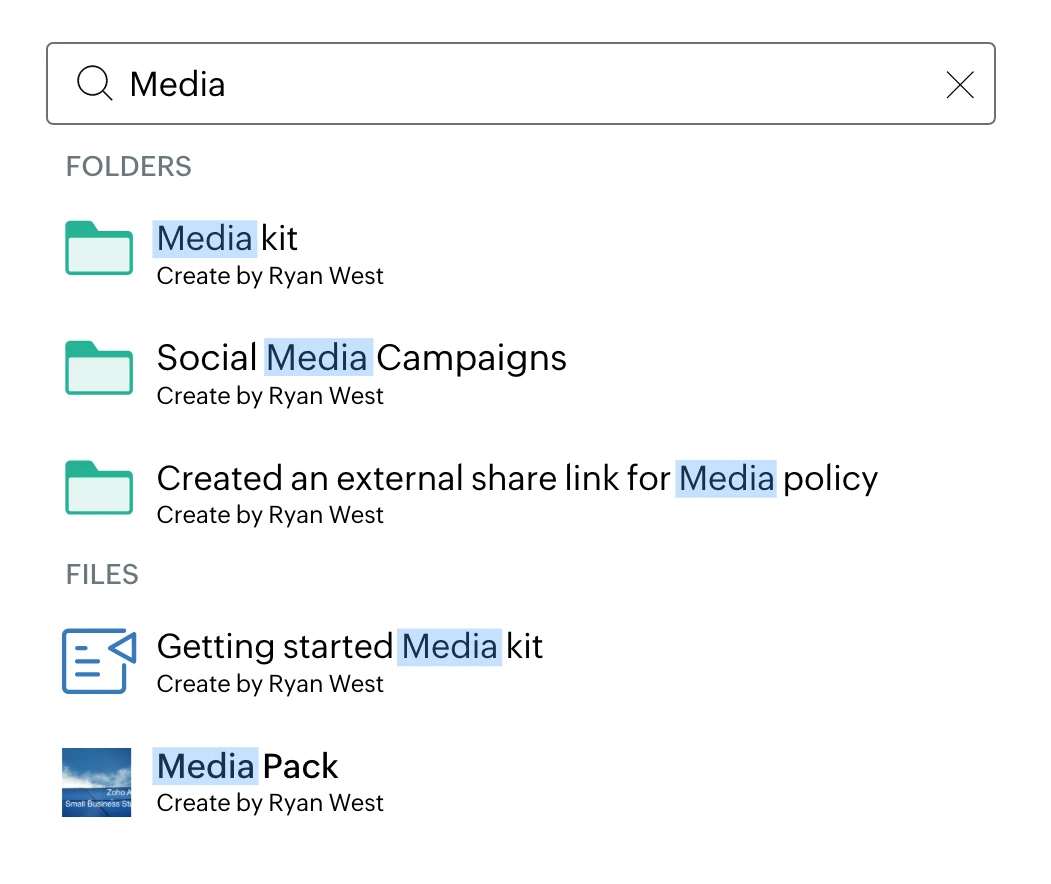
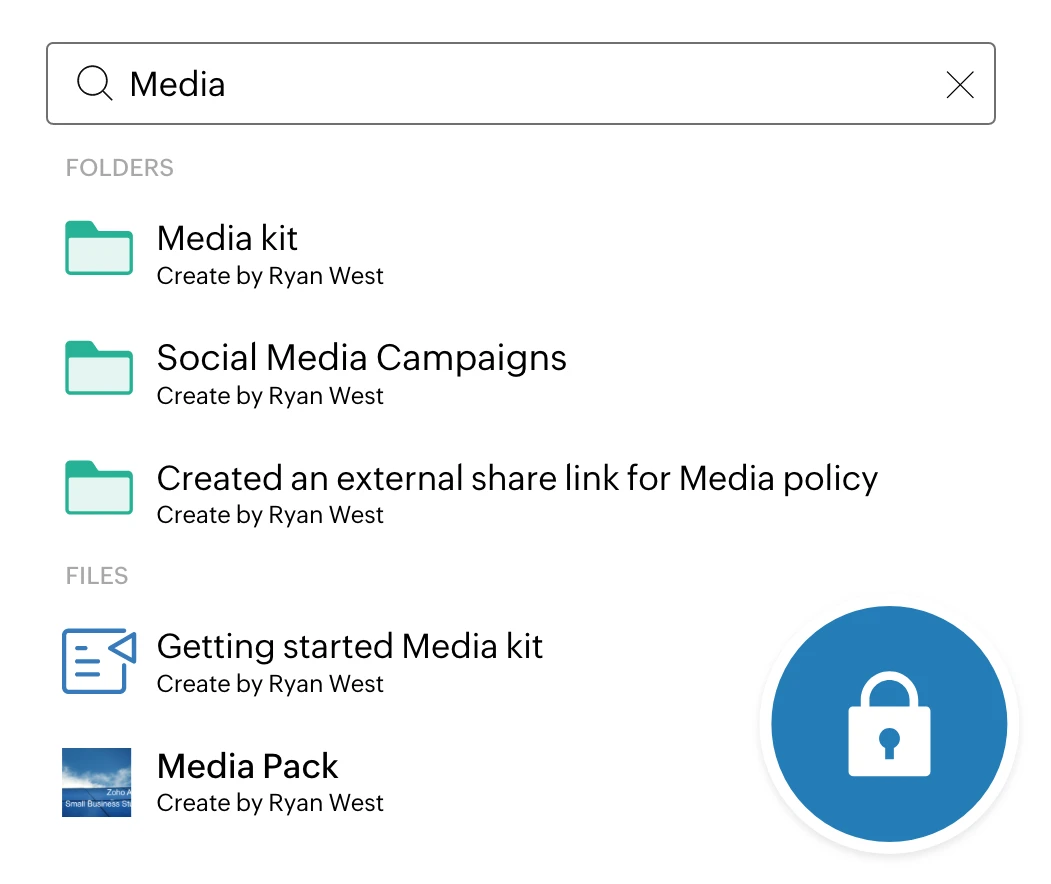
Search and find files whenever, wherever you need in seconds. Search for a document using the file or folder name, or with document keywords. WorkDrive also uses Optical Character Recognition (OCR) and Object Detection to enhance data accessibility, so you can even search for scanned pages or images with content keywords.
Manage all shared items from a central location
Knowing who shared what and with whom is crucial in an organization. But tracking sharing activity can be challenging. With WorkDrive, Admins can easily filter, view, share, and manage all shared items from a single place.
Manage your devices
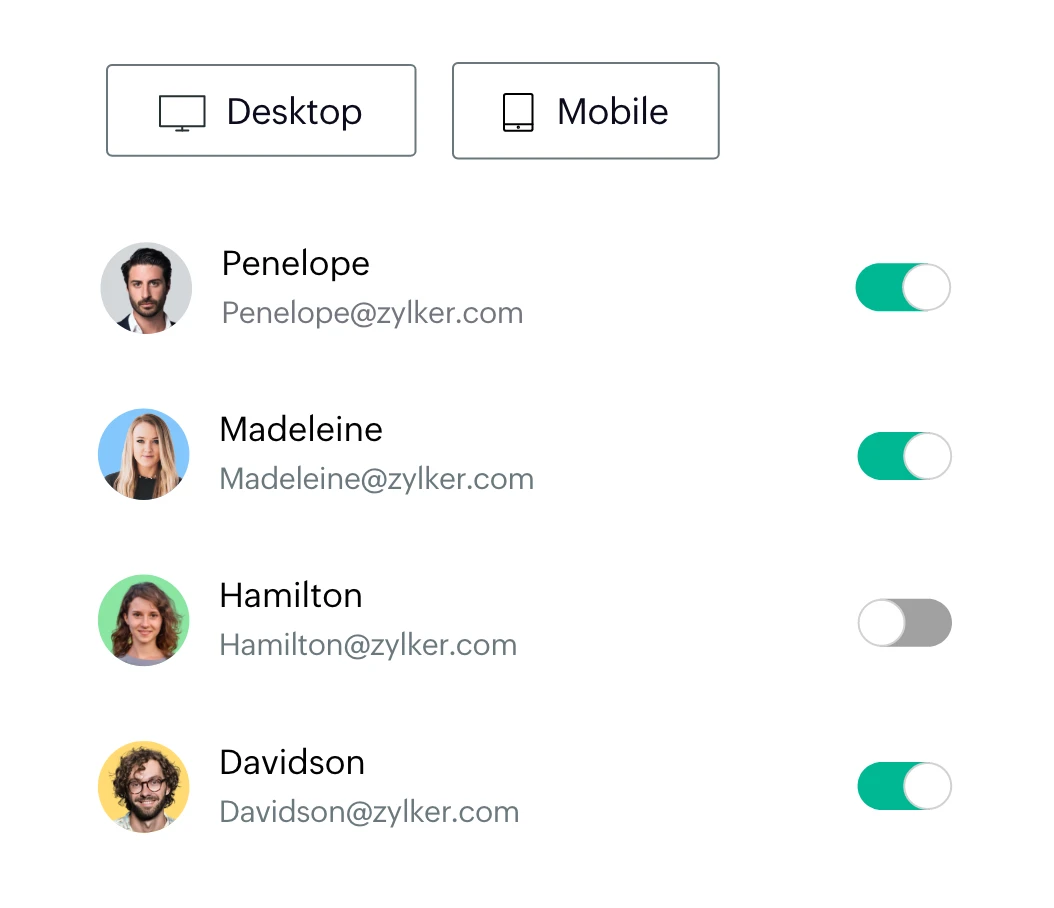
Restrict access to users' devices based on their role. Or make sure they can access files even when they're away from work by giving access to the Zoho WorkDrive mobile and desktop apps.
Guarantee data security
Choose where your files can be shared and which users can share files only internally or outside your team. Add extra layers of security to your account by integrating with Zoho Directory, setting password policies, enabling two-factor authentication, and restricting unwanted IPs.
Migrate your data at ease
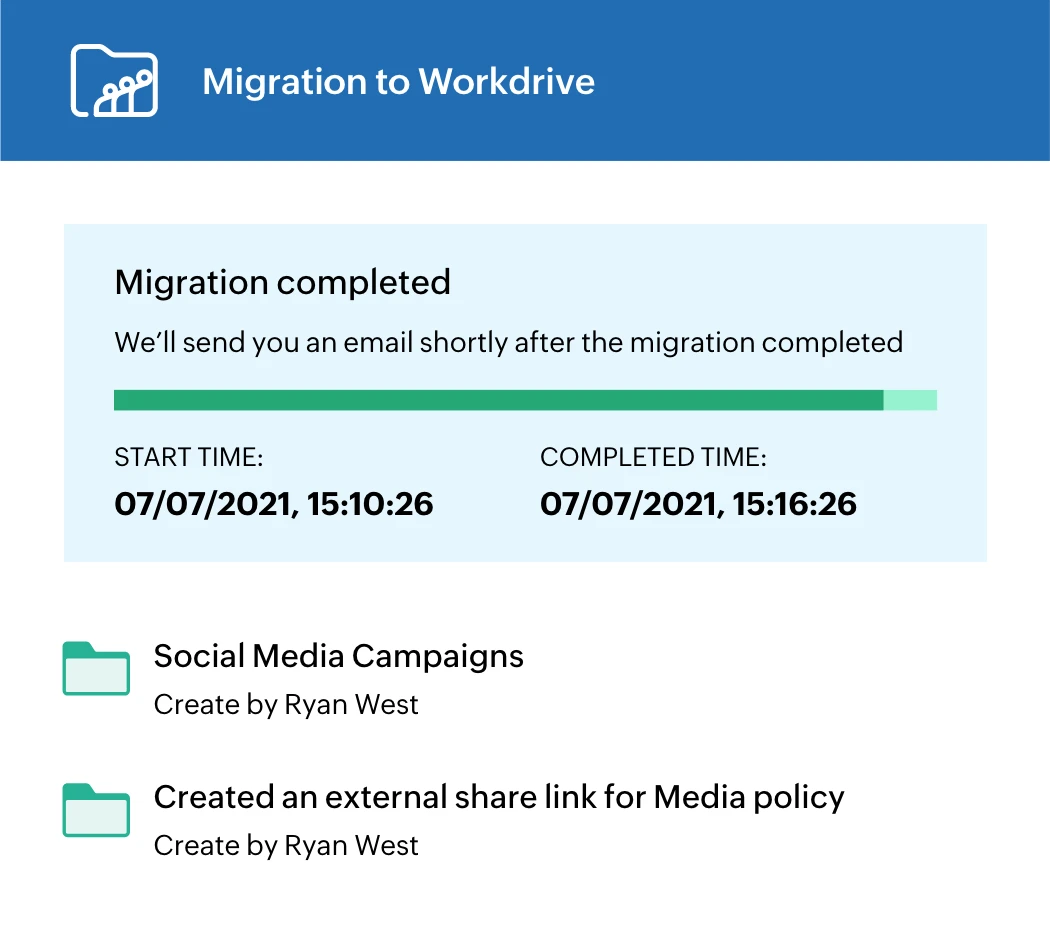
New to WorkDrive? You can get started in minutes. Quickly migrate your team's data from your desktop or other cloud services, or transfer your information from G Suite, Dropbox, and OneDrive with our easy self-service migration tool.