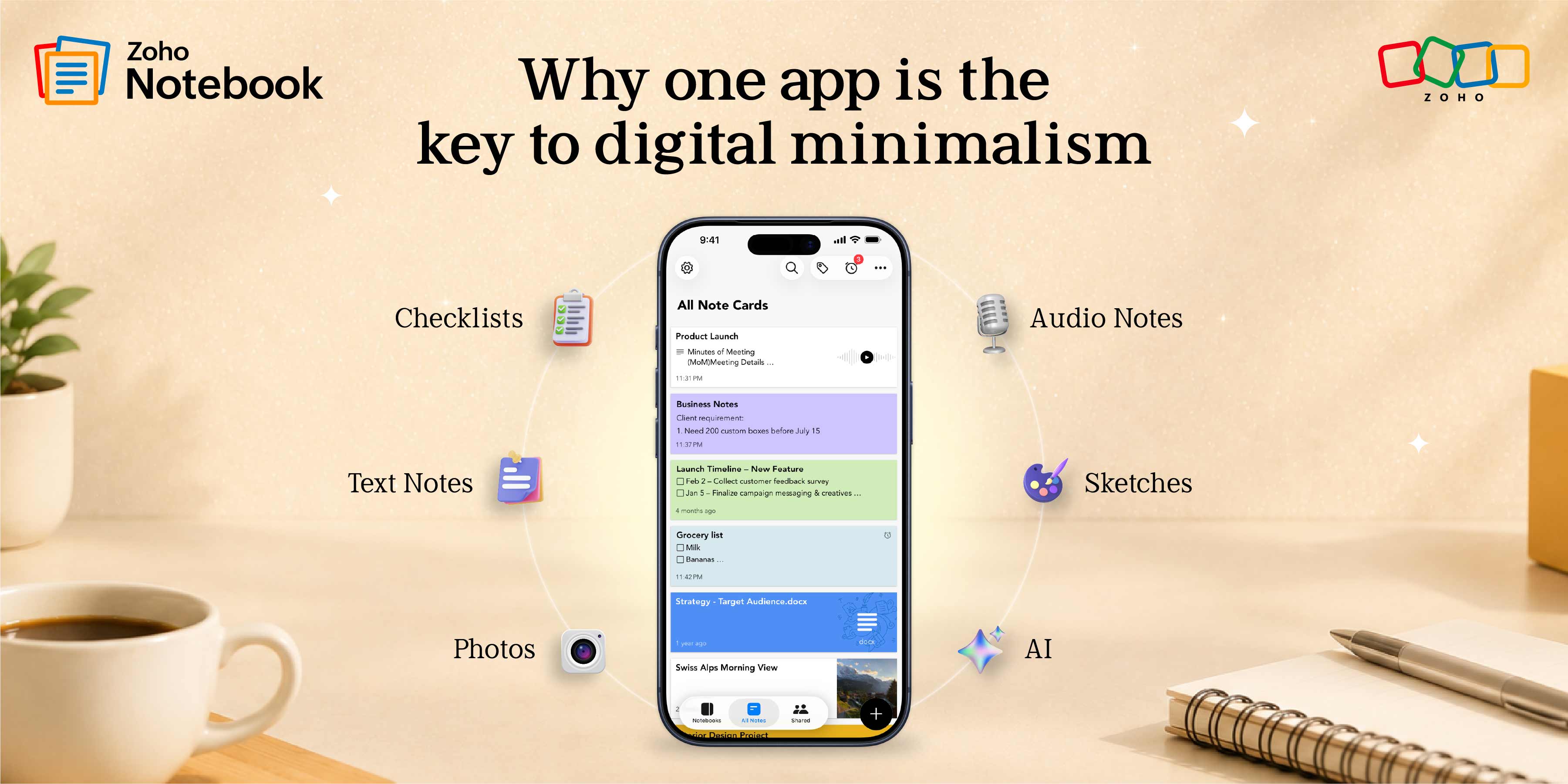
Digital minimalism: Why one note-taking app is all you needPosted on June 25, 2026June 25, 2026 by Kavya5 Min Read
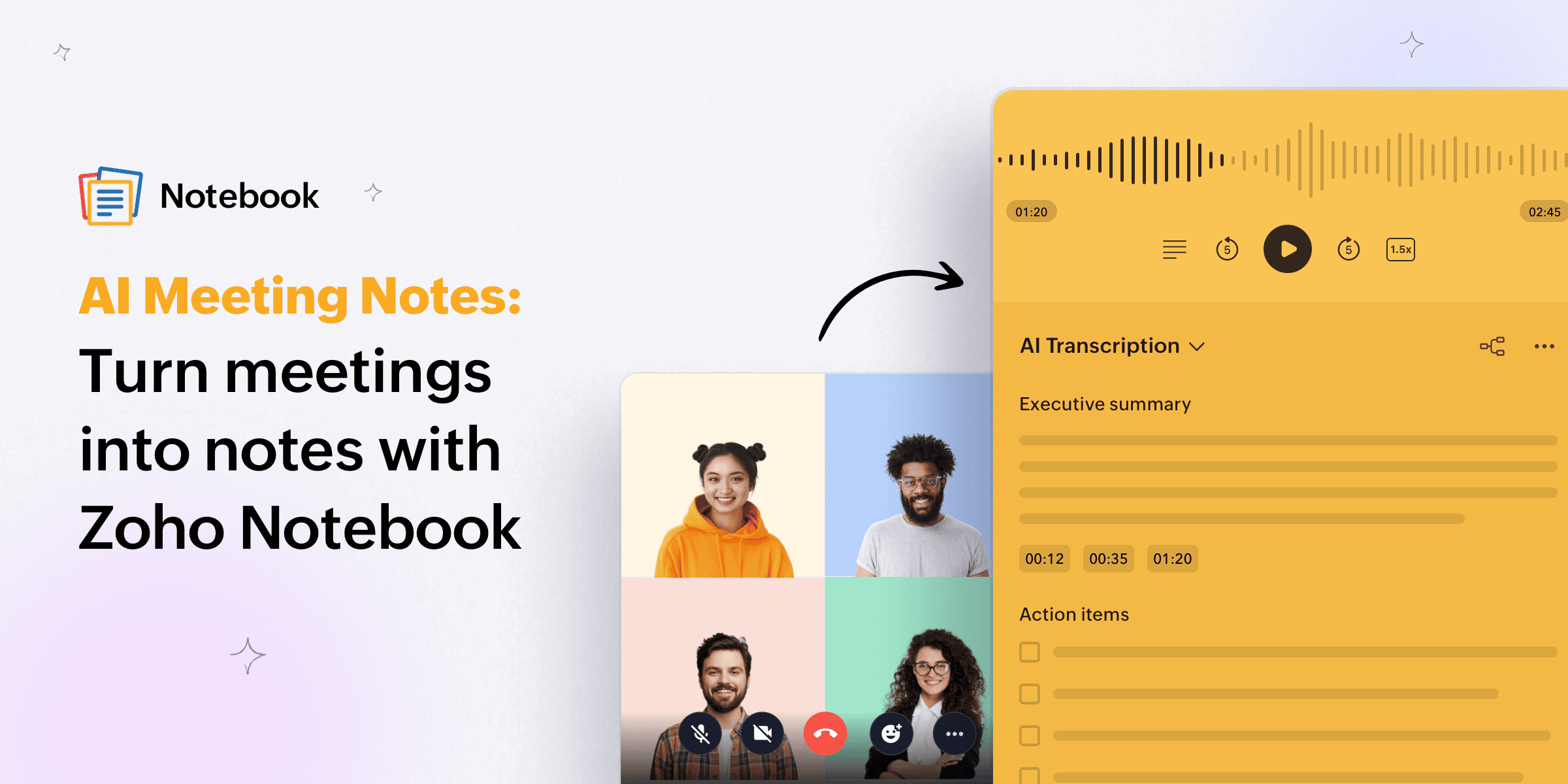
AI Meeting Notes: Turn meetings into notes with Zoho Notebook Posted on April 28, 2026April 28, 2026 by Kavya7 Min Read
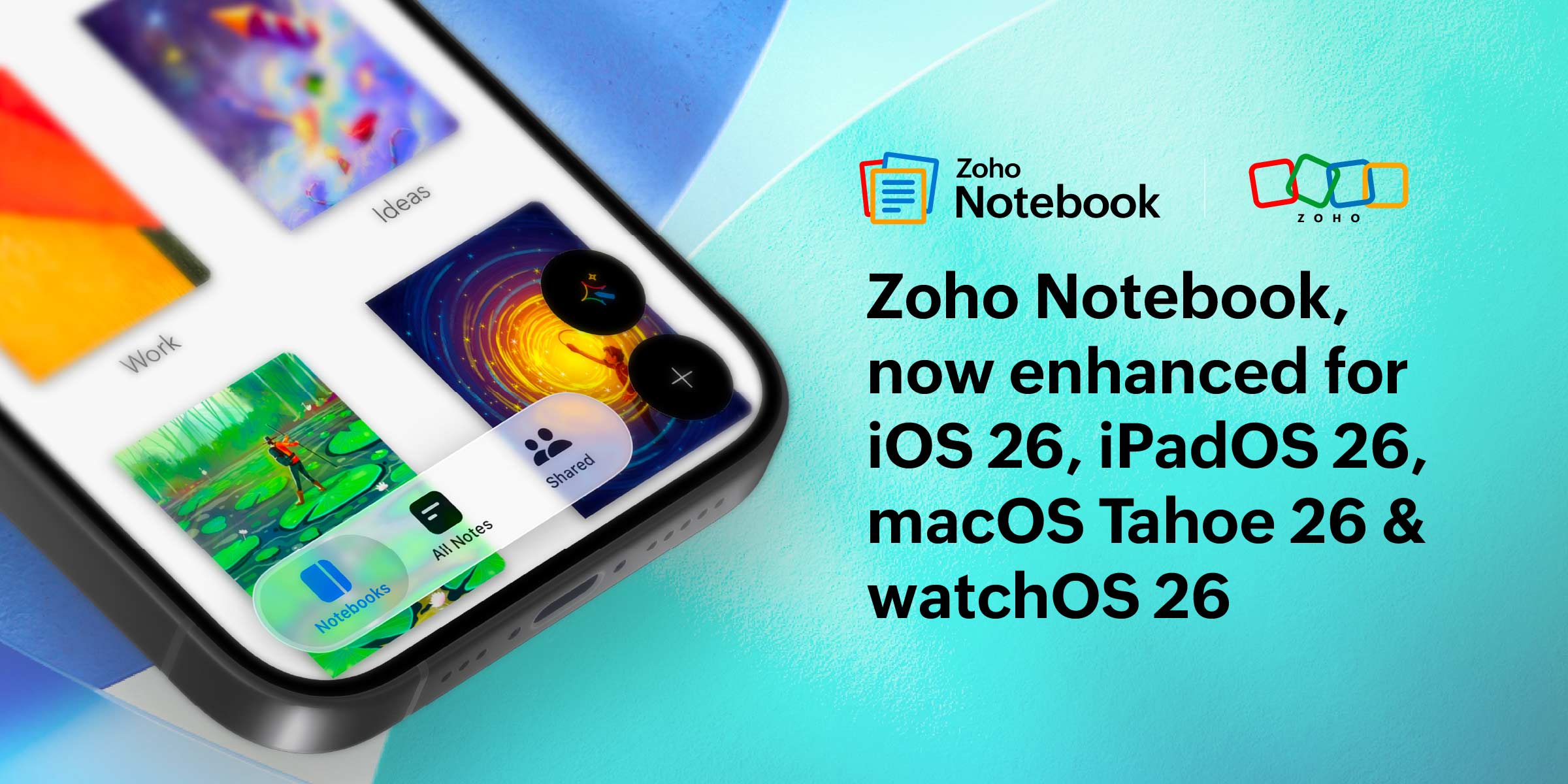
Zoho Notebook gets even better with Apple’s latest OS 26 updates!Posted on September 19, 2025September 19, 2025 by Soukath Shajin5 Min Read
Meet Notebook AI: Your personal AI assistant in Zoho NotebookPosted on March 25, 2025March 25, 2025 by Kavya4 Min Read
Women’s Day Special: Practical Lessons from Zoho’s Women Leaders on Productivity Posted on March 7, 2025March 7, 2025 by Kavya8 Min Read
Zoho Notebook: The best free note-taking app for MacPosted on February 20, 2025February 20, 2025 by Kavya4 Min Read
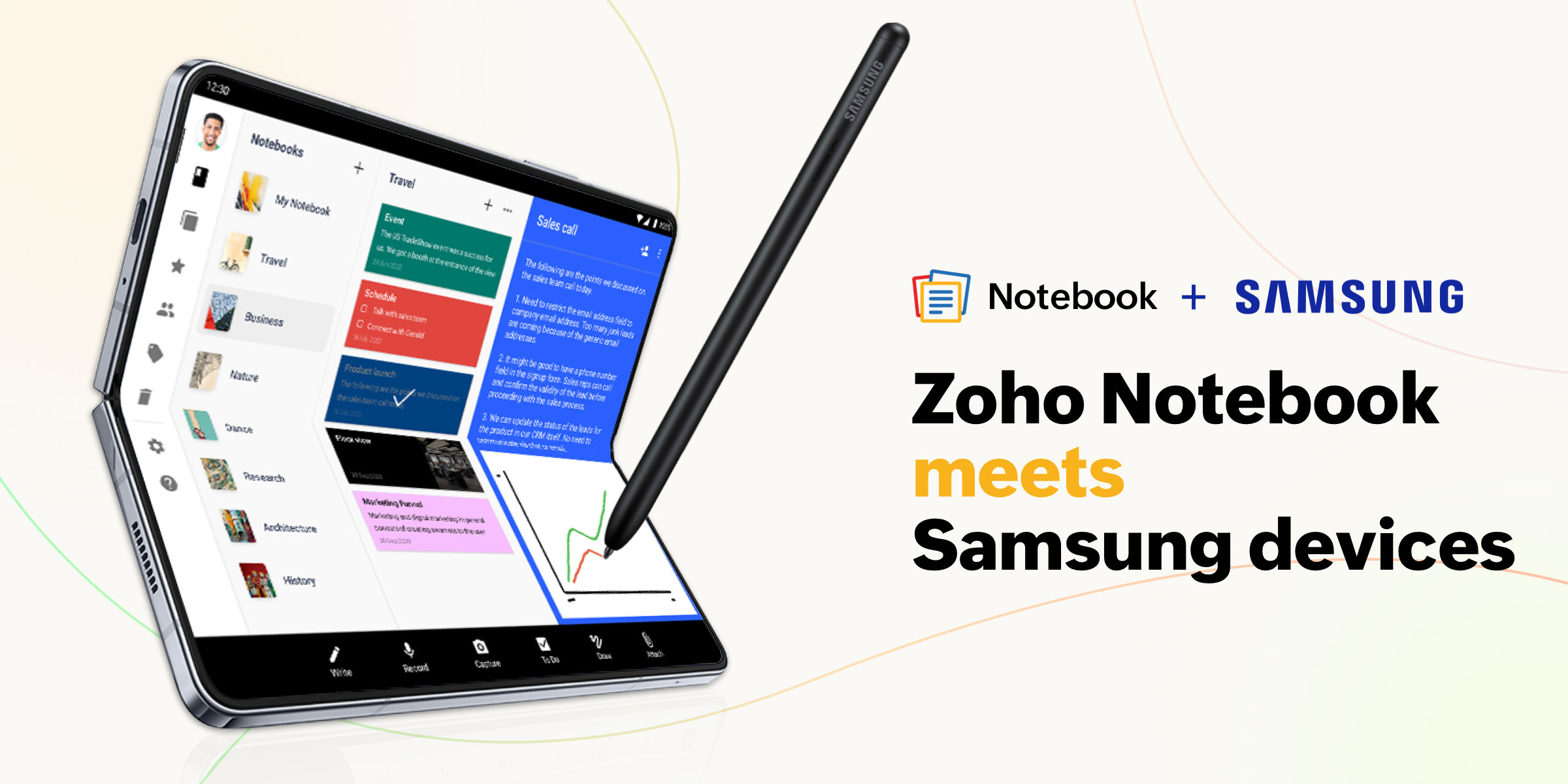
Zoho Notebook + Samsung: Spotlighting Handoff in WhiteboardsPosted on October 3, 2024October 3, 2024 by Kavya3 Min Read
Meet Zoho Notebook—tailored for Apple's latest updates!Posted on September 18, 2024September 18, 2024 by Kavya3 Min Read
7 reasons why Zoho Notebook is the best notes app for WindowsPosted on August 27, 2024August 27, 2024 by Kavya4 Min Read
Zoho Notebook: The best free note-taking app for students Posted on July 26, 2024July 26, 2024 by Kavya4 Min Read
Introducing Apple's Journaling Suggestions in Zoho NotebookPosted on July 25, 2024July 25, 2024 by Kavya3 Min Read
Nested Collections: A better way to organize your notes Posted on March 26, 2024March 26, 2024 by Kavya2 Min Read
Introducing the Sticky Notes extension by Zoho Notebook Posted on December 11, 2023December 11, 2023 by Kavya3 Min Read
Zoho Notebook offers seamless productivity with Apple's latest updatesPosted on September 29, 2023September 29, 2023 by Kavya4 Min Read
Zoho Notebook: The best Evernote alternative in 2025Posted on June 28, 2023June 28, 2023 by Kavya3 Min Read