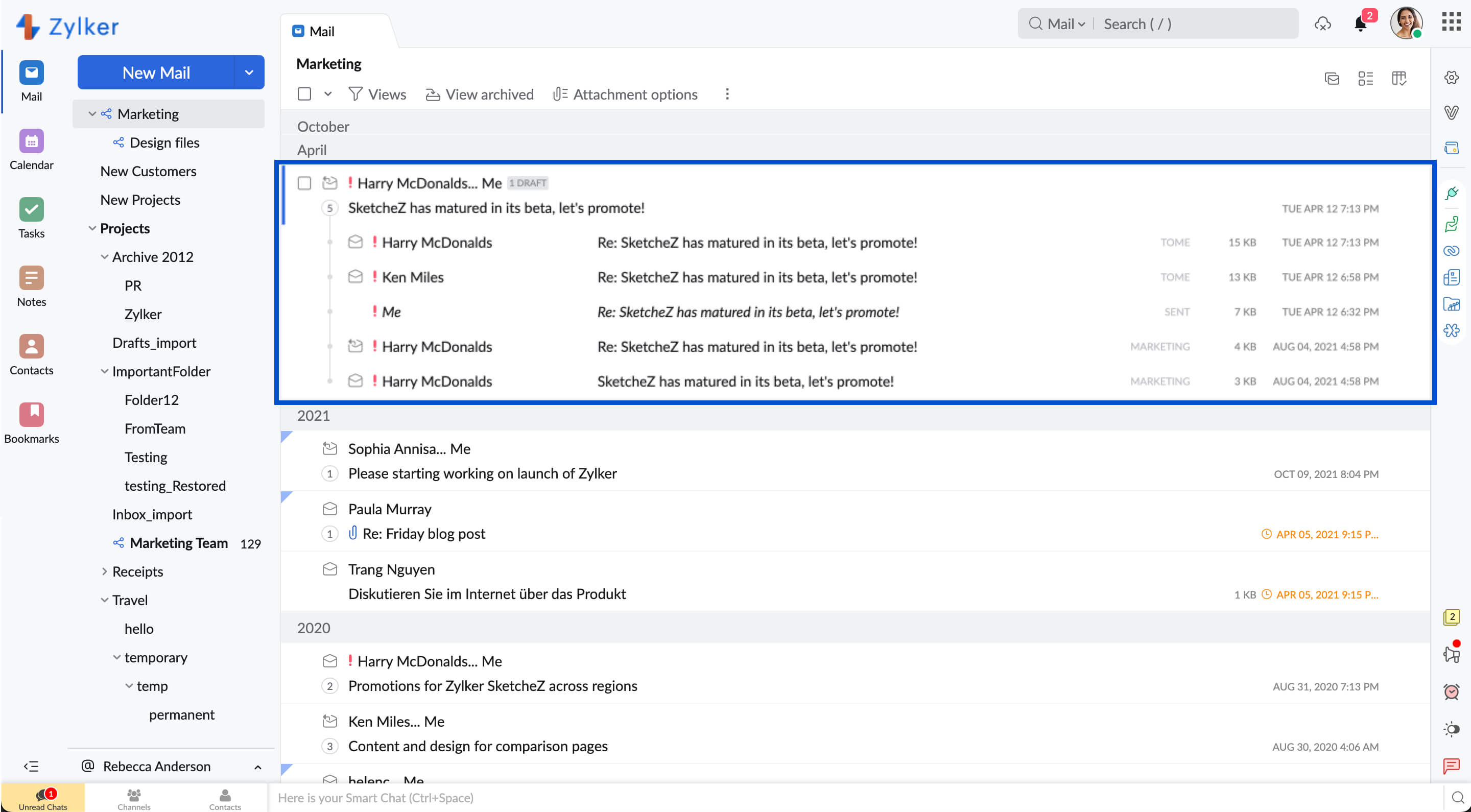
Our webmail interface does not display ads (not even in the free plans) and gives you a wide range of options to organize and categorize your messages. This includes familiar items like folders, labels and flags, automatic filters, as well as one-of-a-kind capabilities, like our email thread nesting.
Zoho Mail presents a very recognizable interface, which eliminates a new learning process. You'll be productive with Zoho Mail as soon as you log in.
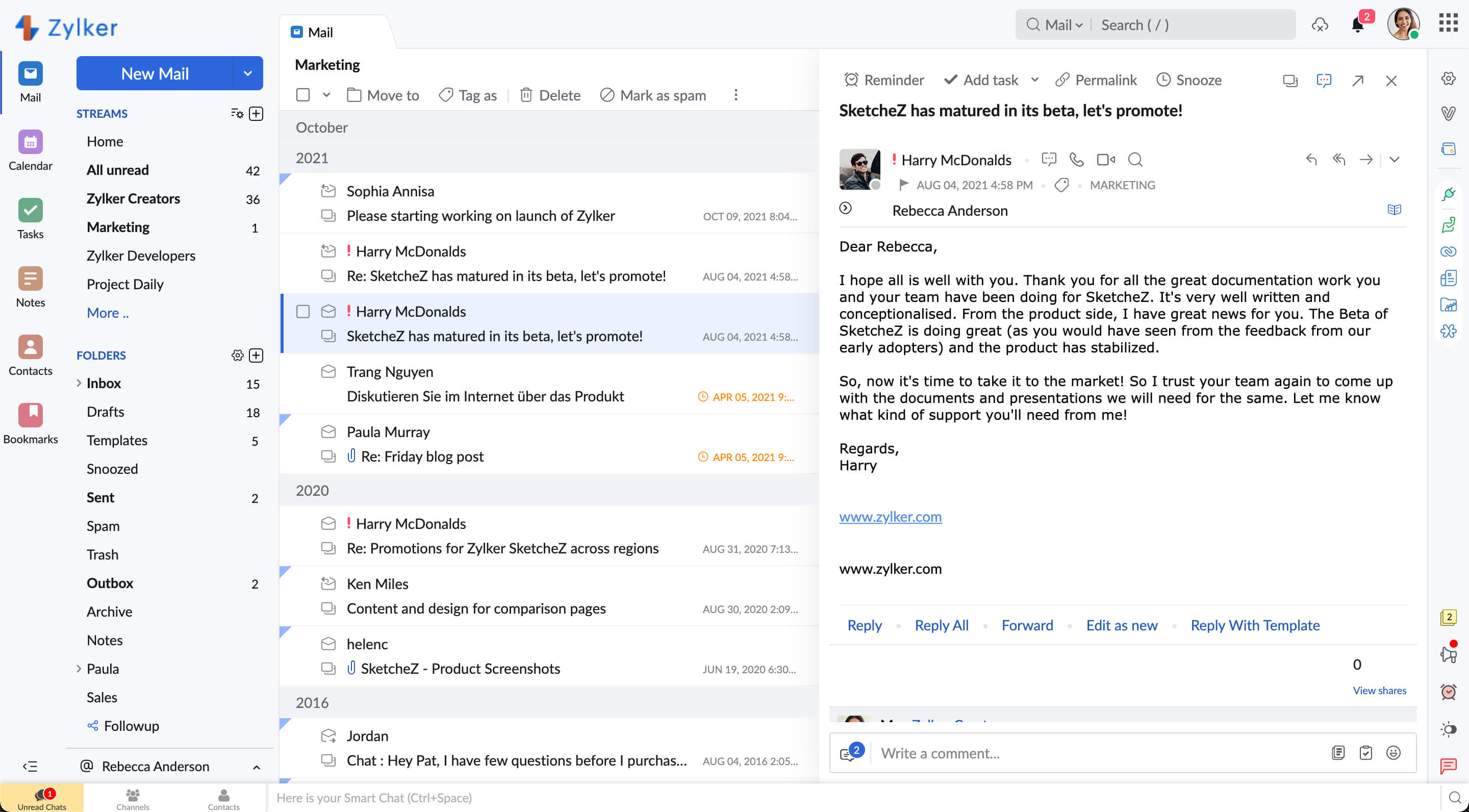
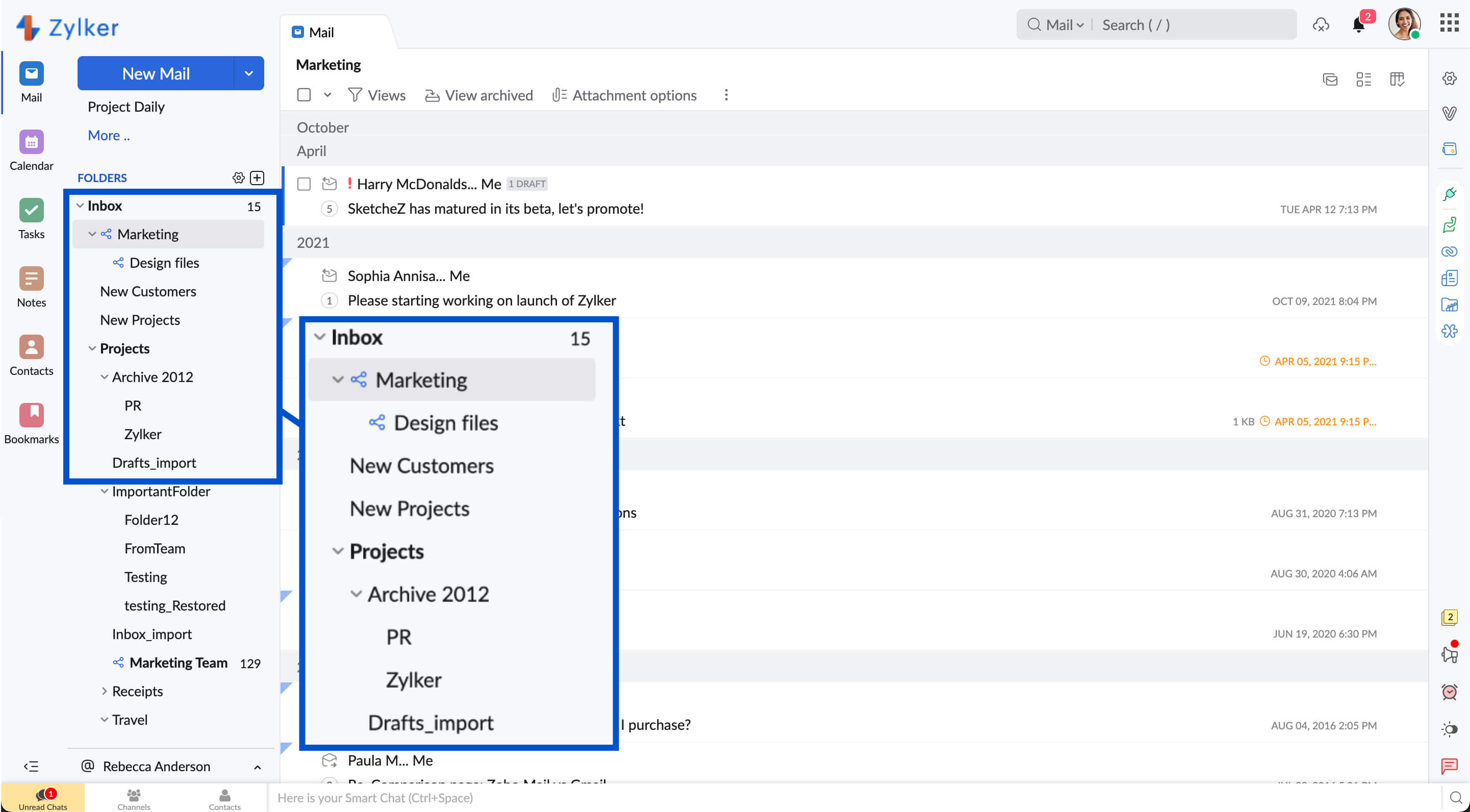
Zoho webmail supports multi-level folder structure unlike other webmail interfaces out there. This means you can organize your emails in a perfect tree structure and be able to navigate smoothly.
What can get more easier than being able to drag and drop items when it comes to usability? That is exactly how you can attach files while composing messages, apply labels and move messages to folders.
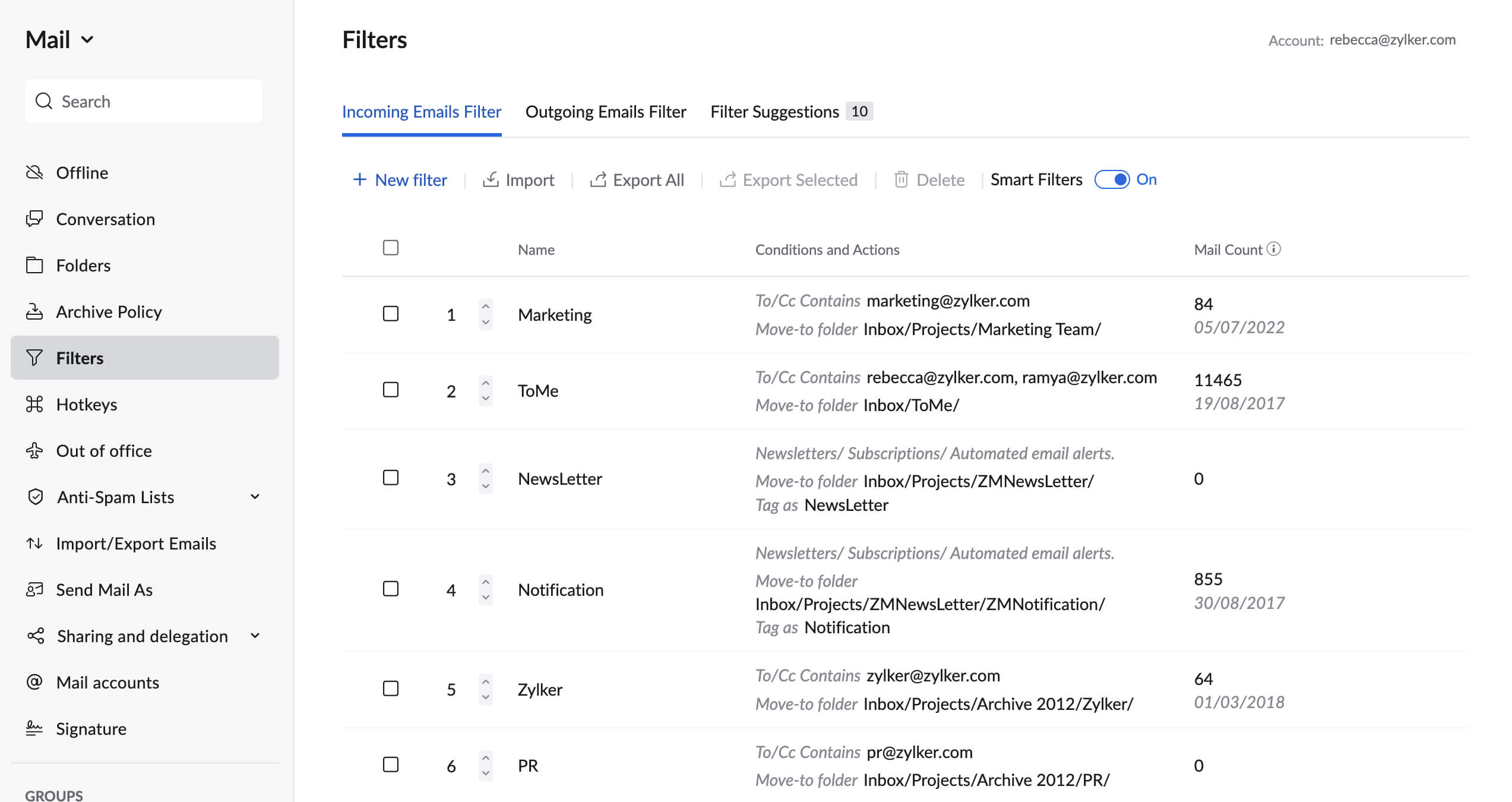
Automate incoming email handling. Use automatic filters to move mail from folder to folder, and label them based on criteria you define. You can also import filters from other sources.
Mark multiple emails as read, to-be-deleted, flagged or labeled, and more at one time. This saves time being wasted on repetitive tasks.
Viewing only unread emails, or labeled/flagged emails improves user productivity. An uncluttered list view of emails clearly differentiates between read/unread/action pending emails.
Related threads are presented in a nested-tree format. Clearly track the history of the email thread, to understand how an interaction unfolded.