Themes
Themes are a great way to add some color to your mailbox. Follow the steps below to change the Themes.
The default theme is Blue - Dark.
- Login to Zoho Mail
- Click the Settings icon.
- Go to System > Theme
- Zoho Mail offers five theme colors with Dark, Light, and White variations in each.
- The Theme colors that are available currently are
- Blue
- Green
- Yellow
- Red
- Grey
- Vintage
- Select the desired theme and it will get applied to your mailbox.
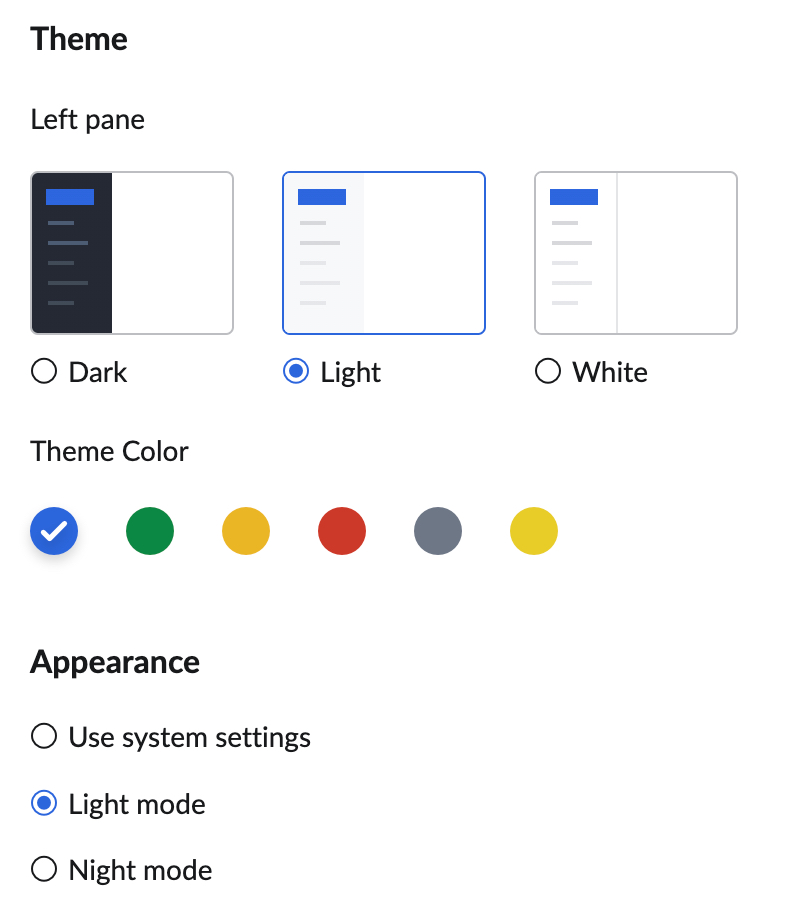
- You can also choose the Appearance of your mailbox from the following options:
- Use system settings
- Light mode
- Night mode

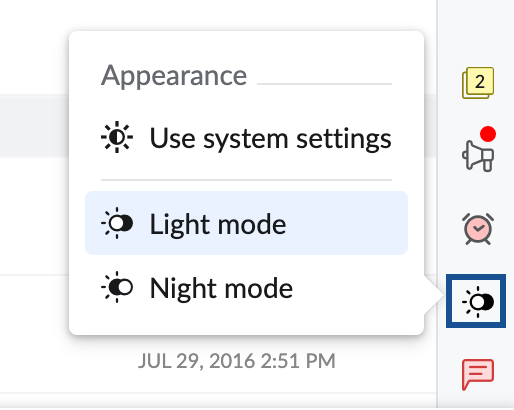
You can also use the Night mode toggle switch in the right pane to choose your appearance setting.