- Access-based Groups
- Manage Guest Memberships
- Smart Email Delivery
- Moderators
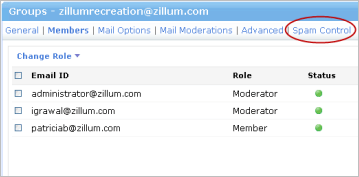
- Group-level Spam Protection
Access-based Groups
Different kinds of groups based on access level can be created for an organization with or without moderation.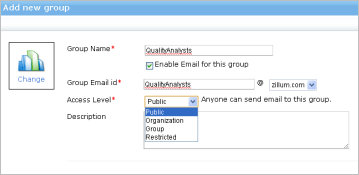
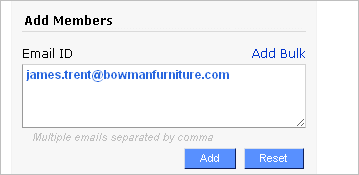
Manage Guest Memberships
Add members to a group, even if they are not part of the organization. This can include customers, partners, suppliers, and more.Smart Email Delivery
A user can be part of any number of groups and if a particular email is sent to multiple groups to which a user is a member, Zoho Mail will intelligently deliver only one copy.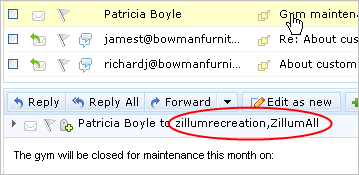
Moderators
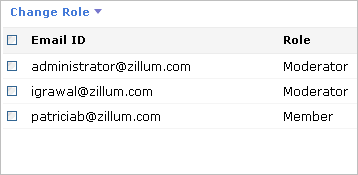
Establish unmoderated groups, or groups with one or multiple moderators. A moderator-flagged spam tag can be propagated to the other members in the group.Group-level Spam Protection
Group moderators can decide on what messages are relevant and only messages approved by them are sent to group members. Group access restrictions and moderator spam-flag that reflects on member's mailboxes ensure maximum spam protection and awareness.