Hey! Welcome to Zoho Forms
Utilize your credits to purchase Zoho Forms before it expires.

7 AI-powered features by Zoho Forms
Zoho Forms includes seven AI-powered features, all managed through a centralized AI Assistant. Here is what each one does we have to offer.
AI form builder: Generate a complete form from a prompt
Describe the form you need in plain language: "a patient intake form for a physiotherapy clinic" or "an event registration form for a product launch", and the Zoho Forms' AI form builder generates a fully structured live form in seconds. You dont need to worry about fields, structure, and layout, Zia takes care of it for you. Simply review, adjust, and publish.
AI forms from PDFs: Convert a static PDF into a live, editable form
Have an existing PDF form? Zoho Forms' PDF-to-form conversion is an AI-powered feature that reads an uploaded PDF, detects every field and label, and rebuilds it as a fully editable, mobile-friendly Zoho Form. Businesses transitioning from paper-heavy or legacy PDF processes can digitize existing forms without manually recreating them field by field. Just upload the PDF, review the generated form, and publish.
Image-to-form conversion: Turn a photo of a form into a digital form
Alongside PDF conversion, Zoho Forms supports image-to-form conversion as a separate AI-powered feature. Upload or photograph any paper form, and the AI identifies the fields, labels, and structure, and converts it into a live, fillable online form.
Smart Scan: AI-powered field prefill from uploaded images
Add a Smart Scan field to your form, and respondents can upload a photo of a document like a business card, ID, receipt, or insurance card. Zia extracts the information and automatically fills the mapped form fields. Smart Scan uses OCR combined with AI to understand the image, so it can identify and route data to the right fields accurately, easily eliminating manual entry for event check-ins, healthcare intake, expense reporting and more.
Write better email notification content with AI
Zoho Forms includes an AI-powered feature for generating email notification content directly in the form builder. Give Zia a prompt: "draft a confirmation email for someone who registered for our annual conference", and it generates a professional, context-aware email. Adjust the tone or length before saving and you can have respondent confirmation emails, follow-up messages, and internal notification copy, ready to be sent in seconds.
Generate and refine Thank You page content with AI
The moment after a respondent clicks Submit is an opportunity to guide and reassure. With Zia, you can generate a clear, purposeful Thank You page message tailored to your form's context—instead of a generic confirmation every respondent sees.
AI-powered settings search: Find any setting instantly
Not sure where a specific setting lives? Ask. The AI chatbot in Zoho Forms Settings can take you directly to the right option, removing the need to manually search through menus. This builder-side AI-powered feature is designed to reduce setup time for form administrators.
Note: All seven features run on Zia, Zoho's proprietary AI, built on Zoho's own infrastructure, which means your form data and the content you generate stays within Zoho's ecosystem and is never stored or used to train external models.
Explore Zia powered featuresForms for small businesses
Empower your small business with Zoho Forms – a no-code online form builder designed to help small businesses streamline data collection.
Learn More
Forms for enterprises
Elevate your enterprise with Zoho Forms – the comprehensive solution for efficient data collection at scale. Streamline your business process with efficient online forms.
Learn More
Zoho Forms – An intuitive online form builder
Build online forms in minutes to collect data for applications, permits, claims, and more.
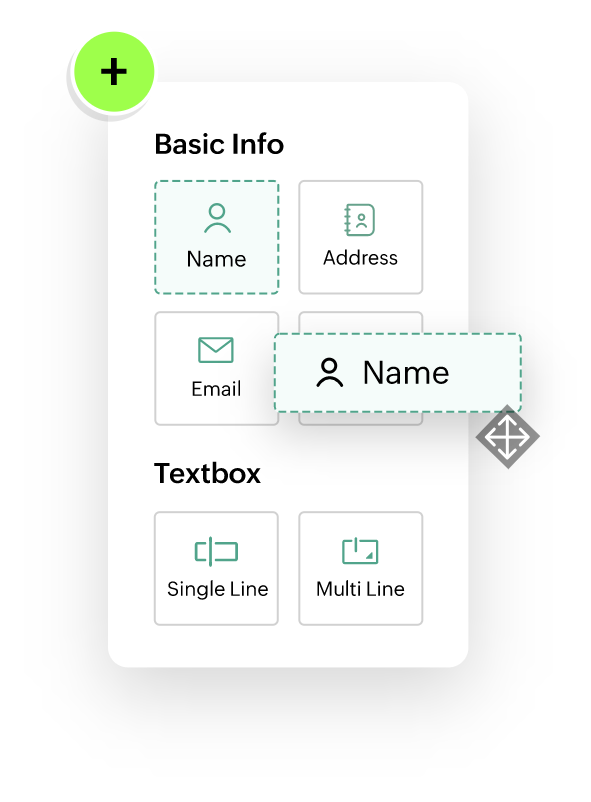
Create forms effortlessly with our intuitive no-code, drag-and-drop builder. Whether you're a novice or an expert, you can easily design and customize forms without any coding knowledge. Simply drag and drop elements to build your perfect form in minutes.
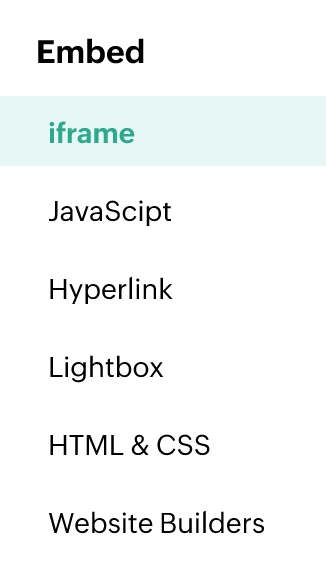
Distribute your forms with ease using our simple sharing options. Share your forms via email, social media, or embed them directly on your website. Reach your audience wherever they are and start collecting responses immediately.
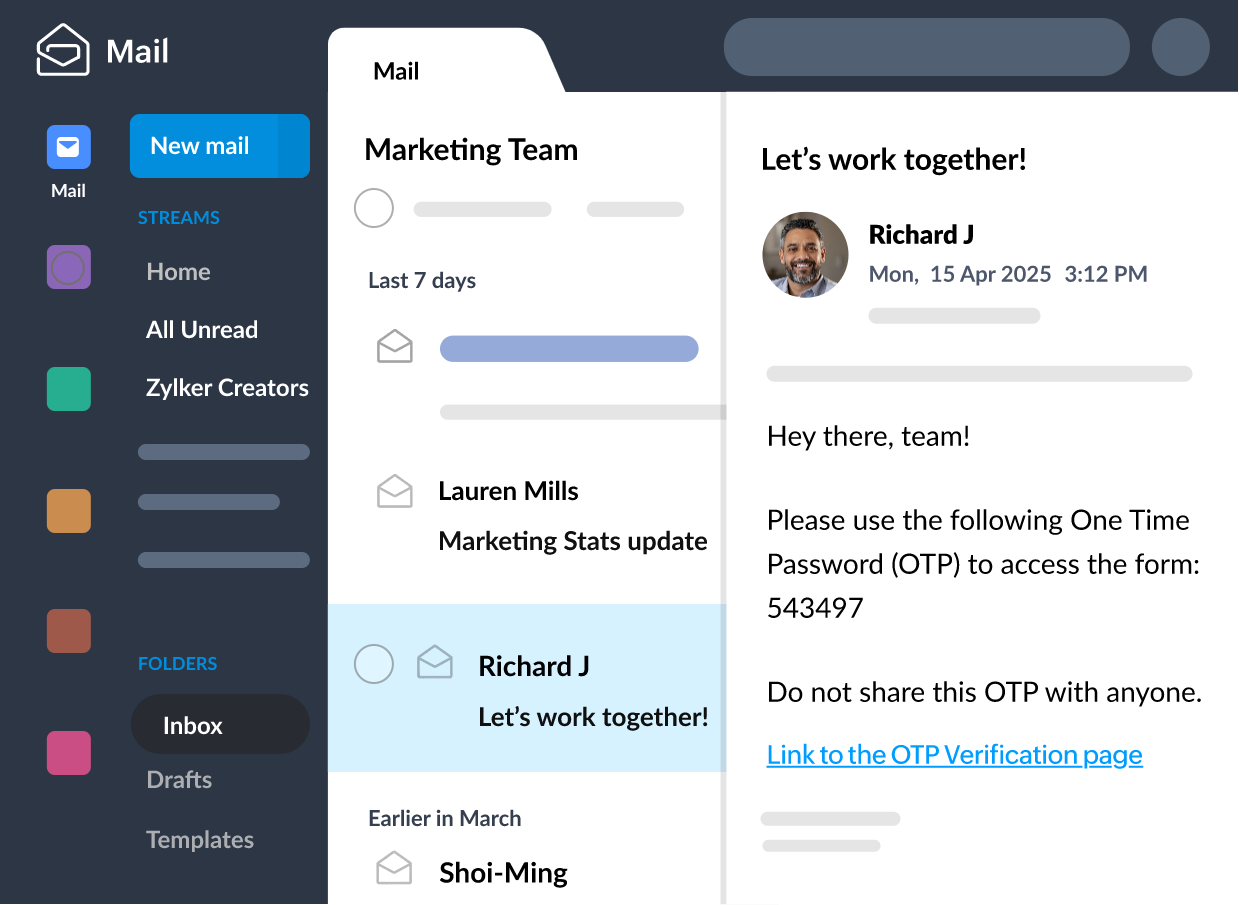
Stay informed with real-time notifications. Receive instant alerts for every form submission, ensuring you never miss important data. Customize your notification settings to keep your team updated and responsive.
Tailor your forms to match your brand and specific needs. With a wide range of customization options, you can modify themes, colors, fonts, and more. Create a unique look and feel for your forms that aligns with your organization's identity.
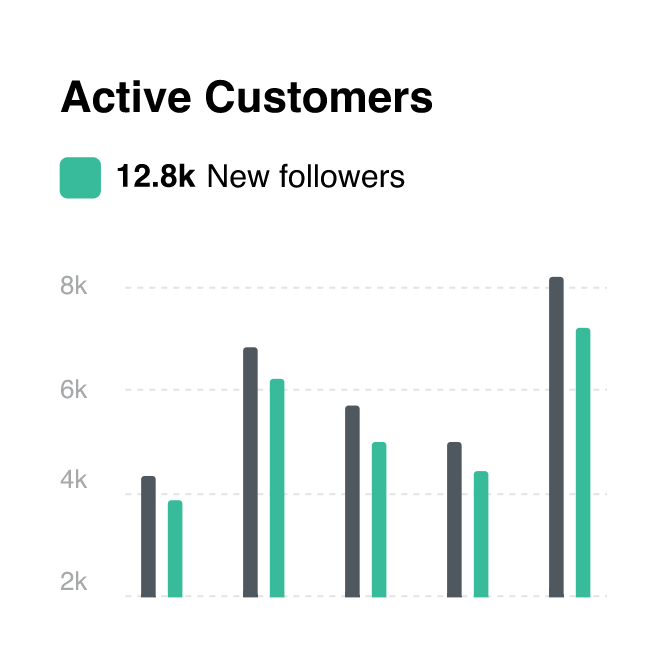
Monitor your form's performance with advanced tracking features. Analyze submission rates, track respondent behavior, and gain insights into user engagement. Use this data to refine your forms and improve response rates.
Protect your data with top-notch security features. Zoho Forms ensures that your information is safe with SSL encryption, data encryption at rest, and compliance with industry standards. Trust us to keep your data secure and private.





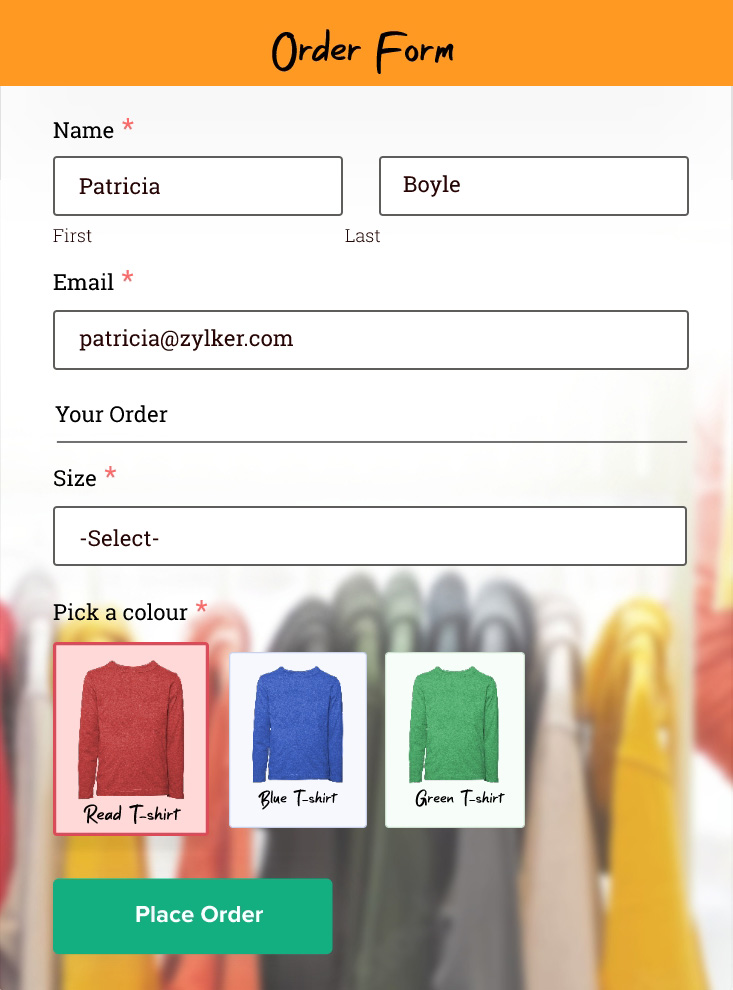

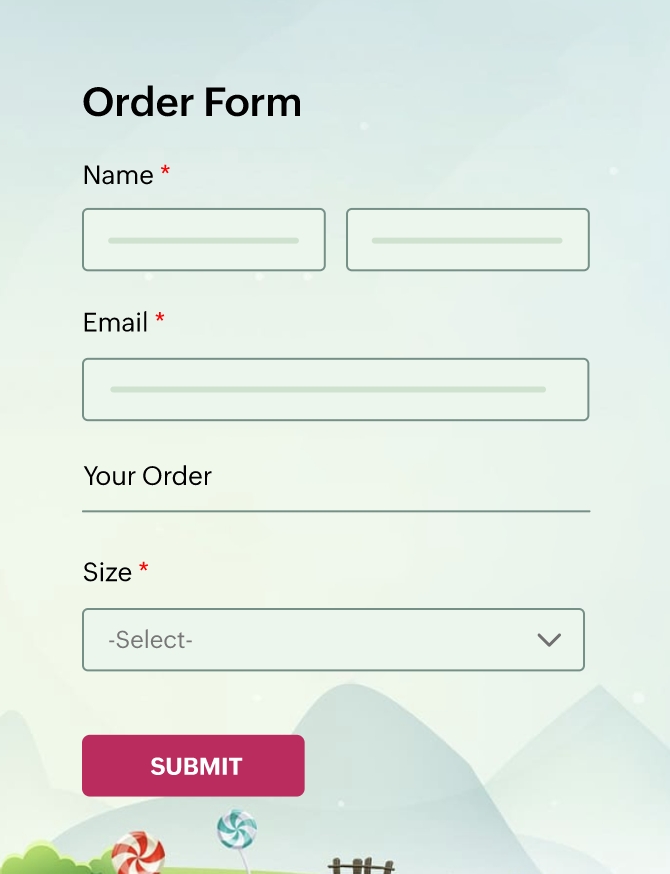





Ask questions in style
Standard Forms
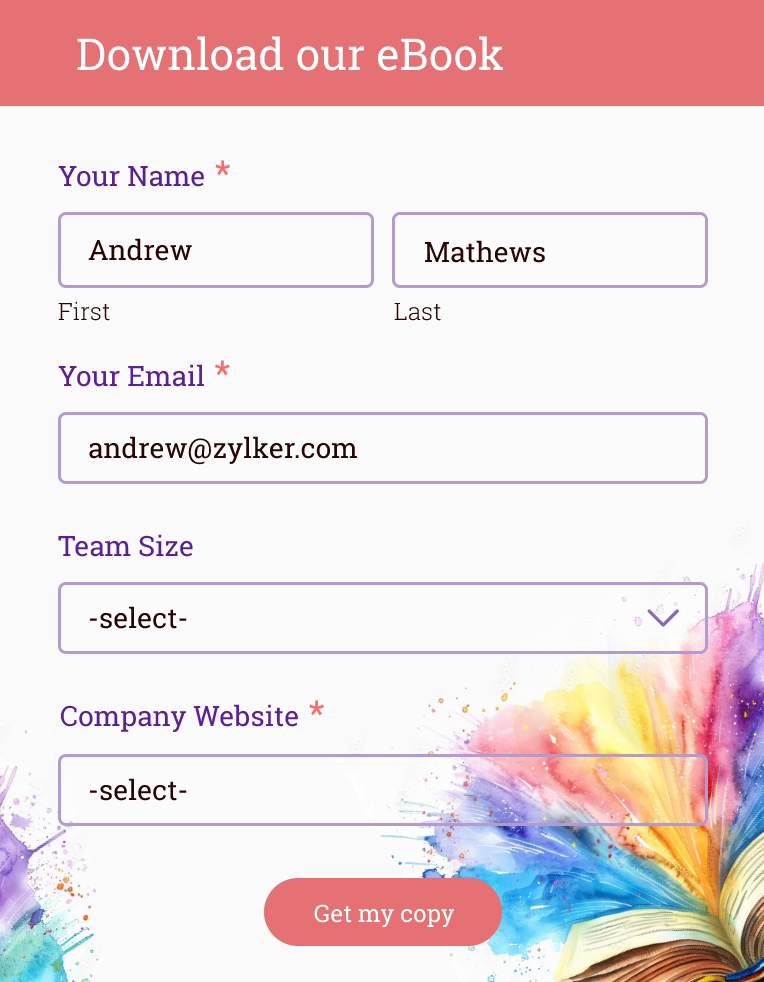
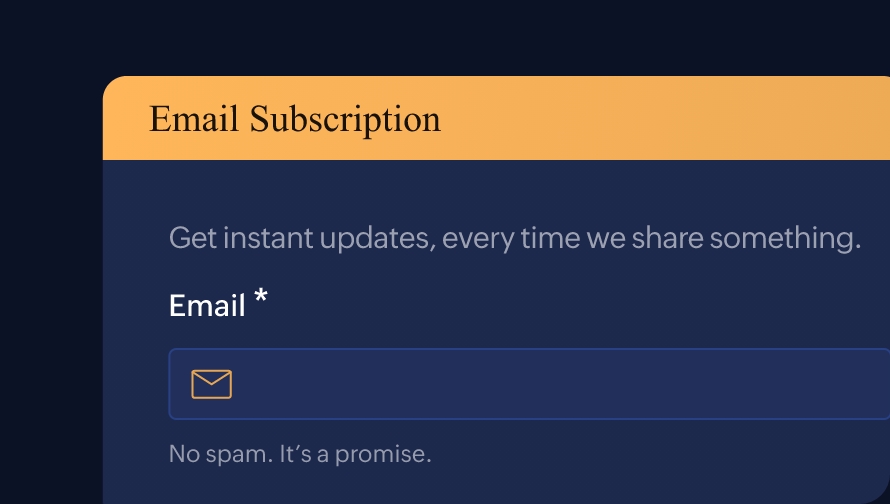
Create professional-looking forms with pagination to divide content into sections and built-in logic to simplify the completion process.
Learn More
Card Forms
Design card forms with a conversational, fluid style, featuring one question per page to enhance user engagement and clarity.
Learn More
PDF Forms
Turn PDFs and images into digital forms instantly. Upload your file, and Zoho Forms will detect fields and map the layout in one click.
Learn MoreDesign forms, like a Pro
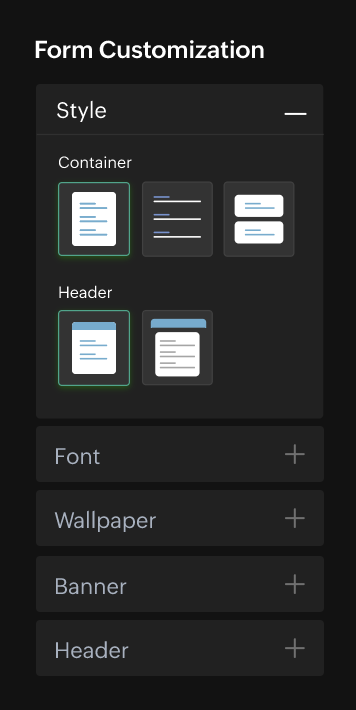
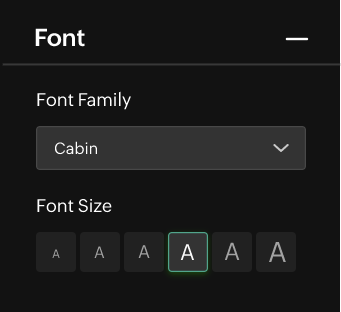
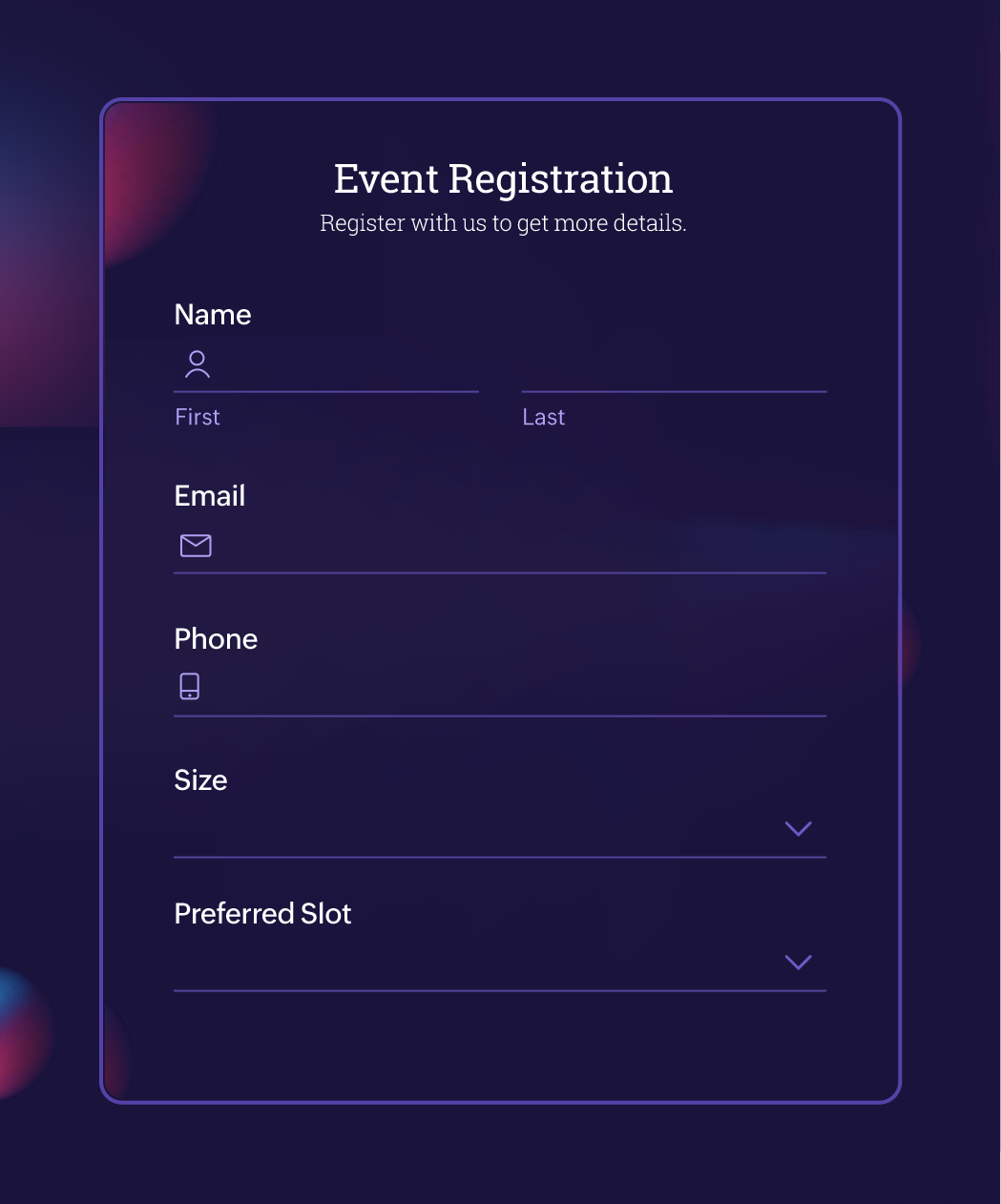
Keep your branding consistent across all your online forms. With Zoho Forms’ theme builder, design forms that match your brand’s story and style. Add logos, backgrounds, change font styles, and more to make your forms stand out.

Automate for better data management
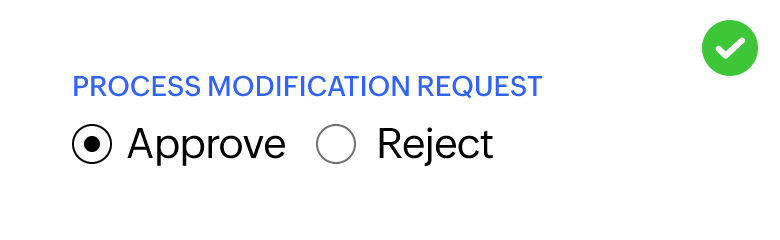
Set up workflows to streamline data management and make better use of your data. With multi-level approvals, conditional logic, and workflow automation, make your data collection relevant and contextual.

Your industry, our forms
Education forms
Collect data efficiently with online education forms and make students' and teachers' lives easier at school. With customizable educational forms, Zoho Forms helps you embrace the digitization of your institution, and move past unorganized and messy paperwork.
Learn More
Healthcare forms
Streamline healthcare processes, automate workflows, and enhance patient care by using Zoho Forms to manage patient data and interactions.
Learn More
Ecommerce forms
E-commerce forms are digital forms used by online businesses to gather various types of information from customers and facilitate interactions on their websites. These forms can serve multiple purposes, ranging from capturing customer data to processing transactions.
Learn More
Construction forms
Maximize your construction firm’s productivity with forms that enable your team to collect information, submit status updates and requests, and manage other workflows at the job site or in the office. With Zoho Forms, you can save time with our ready-to-use construction form templates or create your own custom forms in our no-code construction form builder.
Learn More
Travel forms
Zoho Forms goes beyond mere data collection, empowering you to craft engaging, personalized experiences tailored to your customers' unique needs and preferences.
Learn More


Integrate with more than 150 apps
With seamless integrations, Zoho Forms is a reliable front-end data collection system that works with various applications to fuel all kinds of businesses.













What our customers love
 Conan PowerInformation Systems Analyst, Waterford City Council
 “We've converted several paper-based processes from paper to online — all thanks to Zoho Forms! Most of our customers ask, "Can we do this online?" Zoho Forms was our answer to them.”
 Raghav Somani CEO, Headphone Zone
 "Our company needed a tool like Zoho Forms to help generate leads. Easy embedding of forms onto our website and seamless tracking using the Adwords integration made Zoho Forms the perfect fit for our business."
 Aswini Srinivasan Co-founder, 80 Degrees East
 "Zoho Forms makes collecting and managing data incredibly simple. It saves a lot of time and is worth every penny."
 Trey Diller Co-founder, Inspire Productions LLC
 "The mobile apps are very quick and user friendly. Everything is electronic. Zoho Forms is amazing for staying organized — from event organization to vendor management. Everyone's happy!"
 Shannon Marie Baker Owner, Alabama Church School
 "We used to go back and forth, sending and signing paperwork. Now, enrollment is almost instantaneous. The signing process happens via an online enrollment form and the merged PDF is sent as an email—it's never been so simple!"
 Nanda Kishore Financial Analyst, Paradise Food Court
 "Keeping Digital India in mind, Zoho Forms is playing a prominent role. It's an extraordinary concept that offers good service and a one stop solution for any requirement."
 John Whaling Team Member, Bernard Health
 "Zoho Forms drives everything we do, from following up with clients and prospects, to keeping detailed notes on all of our activity. It's fantastic and easy to use!"
 Pranesh Padmanabhan CEO, Studio 31.
 "Zoho Forms made our everyday tasks smoother with its easy-to-use UI and brilliant form customization options. It's fun to work with and has become an integral part of our business."
Rated as your best online form builder software
 ★★★★★4.5 / 5
- ★★★★★4.4 / 5
- ★★★★★4.4 / 5
- ★★★★★4 / 5



Frequently Asked Questions
What is a form?
A form is a printed or electronic document used for data collection. A form contains numerous spaces or 'fields' in which one can write or enter data. Sharing forms is a user-friendly approach to conducting surveys, collecting information, taking orders, and more. Forms are an essential data collection tool for gathering and organizing data efficiently, whether it’s for lead generation, registrations, applications, or order processing.
Online forms streamline data collection, reduce errors, and ensure that information is organized and accessible, making them vital for informed decision-making in any field. With online forms, especially those built using Zoho Forms, you can automate data capture, tailor questions to your needs, and simplify processes like customer inquiries, feedback collection, lead generation, or employee onboarding.
What is a form builder?
A form builder helps you streamline data collection with ease and accuracy. Design custom forms, automate workflows, and capture responses. A form builder is an online platform, which is used for form creation. Nowadays, online form builder apps can be accessed through any device, including your mobile phone.
What is a custom form creator?
A custom form creator is a data collection tool that allows you to design and build forms tailored to your unique requirements. With features like drag-and-drop fields, customizable templates, and conditional logic, you can create forms for any purpose, from customer feedback and surveys to event registrations and order forms.
What are some user-friendly form builders for small businesses?
For small businesses, the best form builders prioritize ease of use and powerful integration. Zoho Forms is highly user-friendly, featuring a simple no-code drag-and-drop builder that lets anyone create professional forms quickly. Its advantage lies in offering powerful features like mobile/offline capabilities and native integration with the Zoho ecosystem (CRM, etc.) even in its affordable plans, which is crucial for automating business processes and saving time for small teams.
Is my data safe and secure with an online form builder?
Most custom form creators like Zoho Forms implement strong security measures, including SSL encryption, data privacy compliance, and form access restrictions. Zoho Forms is also GDPR compliant, HIPAA & CCPA compliant. On top of this, Zoho Forms adheres to ISO/IEC cloud security standards, providing assurance that your data is managed and protected according to internationally recognized best practices.
How to choose the best online form builder in 2026?
The best form builder for you depends on your list of requirements. Zoho Forms offers you a range of free and paid dynamic features that you can use to build and share forms, automate multiple back-end workflows, and run your business smoothly. Our updated theme builder ensures that your forms are clear and streamlined, without compromising on aesthetic appeal.
- Email notifications
- Theme builder
- Payments Feature
- PDF builder
- Document merge
- Subform
Is Zoho Forms a free form builder?
Zoho Forms offers a free online form builder that allows you to design, build, and share forms for free online. With the free plan, you can create a variety of forms, like contact forms, surveys, and registration forms. You have access to advanced features, like skip logic and rules, and integrations with other Zoho applications or third-party services.
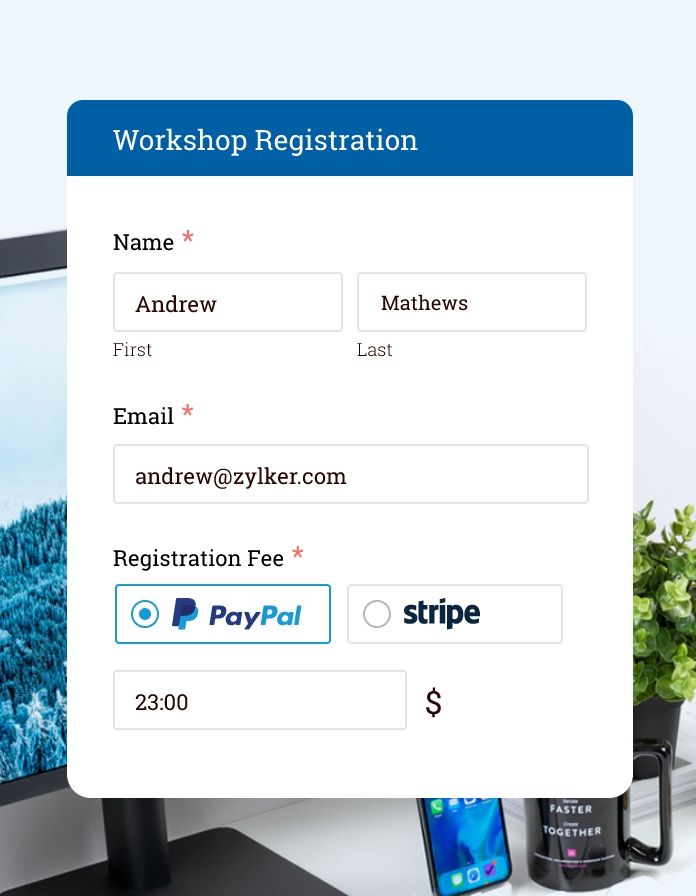
Zoho Forms' free plan supports a range of payment integrations, including PayPal, Stripe, and 2Checkout. While there are limitations on form submissions and storage, the free plan is a great starting point for creating and managing basic forms at no cost—and it's much more cost effective than any other online form builder. You can also create forms using our free mobile forms app.