


Create
Use our drag and drop builder to create a form, or pick from a collection of professionally-made form templates.
Design
With deep customization options available in our HTML form designer, design forms that compliment your brand and optimize your lead generation.
Publish
Publish forms on your website with a simple copy and paste, or circulate your form as a link or on social media.
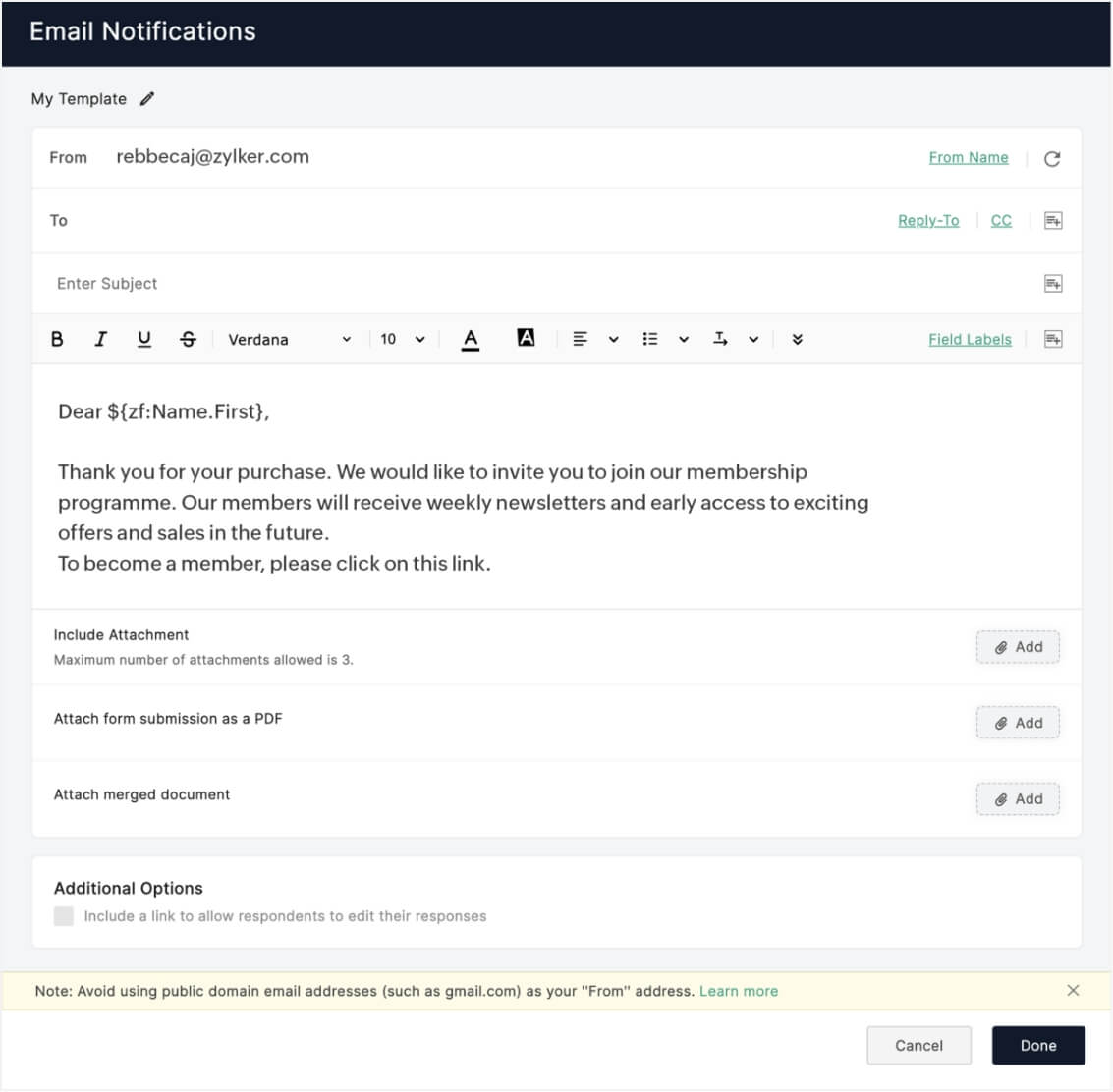
Notify the right people.
Trigger email notifications when receiving new submissions. Send confirmation emails, keep stakeholders in the loop, and include attachments or a copy of the submitted form in your emails.
Accept payments online.
Use secure online payment gateways, like PayPal, Stripe, 2Checkout, and Razorpay, to collect things like donations and registration fees, through your form.

Create merged documents and PDFs.
Merge Word documents and PDFs with form data and send them as email attachments with the handy HTML form maker. Completed forms can also be converted into PDFs for the respondent to download and save.

Automate data flow between apps.
Let Zoho Forms be the best HTML form builder for you. With our well-integrated form solution, sync your data with the apps you use every day. Push leads to a CRM, create support tickets out of form submissions, populate a campaign mailing list, or add form entries to a spreadsheet.
Generate reports with form data.
Generate custom reports with form data and share it with your team, or crunch numbers and gain insights about your form's performance with our form analytics.
Set conditional rules and workflows.
Hide irrelevant fields and trigger actions based on your respondent's answers, with intelligent rules. Set up multi-level form approval systems and delegate tasks to your team to collaborate more efficiently.
Go mobile. Work offline.
Filter and analyze your data from any device, at any time. From creating forms to collecting data, do it all using the HTML form creator, even when you're offline, with our mobile app. Everything stays in sync no matter what device you use.
200+ free HTML form templates to choose from!
Pick from a variety of ready-to-use, customizable templates for various needs. Whether you're processing orders, scheduling appointments, handling applications, or collecting data across departments in your organization, our predesigned form templates have you covered for all your needs and can be deployed quickly.


Key features of the form builder
Drag and drop form HTML builder
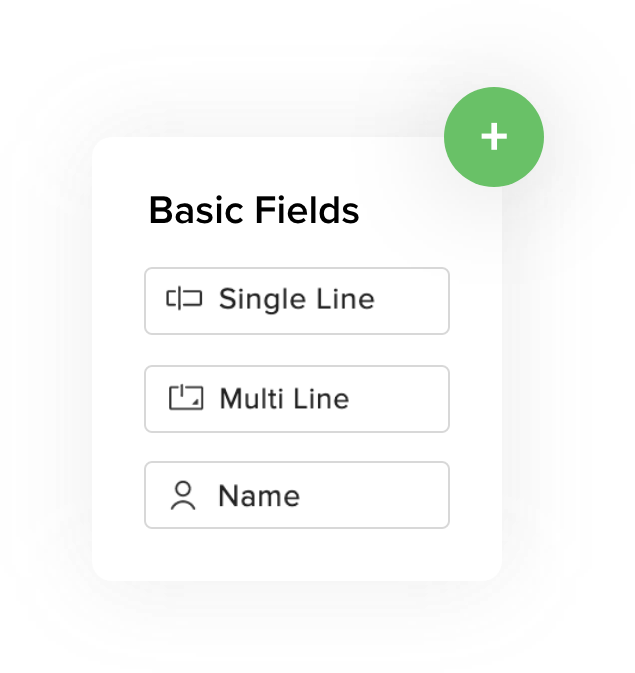
You don't require any coding knowledge to create HTML forms online due to Zoho Forms' simple user interface, made to fit every business and individual's versatile needs. The form builder offers 30+ free and paid field types that can be used to build online forms to ask queries, accept feedback, collect orders, and do much more.
Comprehensive customization
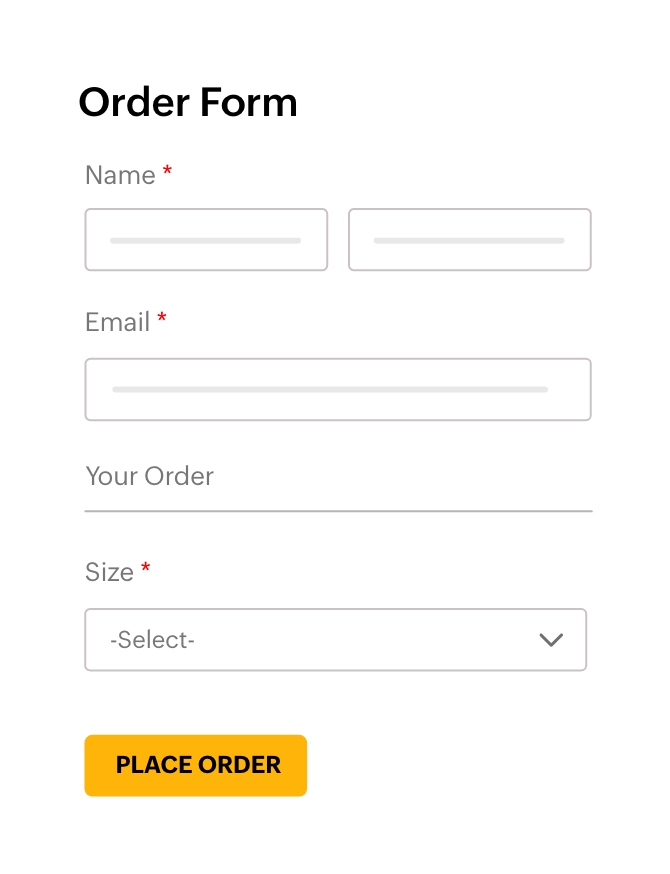
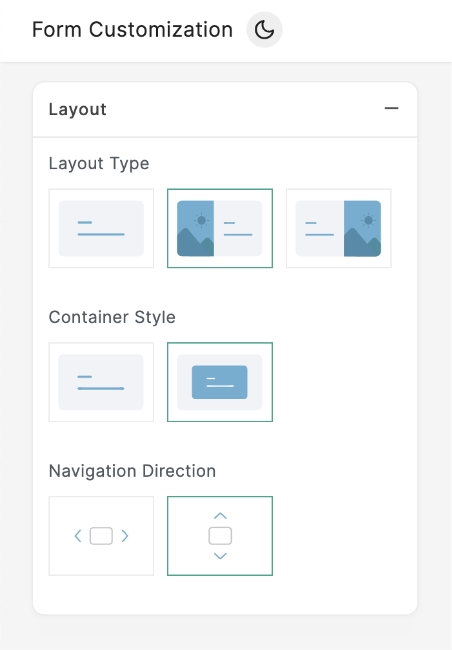
Our feature-rich, custom form builder for HTML helps you create beautiful, functional forms using customizable themes, situation-specific templates, and a simple yet dynamic user interface. Moreover, Zoho Forms now offers two formats: standard and Card forms. While standard forms display a list of fields to be filled in, the newly-introduced Card form is a fluid, one field-per-page form model. They function as an easy to scan and complete format, used for feedback, surveys, and order requests.


Free online form builder
Zoho Forms offers a free plan for designing, building, and sharing various forms online, such as contact forms, surveys, and registration forms. The free HTML form builder supports advanced features like skip logic, rules, and integrations with Zoho apps and third-party services. Payment integrations with PayPal, Stripe, and 2Checkout are supported. While limitations exist on form submissions and storage, it's an ideal starting point for basic form creation, being more cost-effective than other builders. Plus, you can create forms using our free mobile app!

Your all-in-one HTML form generator is here.
Zoho Forms is the all-in-one HTML online form maker you've been waiting for. Why, you ask? Our customization options let you ask any question you want, configure efficient workflows, and design attractive forms online—making Zoho Forms the best free HTML form generator for all your needs.

How to create an HTML form
To create online forms using Zoho Forms, follow these steps:
Step 1: Sign up or log in to your Zoho Forms account.
Step 2: Start with our free-form maker and upgrade when you need additional features.
Step 3: Click the Create Form button to start building your form.
Step 4: Choose from a wide range of predesigned templates or create your own forms from scratch using the free online form builder.
Step 5: Enhance your form with advanced features, such as rules, payment integration, and notifications.
Step 6: Save and publish your form online.
Step 7: Share the form with your audience or embed it on your website to start collecting responses and data.
Rated as your best form maker
 ★★★★★4.5 / 5
- ★★★★★4.4 / 5
- ★★★★★4.4 / 5
- ★★★★★4 / 5







Frequently Asked Questions
What is an HTML form?
An HTML form is an online document that stores information of a user on a web server using interactive controls. It's created using HTML (Hypertext Markup Language) and is made up of various input fields, such as text fields, checkboxes, radio buttons, dropdown lists, and buttons. When a respondent fills out and submits a form, the data is sent to a server for processing. HTML forms are a user-friendly approach to collecting information, conducting surveys, taking orders, and facilitating various interactions on the web.
What are HTML forms used for?
HTML forms are used for collecting information from respondents on a webpage, via social platforms, or through email campaigns. They are used for data collection, user authentication, feedback submission, surveys, order processing, contact initiation, registrations, and search functionalities. They facilitate user engagement by allowing the input of various data types via fields, including text, numbers, and selections, and are instrumental in facilitating online transactions and enabling communication between customers and website owners or support teams. In summary, HTML forms are versatile tools for supporting online data collection.
What are the advantages of HTML forms?
HTML forms offer concise solutions for user interaction and data collection online. They facilitate direct engagement with users by enabling the digital submission of data while cutting down on the use of paper consumption and storage. HTML forms can be customized, integrated with backend systems, and stored easily on the cloud. Additionally, their compatibility across platforms and accessibility features ensure a consistent and inclusive user experience. Overall, HTML forms streamline user interactions to enhance website functionality and user engagement.
Does Zoho Forms offer a free drag-and-drop HTML form builder?
Yes. Zoho Forms provides a Free plan with a full drag-and-drop interface, allowing you to build and share forms without any coding knowledge. Zoho Forms is designed for non-coders and developers alike. The drag-and-drop builder handles all the heavy lifting: validation, responsiveness, styling and more.
Why Zoho Forms is the best HTML form generator?
The best form builder for you depends on your list of requirements. Zoho Forms offers you a range of free and paid dynamic features that you can use to build and share forms, automate multiple back-end workflows, and run your business smoothly. Our updated theme builder ensures that your forms are clear and streamlined, without compromising on aesthetic appeal, making Zoho Forms the best free HTML form builder for businesses and enterprises everywhere.
Can I build a form design in HTML and CSS using Zoho Forms?
Yes. Zoho Forms generates clean, responsive HTML automatically. If you prefer custom styling, you can add your own CSS to modify the look and feel of the form.
Can I download the HTML form code from the Zoho Forms' form builder after building the form with the drag-and-drop interface for free?
Yes. After you create your form using Zoho Forms’ drag-and-drop builder, you can access the HTML embed code for free. While Zoho Forms doesn’t provide a direct “download as HTML file” option, you can copy the HTML snippet and paste it into your website’s code, CMS, or page builder. This allows you to use your form exactly like a downloaded HTML form on any webpage.
Can I build an HTML contact form using Zoho Forms without any watermark?
Yes. You can build watermark-free forms using Zoho Forms.