Zoho Creator Homepage
The Homepage is the first screen that you see once you sign into Zoho Creator.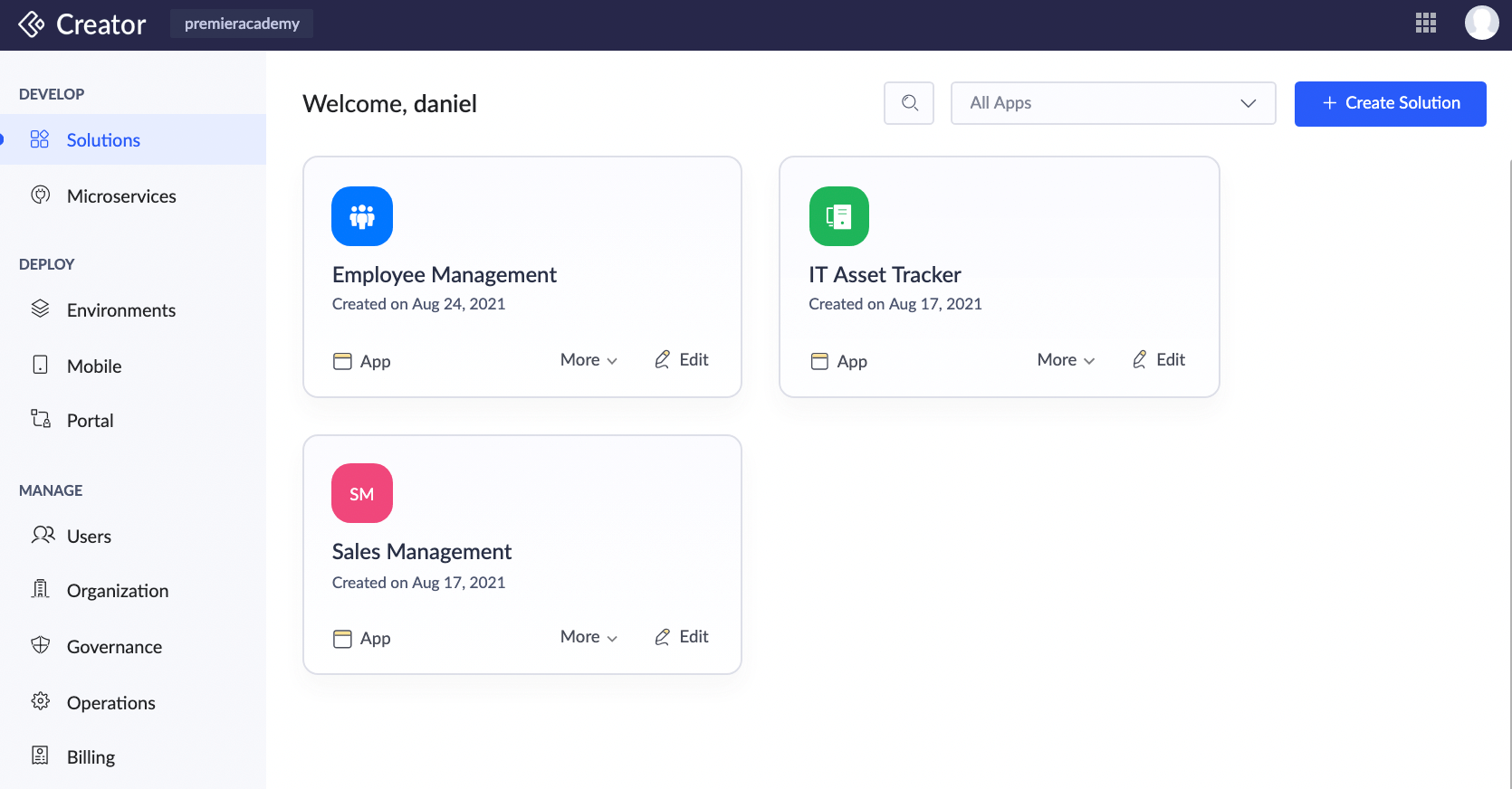
By default, the homepage lists all the applications in your account. You can apply filters to view the apps that you have created, applications that are shared with you by other users, or with the groups in which you are a member.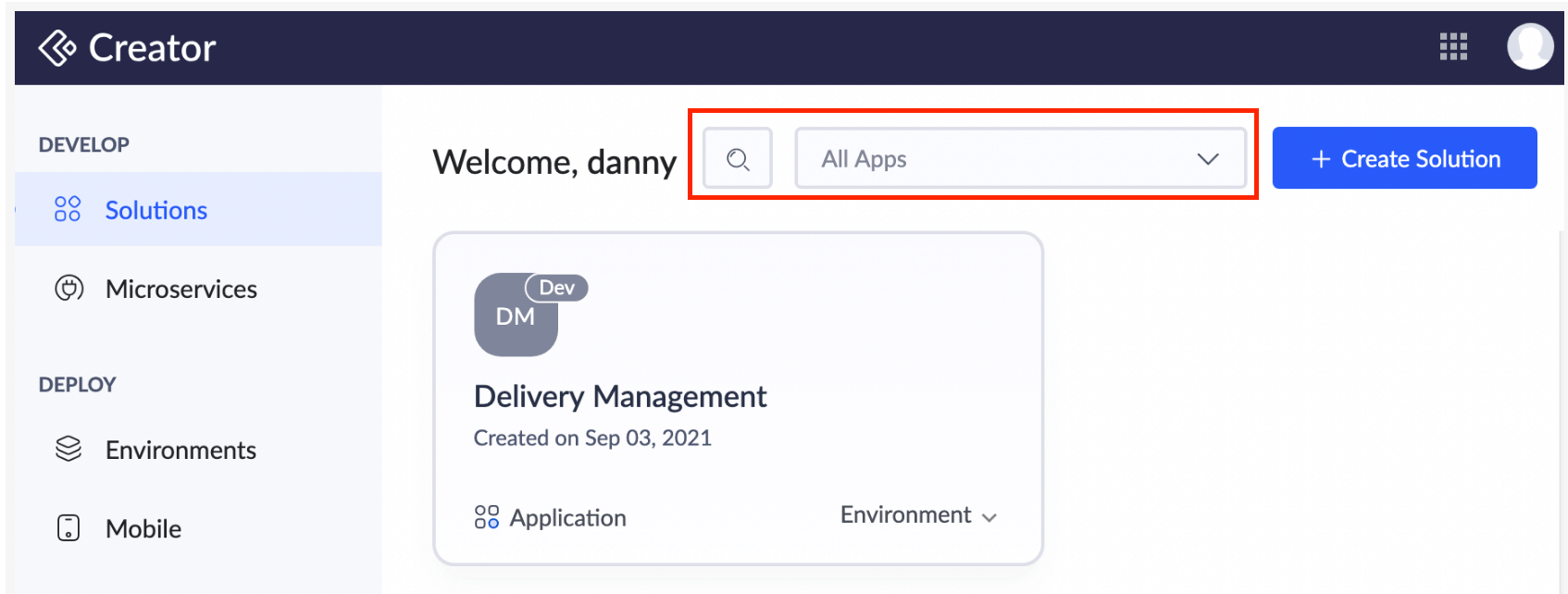
The options to edit, share, delete, duplicate and access settings of an application appears when you mouseover an application.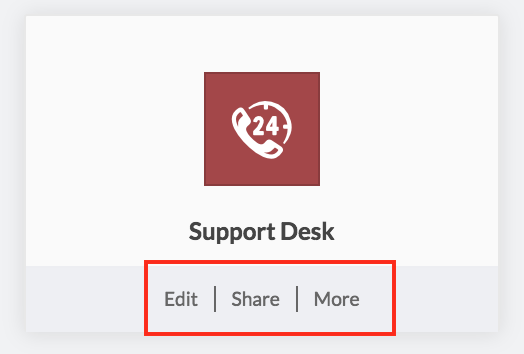
The search bar lists all the applications based on the specified search value.
You can either create a new application from scratch, install from prebuilt gallery apps, or import a file to create an application. You can also generate BI and Analytics, and integration flows.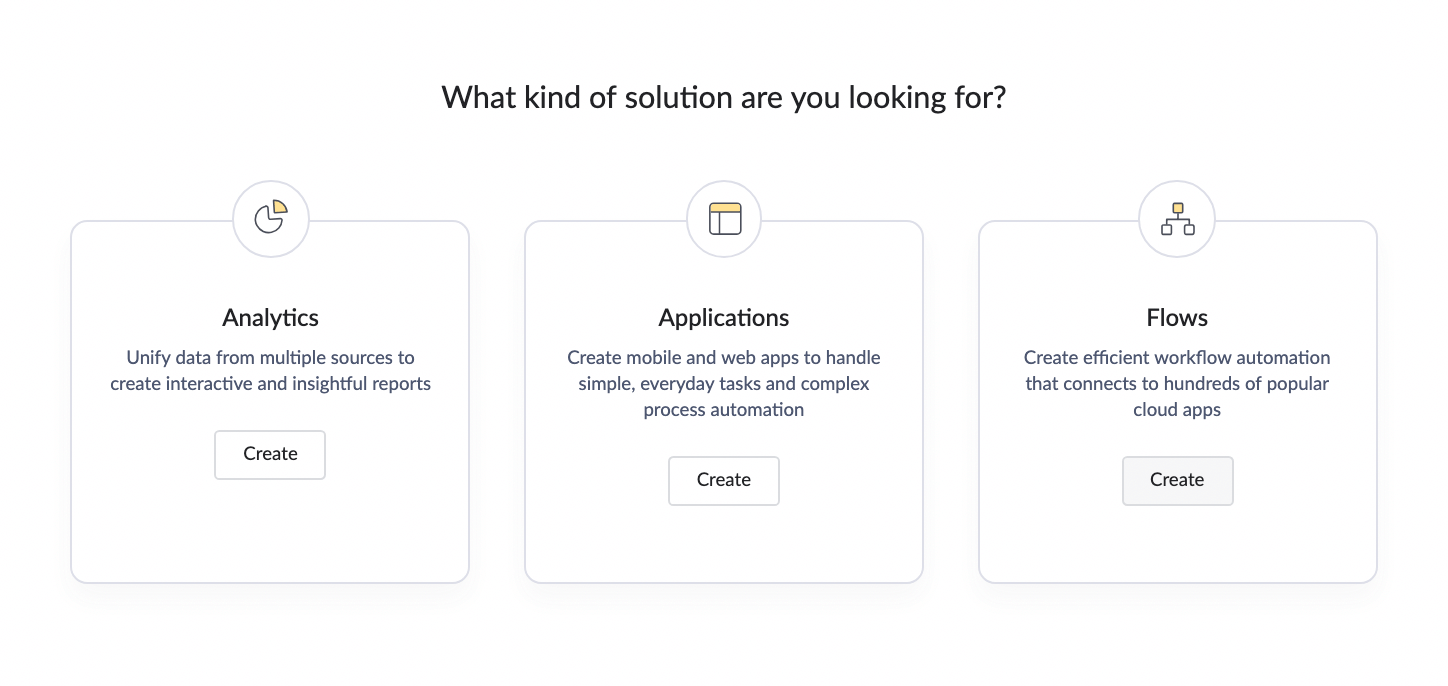
Related Topics
Zoho CRM Training Programs
Learn how to use the best tools for sales force automation and better customer engagement from Zoho's implementation specialists.
Zoho DataPrep Personalized Demo
If you'd like a personalized walk-through of our data preparation tool, please request a demo and we'll be happy to show you how to get the best out of Zoho DataPrep.
- Zoho Workerly Home
- Forums
- Connect With Us:


- Zoho Recruit Home
- Forums
- Connect With Us:
You are currently viewing the help pages of Qntrl’s earlier version. Click here to view our latest version—Qntrl 3.0's help articles.





Zoho Sheet Resources
Zoho Forms Resources
Zoho Sign Resources
Sign, Paperless!
Zoho TeamInbox Resources
Zoho DataPrep Resources
Design. Discuss. Deliver.
Related Articles
Create a flow solution
Zoho Creator enables you to create a flow solution to meet your requirements to integrate with other services. Zoho Flow is an integration platform that facilitates your app to connects with other cloud applications. It helps you set up workflows to ...Autopopulate Zoho Creator field with Zoho People data
Requirement Autopopulate Zoho Creator field with employee information stored in Zoho People. Use case Let's assume an organization named Zylker has a private library. The regular users must purchase a membership in order to access the library, ...Zoho Creator URL Patterns
Overview This document lists the urls of various Zoho Creator application components like forms, views, PDF report etc. The knowledge about the url of the applications will help in providing quick access to the application and its forms, views and ...Manage Application Summary
The application summary page is a cumulative view of the application in Zoho Creator. This page serves as a common navigation point to branch out into various modules and perform actions relevant to those modules from here, and view the details ...Domains in Zoho Creator
1. What Does This Page Cover? Learn how adding verified domains can help you simplify the user onboarding process, create group aliases for email communication, and host your mailbox with Zoho Mail. This is one of the features offered in Zoho Creator ...