TRUSTED BY TOP BRANDS
7
million apps6
million usersTRUSTED BY TOP BRANDS
What is Zoho Creator's online database platform
It's an innovative software that lets you build, migrate, and manage your databases with the help of its intuitive drag-and-drop features. You can build anything from a simple custom database to a full-fledged analytics system on it.
We have entrepreneurs, small businesses, educational institutions, and even non-profits extensively using the platform to run their everyday business operations.
91% of our users build apps on their own
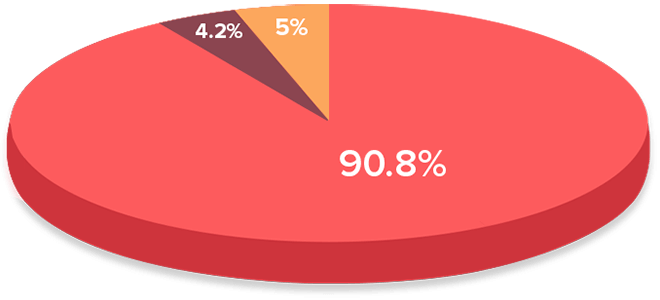
On their ownBuilt by a Zoho Creator DeveloperBy IT Department
95% of our users recommend Zoho Creator
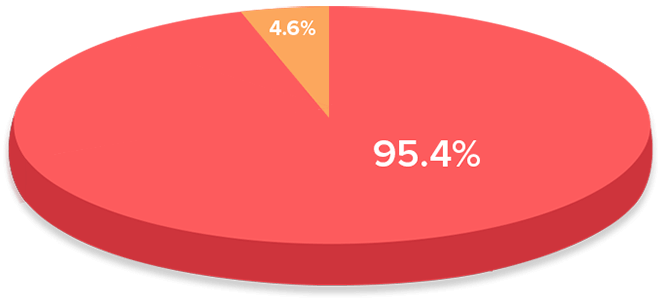
YesNoSource: Zoho Creator customer Survey.
Zoho Creator let's you build databases online in three different ways
Customize a prebuilt database template
Pick from our gallery of over a hundred online database templates, and customize them to suit your needs. You can redefine the structure, forms, and relationships between the data however you like.
Import an existing spreadsheet
Convert your XLS, CSV, or TSV files. Import them into our app, choose your lookups, and refine them as needed.
Learn moreMigrate your MS Access database
Send us an email and we'll migrate your MS Access database for free—no need to go through the migration process in Microsoft SharePoint, MySQL, or PostgreSQL.
Learn moreExplore More Features
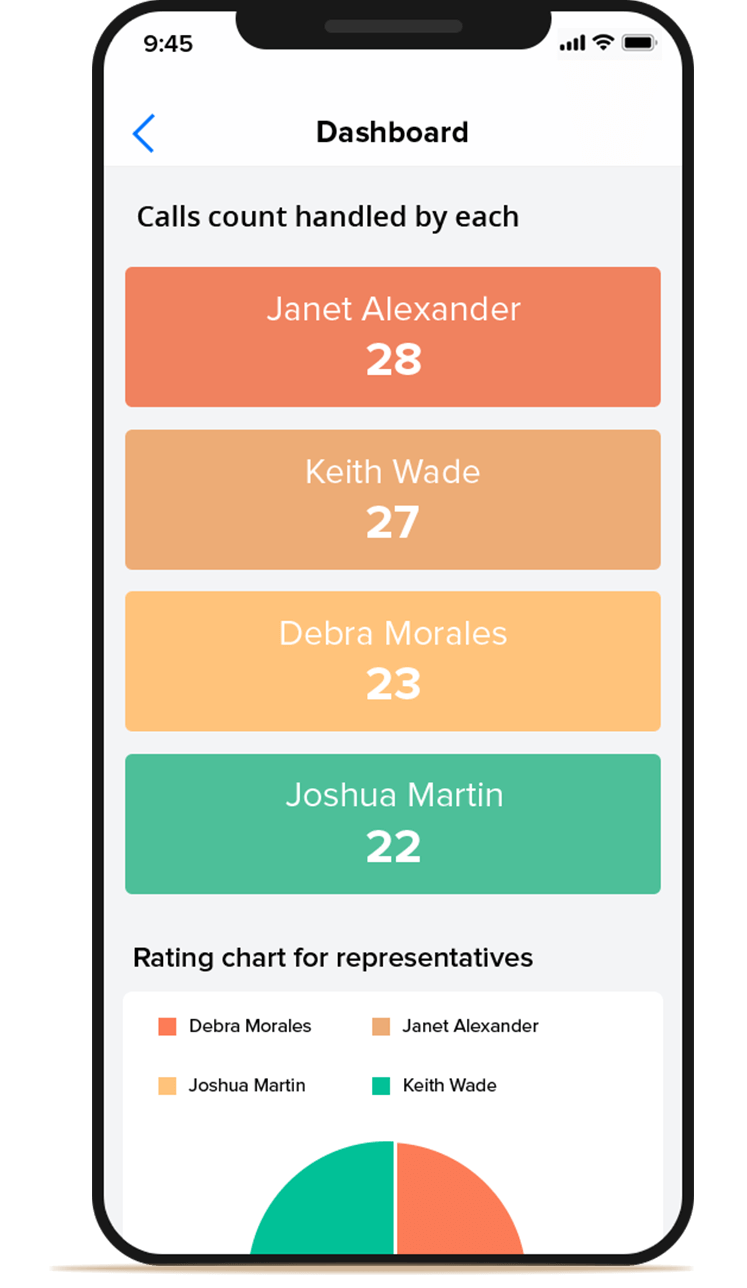
Give your mobile apps a personal touch
Customize the way your database appears on smartphones and tablets. Without writing a line of Java, Kotlin, Lua, or C#, you can visualize screens, gestures, and even the layout of your database. All of your preferences will be automatically available on iOS and Android apps, ready for you to download.
Forms that prioritize accuracy and security
Collect over 30 types of data, including addresses, currencies, and contact numbers, with every bit of data automatically validated, so your database stays error-free. It also allows you to encrypt sensitive data at the click of a button, when building your database. You can even enable custom messages, and email and SMS notifications for users who submit information through your forms.

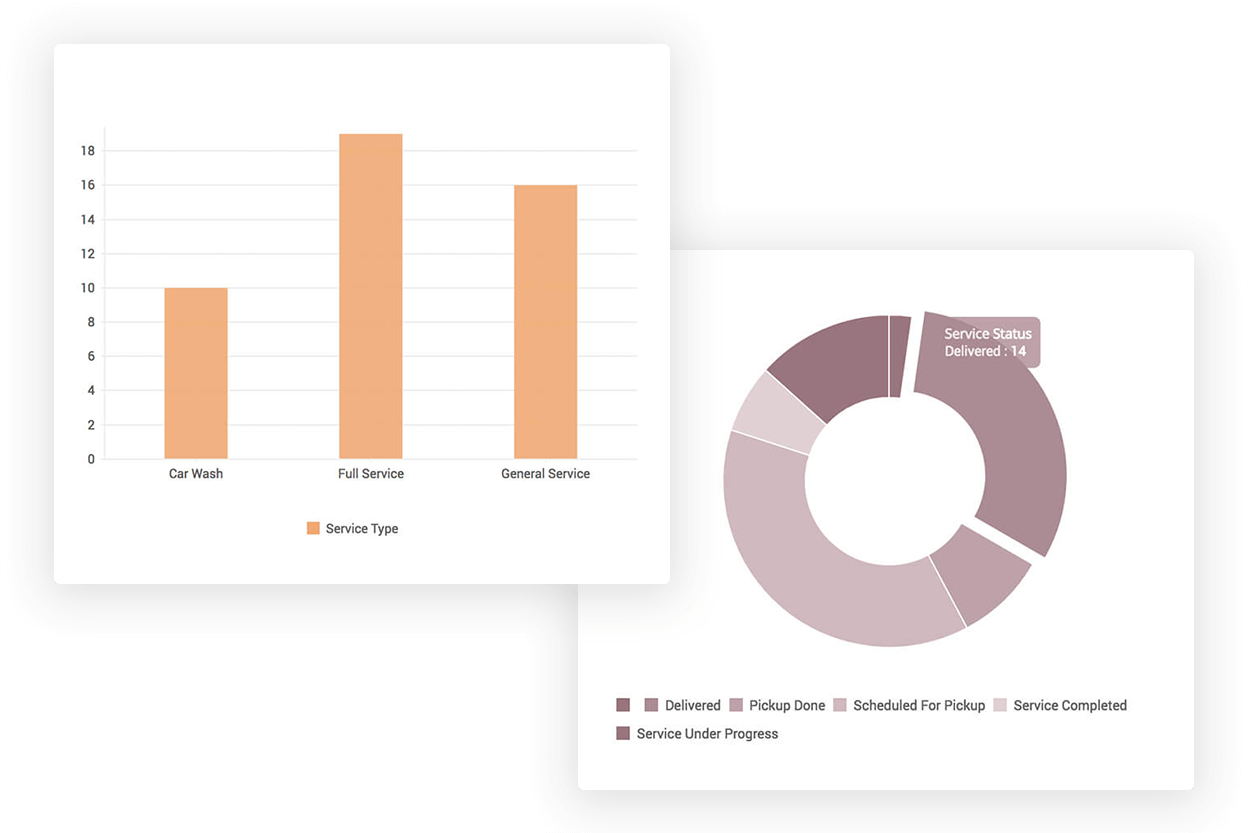
Dashboards that deliver actionable insights
Design attractive, insightful dashboards that are supported on all browsers and devices, using an innovative, zero-code page builder tool. Whether you want a dashboard with sales and service figures, project status update screens, a web page with a subscription form, or an invoice template with your vendor's details prefilled and ready to print, you can design pages that are as focused or as broad as you want.
Deep integrations that relate data, people, and processes
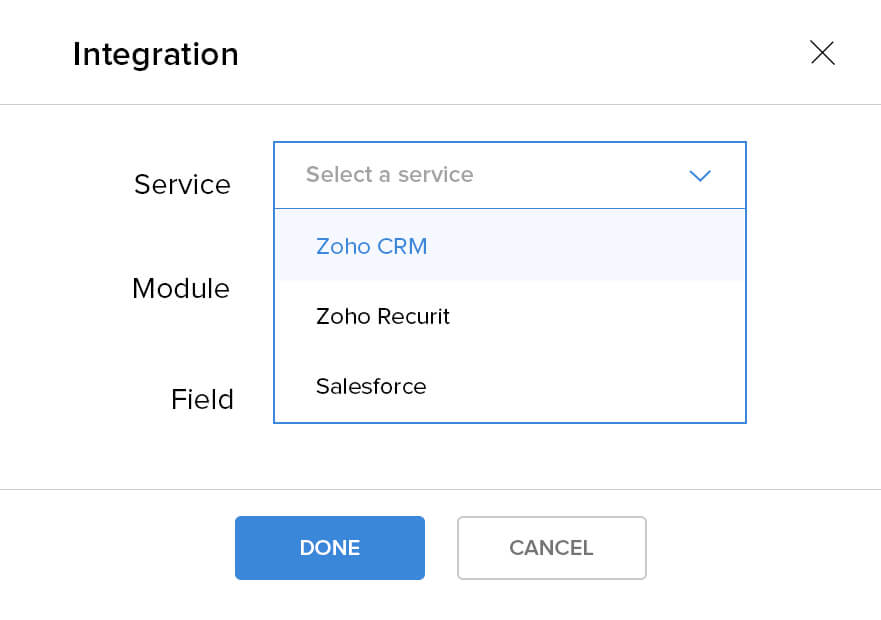
All database-backed apps you build on Zoho Creator automatically connect with each other. You can also use built-in integration options to send and receive data from other Zoho apps, like CRM, Books, and Invoice, or with third-party services like PayPal, Salesforce, and QuickBooks.
You can also enable team-wide access to specific components of your online database, and limit access controls and define permissions by roles.
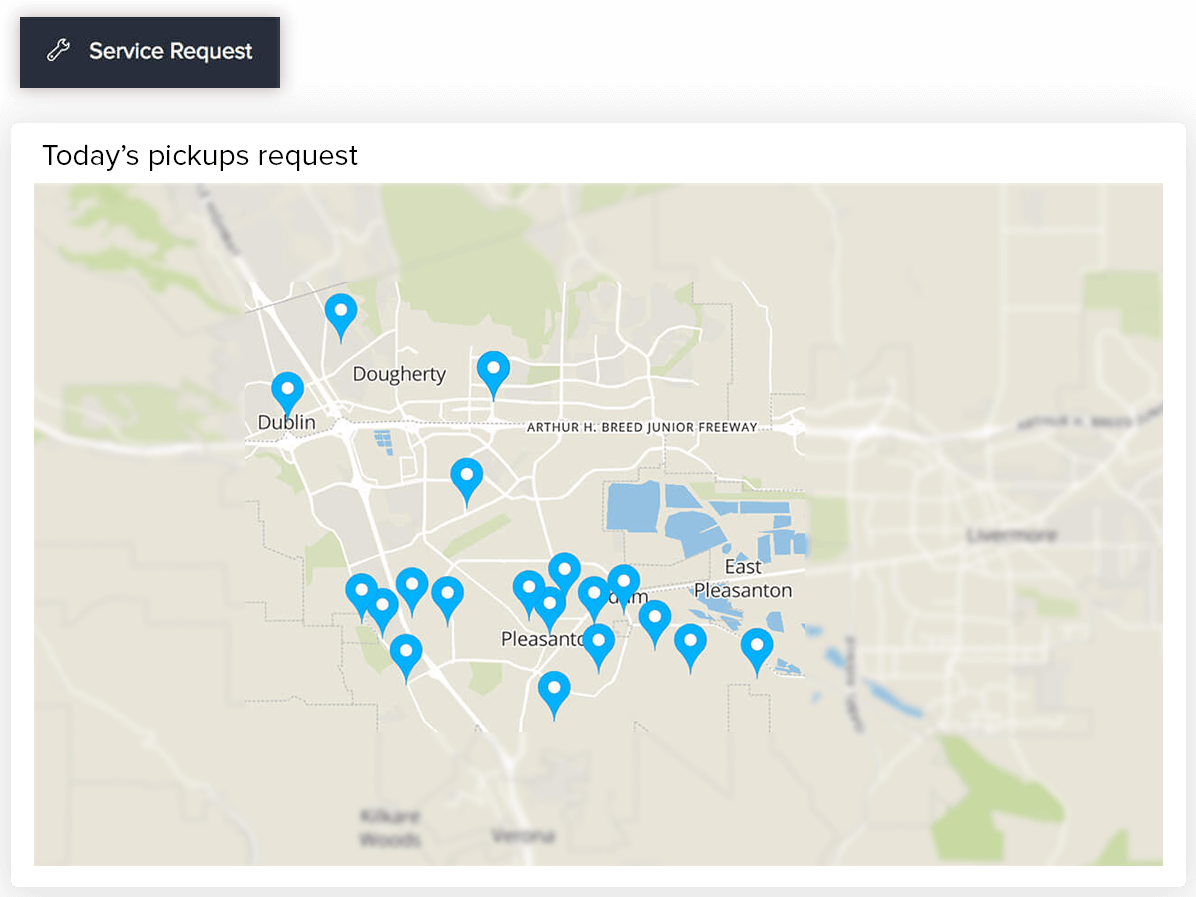
Reports that let you visually analyze your data
Represent your data in a variety of ways: kanban, spreadsheet, list, calendar, pivot, and timeline views, to name a few. Each view includes options to sort, filter, and group data, while also allowing you to export and print your records (rows). You can even display your data: Just choose our design templates or create your own.
Workflows that function flawlessly
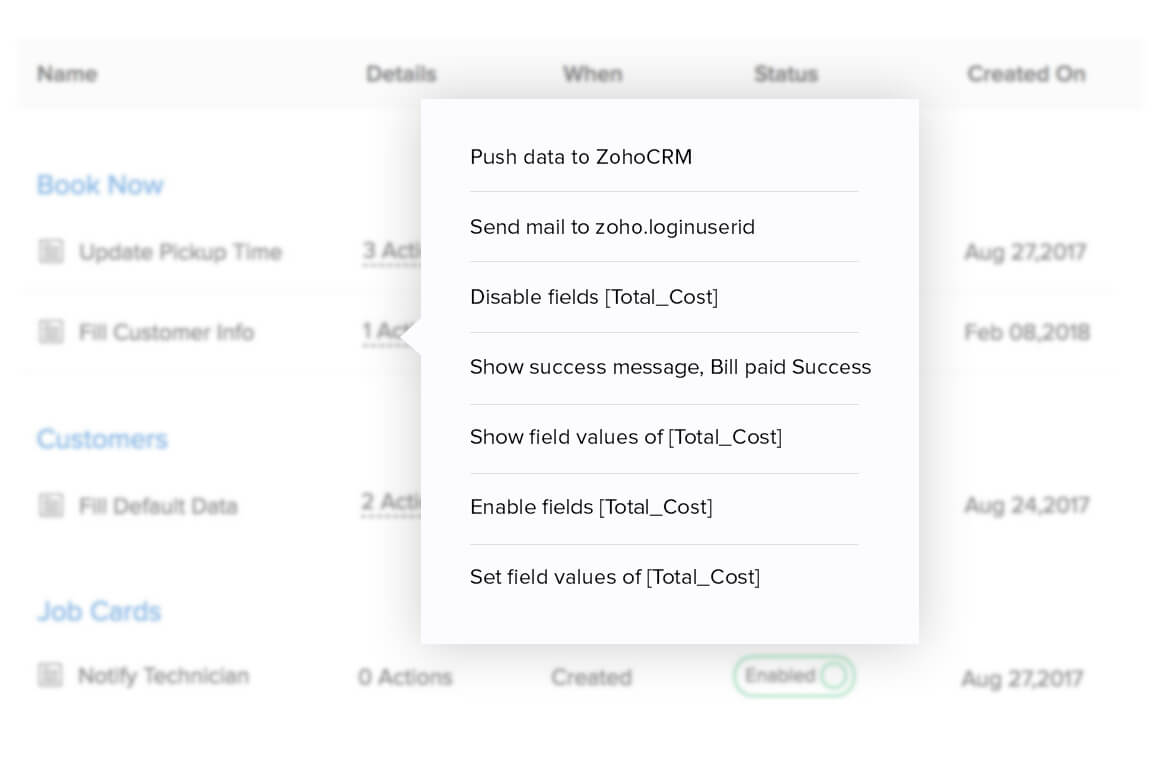
Automate tedious tasks, like sending scheduled emails and reports. Your workflows can run with or without conditions, or they can add, delete, or update information in your database based on custom actions you define. You can also set processes by day and time or by organization-wide approval.