What's in email marketing?
Email is alive and kicking. Email marketing can do much for your business and is considered the easiest means to communicate with your audience. Email marketing campaigns can help in generating a genuinely-interested audience, promoting your brand's message, educating your subscriber base, and closing more sales deals.
With Zoho Campaigns, understand the power of email marketing with robust set of features that can help you achieve everything mentioned above, and boost your marketing process.
Why believe in email marketing?
When done right, email marketing is the most targeted channel for engagement with your subscribers. Whether you are a booming startup, a medium-sized company, or a large enterprise, email works for everyone. Email marketing can be instantly set up and executed, and the positive effect shows up in your sales process.
Some reasons email marketing is very popular:
Simple and effective
From creating the your first campaign to successfully maintaining a seasoned account, email marketing is easy to get started with and is worth the investment.
Affordable
It's wallet-friendly and doesn't hit hard on your business budgets.
Less manual entry
Automated processes make email marketing quick and completely reliable, so you can save your time and effort for other tasks.
Flexibility
Email marketing platforms (Zoho Campaigns, for instance) integrate with a number of other services, so your data is conveniently maintained across systems.
Measurable
The entire engagement process is trackable with real-time reports and metrics, helping you to easily keep a check on the performance of each campaign.
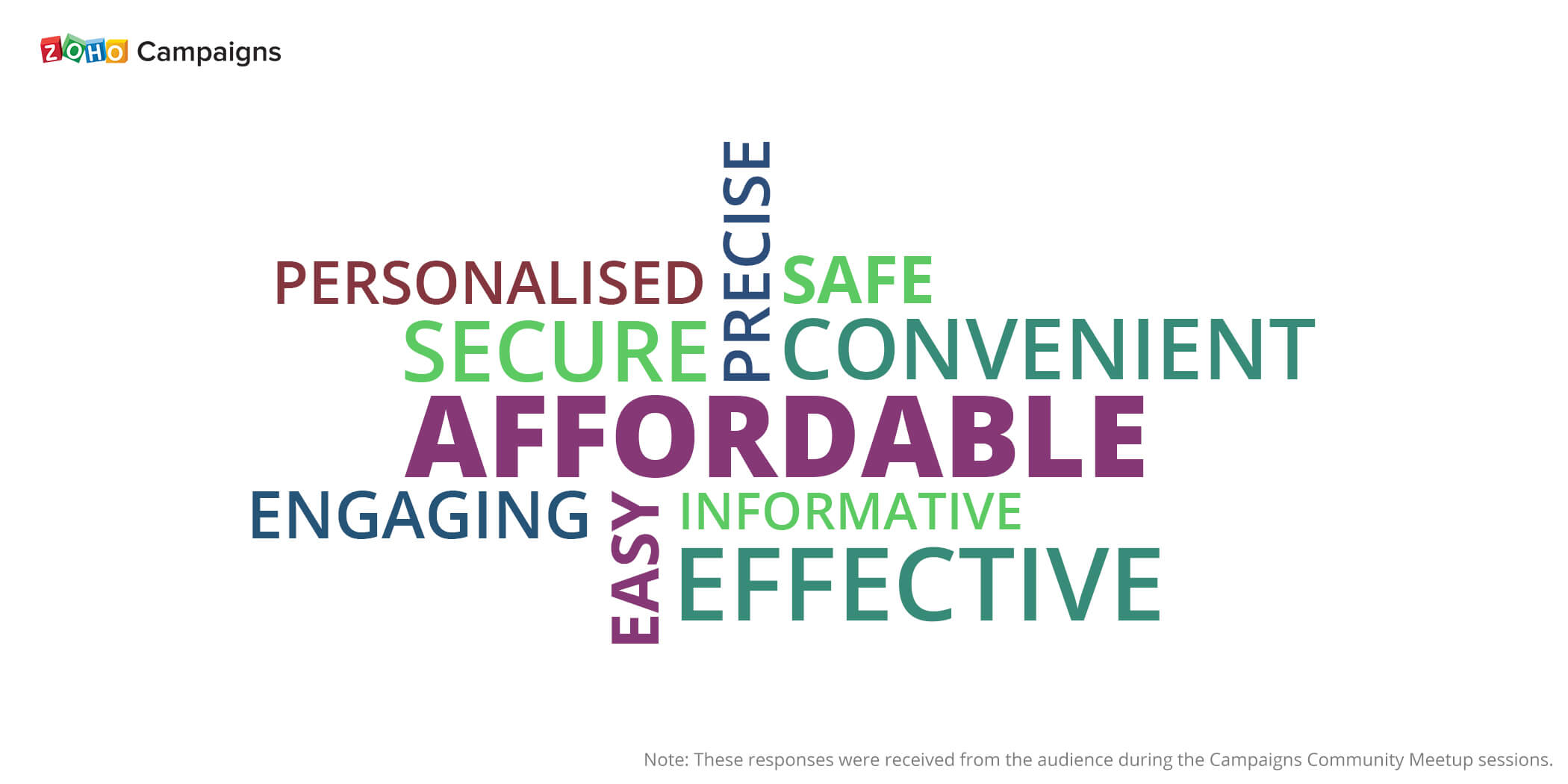
Look at what some of Zoho Campaigns' customers say for "Why email marketing?"
I'm ready for email marketing. Any tips?
That's great news! Let's start from the ground up. We definitely have some tips that can guide you into effective email marketing.
Start with a plan
Begin your email marketing with a definitive purpose and let your emails revolve around that. Having an actionable goal for your every email campaign helps you get the reach you want.
Don't buy lists
Don't purchase lists from external sources as this can harm the health of your subscriber base. Buying lists can affect your sender reputation, causing your emails to be marked as spam and earning you the title of a spammer!
Bonus - Use signup forms for organically building your subscriber lists. People who subscribe through these forms are really interested in your brand, and hence catering to them becomes relevant and targeted.
Watch your email pattern
While it's okay to feel upbeat about sending multiple email campaigns, you need to check your email-sending frequency. Make sure that you send only the necessary number of emails; don't overwhelm your recipients.
Bonus - Using a tool like an email policy can help you set your email-sending pattern based on timed intervals.
Obtain permission
Permission-based email marketing is ruling the world, thanks to stringent email marketing laws like the GDPR. As a best practice, we recommend you to obtain consent from your subscribers before sending them email campaigns. This will make sure that only interested people get your content.
Test, optimize, repeat
Be a smart marketer and know what works well with your subscribers. From testing campaigns to curating your subscribers' opinions, make sure to optimize every level of your campaigning efforts.
"Zoho Campaigns is one of the best email marketing software I have ever come across. It's amazing to use, and I am very much impressed with the report system, and it's user friendly as well. Thanks, Zoho."
 Paneer Selvam Xavier
Productivity Optimization Manager, Infonet Institute.
It doesn't stop here! We have some focussed onboarding resources that cover the email marketing best practices.Check them out.