

Visualize your schedule.
Free/busy sharing
Ditch the scheduling back-and-forth. With free/busy sharing, your colleagues can see your availability in real time, allowing them to propose meeting times that work for everyone.
Secondary time zone
See your calendar in two time zones simultaneously—deadlines, events, and tasks in both your local time and your client's time zone. No more flipping back and forth or missed meetings due to time zone confusion.
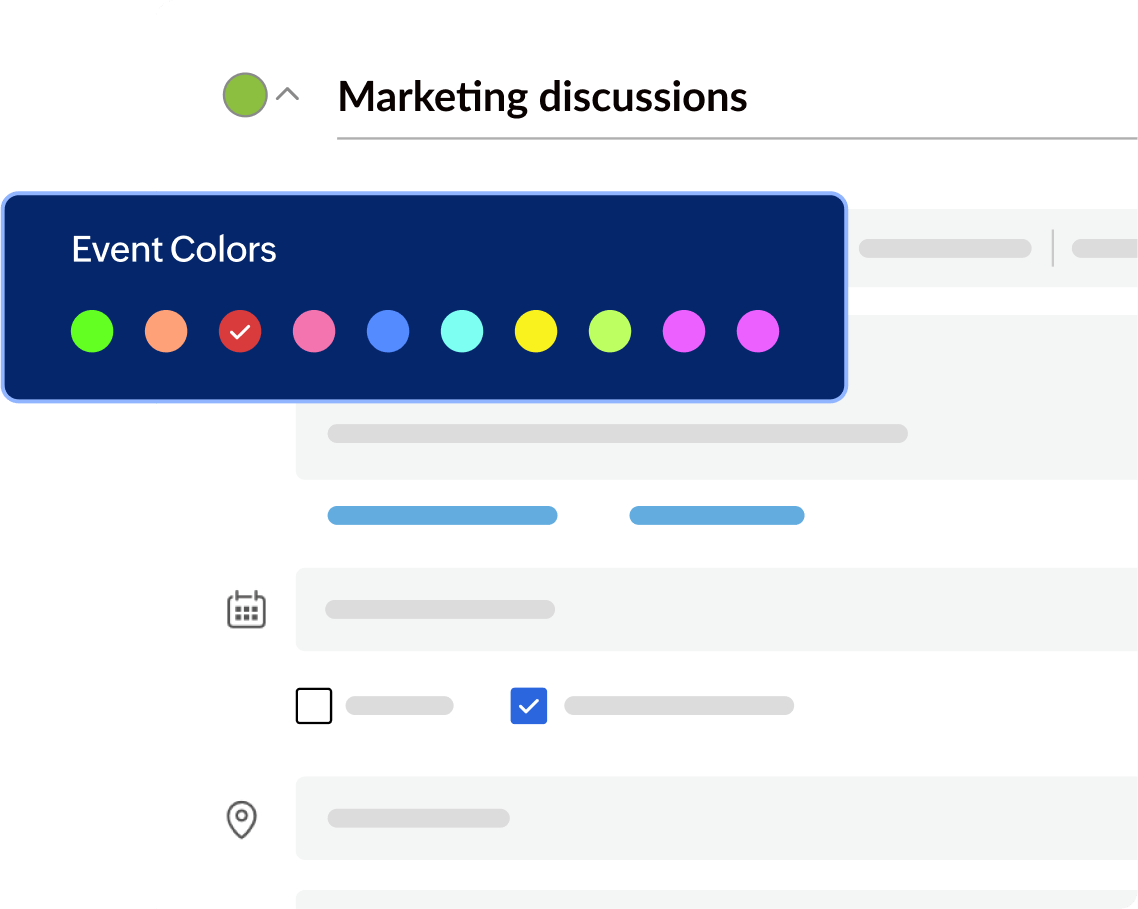
Color-coding events
Assign specific colors to different categories—meetings, deadlines, fitness goals, family time—the possibilities are endless. Develop a system that resonates with you, making your calendar a reflection of your unique workflow.


Manage events efficiently.

Repeat events
Set up weekly staff meetings, monthly check-ins, or even annual birthday reminders—all with a few clicks. Free yourself from repetitive tasks and focus on what truly matters.

RSVP for events
Send invitations and know who's in, who's out, and who the maybe's are.

Event forwarding
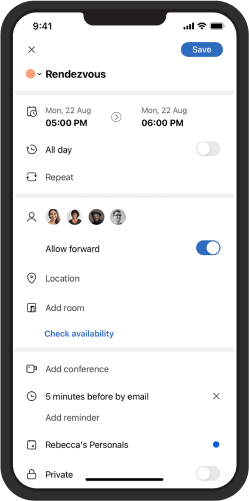
Forward essential events to anyone, even those who don't use Zoho Calendar. Modifications to the original event automatically update for all invitees, ensuring everyone has the latest information.

Rapid events
Eliminate the stress of squeezing from one meeting to the next. Rapid meetings create breathing room between appointments, allowing you to collect your thoughts or grab a coffee, and prepare for the next session.

Event delivery status
Identify undelivered invites instantly. See delivery confirmation for each invite, ensuring your message reaches the intended audience.

Yet to respond
No more digging through endless emails or scrambling to remember outstanding RSVPs. "Yet to respond" presents a consolidated view of all your outstanding event responses in one central location, keeping you on top of your commitments.

Threaded event invites
Discussions are neatly organized under the event, making it easy to track decisions, action items, and next steps. Everyone invited has access to the entire conversation thread, ensuring everyone's on the same page and eliminating the risk of missed information.

Out of office
Prevent double-booking by automatically blocking out your unavailable time. Set specific dates for your absence, ensuring clear communication with colleagues and clients.
Access and collaborate on other calendars.
Import calendars
Switching to Zoho Calendar from another platform? Consolidate all of your schedules into one central hub. Zoho Calendar handles the heavy lifting, ensuring a smooth transition and keeping your schedule intact.
Export calendars
Got an important calendar you want to share with colleagues or clients? Export your Zoho Calendar with ease. Generate a shareable file that seamlessly integrates with most calendar applications, keeping everyone on the same page.
Sync other Zoho app calendars
Imagine deadlines, meetings, and project milestones all residing in one, unified calendar. Connect your calendars from Zoho CRM, Zoho Projects, Zoho Connect, Zoho Recruit, Zoho Tasks, and even Zoho Contacts with Zoho Calendar in a few clicks.
Sync third-party calendars
Effortlessly sync appointments from Google Calendar, Outlook Calendar, Apple Calendar, and others into Zoho Calendar. No more jumping between apps; just a unified view of your commitments.
Schedule events quickly.
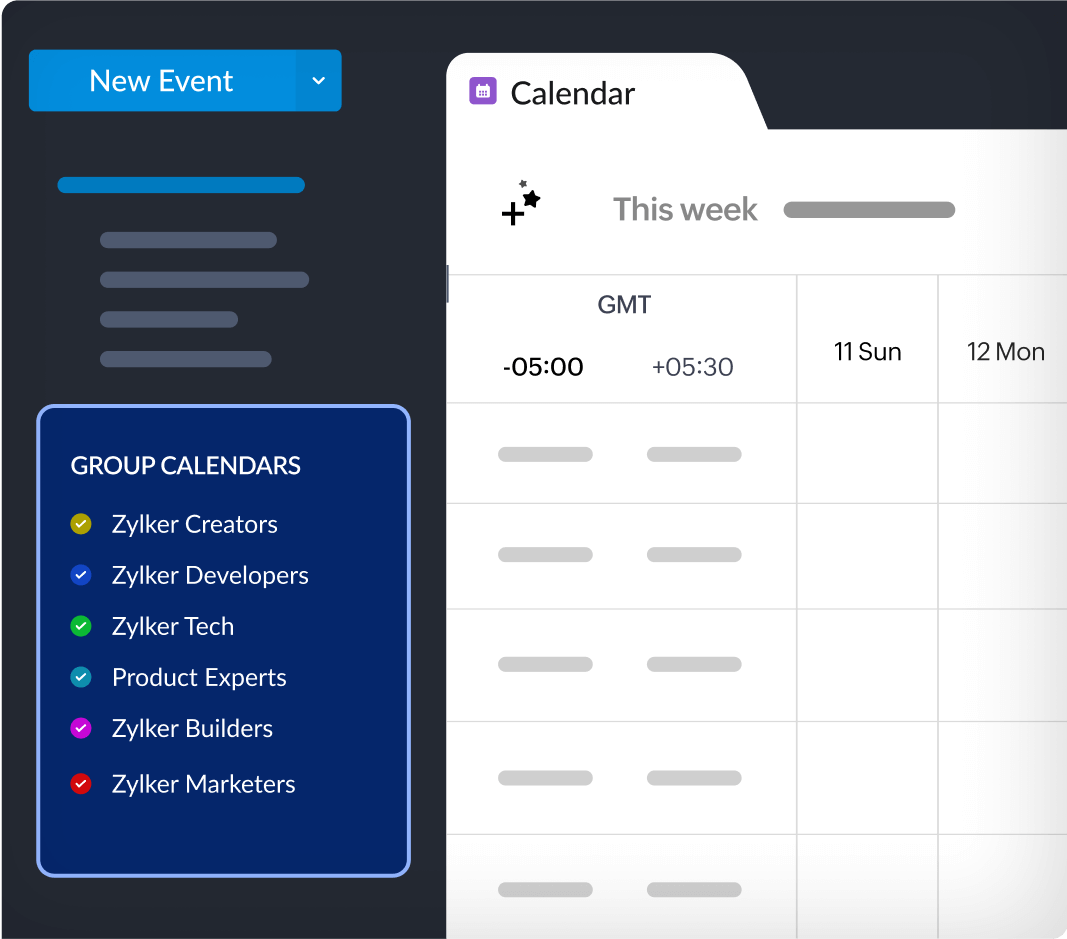
Team calendars
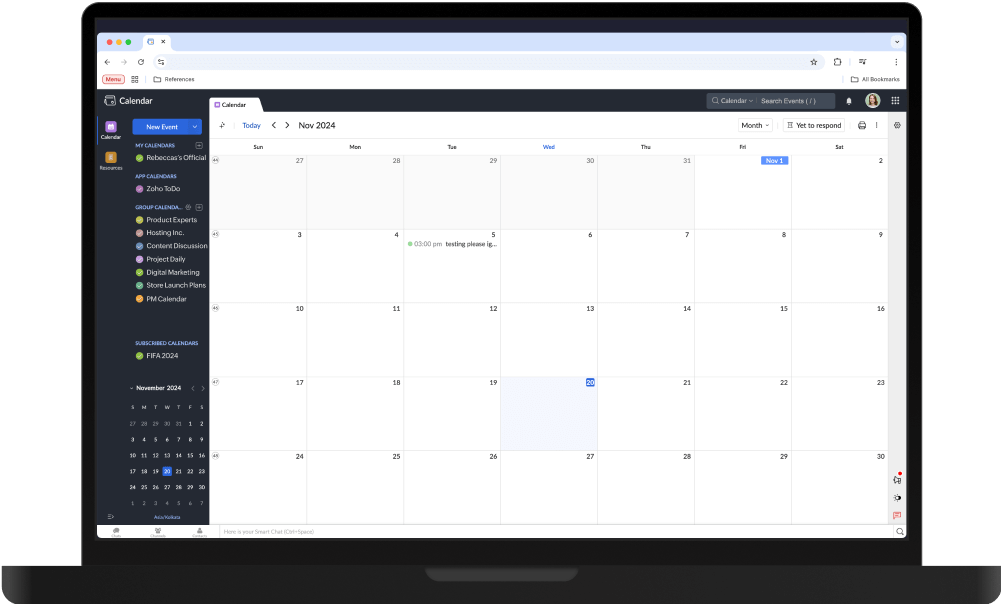
No more wasted time chasing down teammates. See everyone's schedule in a single, unified view.
Teammates see changes the moment you make them, ensuring everyone's on the same page.
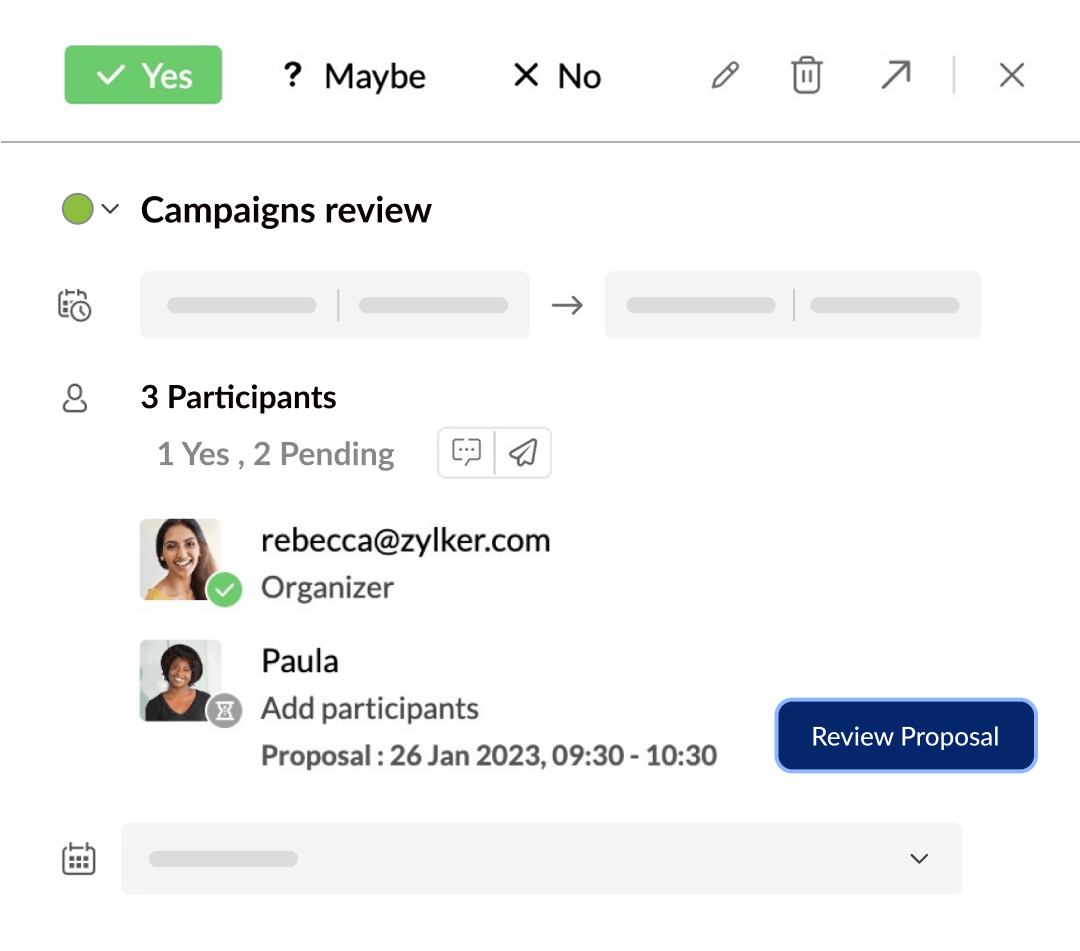
Event time proposal
Struggling to find a meeting time that works for everyone? Simply propose a new time directly within the event invite. Zoho Calendar smartly prevents any duplication of events if a participant agrees to both event times.
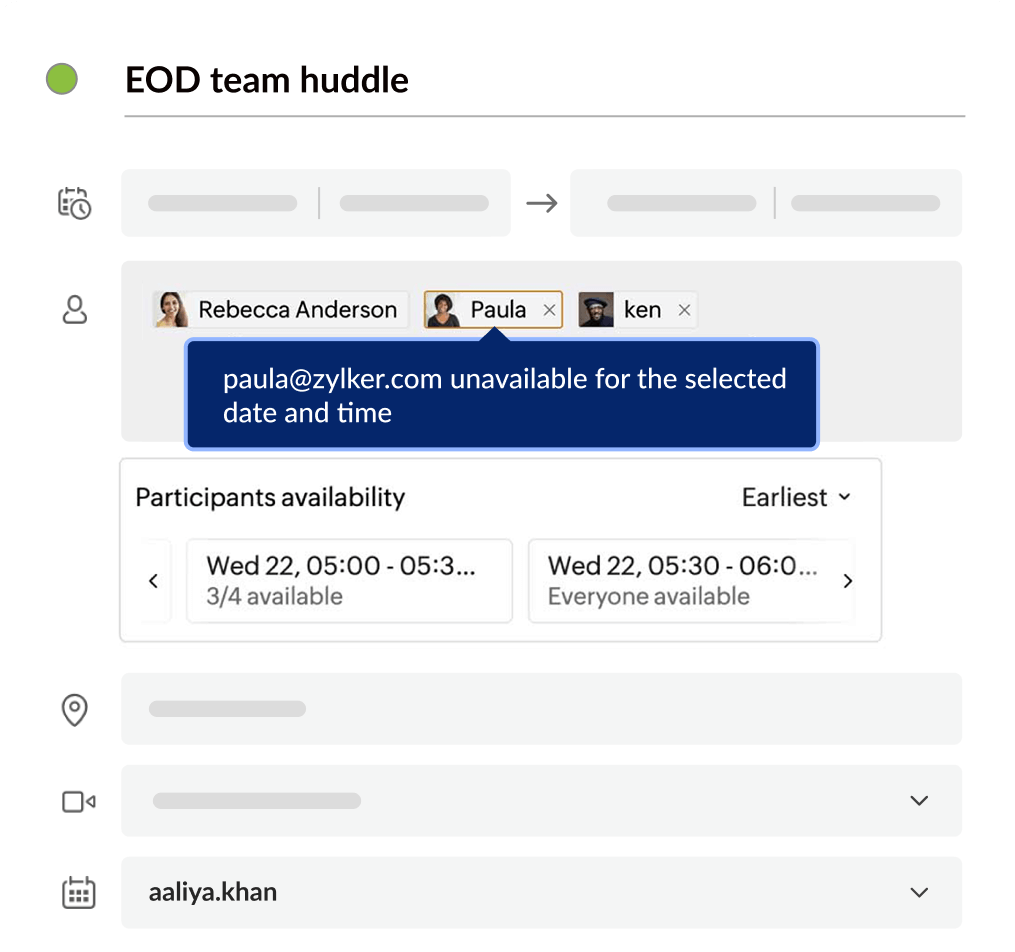
Auto-suggest slot
Find a time that works for everyone in a matter of seconds. Zoho Calendar intelligently checks everyone's availability and suggests the perfect fit, saving you time and frustration.
Streamline and manage events smoothly.

Participant permissions
Grant each participant the perfect level of access—view-only for basic information, edit capabilities for team brainstorming, or even the power to add or remove invitees for a truly collaborative experience.

Delegate calendars
Grant specific team members permission to manage your calendar. This frees you to focus on high-priority tasks while ensuring that appointments and meetings are scheduled effectively.

Chat/comment on events
Initiate a dedicated chat directly within the event itself. Discuss logistics, share ideas, and answer questions—all in real time, keeping everyone in the loop.

Change event organizer
Delegate tasks and responsibilities with ease by transferring event ownership to the most suitable team member.
In case of changes in the event, both the original and new organizers are kept informed through automated notifications, ensuring that everyone stays on the same page.

Book meeting rooms
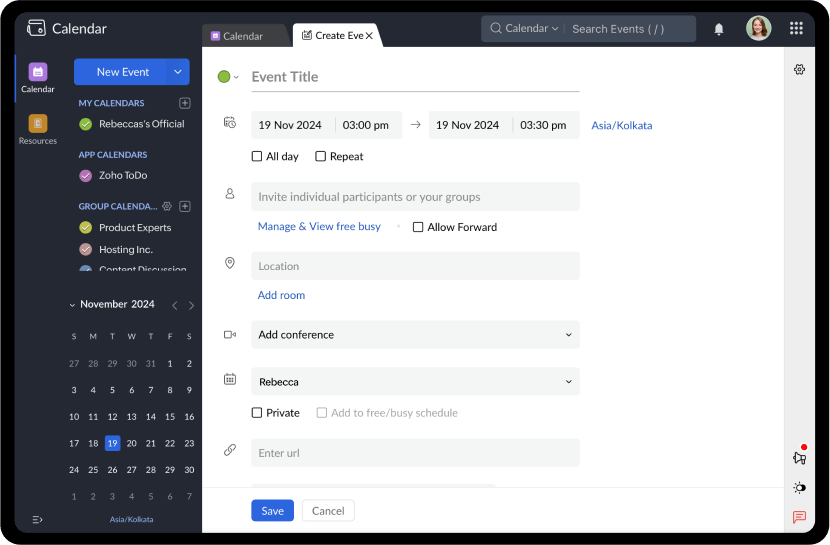
Streamline the process by booking the meeting room directly within your calendar invite. See exactly which rooms are free at a glance, with integrated floor plans, capacity details, and available resources.

Add conferencing
Simply hit the "Add Conferencing" button when creating your event, and Zoho Calendar seamlessly integrates your preferred conferencing service—Zoho Meeting, Zoom, Skype, Teams, or Webex.
Schedule meetings with a breeze, factoring in different time zones, and ensure everyone has the conferencing link readily available.
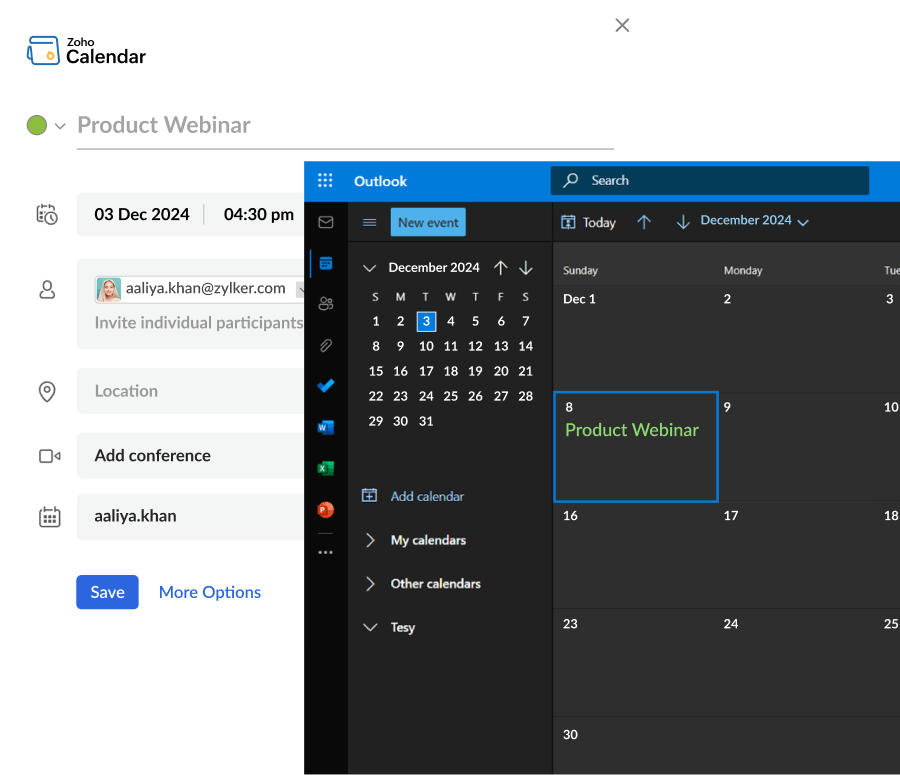
With Zoho and MS Exchange
Interoperability
Zoho Calendar bridges the gap, seamlessly connecting you with colleagues who use Microsoft Exchange. See their availability in real time and schedule meetings with them quickly.
Upgrade your scheduling with a smarter calendar.
Enhance your scheduling with a smart online calendar. Stay organized, automate reminders, and seamlessly manage appointments—all in one place.
Frequently asked questions
Absolutely. Zoho Calendar allows you to set multiple reminders for your events, choosing from pop-up notifications, email alerts, or even SMS reminders, ensuring that you never miss an important commitment.
Zoho Calendar makes it simple to set up recurring events (i.e., daily, weekly, monthly, yearly, or custom patterns), so you only have to schedule them once.
Yes, Zoho Calendar allows you to quickly see the availability of all invited attendees, making it simple to schedule meetings without back-and-forth emails.
You can invite anyone to your events using their email address. Zoho Calendar will send them an invitation, and they can accept or decline directly from their preferred calendar service.
Yes, Zoho Calendar supports synchronization with popular external calendars like Google Calendar, Outlook Calendar, and others via CalDAV and iCal, ensuring your schedule is always up to date across all platforms.
Zoho Calendar handles time zones intelligently, allowing you to set event times in specific time zones and view them correctly no matter where you or your participants are located.
Zoho Calendar offers a free version for individuals and small teams. It's also included as a core application in paid Zoho Mail, Zoho Workplace, and Zoho One plans, offering advanced features.