
S Krishnan Secretary of the Ministry of Electronics and IT, Government of India
Unparalleled security and privacy
Zoho Mail's data centers have top-notch security and surveillance, with a reliable 99.9% uptime. Benefit from secure business email hosting that supports encryption both at rest and in transit, along with S/MIME message encryption.
Secure email dataStay professional withemail@yourdomain.com
Create a domain for your business and set up custom email addresses for users. Unique and professional email addresses give your company the visibility and authenticity it deserves.
Get custom emailsExtensiveAdmin Console
Zoho Mail's powerful Admin Console is the admin's go-to place for all settings, configuration, and customization. Add users, manage group aliases, set up policies to moderate business email content, and more.
Manage preferencesEmail retention and e-Discovery
Retain emails across your organization for a specified period to comply with company standards and to counter legal attacks. e-Discovery helps discover such retained emails quickly.
Retain and backupMail on Mobile
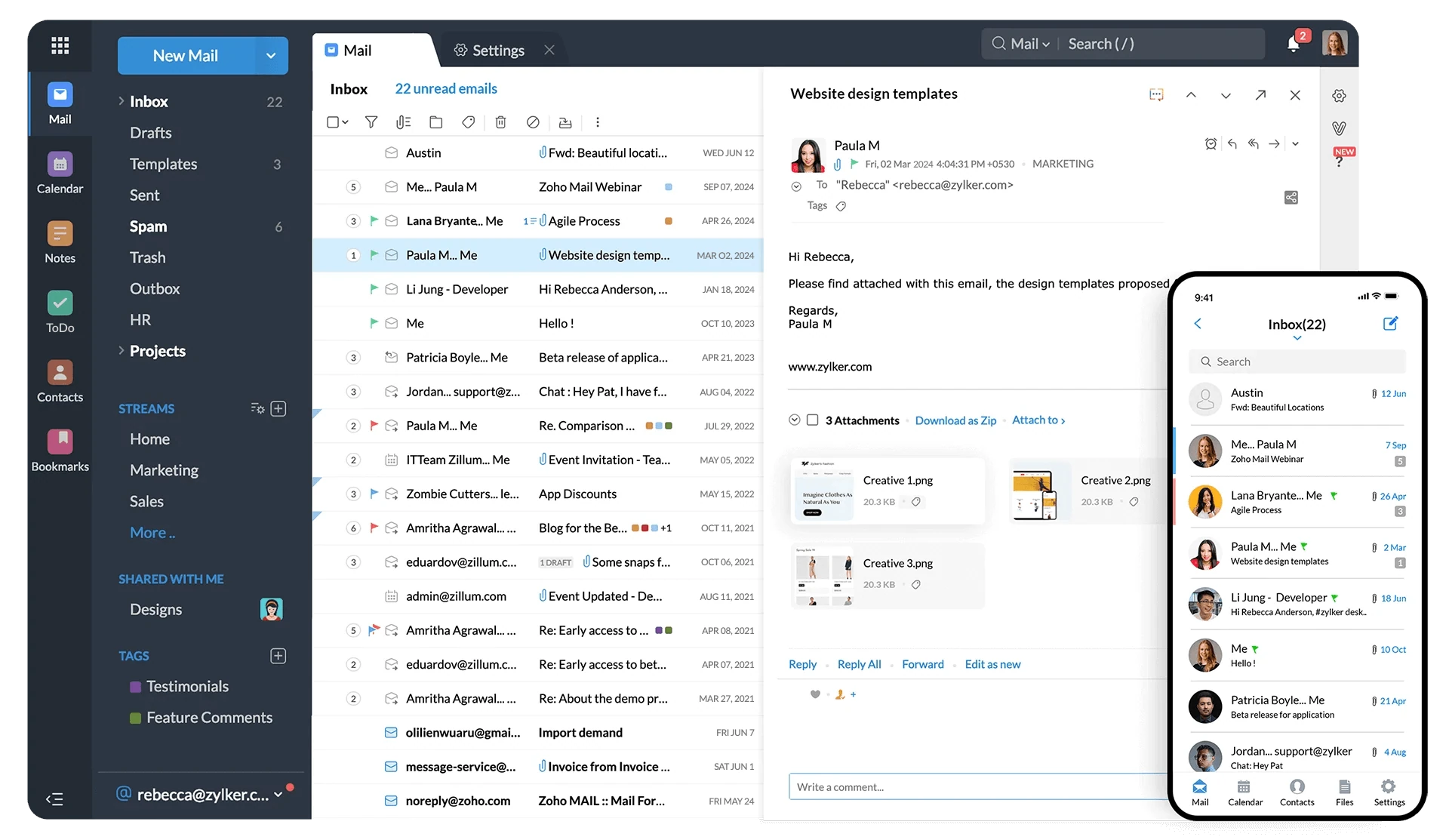
Manage your business emails even when you're away from your desk. Native mobile apps for Mail, Mail Admin, and Streams make staying in touch on the go easy and effortless.
Go mobile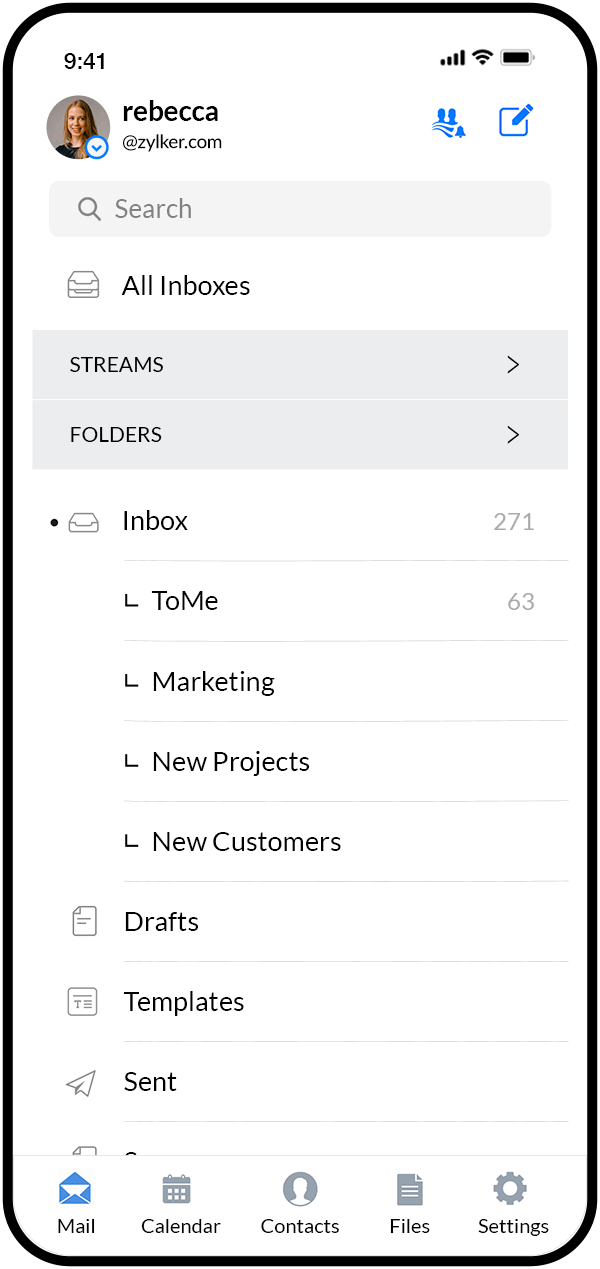
Streams - the newer way to email
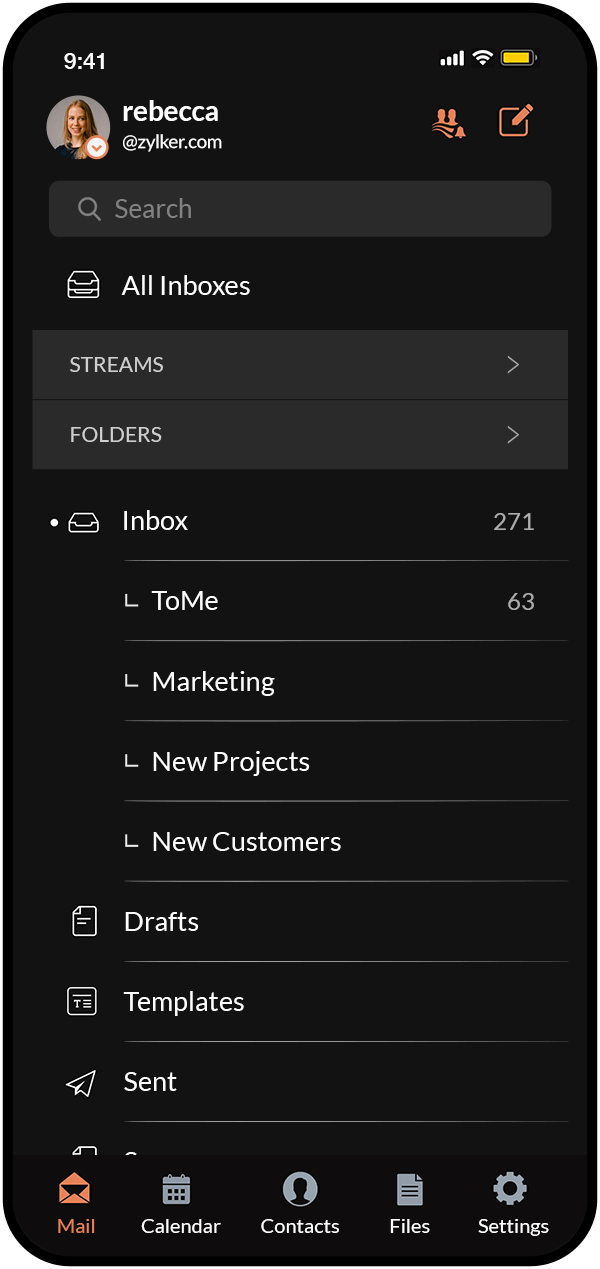
Add a social media flavor to your mailboxes with Streams. Replace unending email threads with comments, tag your teammates, share files, manage tasks, and much more, right from within your inbox.
Start collaboratingBusiness email FAQ
Learn how you can get started with business email accounts and about their advantages.
Business email is an email address that uses a custom domain-based address (for example, your business email can be you@yourdomain.com). It’s used explicitly for business and professional communications and adds more credibility to your brand. With a business email, you get professional branding, easy scalability, and increased security.
Personal email works for one-to-one exchanges with friends and family. It can also be used for signing up for personal services and personal social media accounts.
Business email is best for managing business communications and professional contacts. Business email generally comes with email and group aliases, higher storage, and business-specific features and integrations, including migration support and control panel.
If you already own a domain, you can set up your domain with Zoho to create a business email address for your professional communications.
If you don’t have a domain, you can buy a new domain name for your business through Zoho Mail. You can then host your domain with Zoho and create your business email address.
Email hosting is a service that allows you to send and receive emails using your own domain name. Aside from customization and increased storage space, this email service allows you to brand yourself professionally while offering a high level of security and data privacy.
If you’re looking for a more secure, reliable, and customizable business email solution, then email hosting is a great option.
Managing your own email servers can be daunting, especially when it comes to securing them from spam and DDoS attacks. This is where email hosting comes in.
By setting up your domain with an email provider, you can offload these complex tasks to a team of experts who specialize in email security. This frees up your time so you can focus on running your business, rather than worrying about your email servers.
It's easy to migrate your data from your existing email provider to Zoho Mail even if you're an enterprise with a huge amount of data. Zoho Mail offers intuitive migration tools, along with 24/7 dedicated migration support to ensure smooth, lossless migration of all of your emails from all of your important folders.
Zoho Mail also supports different migrations such as Calendar and Contacts sync, migration of PST files, and more.
Zoho Mail offers strong security and privacy features such as encryption, MFA, spam and virus filters, a strict privacy policy, and other features that can help enterprises protect their data from unauthorized access.
In addition, Zoho Mail bundles To-do, Calendar, Notes, and Bookmarks in a clean, fast, and intuitive interface with tons of features to manage your emails efficiently and stay on top of your tasks.
Zoho Mail uses sophisticated threat protection mechanisms to identify and block spam, viruses, phishing, and data leakage emails before they reach your inbox. These mechanisms are based on a variety of factors, including content filtering, sender reputation, virus scanning, and quarantine.
You can also customize your spam and virus protection settings to fit your needs.
Zoho Mail comprises two plans that vary in terms of storage and features across the application suite. The Lite plan provides 5GB to 10GB of Mail storage per user, and the Premium plan comes with 50GB of Mail storage per user.
However, you’re not limited to the storage space that comes with your Zoho Mail plan. Zoho Mail is flexible enough to allow you to add additional storage to your account if you need it.
When choosing an email plan for your business, there are four important factors to consider: the number of users, how much storage space you need, the features that are most important to you, and cost. Zoho Mail offers plans for businesses of all sizes, from startups to enterprises. The plans are flexible and there’s an extensive set of features.
If you're considering email hosting for 25+ users, we recommend Zoho Workplace. It's a comprehensive business suite that includes Zoho Mail plus seven other applications to make collaboration easier and boost productivity.